About
Pac-Man and the Ghostly Adventures is a 2013 3D platformer based on the Namco Bandai animated TV series of the same name, in which a teenage Pac explores Pac-World across themed levels using berry-based power-ups. Built on Unreal Engine 3 and released for Windows alongside the Xbox 360, PlayStation 3 and Wii U versions, it features a Pac-Man Vs.-style mode where players take control of the four ghosts to chase Pac through a maze.
The game drew mixed reviews, praised for its polish and presentation but criticized for shallow, repetitive platforming. It was removed from Steam in 2020, leaving it unavailable for new buyers while remaining playable for prior owners.
Screenshots
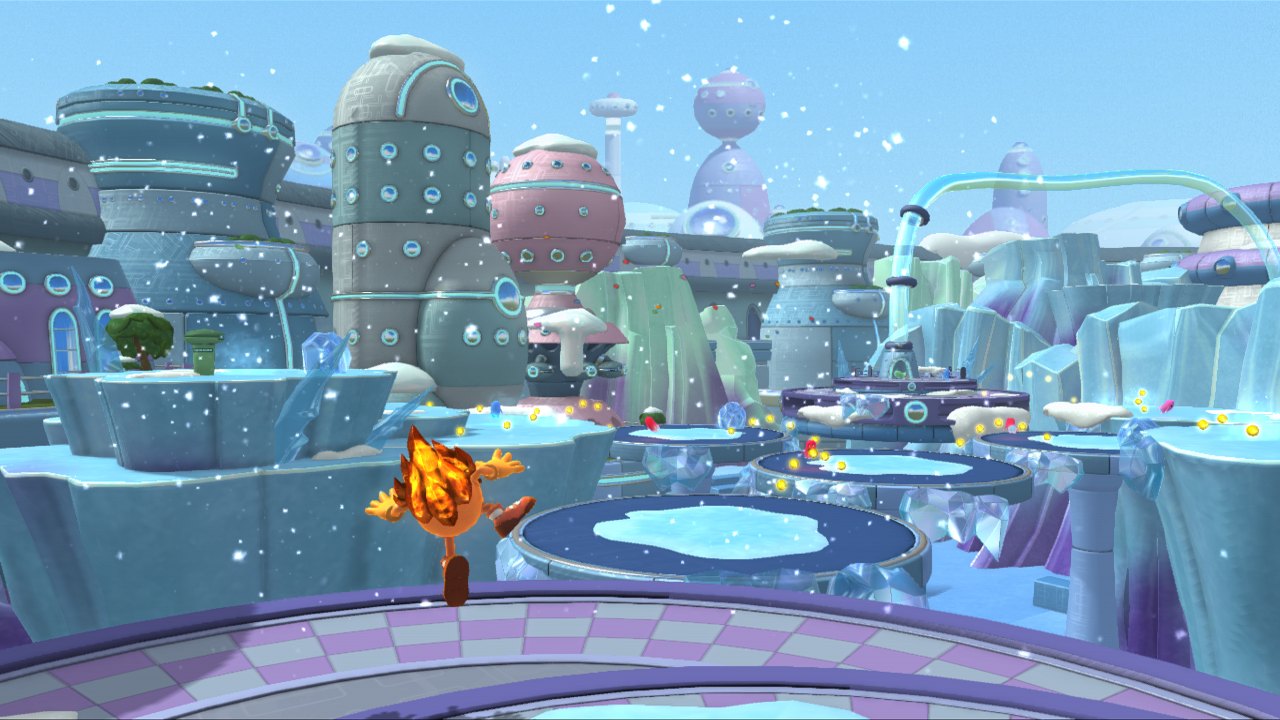

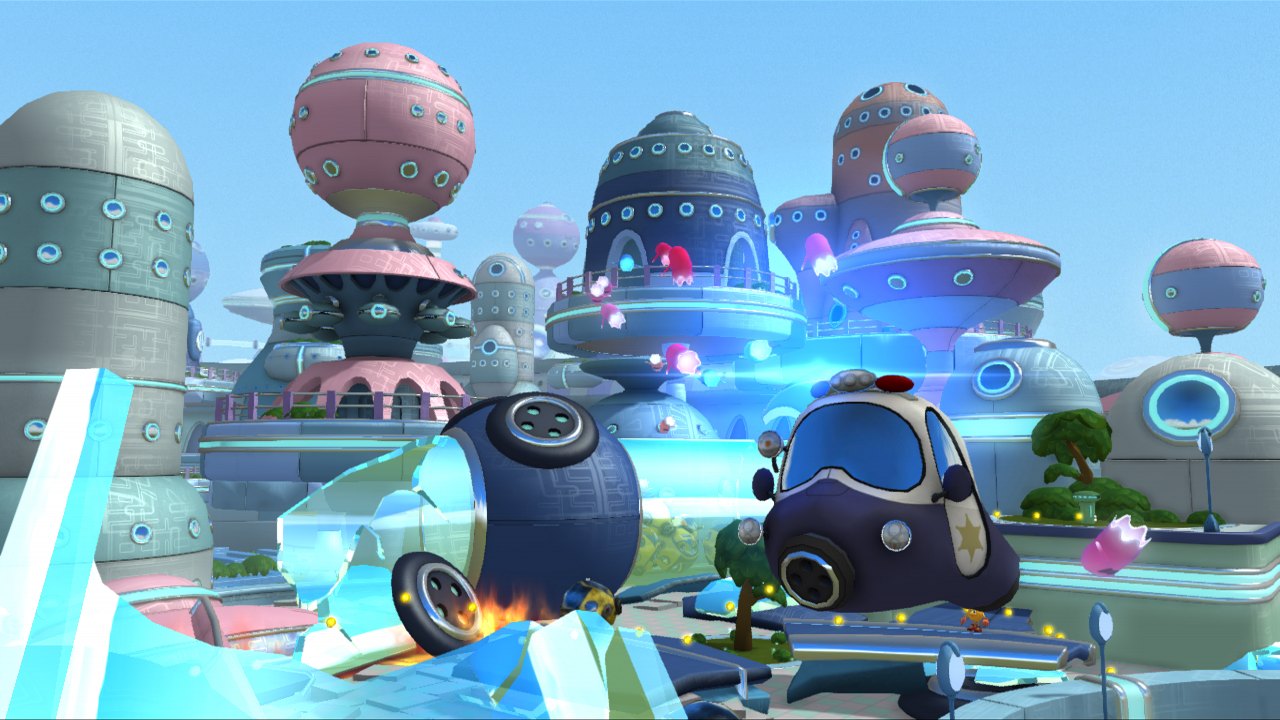
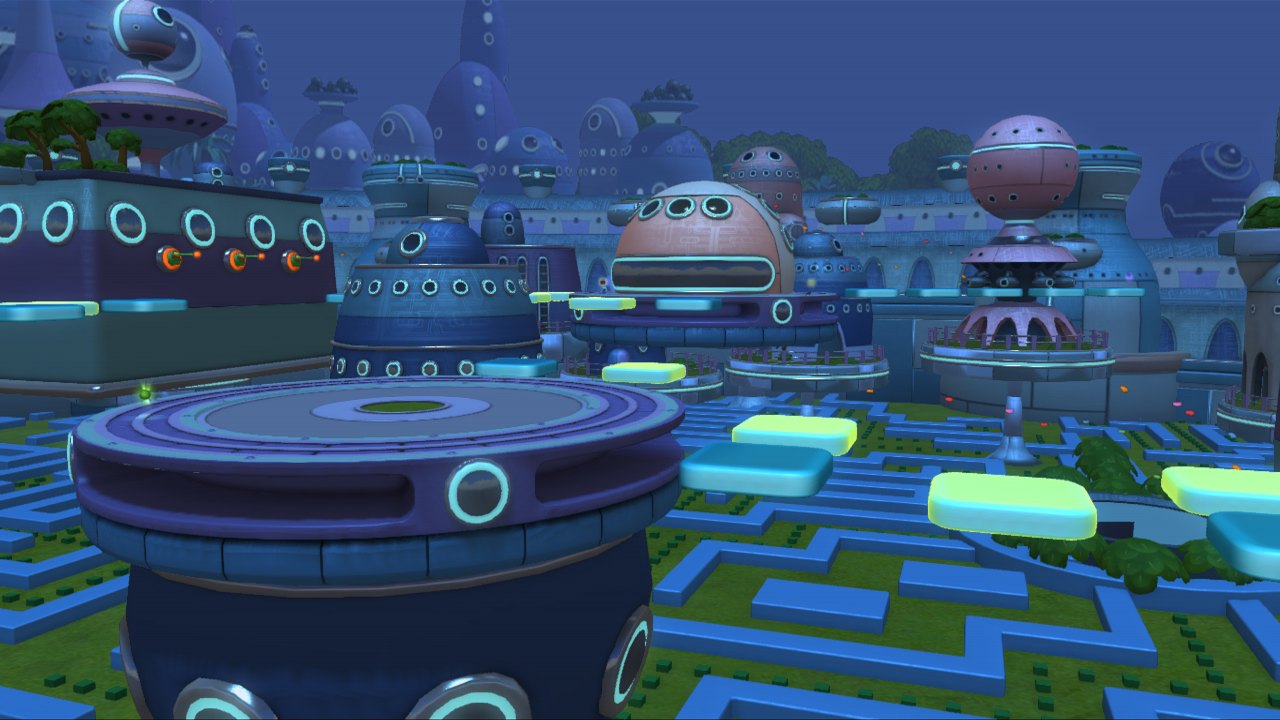
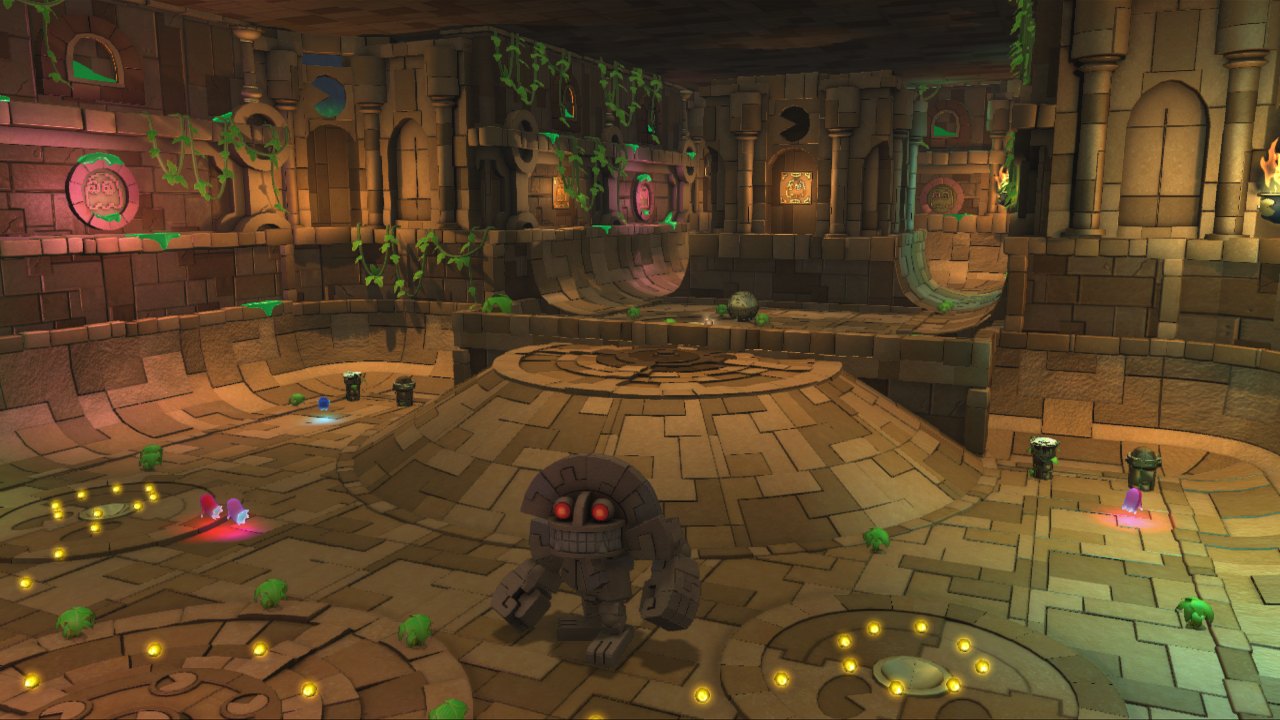
Official store screenshots from Steam — deckport links them, never rehosts. Hover to pause; click to preview.
Identity
Launch
- Binary
- PacMan.exe
- Needs files
- none beyond the binary
Proton
- Version
- GE-Proton
- Winetricks
- —
- ProtonDB
- ProtonDB Platinum runs flawlessly
⚙ Setup notes
DRM: Delisted Steam game (appid 239720, removed 2020-07-09); requires Steam DRM, so launch through Steam with your owned copy.
Proton: Unreal Engine 3 platformer. Valve marks it Steam Deck Playable and ProtonDB reports rate it Platinum — it runs clean out of the box. Use GE-Proton (or proton_experimental) — both work.
Controller: Game has native XInput controller support (Xbox 360 / XInput pads work without config), so the Deck's built-in gamepad works out of the box. Note: some users report an Xbox One controller only worked after toggling off Steam's generic-controller (Steam Input) setting — if input drops, flip the per-game controller setting.
Install: The PacMan.exe process lives under the install's Binaries/Win32 folder (UE3 layout). deckport only configures the prefix; it never bundles or links the game files.
The one thing to know
Supply your own copy. deckport links nothing.
DRM: Delisted from Steam (appid 239720, removed 2020-07-09) but remains in the library of prior owners; requires Steam DRM, so it must be launched through Steam.
Proton: Valve rates it Steam Deck Playable and ProtonDB reports trend Platinum (small sample); runs under Proton (GE-Proton / Experimental both fine).
Controller: Native XInput support — the Deck gamepad works without a Steam Input layout. If a controller misbehaves (reported with Xbox One pads), toggle the per-game Steam Input / generic-controller setting.
Modes: Single-player only — no servers to worry about.
Binary: PacMan.exe (confirmed process name) under Binaries/Win32.
Community guides
Write-ups and threads from people who got this (or a similar) game running. deckport links to them — it doesn't reproduce them.
Get the artwork
deckport never hosts game images. Open this game on SteamGridDB, pick
the cover / hero / logo / icon you like, and drop them into the
game folder under .deckport-art/ before you push it to the
Deck. The importer files them under the right names automatically.
Run it on your Deck
Two files: the one-time importer (deckport.py) in your
Deck's home folder, and this game's install helper. Copy the game
into ~/Games and run the helper with Steam closed — it
writes the recipe (binary, launch options, Proton version)
and registers the shortcut with artwork.