About
PAC-MAN MUSEUM is a 2014 compilation that bundles nine classic and modern PAC-MAN arcade titles, including the original Pac-Man, Pac-Man Battle Royale, Pac-Man Championship Edition and Pac-Man Championship Edition DX. Developed by Mine Loader Software and published by Namco Bandai Games, it added achievements, online leaderboards and a museum-style front end. It was delisted from Steam and other storefronts on July 20, 2020, and later superseded by the 2022 sequel PAC-MAN MUSEUM+.
Screenshots
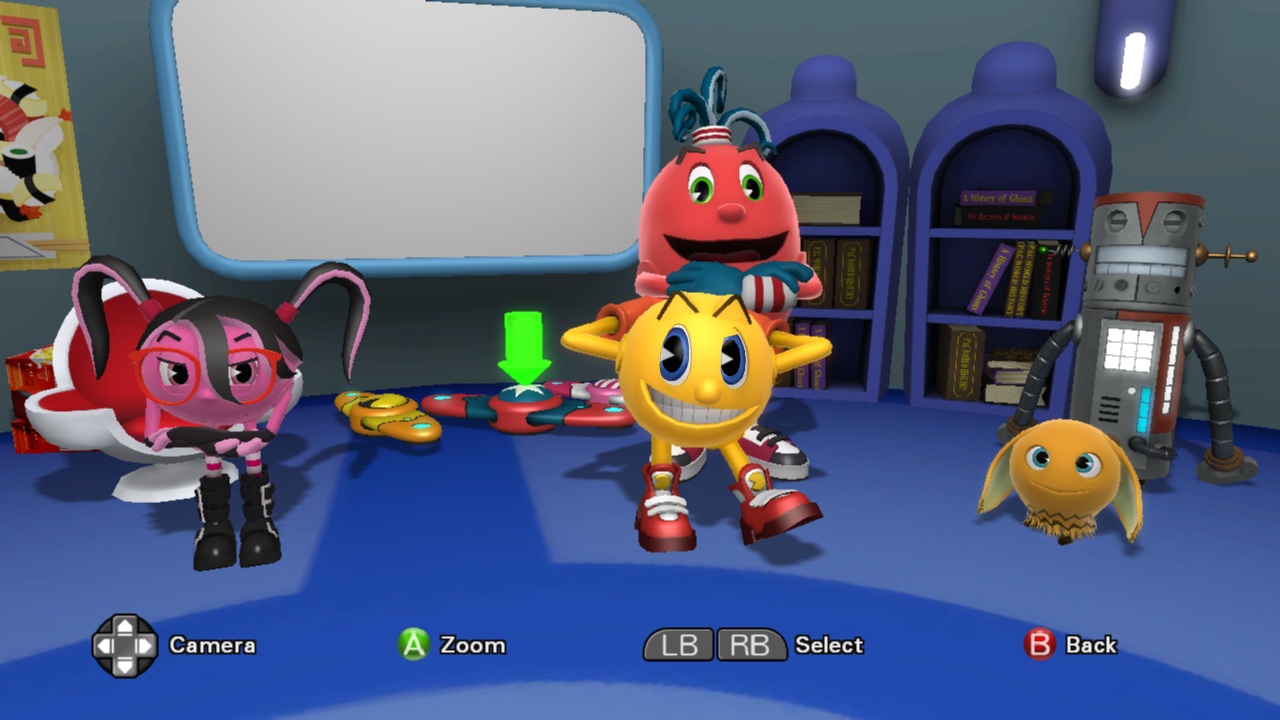
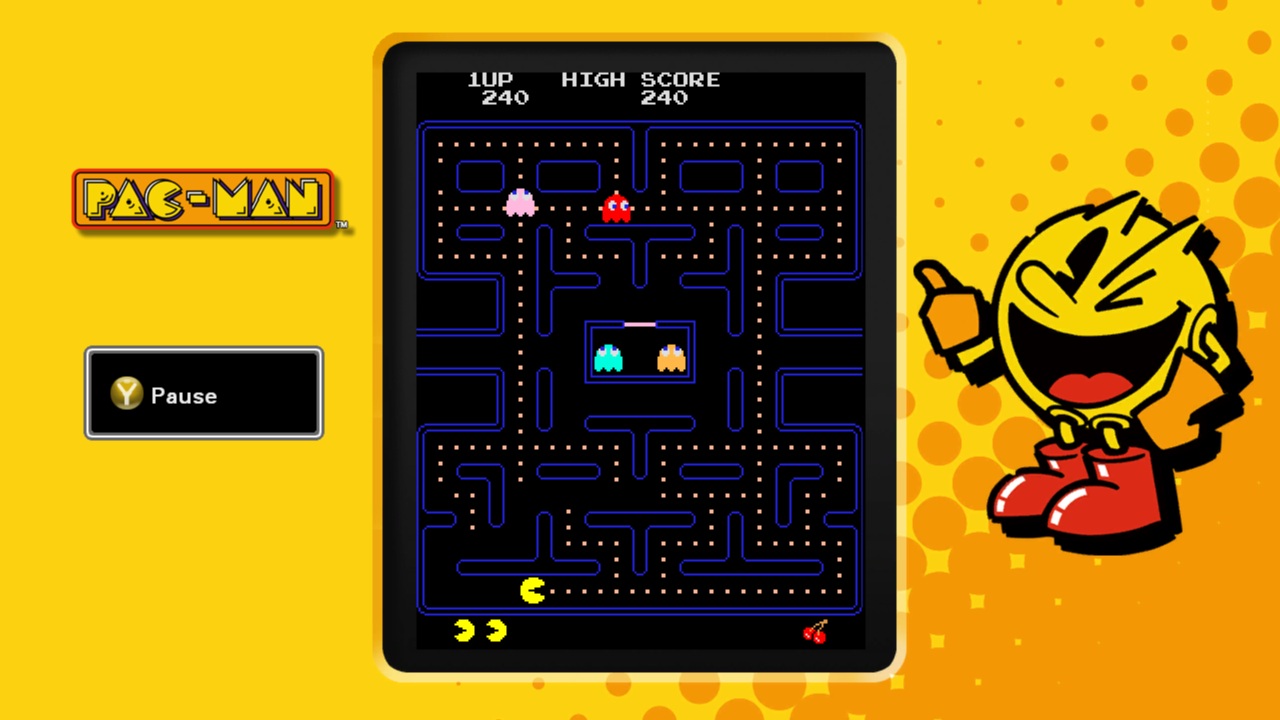
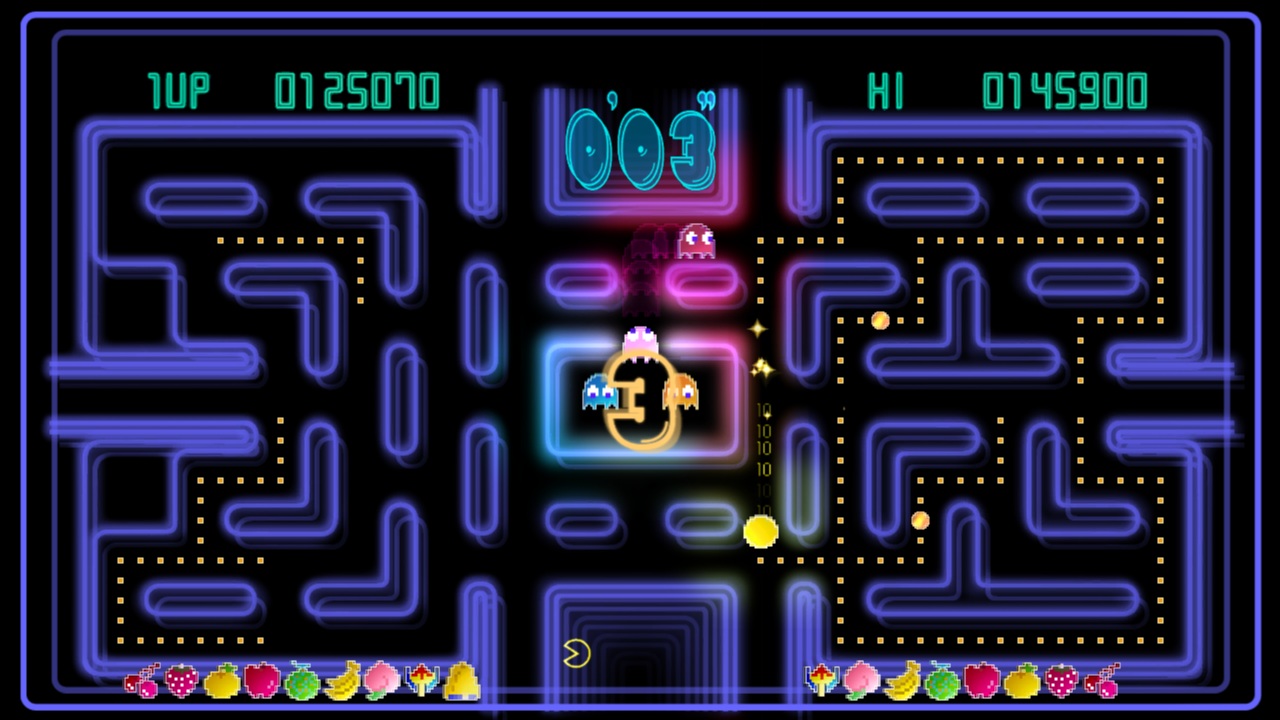
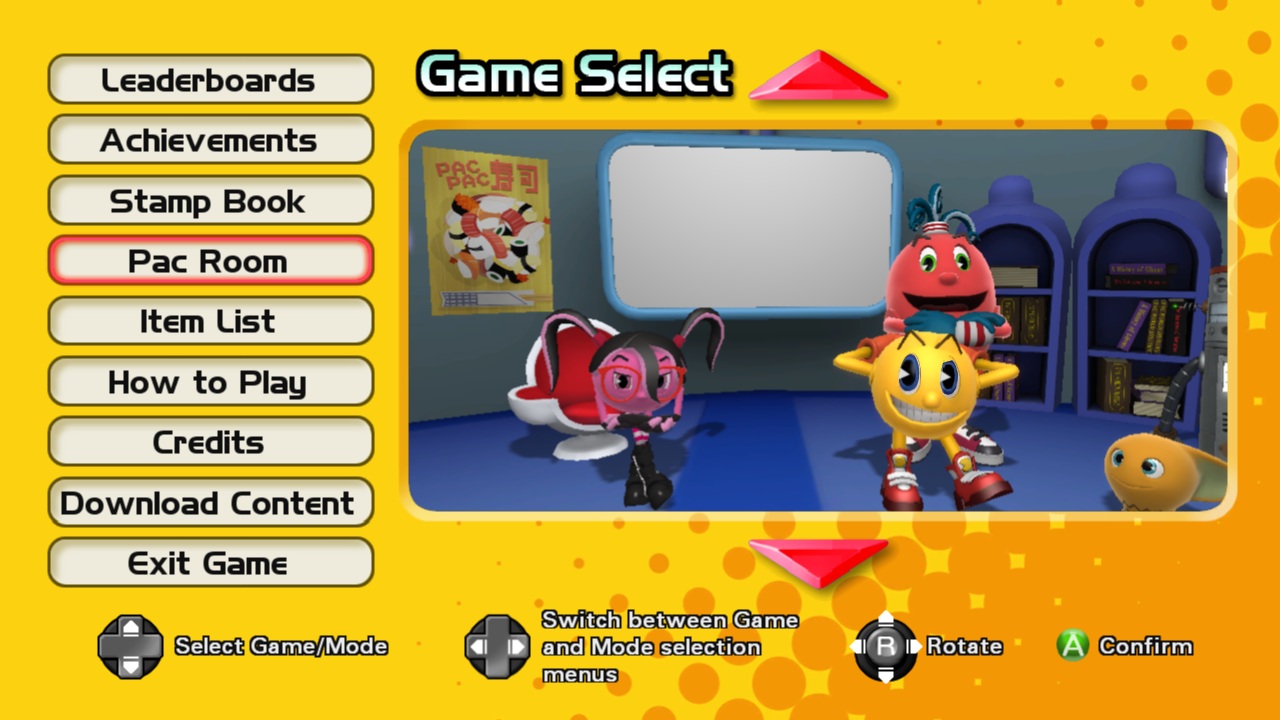
Official store screenshots from Steam — deckport links them, never rehosts. Hover to pause; click to preview.
Identity
Launch
- Binary
- PACMuseum.exe
- Needs files
- none beyond the binary
Proton
- Version
- GE-Proton
- Winetricks
- —
- ProtonDB
- ProtonDB Gold runs perfectly after tweaks
⚙ Setup notes
Game: Original PAC-MAN MUSEUM (2014 emulated arcade compilation, appid 236470) — delisted from Steam on 2020-07-20. NOT to be confused with the 2022 sequel PAC-MAN MUSEUM+ (appid 1665130), which is still on sale.
DRM: The PC/Steam release uses Steam DRM only (no GFWL), so the prefix needs nothing special.
Proton: Recent GE-Proton or proton_experimental both run it. Executable is PACMuseum.exe.
Controller: Works natively (Xbox 360 / Xbox One pad) as long as it is connected BEFORE launching the game — connect the Deck controller / pair the gamepad first, then start.
Display: No widescreen or DRM patch needed.
Install: deckport only configures the prefix; it never bundles or links the game files.
The one thing to know
Supply your own copy. deckport links nothing.
Correct appid: the original delisted game is 236470, NOT 1665130 (that is the still-for-sale 2022 sequel PAC-MAN MUSEUM+).
Compatibility: The original is a Steam-DRM emulation compilation; community reports confirm it runs on Linux/Proton, so it should play on the Deck (needs-test — not yet confirmed on this specific recipe).
Controller: Native, but must be connected before the game launches or it won't be detected.
Input quirk: The classic arcade titles expect 4-direction input while modern pads send 8-direction, so diagonal flicks on the analog stick can misfire — use the D-pad for the maze games.
Community guides
Write-ups and threads from people who got this (or a similar) game running. deckport links to them — it doesn't reproduce them.
Get the artwork
deckport never hosts game images. Open this game on SteamGridDB, pick
the cover / hero / logo / icon you like, and drop them into the
game folder under .deckport-art/ before you push it to the
Deck. The importer files them under the right names automatically.
Run it on your Deck
Two files: the one-time importer (deckport.py) in your
Deck's home folder, and this game's install helper. Copy the game
into ~/Games and run the helper with Steam closed — it
writes the recipe (binary, launch options, Proton version)
and registers the shortcut with artwork.