About
planetarian is a post-apocalyptic kinetic novel by Key, the studio known for Clannad, Kanon and Air. In a ruined, rain-soaked city a scavenger known as 'the junker' shelters in an abandoned planetarium and meets Yumemi Hoshino, a still-functioning robot greeter who keeps waiting for customers who will never come.
As a kinetic novel it is purely linear with no player choices and a single ending, told entirely through narration, art and music. It was Key's first title released under the 'KineticNovel' label and is widely praised for its melancholic yet hopeful tone, and it later spawned an anime series and sequels.
Screenshots
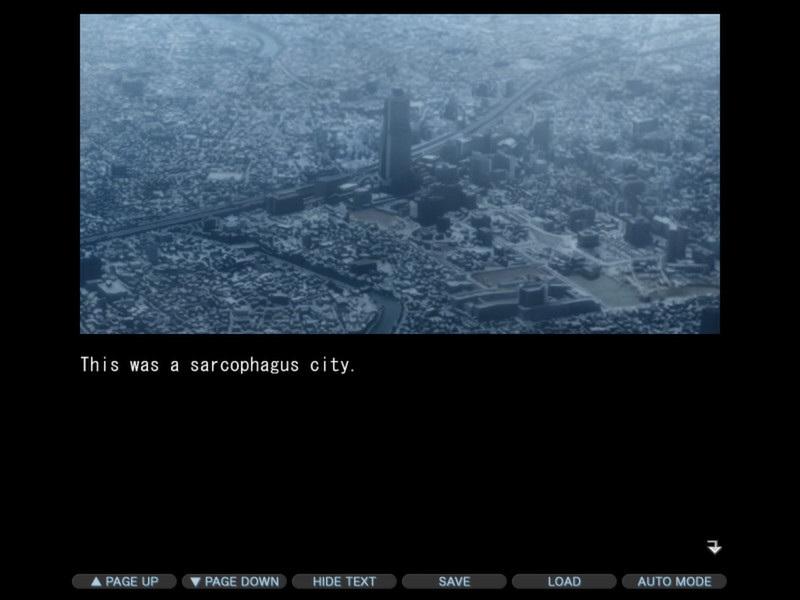
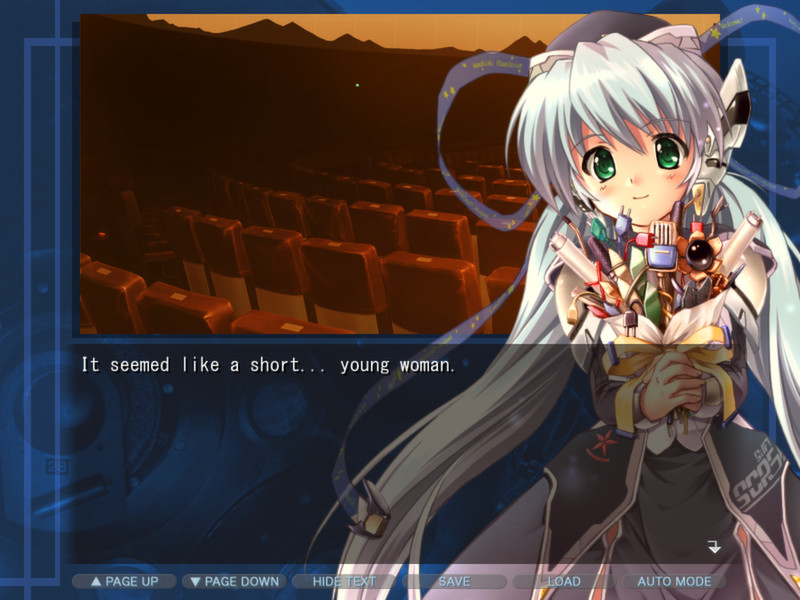
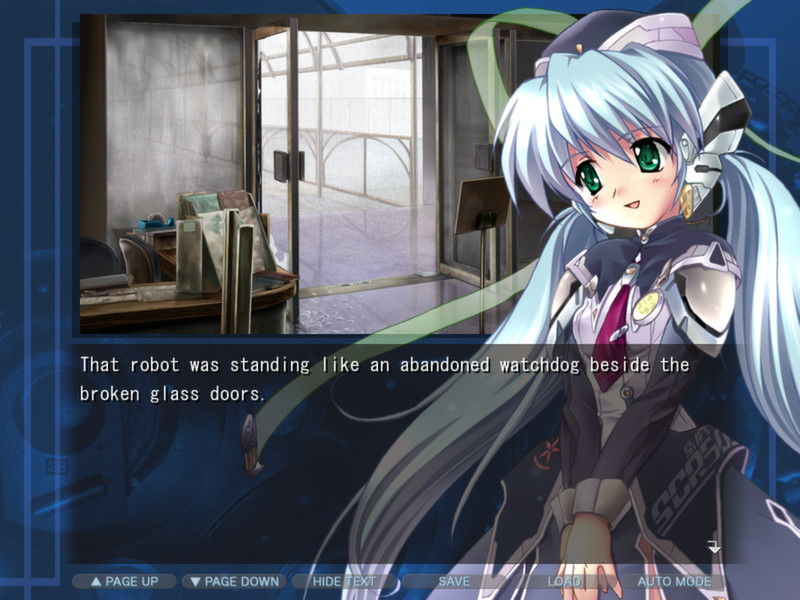
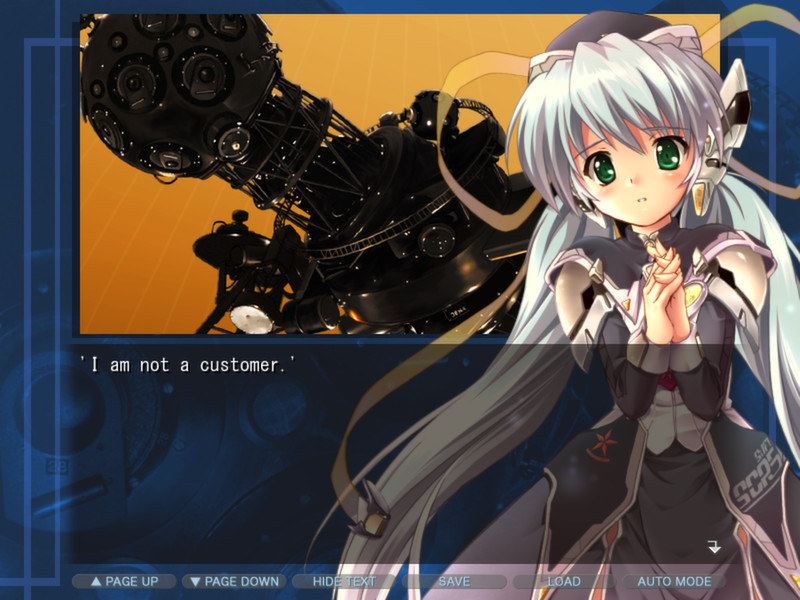
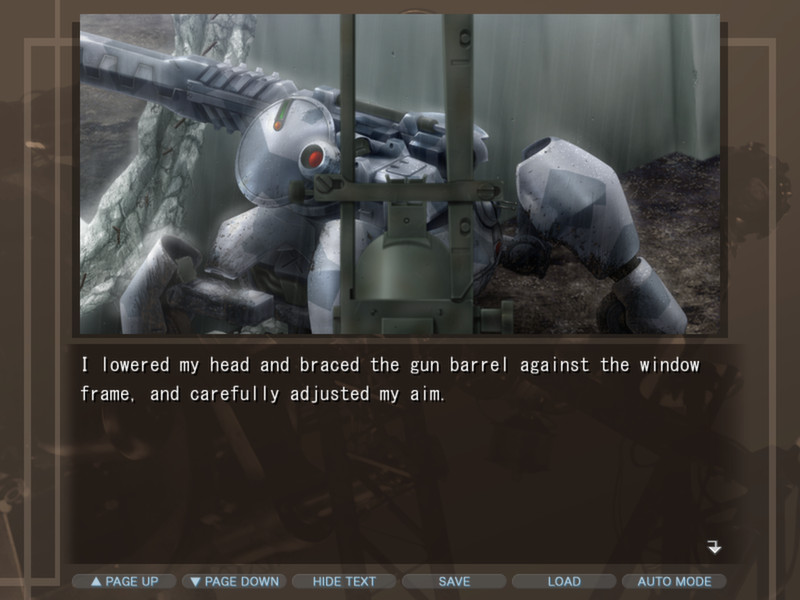
Official store screenshots from Steam — deckport links them, never rehosts. Hover to pause; click to preview.
Identity
Launch
- Binary
- RealLive.exe
- Options
- %command%
- Needs files
- none beyond the binary
Proton
- Version
- GE-Proton
- Winetricks
- —
- ProtonDB
- ProtonDB Gold runs perfectly after tweaks
⚙ Setup notes
Delisted: Delisted Steam game (appid 316720) — the original (non-HD) release of Key's kinetic visual novel, pulled from sale on 2022-12-01 in favour of the HD remaster (separate appid 623080).
Engine: This release runs on Key's RealLive engine (the same engine family as the Steam editions of CLANNAD, Kanon and Air), so the launcher in the install folder is RealLive.exe, not a planetarian.exe. RealLive titles render at a fixed 4:3 800x600, so leave launch options empty and pillarbox/scale from Steam's per-game display settings rather than forcing a widescreen resolution.
Proton: It runs well under Proton on the Deck; GE-Proton is the safest choice (latest Proton Experimental also works). RealLive Key games are a long-standing, well-behaved case under Proton.
Controller: This is a linear kinetic novel driven entirely by mouse/keyboard, so use a Steam Input gamepad layout (mouse-region + click bound to A) for couch play; no native controller support is needed.
Fonts: If text glyphs go missing, install corefonts via Proton's automatic font handling (RealLive games occasionally need a Western/gothic font present in the prefix).
Install: deckport only configures the prefix; it never bundles or links the game files.
The one thing to know
Supply your own copy: deckport links nothing. The launcher is RealLive.exe (Key's RealLive engine); double-check the filename against your install before first run.
Delisted: Delisted 2022-12-01 (original non-HD release; the HD remaster — appid 623080 — and the newer 'Snow Globe' edition remain on sale, but THIS appid does not).
Proton: Community Proton reports are positive (Gold overall, trending Platinum on ProtonDB); not yet confirmed on a Deck by this recipe.
Controller: Pure mouse/keyboard kinetic VN — bind a Steam Input layout (mouse-region + click) for full couch play; there is no native gamepad support, only that input mapping is needed.
Quirks: RealLive renders at a fixed 4:3 800x600, so scale/pillarbox via Steam's display settings rather than forcing a widescreen resolution. If text glyphs go missing, rely on Proton corefonts.
Offline: Single-player offline, so no dead-server concern.
Community guides
Write-ups and threads from people who got this (or a similar) game running. deckport links to them — it doesn't reproduce them.
Get the artwork
deckport never hosts game images. Open this game on SteamGridDB, pick
the cover / hero / logo / icon you like, and drop them into the
game folder under .deckport-art/ before you push it to the
Deck. The importer files them under the right names automatically.
Run it on your Deck
Two files: the one-time importer (deckport.py) in your
Deck's home folder, and this game's install helper. Copy the game
into ~/Games and run the helper with Steam closed — it
writes the recipe (binary, launch options, Proton version)
and registers the shortcut with artwork.