About
Poker Night 2 is a 2013 poker game from Telltale Games and the sequel to Poker Night at the Inventory. The unseen player competes in Texas hold 'em and Omaha hold 'em against four crossover characters: Sam from Sam & Max, Brock Samson from The Venture Bros., Ash Williams from The Evil Dead, and Claptrap from Borderlands, with GLaDOS from Portal as the dealer.
The PC version drew generally favorable reviews, with critics praising the voice acting and the banter between the licensed personalities. It was pulled from sale in September 2018 after the digital distribution agreement for its licensed properties expired.
Screenshots
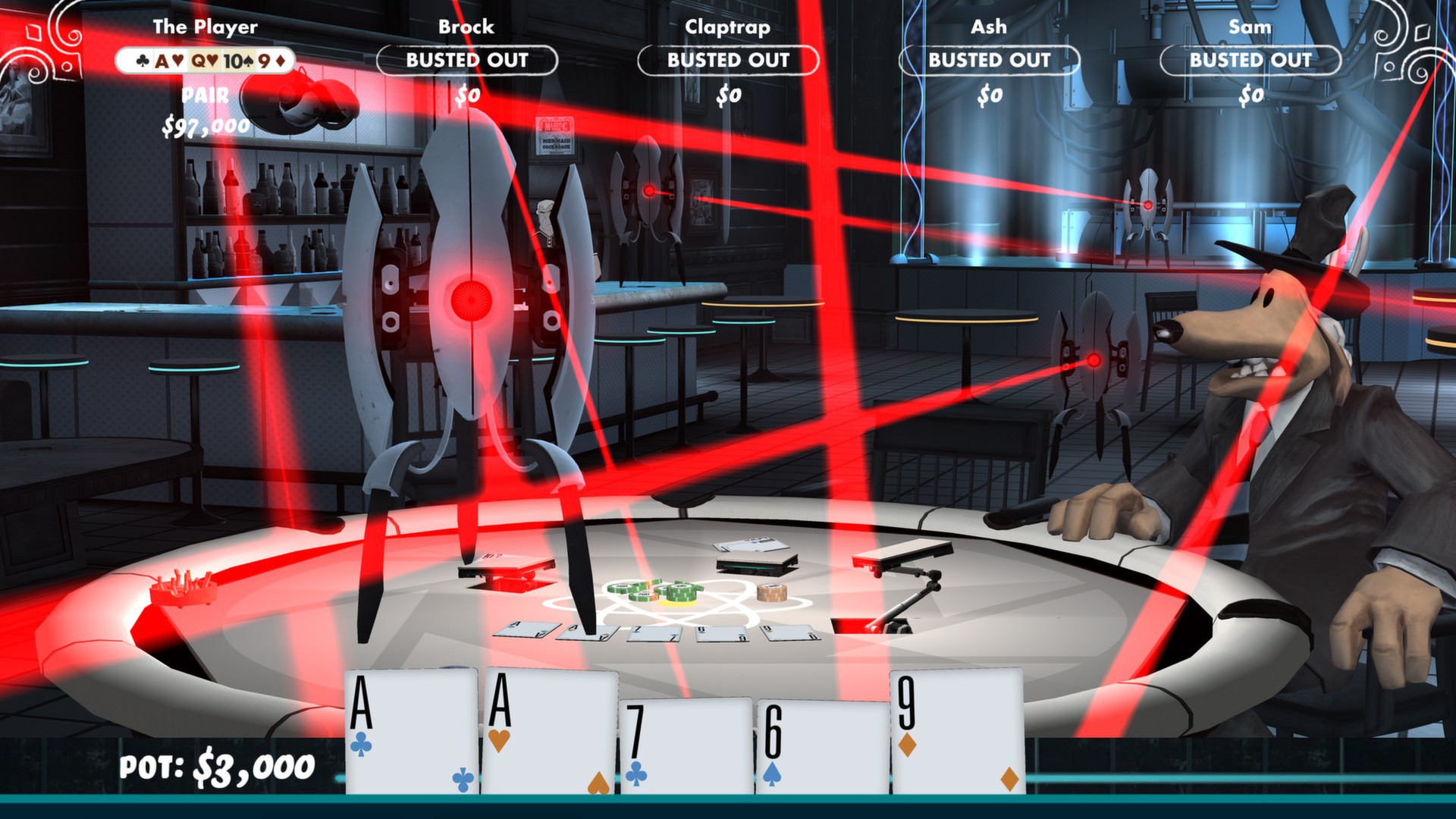
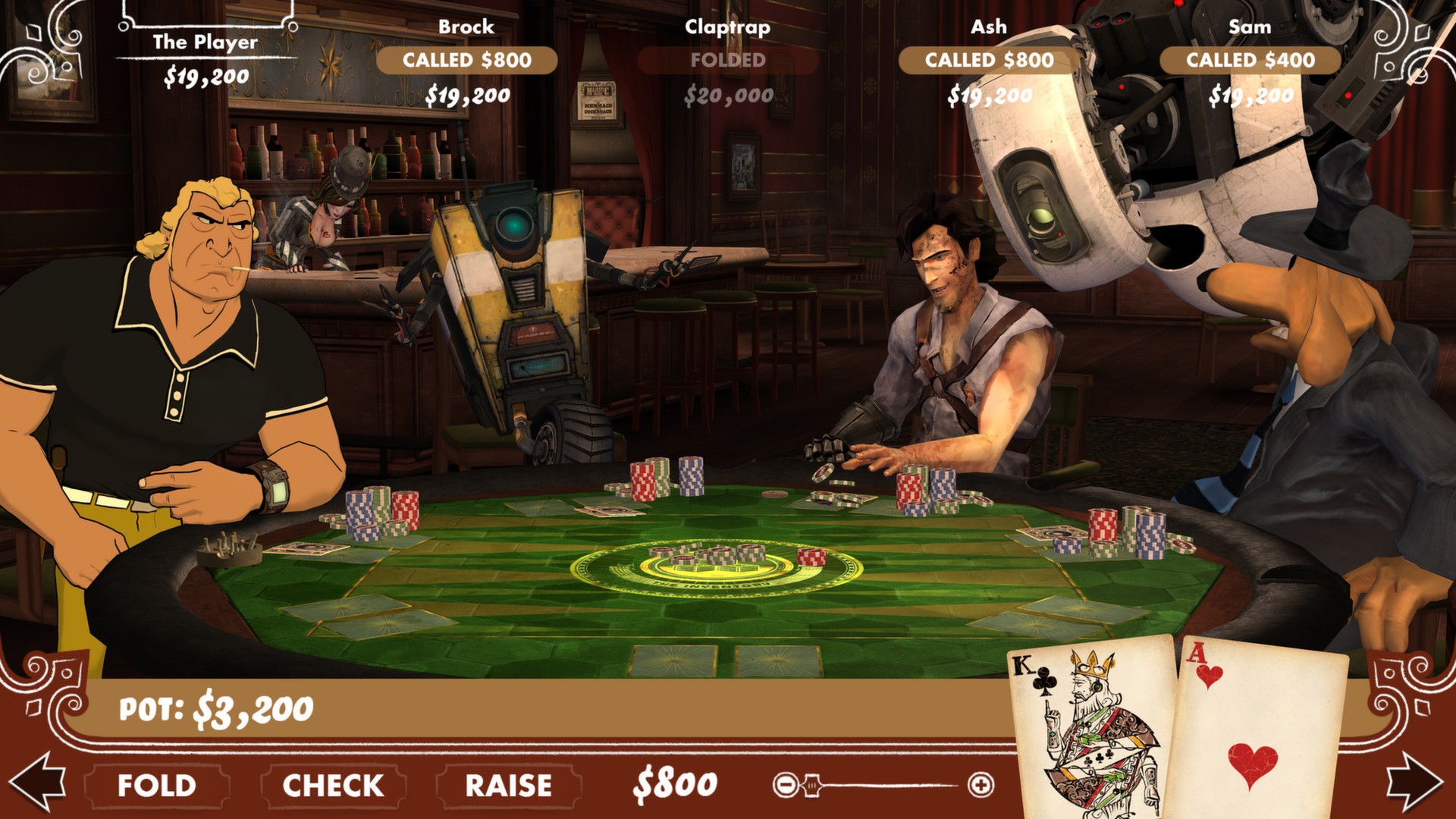
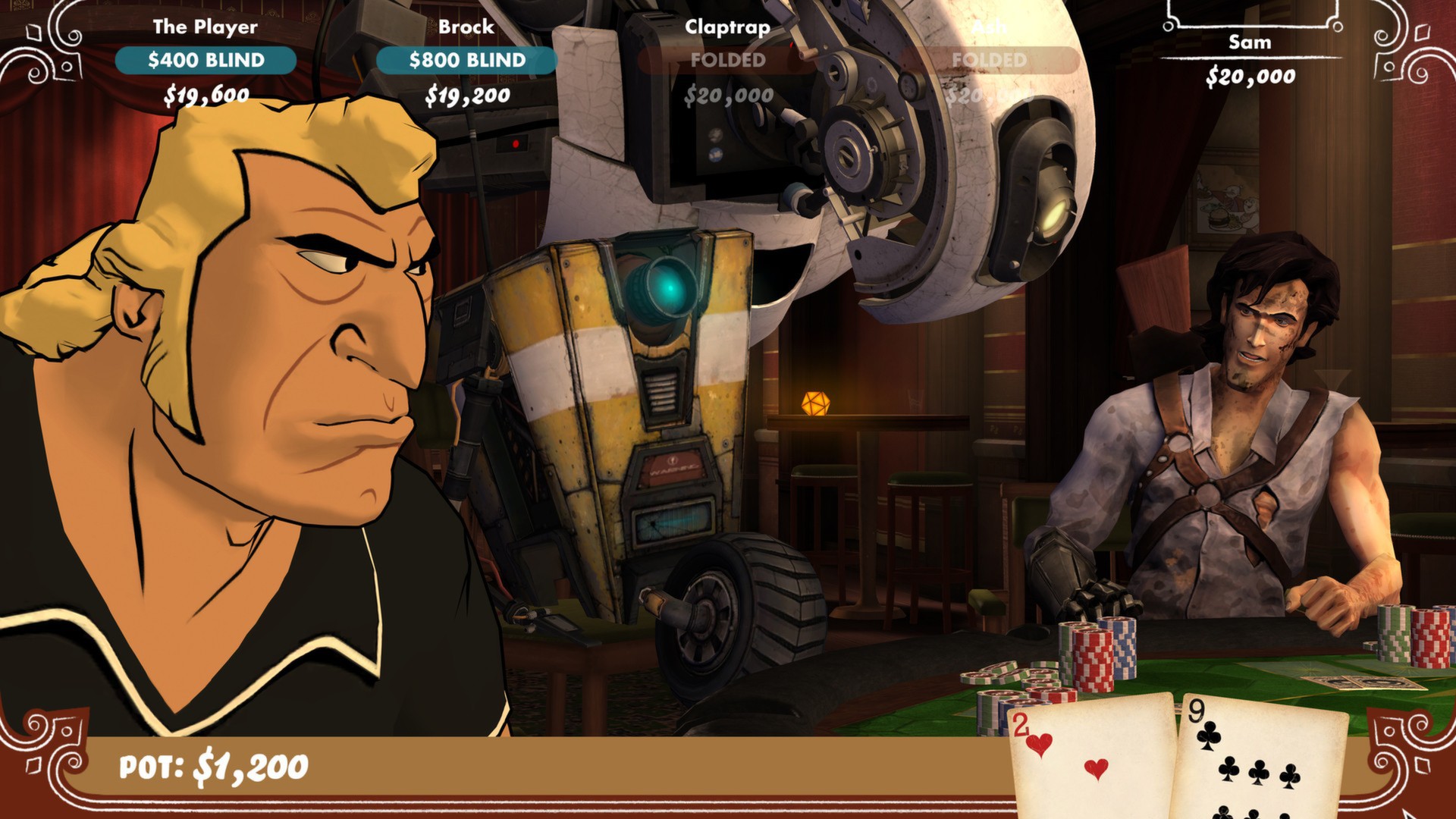
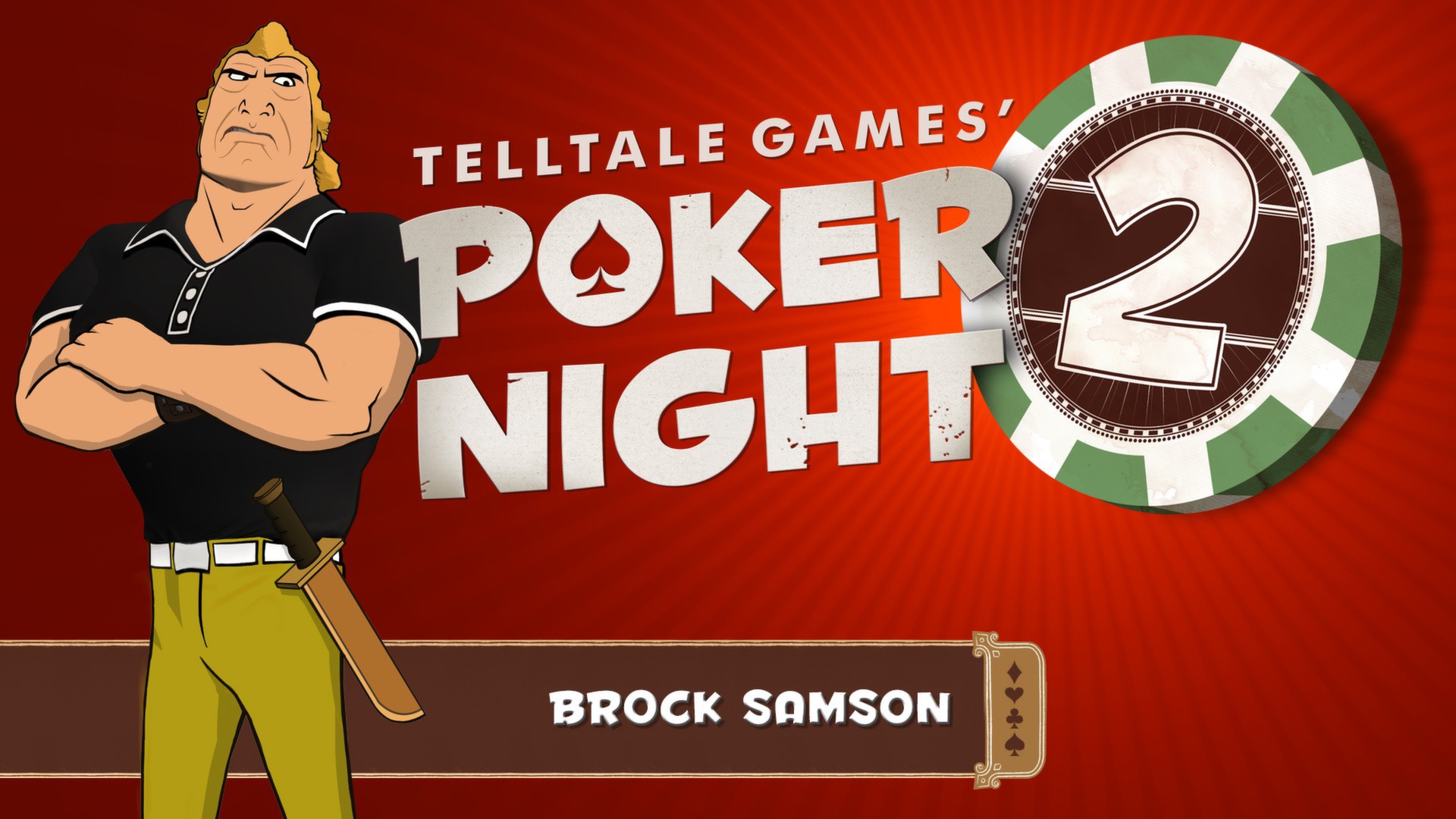
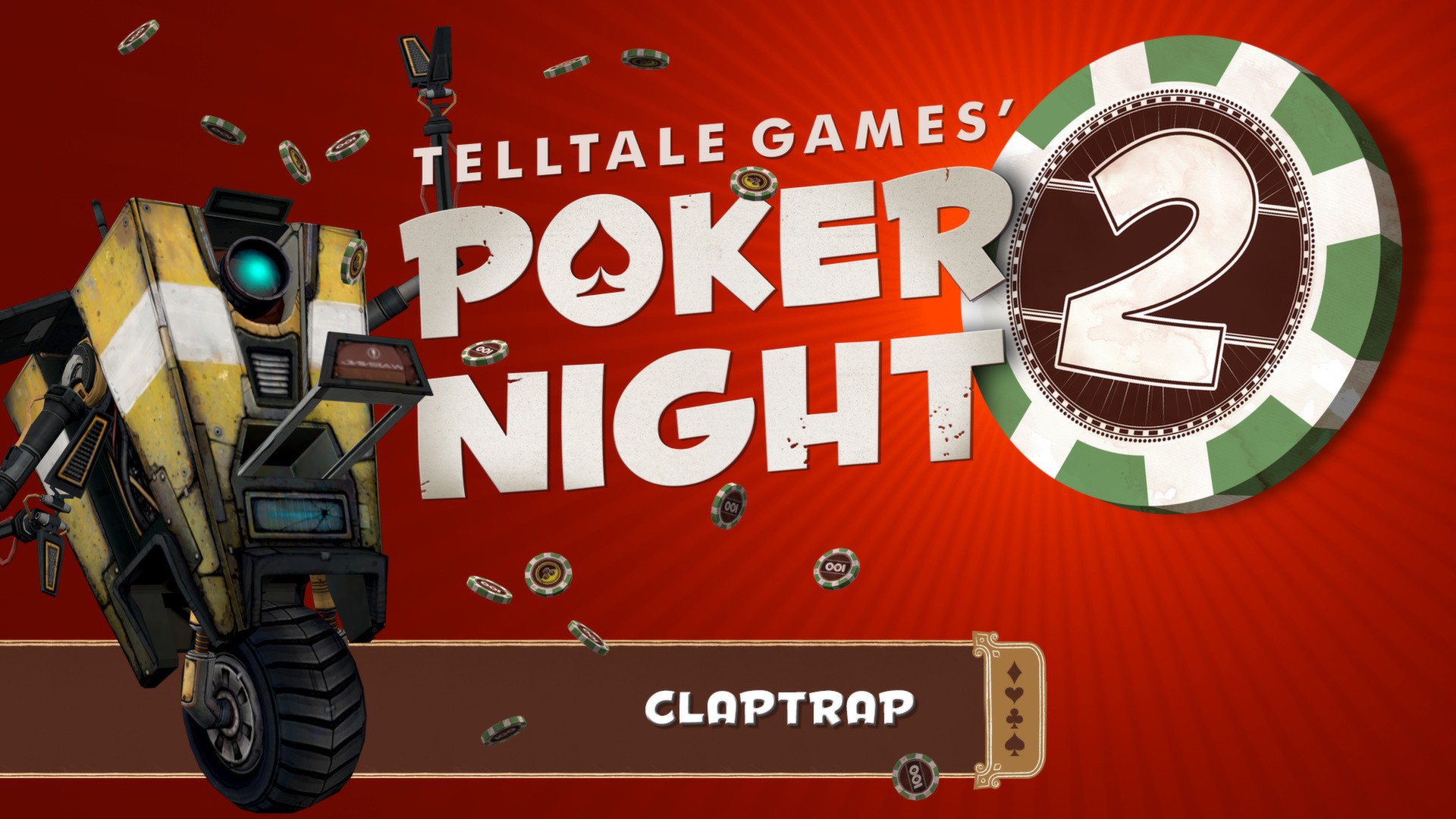
Official store screenshots from Steam — deckport links them, never rehosts. Hover to pause; click to preview.
Identity
Launch
- Binary
- PokerNight2.exe
- Needs files
- none beyond the binary
Proton
- Version
- GE-Proton
- Winetricks
- —
- ProtonDB
- ProtonDB Platinum runs flawlessly
⚙ Setup notes
Game: Delisted Steam game (appid 234710), Telltale Engine. Binary is PokerNight2.exe.
Proton: ProtonDB Platinum — runs out of the box on Deck with GE-Proton (proton_experimental also works).
DirectX: Proton ships the DirectX 9 / MSVC 2010 libs the game needs, so no extra winetricks are usually required.
Fix: If it crashes right after the 'Click anywhere to continue' intro, delete the stale save pnati2.save under the prefix's Documents/Telltale Games/Poker Night 2/ folder and relaunch.
Install: deckport only configures the prefix; it never bundles the game files.
The one thing to know
Supply your own copy: deckport links nothing.
Proton: ProtonDB Platinum (appid 234710, delisted). Binary is PokerNight2.exe.
Fix: Crash after the intro 'Click anywhere to continue' = delete the old pnati2.save in Documents/Telltale Games/Poker Night 2/ inside the prefix, then relaunch.
DLL: If you hit a missing-DLL error (d3dx9_41.dll / MSVCP100.dll), Proton's built-in DirectX/MSVC libs normally cover it.
Controller: Works via native gamepad support; otherwise a Steam Input mouse/click layout makes this card game fully playable on Deck.
Community guides
Write-ups and threads from people who got this (or a similar) game running. deckport links to them — it doesn't reproduce them.
Get the artwork
deckport never hosts game images. Open this game on SteamGridDB, pick
the cover / hero / logo / icon you like, and drop them into the
game folder under .deckport-art/ before you push it to the
Deck. The importer files them under the right names automatically.
Run it on your Deck
Two files: the one-time importer (deckport.py) in your
Deck's home folder, and this game's install helper. Copy the game
into ~/Games and run the helper with Steam closed — it
writes the recipe (binary, launch options, Proton version)
and registers the shortcut with artwork.