About
A pair of crossover Texas hold'em poker games built on the Telltale Tool engine, in which the player sits at a private table against four guest characters drawn from various franchises. Poker Night at the Inventory (2010) features Tycho Brahe (Penny Arcade), Max (Sam & Max), the Heavy (Team Fortress 2) and Strong Bad (Homestar Runner); Poker Night 2 (2013) features Brock Samson (The Venture Bros.), Ash Williams (Evil Dead), Claptrap (Borderlands) and Sam (Sam & Max), with GLaDOS (Portal) as the dealer. Both are noted for their fully voiced banter and TF2 item tie-ins, and both were pulled from sale in 2018 when their licensed-character agreements lapsed around Telltale's closure.
Screenshots
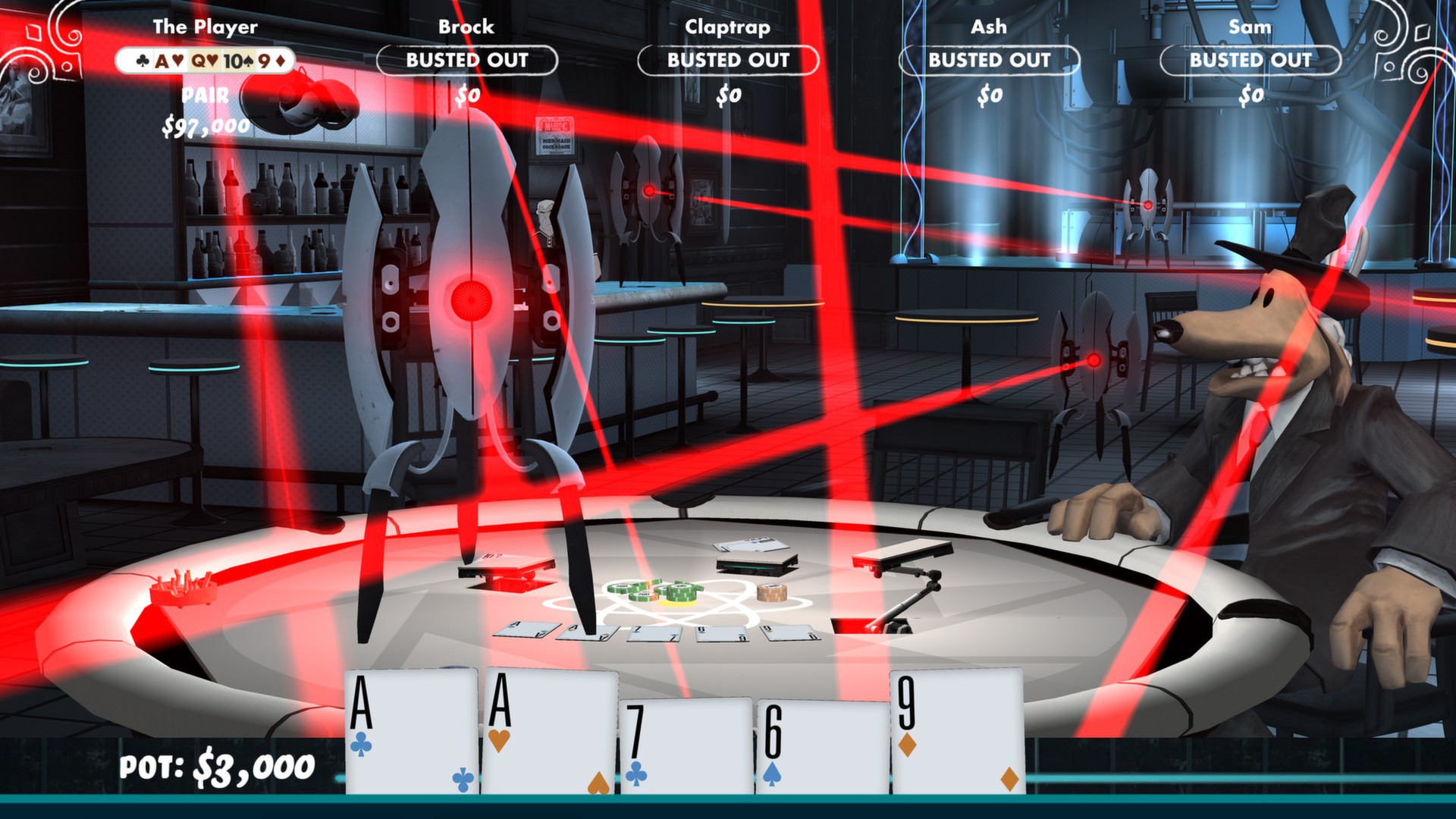
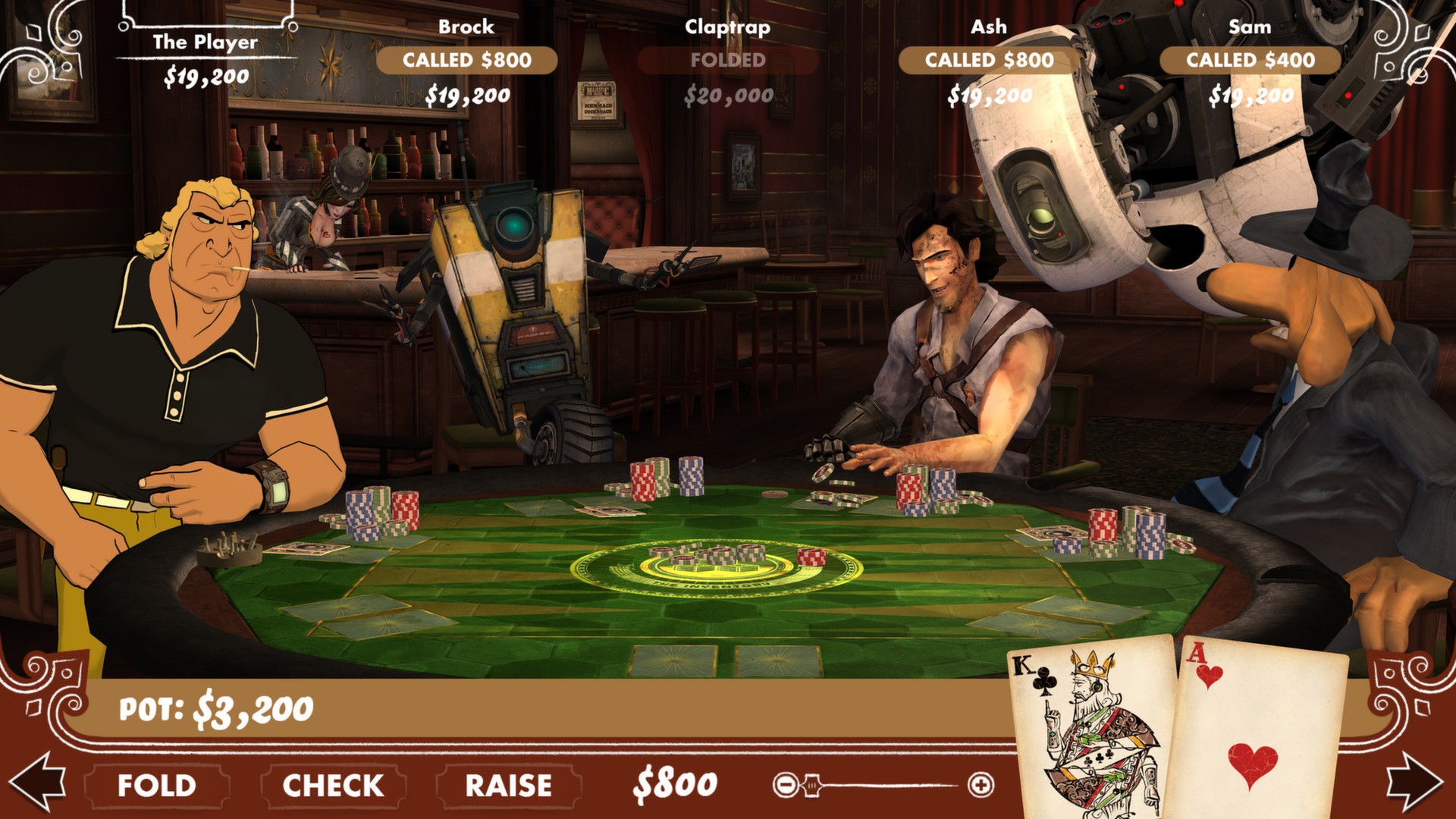
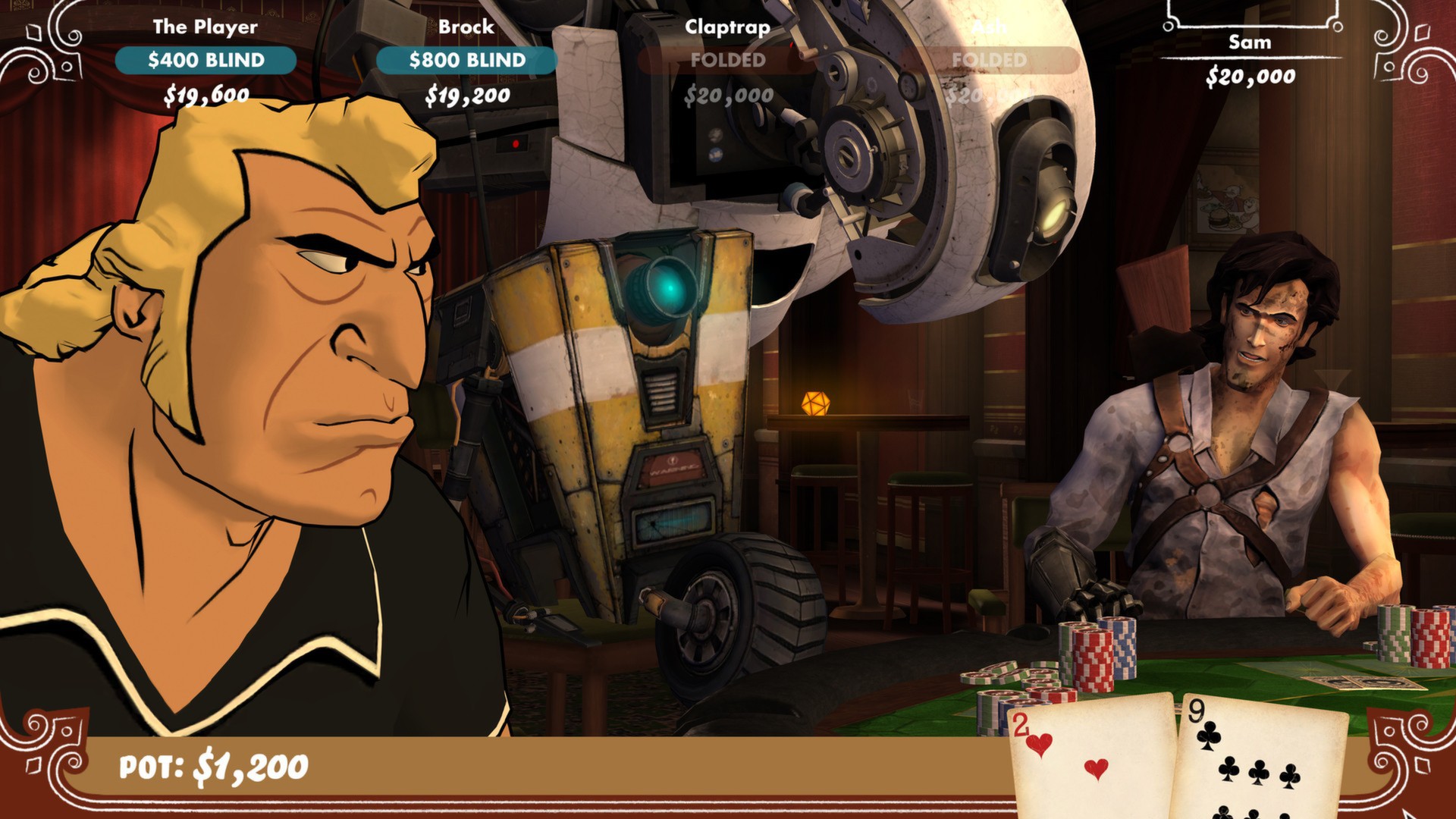
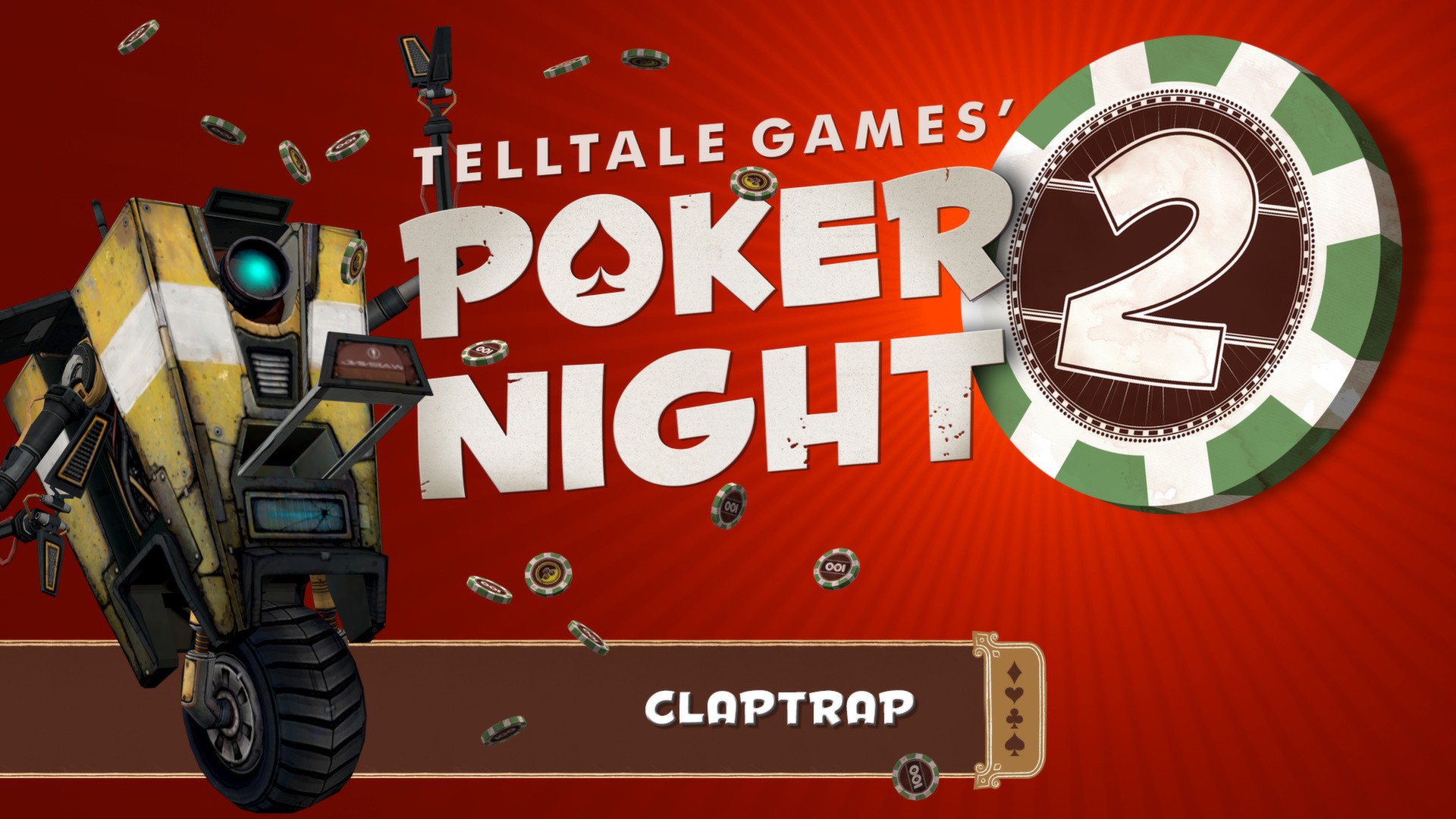
Official store screenshots from Steam — deckport links them, never rehosts. Hover to pause; click to preview.
Identity
Launch
- Binary
- PokerNight2.exe
- Needs files
- none beyond the binary
Proton
- Version
- GE-Proton
- Winetricks
- —
- ProtonDB
- ProtonDB Gold runs perfectly after tweaks
⚙ Setup notes
Pack: Telltale's two poker games — Poker Night at the Inventory (2010, appid 31280) and Poker Night 2 (2013, appid 234710). Each game is its own folder/exe; both run under Proton on Deck.
DRM: Both delisted (Telltale's closure + the cross-franchise guest characters' licenses) — bring your own copy.
Proton: Use GE-Proton (or a recent proton_experimental) — the Telltale Tool engine is OpenGL-era and behaves better on GE.
Fix: A black screen after the Telltale logo on launch is caused by a corrupt save, not Proton — delete the save file under the prefix's Documents/Telltale Games/<game> folder (e.g. pnati_save.save) so the game writes a fresh one.
Exes: Poker Night 2's binary is PokerNight2.exe; Poker Night at the Inventory's binary is CelebrityPoker.exe (its internal working title). Both sit in their own install folder; the importer targets one game per recipe run.
Controller: Both games have native gamepad support, so the Steam Deck controls work out of the box (fall back to a Steam Input gamepad/mouse layout if a menu doesn't take input).
The one thing to know
Supply your own copy: Delisted (Telltale closure / licensed guest characters) — configuration only, no links.
Two games: Two separate games in the pack (appids 31280 + 234710) — point the importer at whichever exe you want: PokerNight2.exe for Poker Night 2, and CelebrityPoker.exe for Poker Night at the Inventory (the PN1 exe keeps its original "Celebrity Poker" working title).
Fix: Black-screen-after-Telltale-logo is a corrupt save, not a Proton fault — delete the save under Documents/Telltale Games/<game> in the prefix.
Proton: Older OpenGL engine — prefer GE-Proton if proton_experimental black-screens.
Controller: Native controller support works on Deck.
Community guides
Write-ups and threads from people who got this (or a similar) game running. deckport links to them — it doesn't reproduce them.
Get the artwork
deckport never hosts game images. Open this game on SteamGridDB, pick
the cover / hero / logo / icon you like, and drop them into the
game folder under .deckport-art/ before you push it to the
Deck. The importer files them under the right names automatically.
Run it on your Deck
Two files: the one-time importer (deckport.py) in your
Deck's home folder, and this game's install helper. Copy the game
into ~/Games and run the helper with Steam closed — it
writes the recipe (binary, launch options, Proton version)
and registers the shortcut with artwork.