About
Prey is a first-person shooter developed by Human Head Studios (under contract for 3D Realms) and published by 2K Games in 2006. Built on a heavily modified id Tech 4 engine, it is best known for its inventive use of portals and variable/walkable-wall gravity to build disorienting alien environments. The player follows Cherokee garage mechanic Tommy aboard a living spacecraft called the Sphere. The game was well received (Metacritic 83 on PC) and won PC Gamer US 2006 awards, though its multiplayer was criticized for offering only two modes.
Screenshots
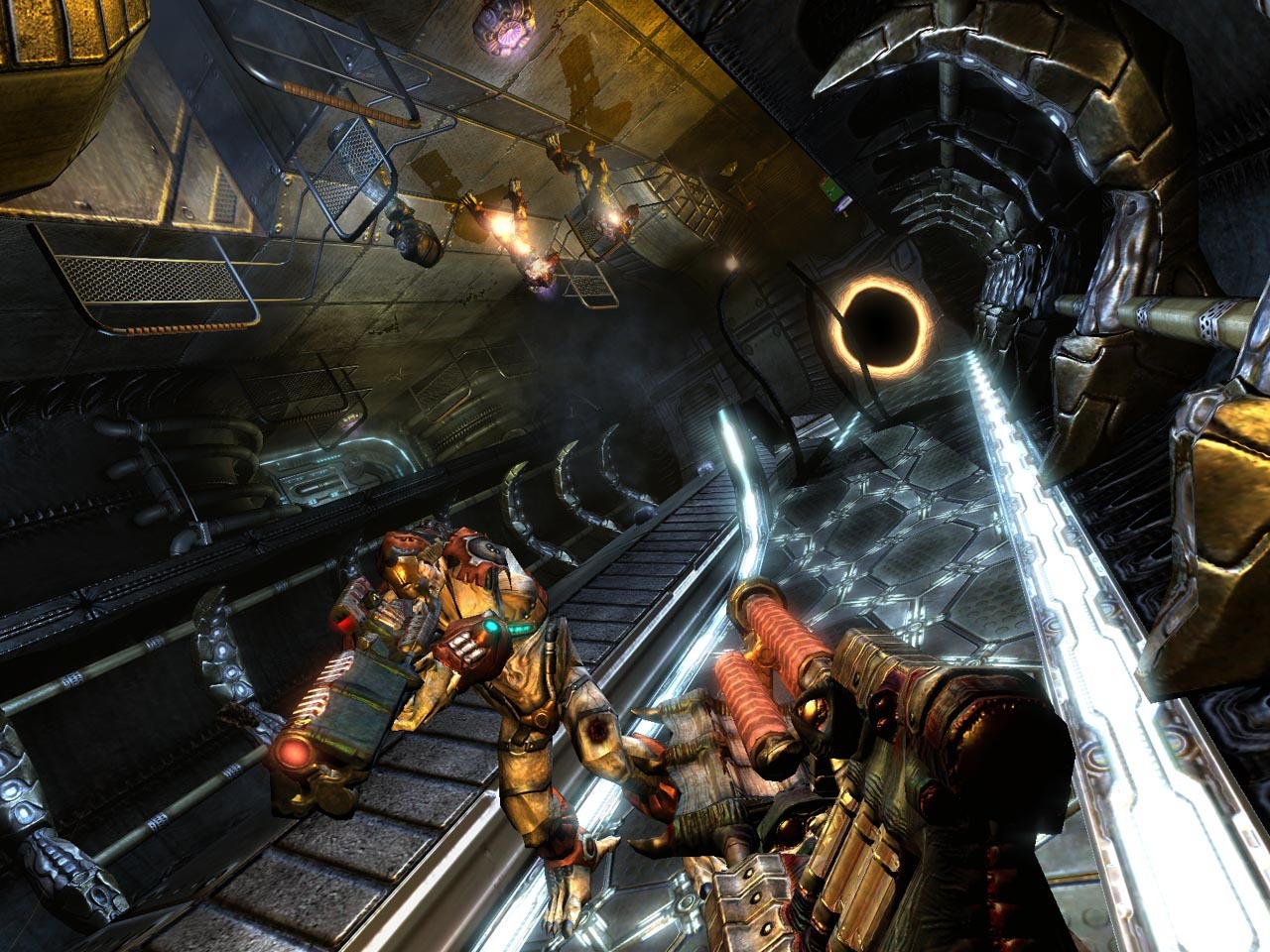
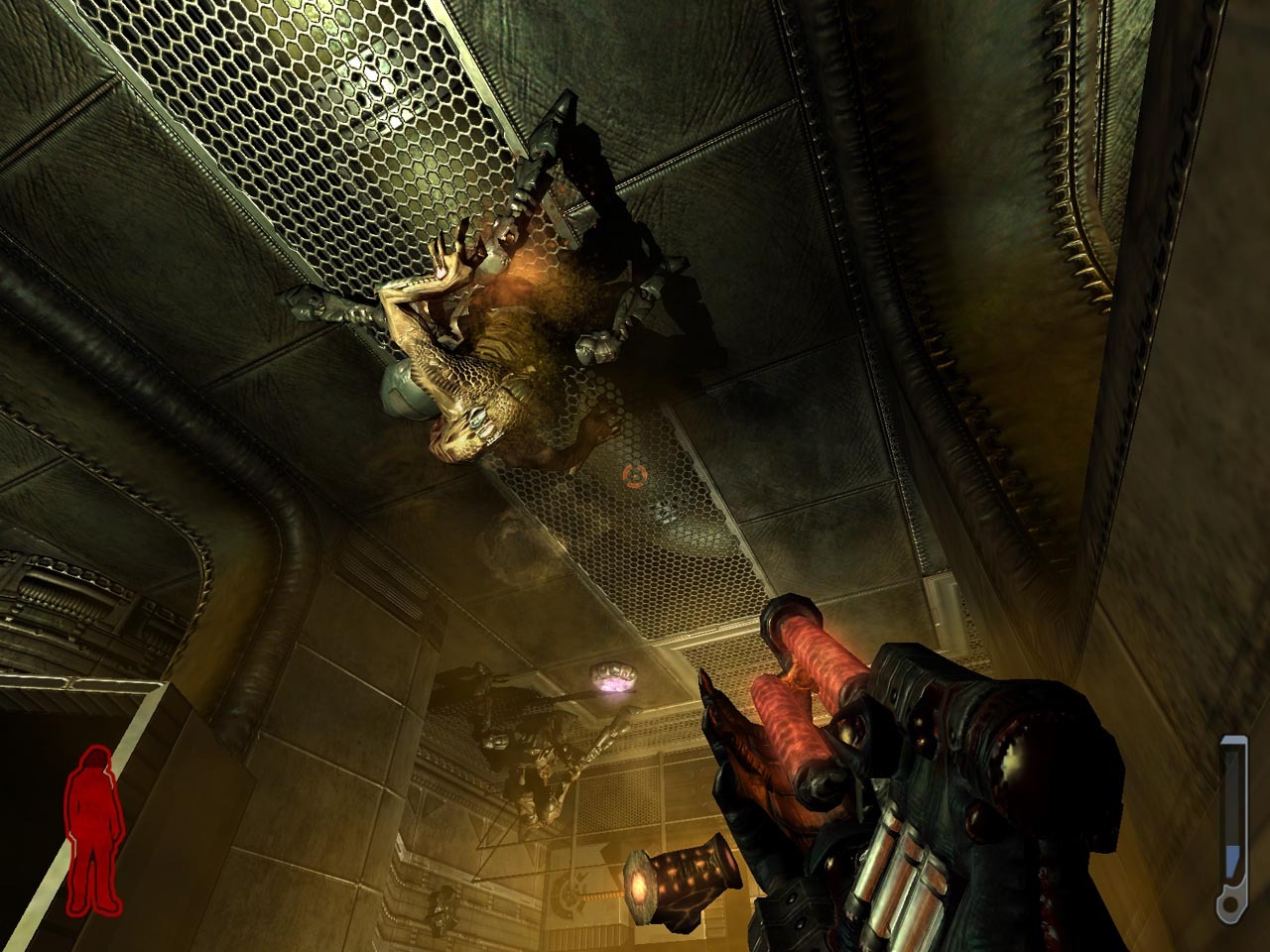
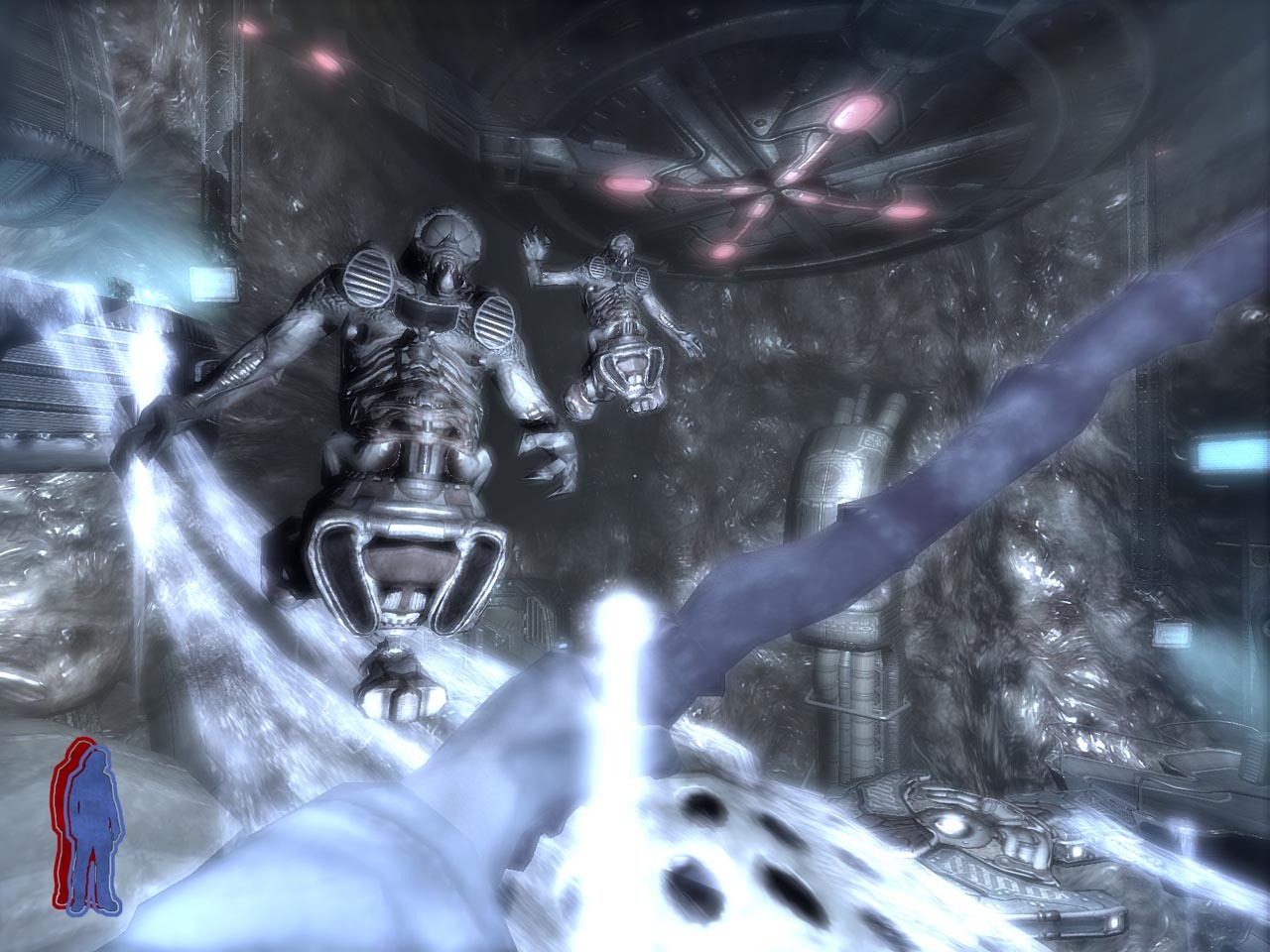
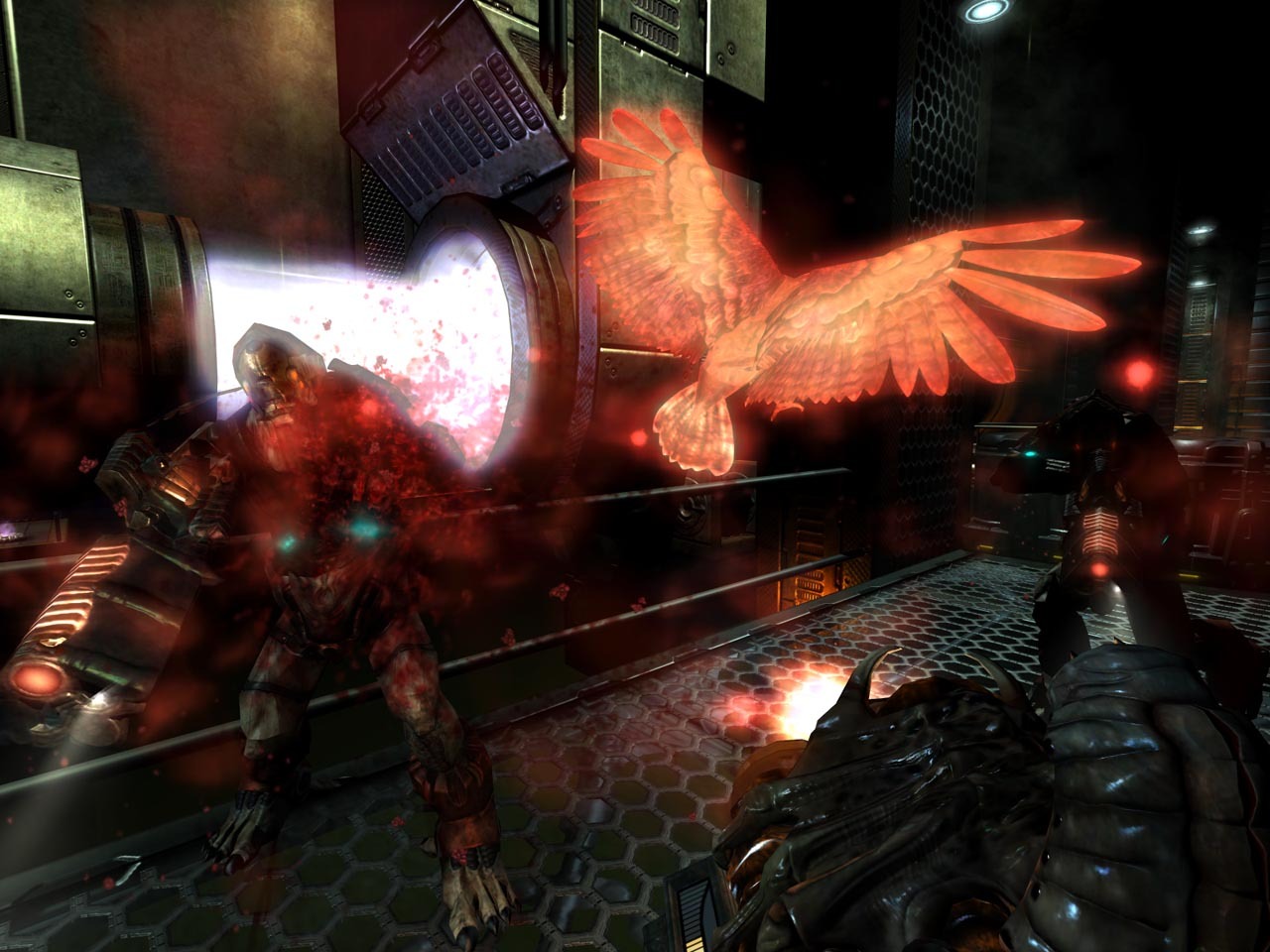
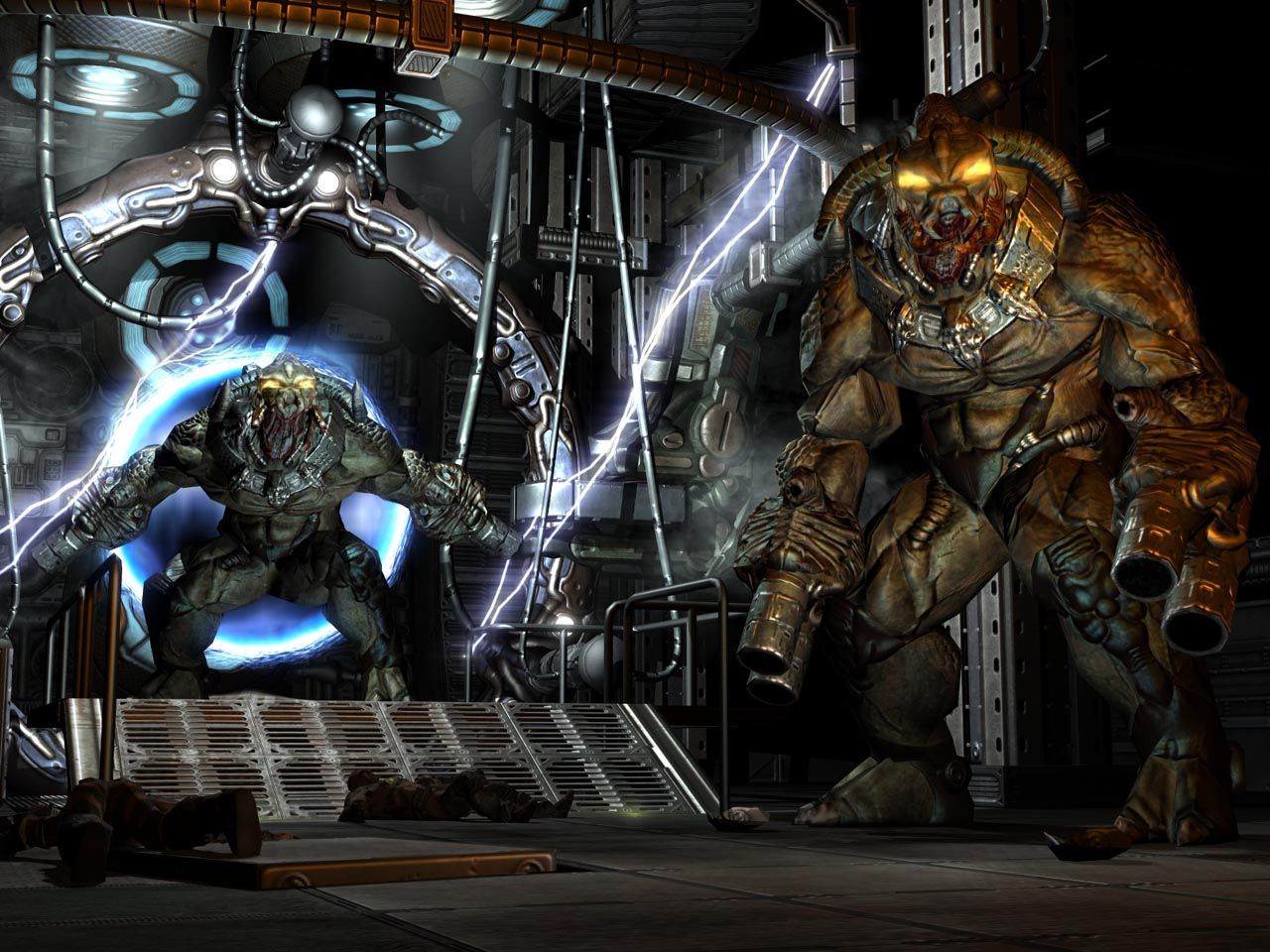
Official store screenshots from Steam — deckport links them, never rehosts. Hover to pause; click to preview.
Identity
Launch
- Binary
- prey.exe
- Needs files
- none beyond the binary
Proton
- Version
- GE-Proton
- Winetricks
- —
- ProtonDB
- ProtonDB Gold runs perfectly after tweaks
⚙ Setup notes
Game: Human Head's 2006 id Tech 4 shooter (the original Prey, not the 2017 Arkane game), Steam appid 3970, delisted 2009-12-28.
Proton: id Tech 4 titles run well under Proton; community reports it runs out of the box on Deck and supports the 1280x800 panel natively. GE-Proton recommended; proton_experimental also works.
Display: To force a resolution edit preyconfig.cfg in the install's base/ folder: seta r_customWidth "1280", seta r_customHeight "800", seta r_mode "-1".
DRM: No GFWL/SecuROM concerns reported on the Steam build.
The one thing to know
Supply your own copy: Delisted commercial game (appid 3970, removed from Steam 2009-12-28). This is the 2006 original, not the 2017 reboot.
Controller: A 2015 Steam update added native gamepad support; if your copy lacks it, a community Steam Input layout (Xbox 360 / Deck) covers gameplay.
Display: For widescreen/resolution set r_customWidth/r_customHeight/r_mode in preyconfig.cfg.
Troubleshooting: If it crashes at launch, check the in-game resolution/config first.
Community guides
Write-ups and threads from people who got this (or a similar) game running. deckport links to them — it doesn't reproduce them.
Get the artwork
deckport never hosts game images. Open this game on SteamGridDB, pick
the cover / hero / logo / icon you like, and drop them into the
game folder under .deckport-art/ before you push it to the
Deck. The importer files them under the right names automatically.
Run it on your Deck
Two files: the one-time importer (deckport.py) in your
Deck's home folder, and this game's install helper. Copy the game
into ~/Games and run the helper with Steam closed — it
writes the recipe (binary, launch options, Proton version)
and registers the shortcut with artwork.