About
Project CARS is a 2015 racing simulator developed by Slightly Mad Studios and published by Bandai Namco. Notable for its community-funded development through the studio's WMD crowdfunding model, it features licensed cars and tracks, dynamic weather, and a day-night cycle, with extensive controller and racing-wheel support. The game was praised for its visuals and depth of simulation. It was delisted from sale in October 2022 after various vehicle and track licenses expired and were not renewed, though existing owners can still download and play it.
Screenshots
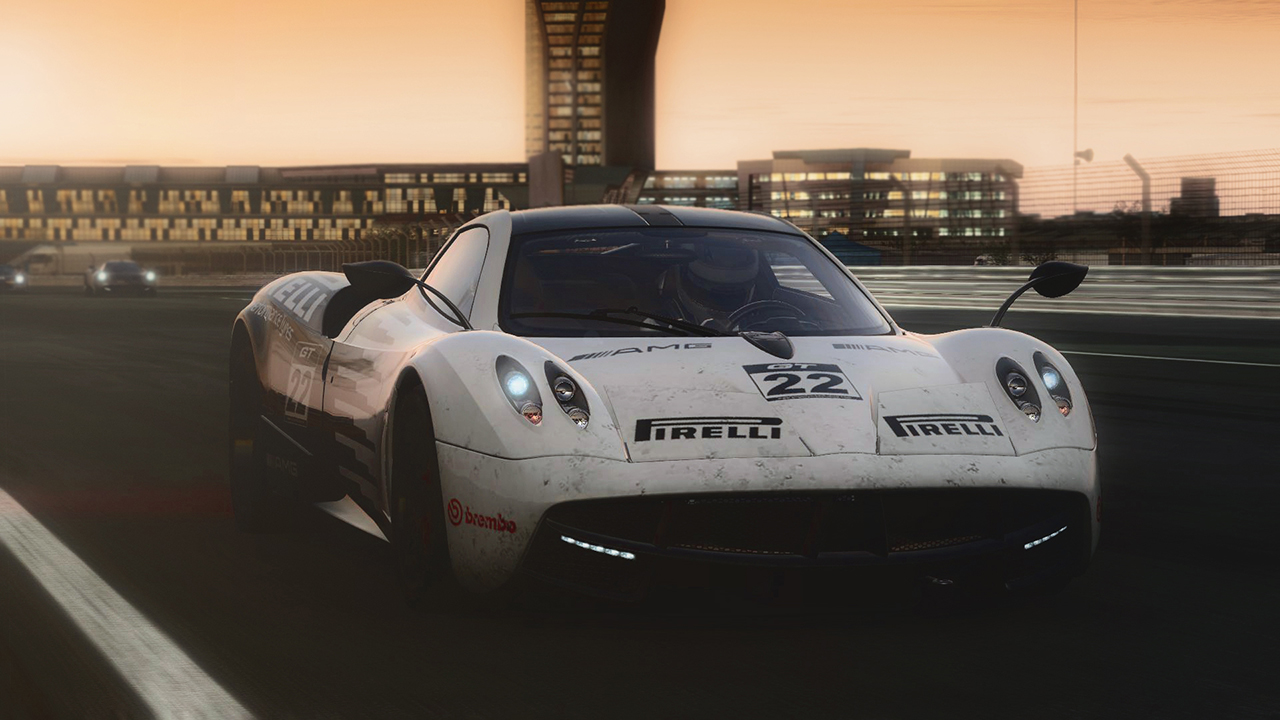
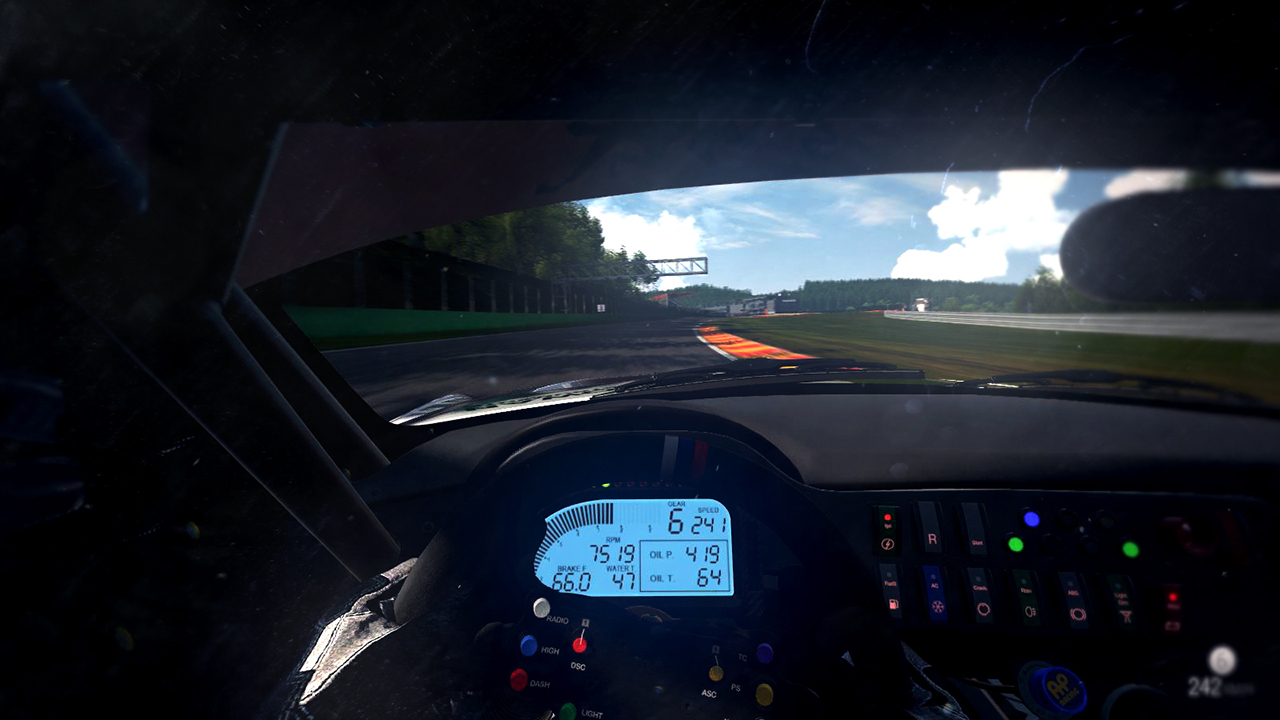
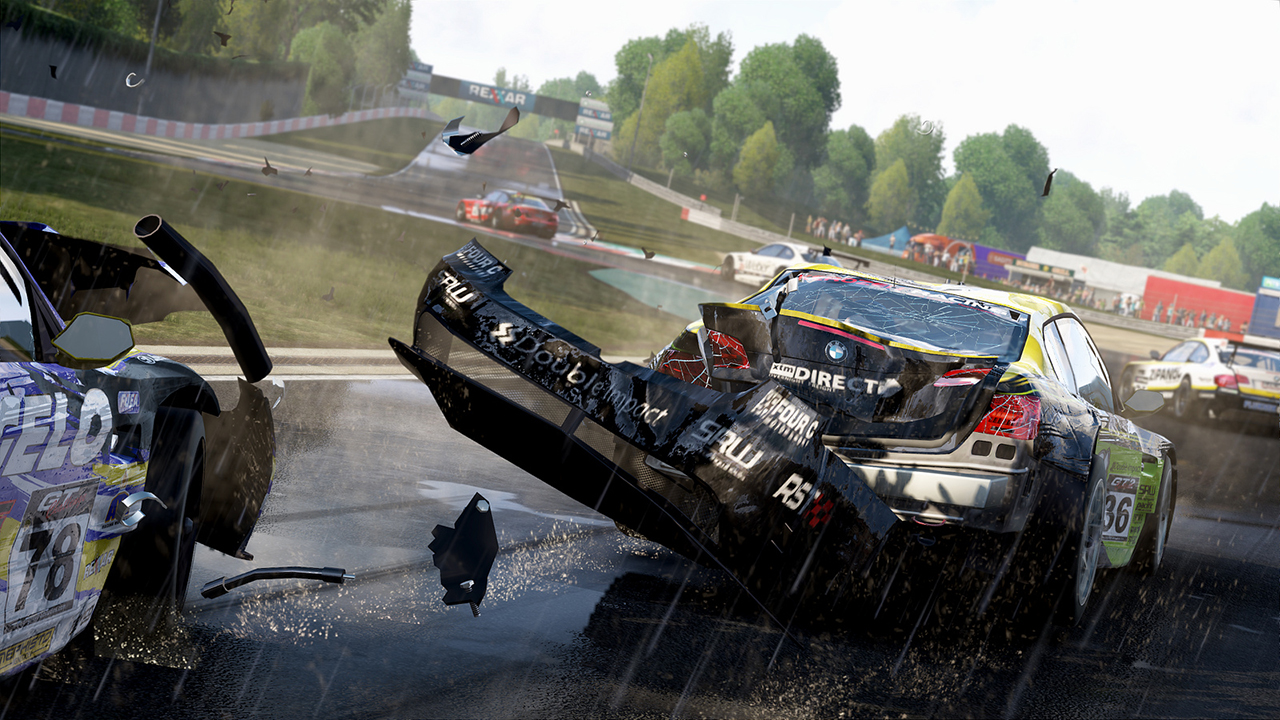
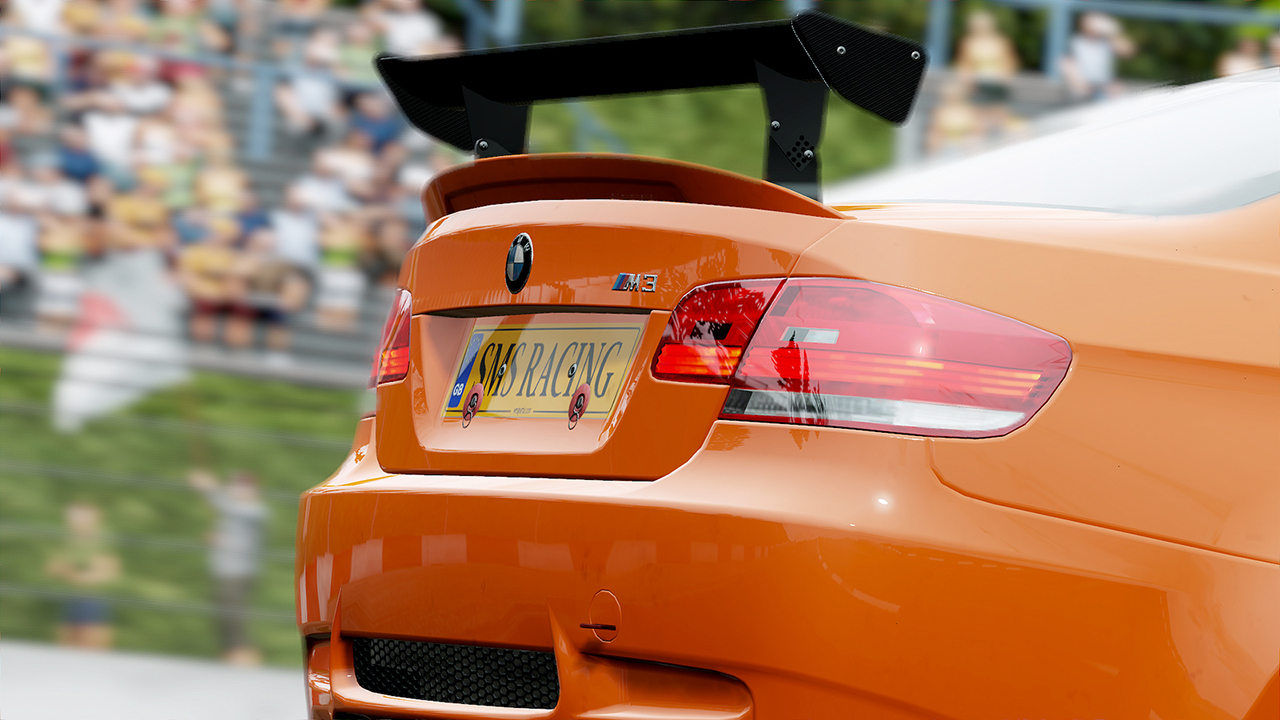
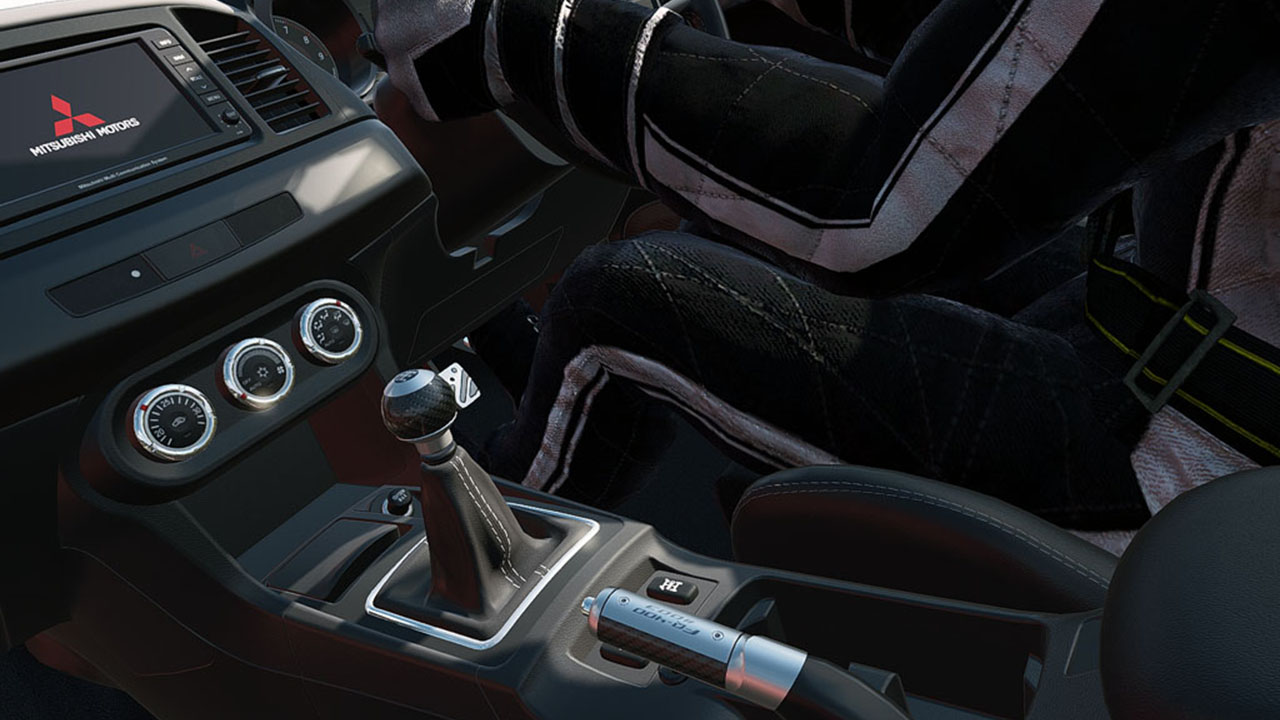
Official store screenshots from Steam — deckport links them, never rehosts. Hover to pause; click to preview.
Identity
Launch
- Binary
- pCARS64.exe
- Needs files
- none beyond the binary
Proton
- Version
- GE-Proton
- Winetricks
- —
- ProtonDB
- ProtonDB Gold runs perfectly after tweaks
⚙ Setup notes
DRM: Delisted Steam game (appid 234630) — pulled because the car/track licenses expired, so it is no longer sold.
Proton: Runs well on the Deck. GE-Proton is the known-good pick, and proton_experimental also works — the Project CARS family historically needed Experimental to fix alt-tab input loss.
Install: Launcher exe is pCARS64.exe (64-bit) or pCARS.exe (32-bit).
Controller: Native gamepad and racing-wheel support, so controller input works out of the box on the Deck — no Steam Input layout required.
Files: deckport only configures the prefix; it never bundles or links the game files.
The one thing to know
Supply your own copy. deckport links nothing.
DRM: Delisted (licenses expired) — no longer for sale, so a recipe is appropriate.
Proton: Use GE-Proton (or proton_experimental). Launcher exe is pCARS64.exe (64-bit) / pCARS.exe (32-bit).
Status: Community ProtonDB reports rate it gold and it plays on Linux/Deck; the recipe itself still needs a hands-on Deck confirmation.
Controller: Native gamepad + wheel support means controller works without a Steam Input layout. Force-feedback on some racing wheels can be unreliable under newer Wine/DXVK.
Multiplayer: Online multiplayer servers may be gone; single-player and career are unaffected.
Community guides
Write-ups and threads from people who got this (or a similar) game running. deckport links to them — it doesn't reproduce them.
Get the artwork
deckport never hosts game images. Open this game on SteamGridDB, pick
the cover / hero / logo / icon you like, and drop them into the
game folder under .deckport-art/ before you push it to the
Deck. The importer files them under the right names automatically.
Run it on your Deck
Two files: the one-time importer (deckport.py) in your
Deck's home folder, and this game's install helper. Copy the game
into ~/Games and run the helper with Steam closed — it
writes the recipe (binary, launch options, Proton version)
and registers the shortcut with artwork.