About
Project CARS 3 is the third installment in the Project CARS racing series from Slightly Mad Studios, published by Bandai Namco. Unlike its sim-focused predecessors, it pivoted toward a more accessible, arcade-leaning 'sim-cade' style with a structured single-player career, car upgrades and progression. The shift drew a mixed critical reception from fans of the earlier games' realism. It was removed from sale on Steam and other digital storefronts in August 2025, and its online services were retired, though the single-player content remains playable offline.
Screenshots
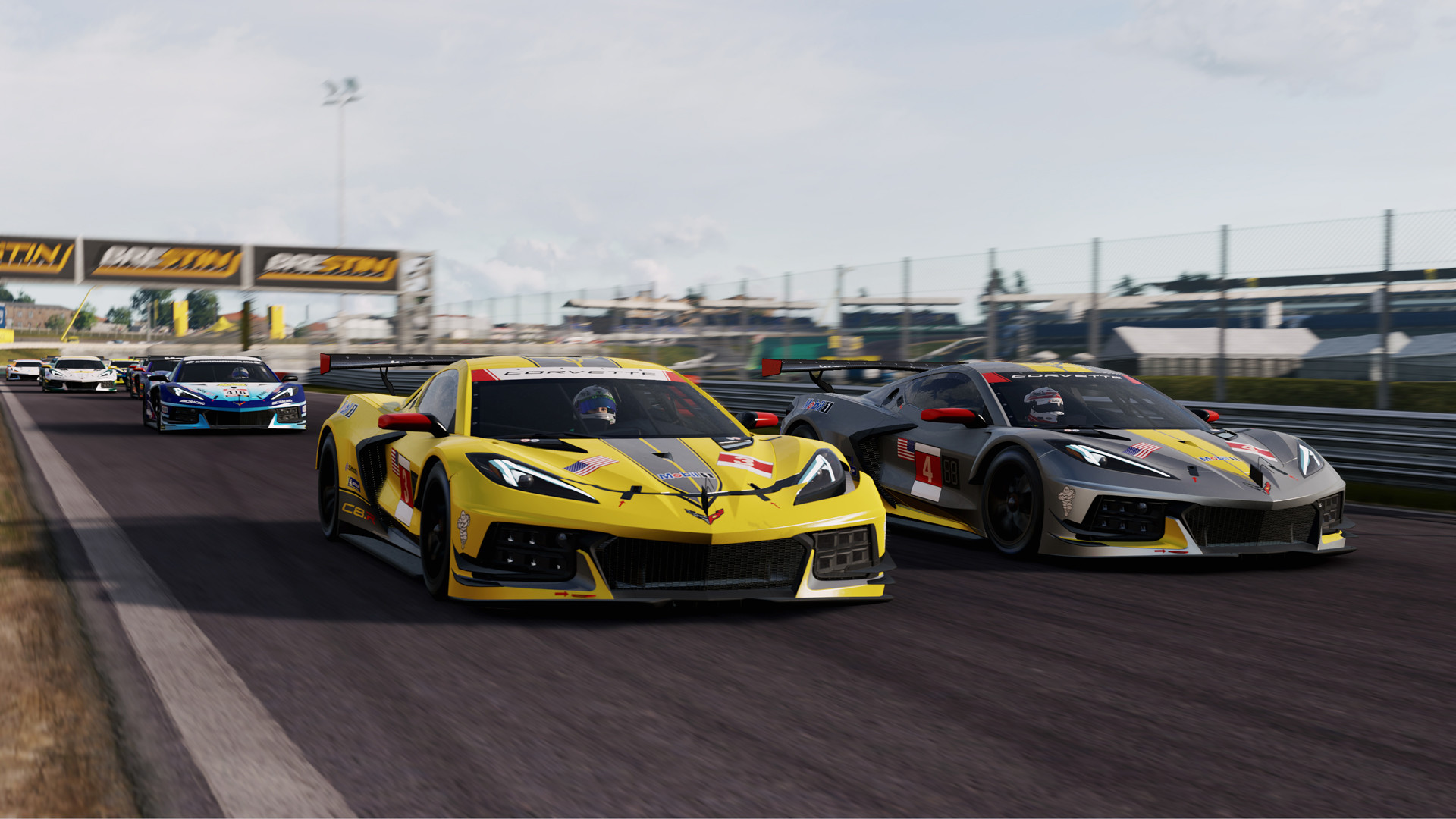
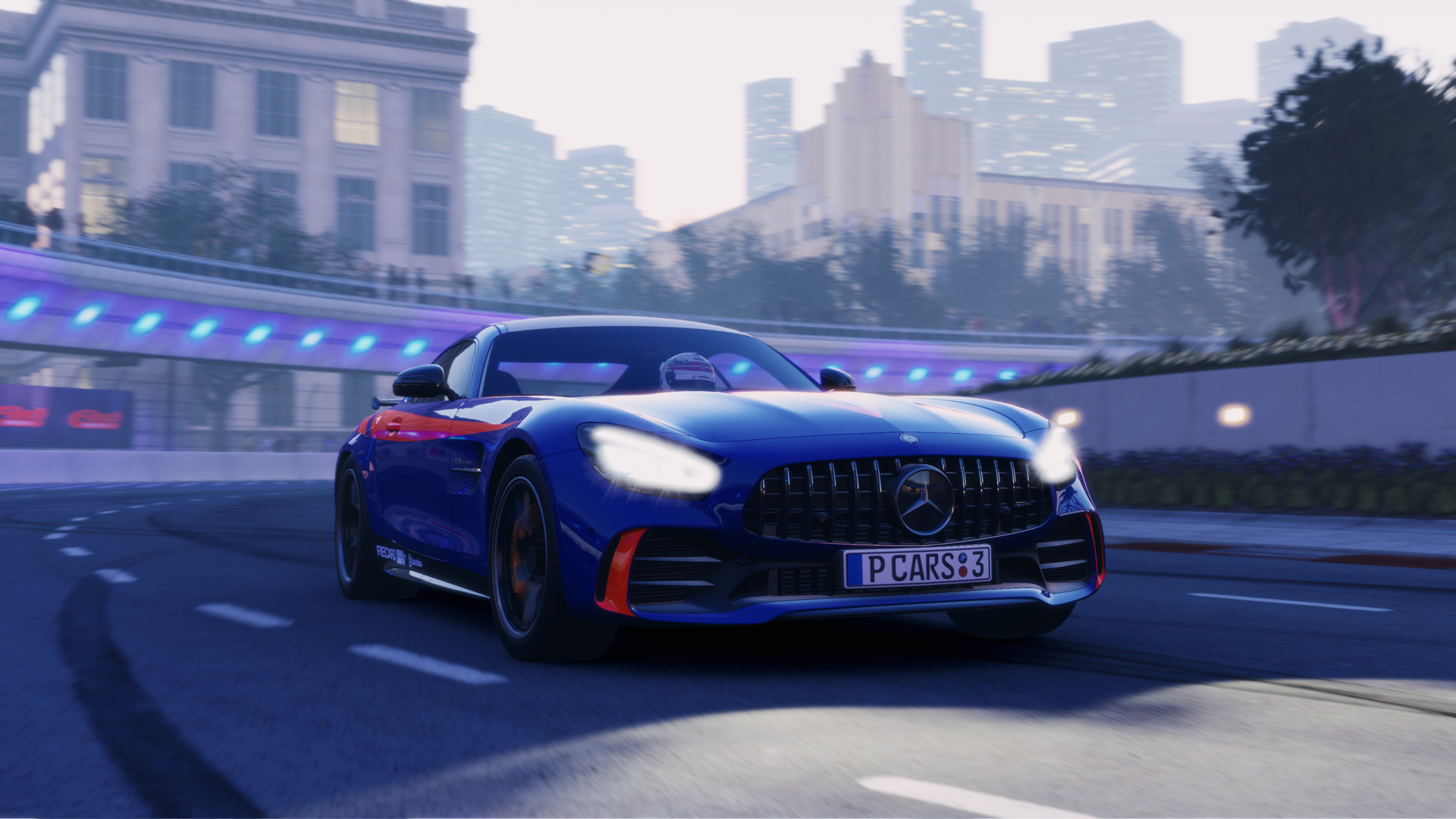
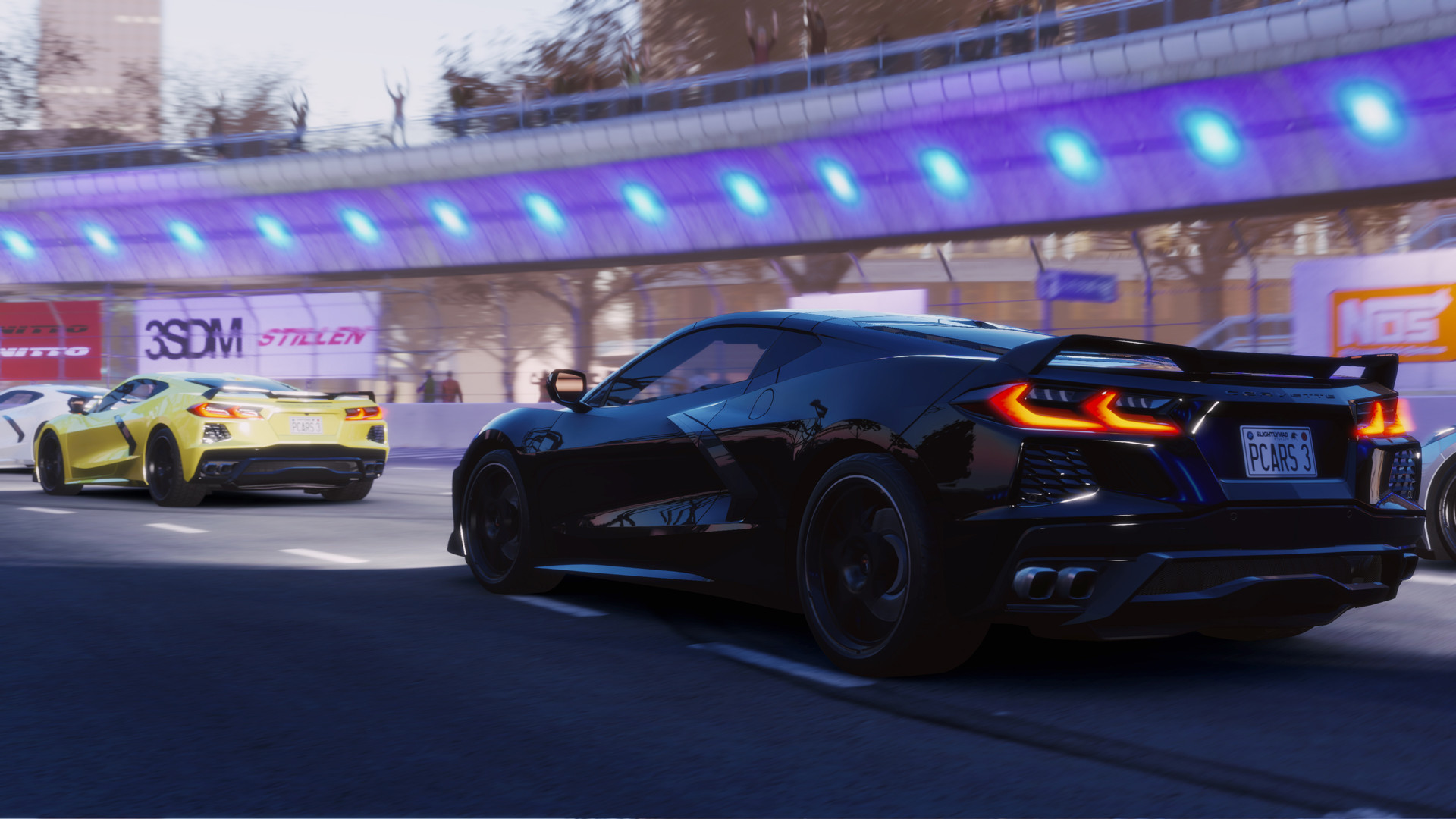
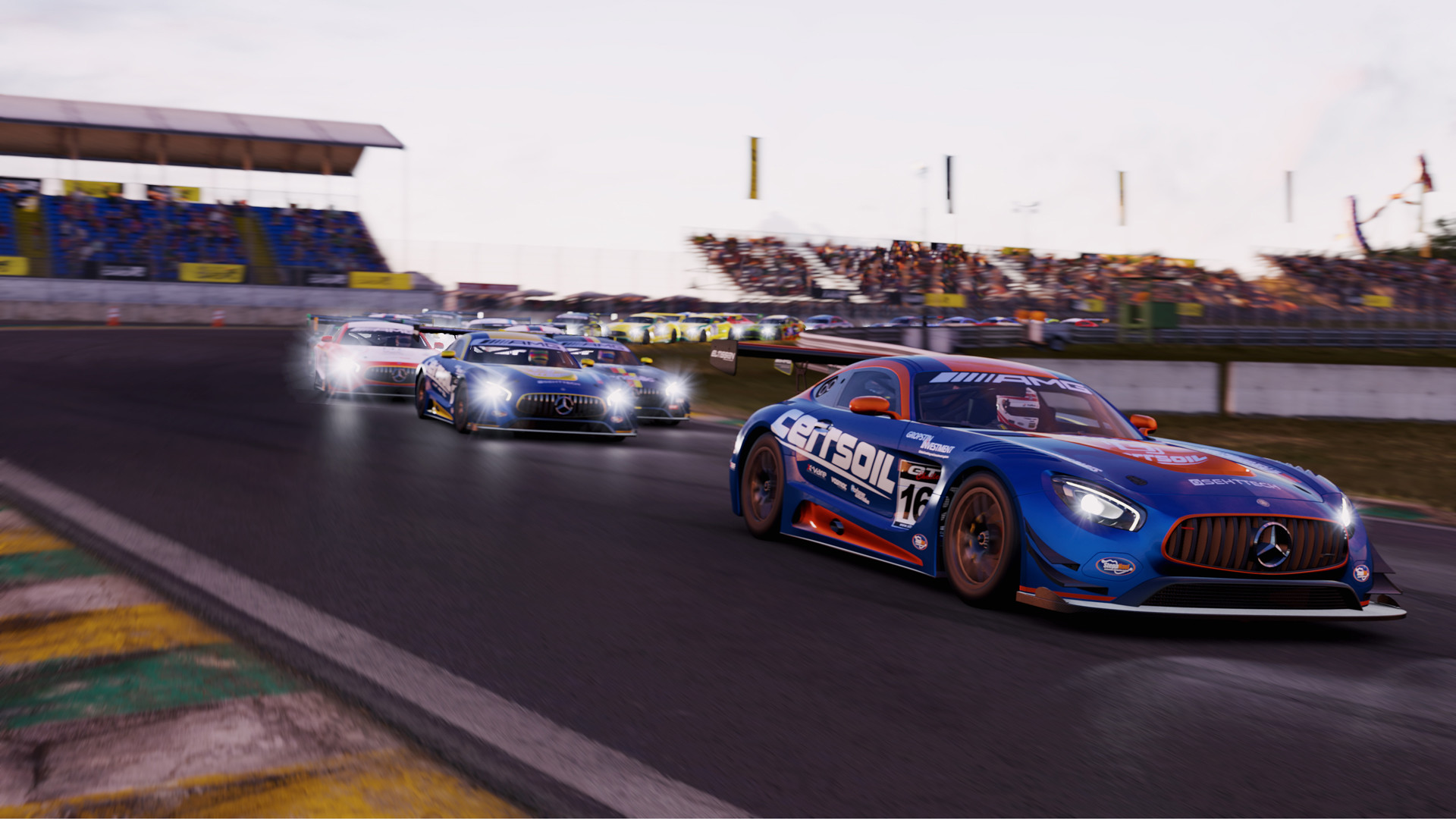
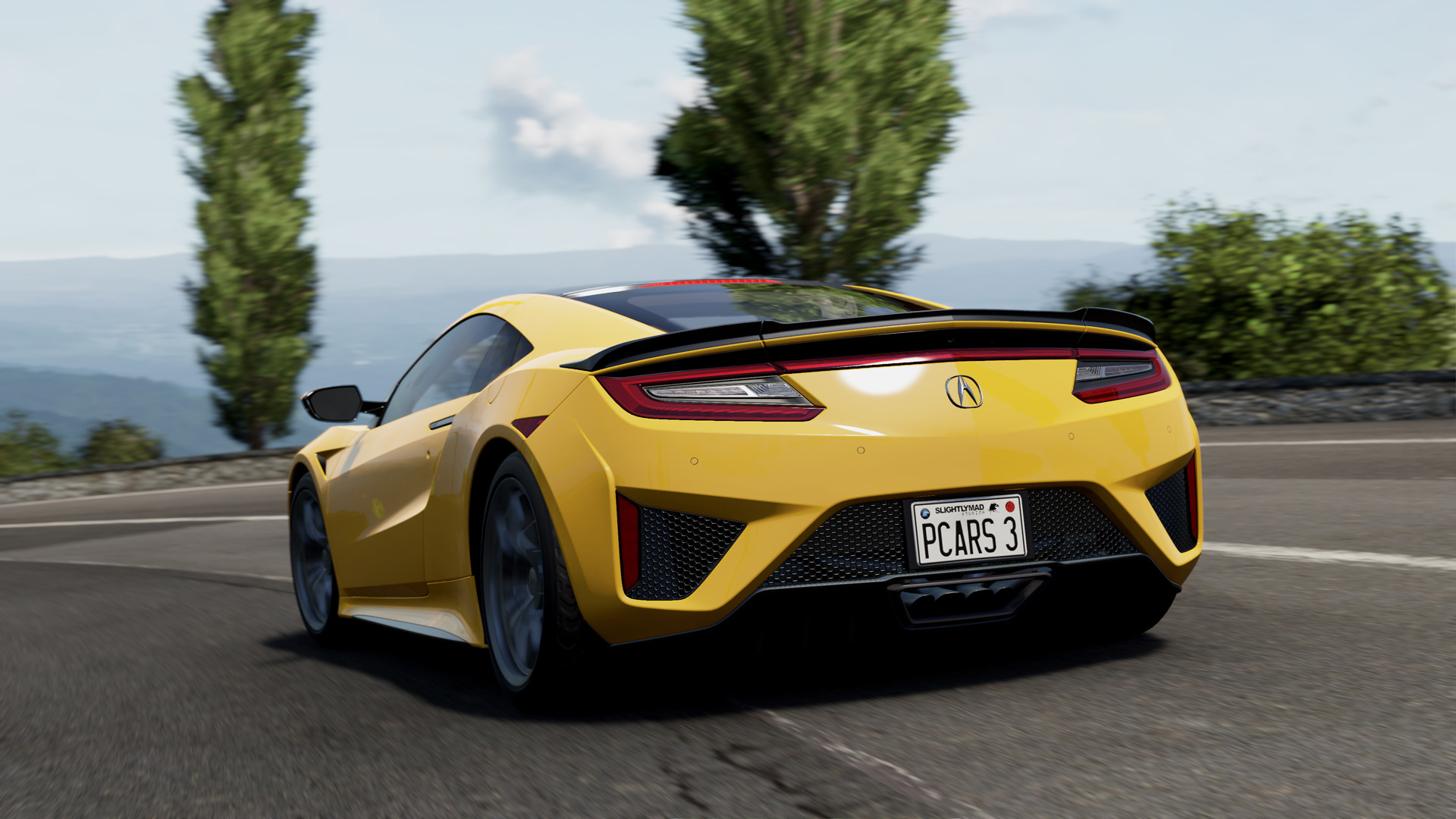
Official store screenshots from Steam — deckport links them, never rehosts. Hover to pause; click to preview.
Identity
Launch
- Binary
- pCARS3.exe
- Needs files
- none beyond the binary
Proton
- Version
- proton_experimental
- Winetricks
- —
- ProtonDB
- ProtonDB Platinum runs flawlessly
⚙ Setup notes
Game: Delisted Steam game (appid 958400), removed from sale Aug 24 2025. Main binary is pCARS3.exe (Slightly Mad Studios). ProtonDB platinum and Steam Deck Verified.
Proton: Use proton_experimental (the Oct 2021+ build fixed the bug where the game ignored controller/keyboard input after Alt+Tab) or current GE-Proton.
DRM: No DRM/GFWL hoops — runs cleanly out of the box. No special launch options or winetricks needed.
Controller: Native gamepad support, so the Steam Deck's built-in controls work without a custom layout.
Online: Online services shut down Feb 24 2026, but the full single-player career, free-play and time-trial modes remain playable offline.
Install: deckport only configures the prefix; it never bundles or links the game files.
The one thing to know
Supply your own copy. deckport links nothing.
Status: ProtonDB platinum + Steam Deck Verified; binary is pCARS3.exe.
Performance: Some users report the Verified rating is optimistic on performance: expect to drop to Medium/High settings and cap the framerate for a stable 30-40fps on Deck.
Proton: Use proton_experimental or GE-Proton; the older input-loss-after-Alt+Tab issue is fixed in current Proton.
Controller: Native gamepad support — no custom Steam Input layout required.
Online: Online multiplayer was shut down Feb 24 2026 — single-player career, free play and time trials still work offline.
Community guides
Write-ups and threads from people who got this (or a similar) game running. deckport links to them — it doesn't reproduce them.
Get the artwork
deckport never hosts game images. Open this game on SteamGridDB, pick
the cover / hero / logo / icon you like, and drop them into the
game folder under .deckport-art/ before you push it to the
Deck. The importer files them under the right names automatically.
Run it on your Deck
Two files: the one-time importer (deckport.py) in your
Deck's home folder, and this game's install helper. Copy the game
into ~/Games and run the helper with Steam closed — it
writes the recipe (binary, launch options, Proton version)
and registers the shortcut with artwork.