About
Pulstar is a fast-paced 2D arcade twin-stick shooter in which players pilot a ship through waves of enemies, blending bullet-hell action with retro arcade scoring. It supports both solo play and local co-op. Released in 2014 by indie developers Concave Studio, Colorful Media and Emagica, it is unrelated to the 1995 SNK Neo Geo arcade shoot-'em-up of the same name. The game was delisted from Steam in early 2024 after publisher Indietopia Games wound down its publishing operations, though previously-purchased copies remain installable.
Screenshots
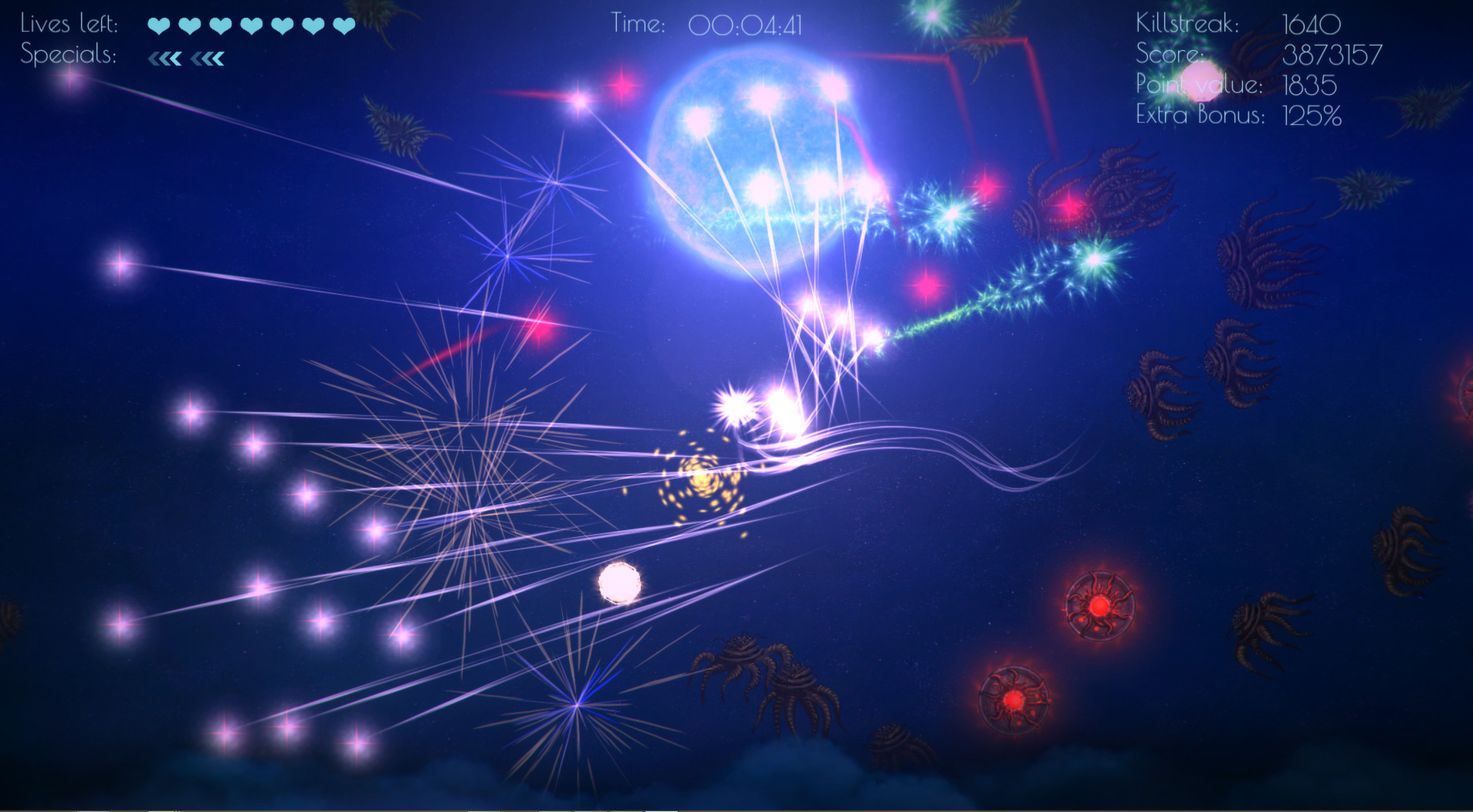
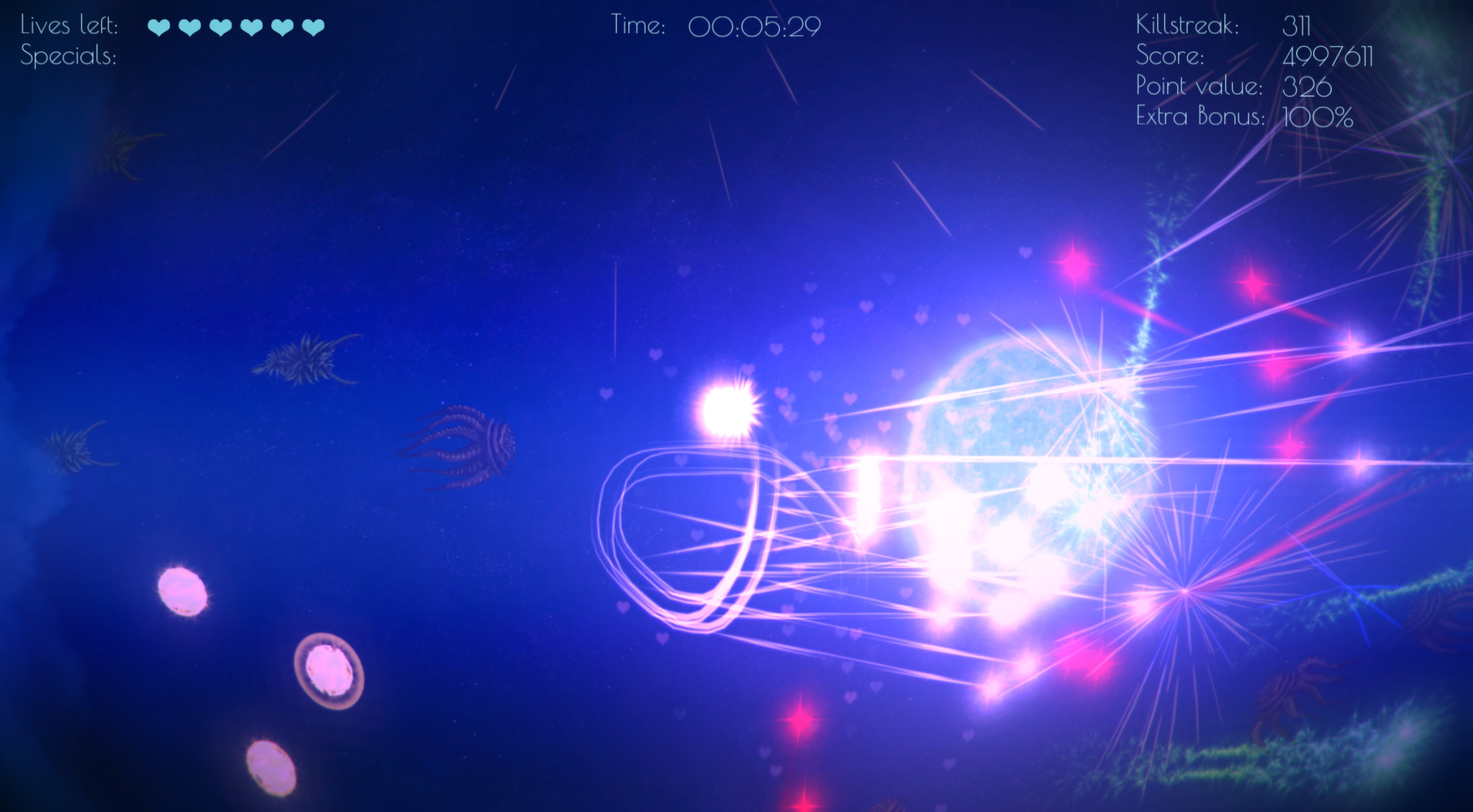
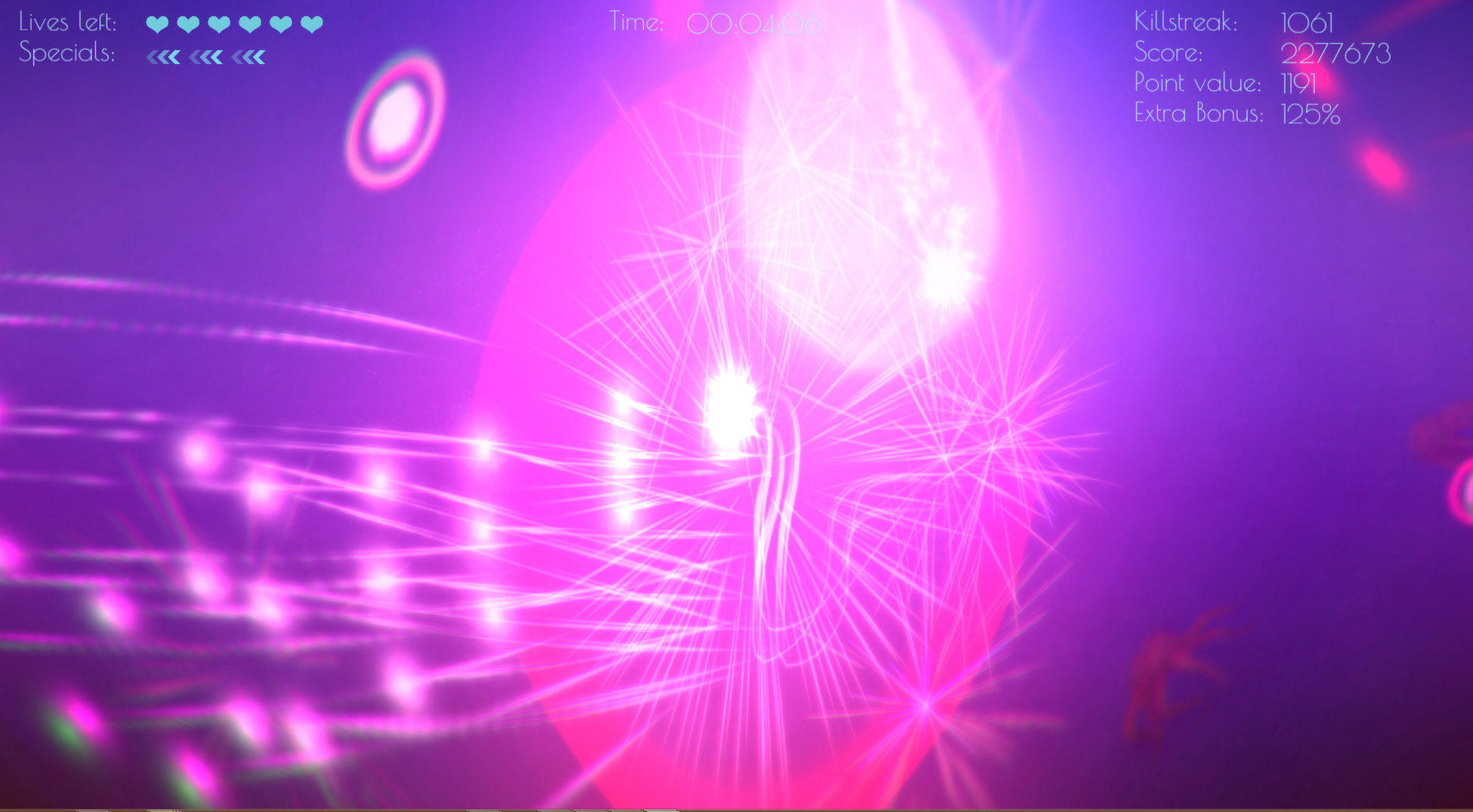
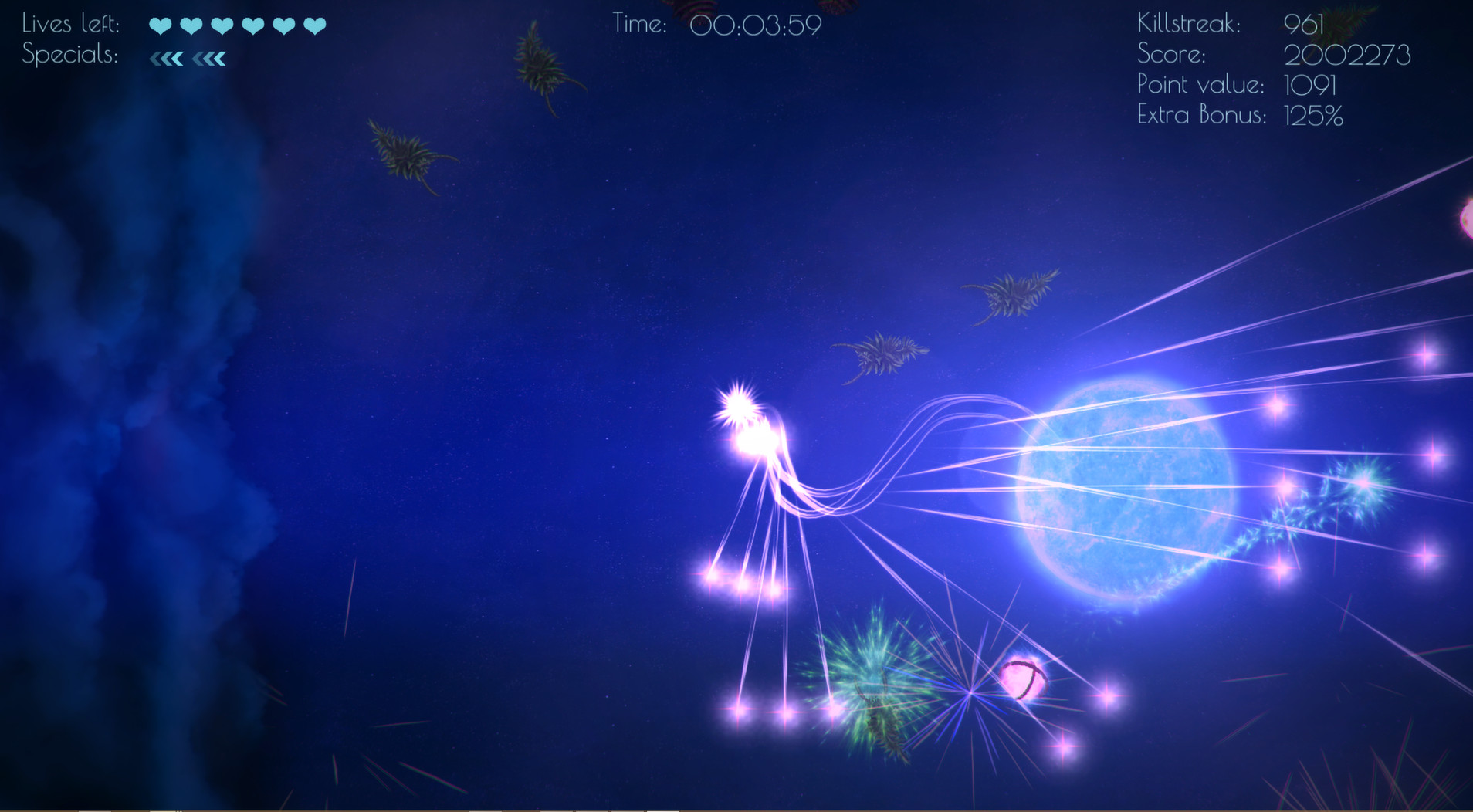
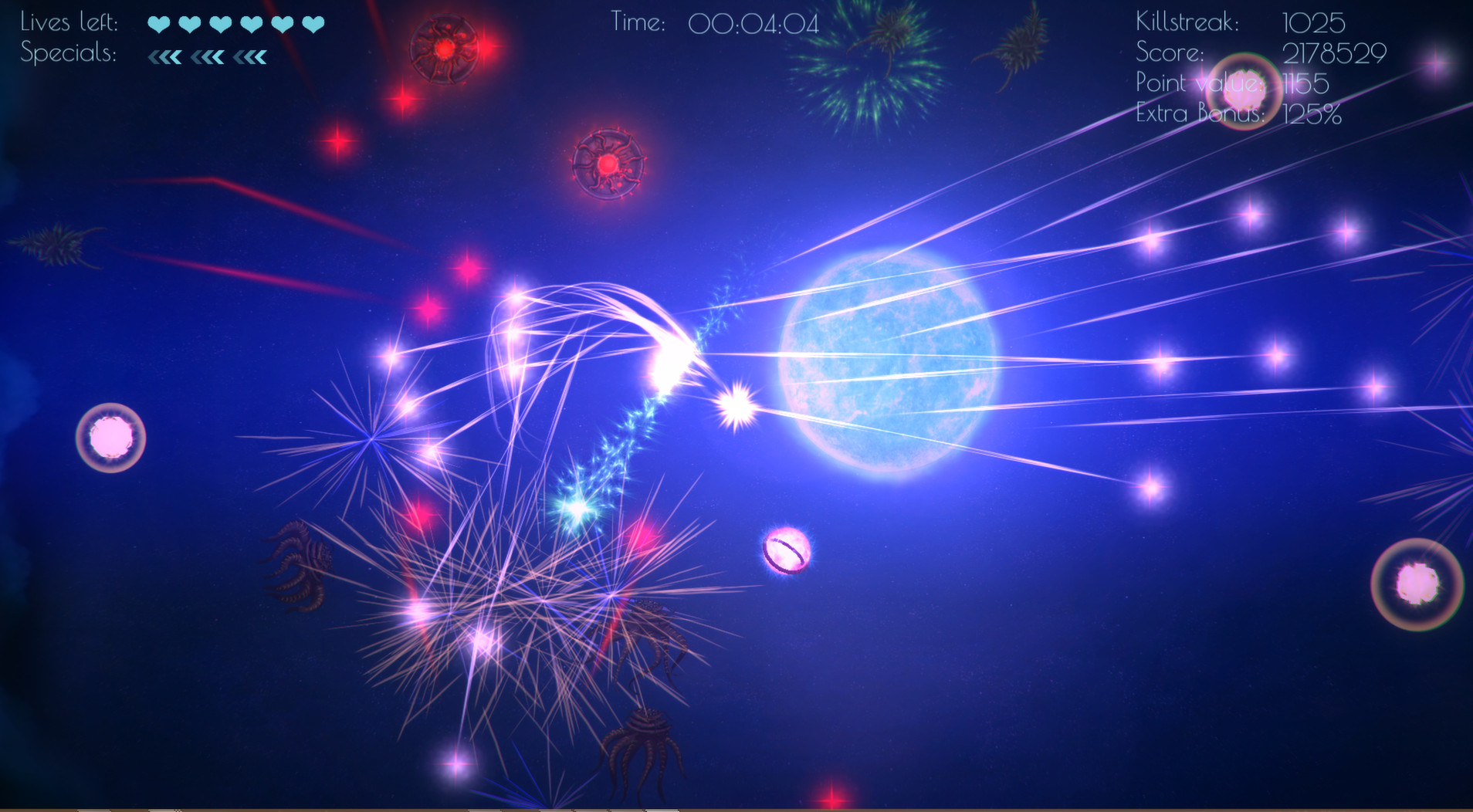
Official store screenshots from Steam — deckport links them, never rehosts. Hover to pause; click to preview.
Identity
Launch
- Binary
- Pulstar.exe
- Needs files
- none beyond the binary
Proton
- Version
- GE-Proton
- Winetricks
- —
- ProtonDB
- ProtonDB Platinum runs flawlessly
⚙ Setup notes
Overview: Delisted Steam game (appid 280460) — a lightweight 2D arcade twin-stick shooter with local co-op. ProtonDB rates it platinum and it shipped with a native Linux/Mac build, so it runs effortlessly on the Deck.
Proton: Use stock Proton (GE-Proton or proton_experimental both work) and just hit Install/Play. No launch options required.
Native: If you own the native Linux build it will launch directly without Proton at all.
DRM: No DRM, GFWL, or winetricks needed.
Install: Confirm the binary name against your install — the Windows build ships as Pulstar.exe.
The one thing to know
Supply your own copy: Delisted from Steam (removed by the publisher); previously-purchased copies still install. deckport links nothing.
Compatibility: ProtonDB platinum, and the game has a native Linux build, so Deck compatibility is excellent — no DRM/GFWL, no widescreen hack, no winetricks.
Controller: It is a twin-stick shooter and plays naturally on the Deck's sticks; if the build does not auto-detect the gamepad, apply a Steam Input gamepad/keyboard layout.
status=needs-test: Not yet confirmed on a physical Deck by a contributor, and the Pulstar.exe binary name should be double-checked against your install.
Community guides
Write-ups and threads from people who got this (or a similar) game running. deckport links to them — it doesn't reproduce them.
Get the artwork
deckport never hosts game images. Open this game on SteamGridDB, pick
the cover / hero / logo / icon you like, and drop them into the
game folder under .deckport-art/ before you push it to the
Deck. The importer files them under the right names automatically.
Run it on your Deck
Two files: the one-time importer (deckport.py) in your
Deck's home folder, and this game's install helper. Copy the game
into ~/Games and run the helper with Steam closed — it
writes the recipe (binary, launch options, Proton version)
and registers the shortcut with artwork.