About
Ray Gigant is a dungeon-crawler JRPG that blends first-person dungeon exploration with visual-novel storytelling, originally released on the PlayStation Vita in 2015 before coming to PC in 2016. Its three branching tales follow Ichiya, Kyle, and Nil, and it forgoes random encounters in favor of a narrative focus and a distinctive three-distance battle system against towering 'Gigant' enemies, with rhythm-based 'Slash Beat Mode' segments. It was developed by Experience Inc., a studio known for dungeon RPGs, and progression uses an 'Evolve Tree' skill system. The Steam version was delisted in 2024 when its publishing license expired and was never re-released elsewhere.
Screenshots


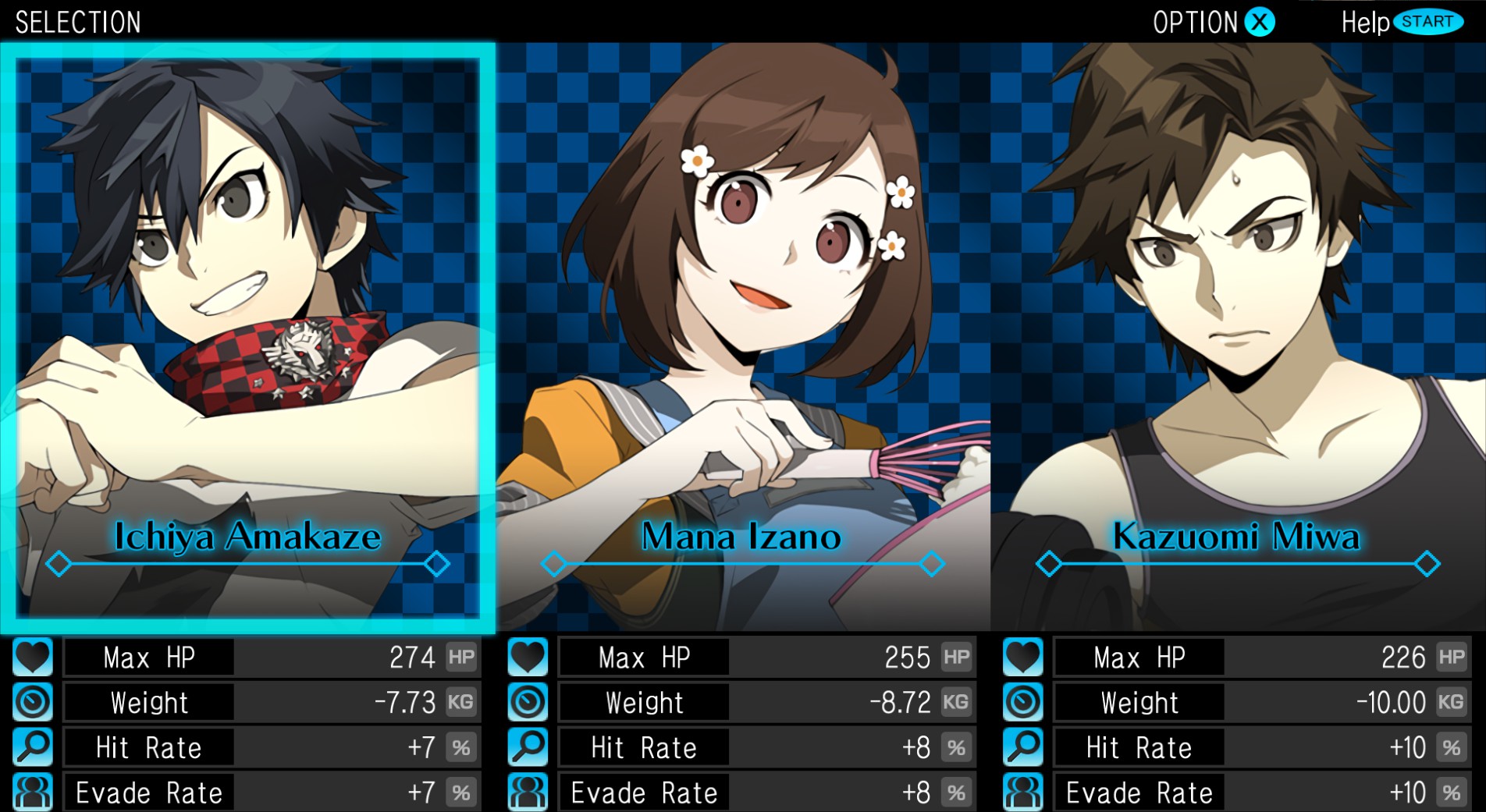
Official store screenshots from Steam — deckport links them, never rehosts. Hover to pause; click to preview.
Identity
Launch
- Binary
- Game/RayGigant.exe
- Needs files
- none beyond the binary
Proton
- Version
- GE-Proton
- Winetricks
- —
- ProtonDB
- ProtonDB Silver runs with minor issues
⚙ Setup notes
Proton: ProtonDB silver (best reported platinum, 6 reports / low confidence). Use GE-Proton (or Proton Experimental) and it boots into the JRPG menus; reports note it generally runs once a working Proton build is selected.
Controller: Single-player dungeon-crawler JRPG (originally PS Vita), so it ships with full native gamepad support — the Deck controls work out of the box, no Steam Input keyboard layout needed.
DRM: Steam DRM only — no GFWL/SecuROM/online DRM and no multiplayer servers. Fully offline once installed.
Install: Normal Steam install. The community install layout is steamapps/common/Ray Gigant/Game/RayGigant.exe — the game launches the RayGigant executable inside the Game subfolder. If your install puts the exe at the install root instead, set [launch].binary = "RayGigant.exe".
Delisting: Delisted Steam game (appid 421600), removed from sale 2024-02-29 when the license expired, so it no longer appears in the store. You must already own it. deckport only configures the prefix; it never bundles or links the game files.
The one thing to know
Supply your own copy: deckport links nothing. Delisted from Steam 2024-02-29 (license expired) and never re-released elsewhere, so it is no longer for sale.
Install: Normal Steam install. Binary is set to Game/RayGigant.exe (the RayGigant executable inside the Game subfolder, per community install instructions). If your copy's exe sits at the install root, change [launch].binary to RayGigant.exe.
Proton: Pick GE-Proton or Proton Experimental if the default complains. ProtonDB silver — community confirms it runs on Linux/Proton; not yet confirmed on this exact recipe, so status is needs-test.
Controller: Fully offline single-player JRPG with native controller support (Vita port), so input works on the Deck with no Steam Input layout.
Community guides
Write-ups and threads from people who got this (or a similar) game running. deckport links to them — it doesn't reproduce them.
Get the artwork
deckport never hosts game images. Open this game on SteamGridDB, pick
the cover / hero / logo / icon you like, and drop them into the
game folder under .deckport-art/ before you push it to the
Deck. The importer files them under the right names automatically.
Run it on your Deck
Two files: the one-time importer (deckport.py) in your
Deck's home folder, and this game's install helper. Copy the game
into ~/Games and run the helper with Steam closed — it
writes the recipe (binary, launch options, Proton version)
and registers the shortcut with artwork.