About
Resident Evil: Operation Raccoon City is a spin-off in the Resident Evil series set during the 1998 Raccoon City outbreak, in which the player controls a squad of Umbrella Security Service operatives sent to cover up the company's involvement. Co-developed by Slant Six Games and Capcom, it shifts the franchise toward squad-based third-person shooting rather than survival horror.
It received mixed-to-negative reviews, with critics faulting weak AI and design while noting the co-op could be fun. The PC version was delisted from Steam in November 2021 because of its dependence on the discontinued Games for Windows Live backend.
Screenshots
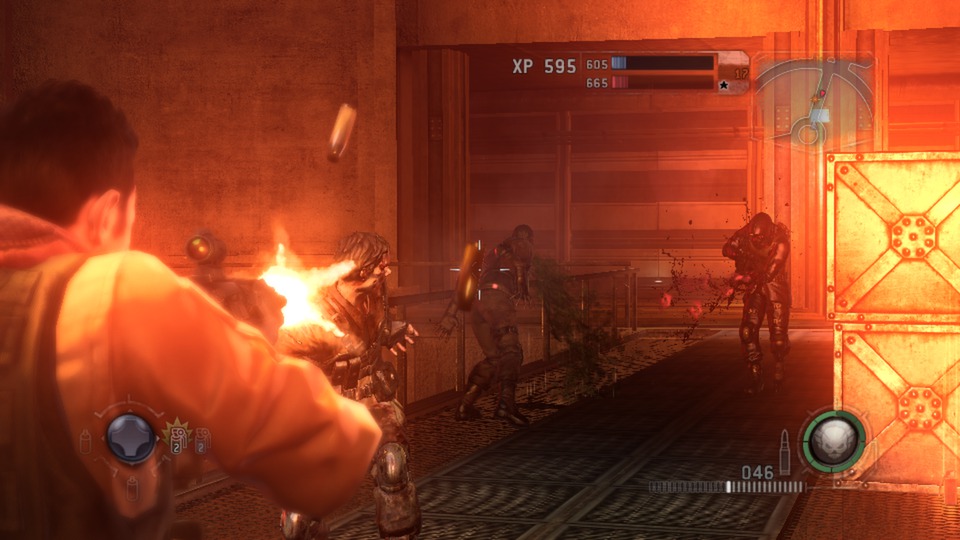
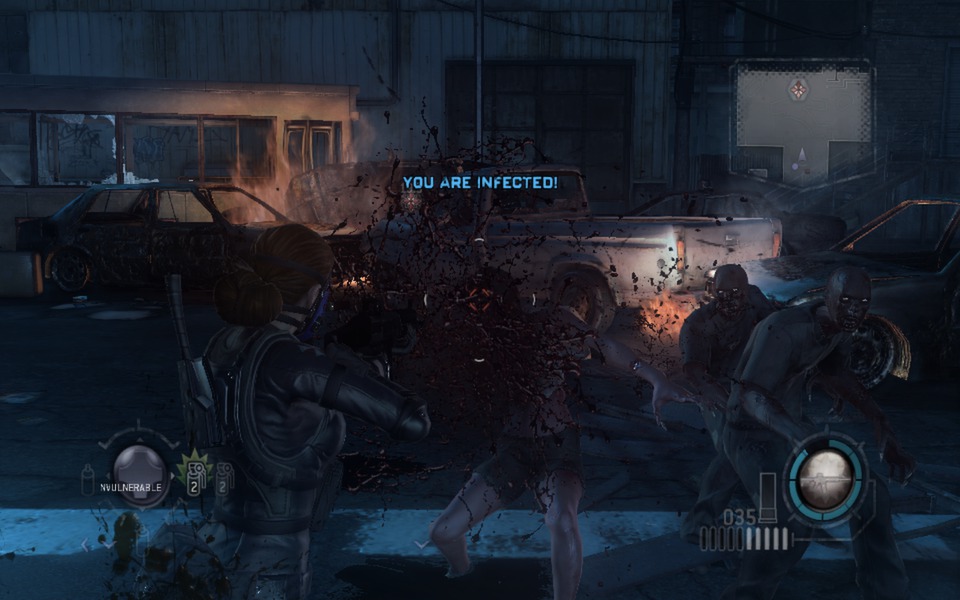
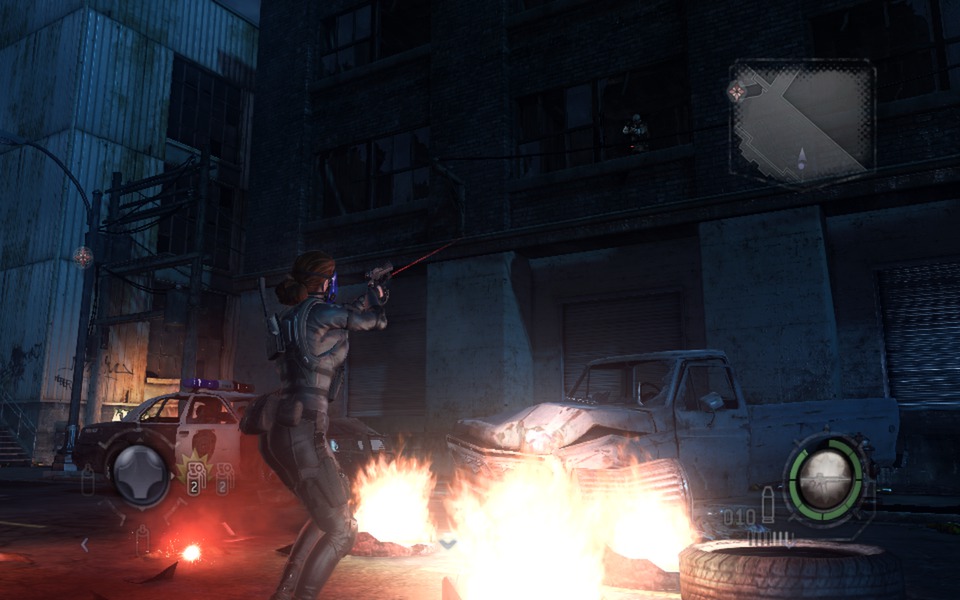
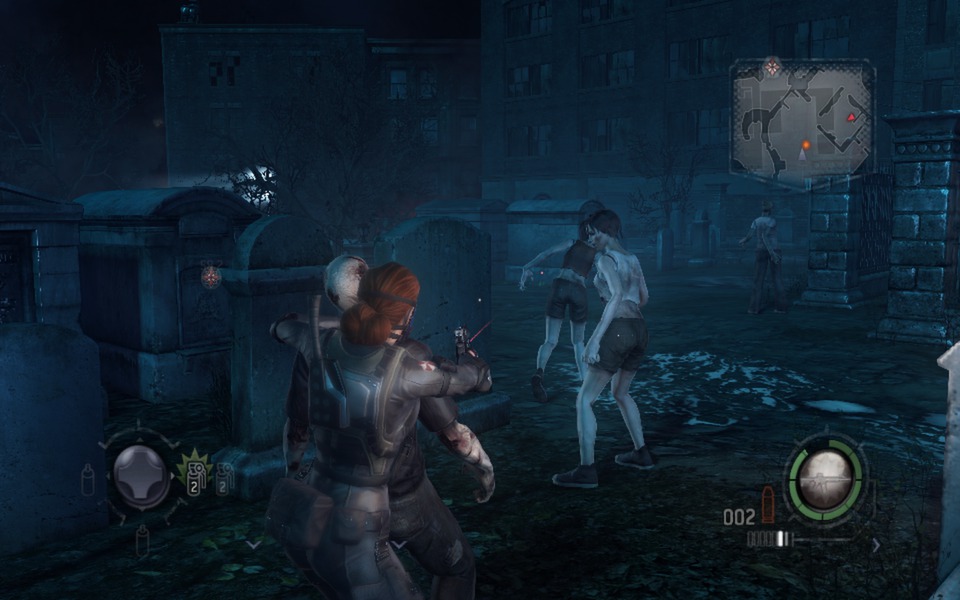
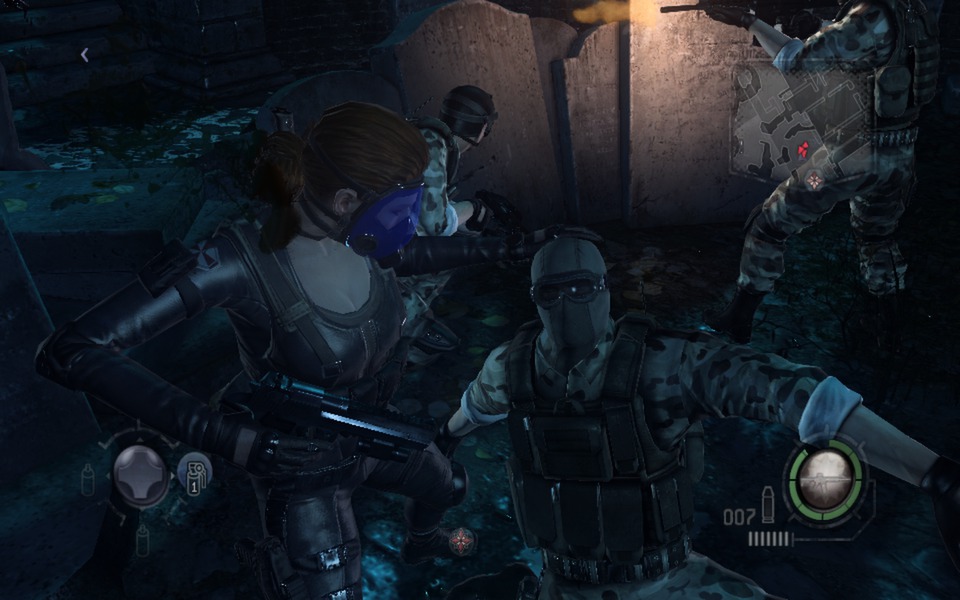
Official store screenshots from Steam — deckport links them, never rehosts. Hover to pause; click to preview.
Identity
Launch
- Binary
- RaccoonCity.exe
- Needs files
- none beyond the binary
Proton
- Version
- GE-Proton
- Winetricks
- —
- ProtonDB
- ProtonDB Silver runs with minor issues
⚙ Setup notes
Proton: Use GE-Proton7-4 (or Proton 7.0-4). Newer Proton/experimental tends to break the Games for Windows Live (GFWL) layer this game depends on.
Binary: RaccoonCity.exe.
GFWL: Launch once to trigger the DirectX + GFWL installers, quit before GFWL finishes, then provide a working xlive.dll and edit ~/.local/share/Steam/steamapps/compatdata/209100/pfx/system.reg per the community GFWL guides.
Online: Single-player works; the GFWL multiplayer servers are gone.
Install: deckport only configures the prefix; it never bundles or links the game files. Delisted Steam game (appid 209100), ProtonDB silver.
The one thing to know
Supply your own copy: deckport links nothing.
Proton: Delisted Steam game (appid 209100), ProtonDB silver — community reports it running on Deck/Proton with GE-Proton7-4.
GFWL: Requires a Games for Windows Live (GFWL) workaround — install GFWL components and supply a working xlive.dll, then patch the prefix system.reg (see community GFWL guides).
Online: Online/co-op is dead — the GFWL multiplayer servers are gone, so single-player only.
Controller: The game has built-in XInput gamepad support, and community reports say the controller works natively on Deck under GE-Proton7-4 once you enable the in-game gamepad option. If it doesn't bind correctly, fall back to a Steam Input layout that maps the gamepad to the keyboard controls.
Community guides
Write-ups and threads from people who got this (or a similar) game running. deckport links to them — it doesn't reproduce them.
Get the artwork
deckport never hosts game images. Open this game on SteamGridDB, pick
the cover / hero / logo / icon you like, and drop them into the
game folder under .deckport-art/ before you push it to the
Deck. The importer files them under the right names automatically.
Run it on your Deck
Two files: the one-time importer (deckport.py) in your
Deck's home folder, and this game's install helper. Copy the game
into ~/Games and run the helper with Steam closed — it
writes the recipe (binary, launch options, Proton version)
and registers the shortcut with artwork.