About
Riff Racer (originally released as Drive Any Track) is an arcade racing game built in Unity by FOAM Entertainment. Its MEGA system (Musical Environment Gaming Algorithm) analyzes any audio file and procedurally builds a race track from the song's structure, turning verses, choruses and drops into checkpoints while styling the cars and environment to the music's genre. Conceptually similar to Audiosurf but with full arcade car handling, it scores players on staying in sync with the track plus drifts, jumps and barrel rolls. After about seven years FOAM shut down the game's servers (late 2022) and delisted it from sale on December 1, 2022, citing revenue and hosting costs. Because the MEGA track generator was server-side, the official shutdown disabled new track generation until the community built replacement servers; existing owners restore the feature by patching ParseOctane.dll to a fan-run server.
Screenshots
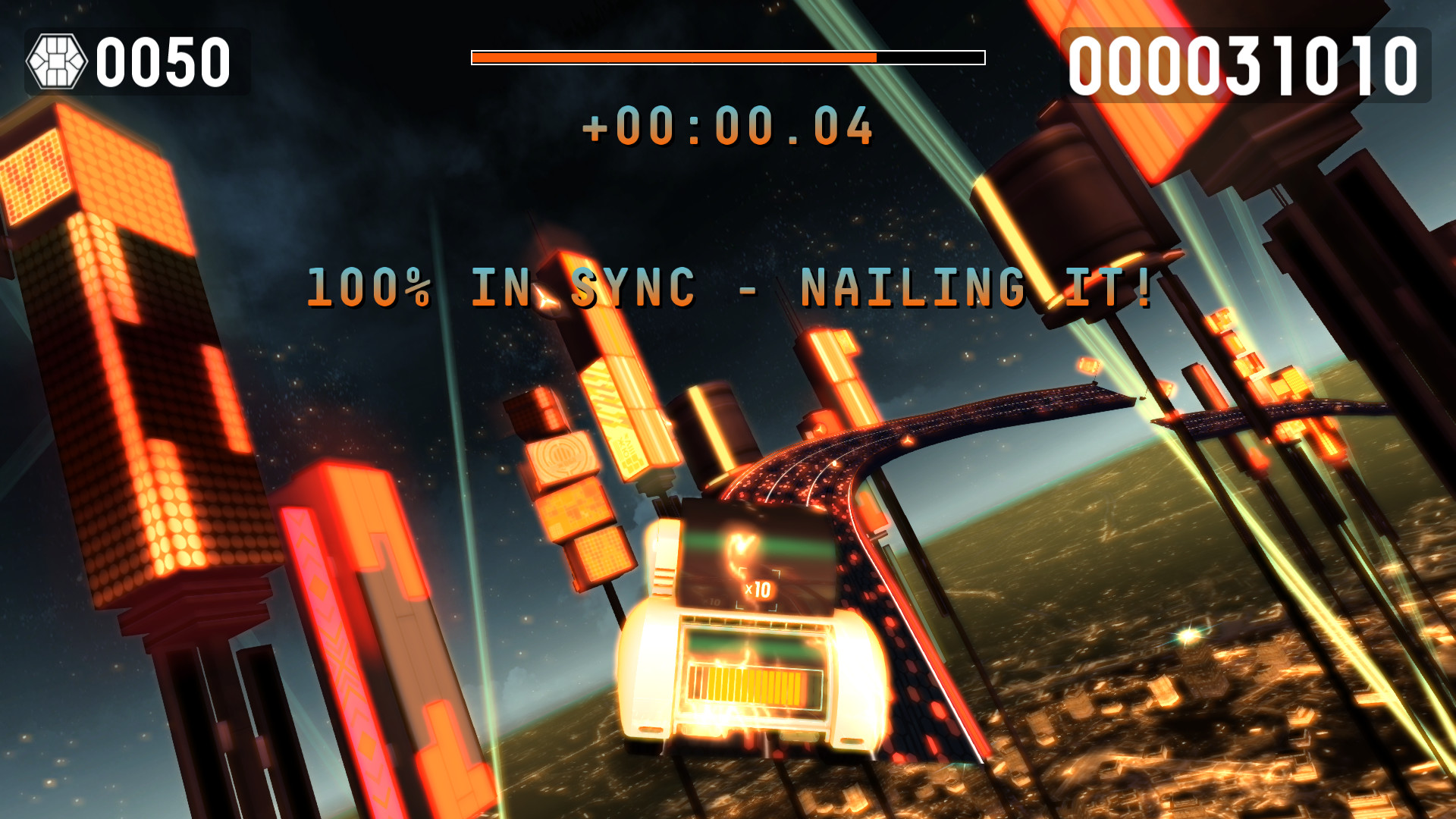
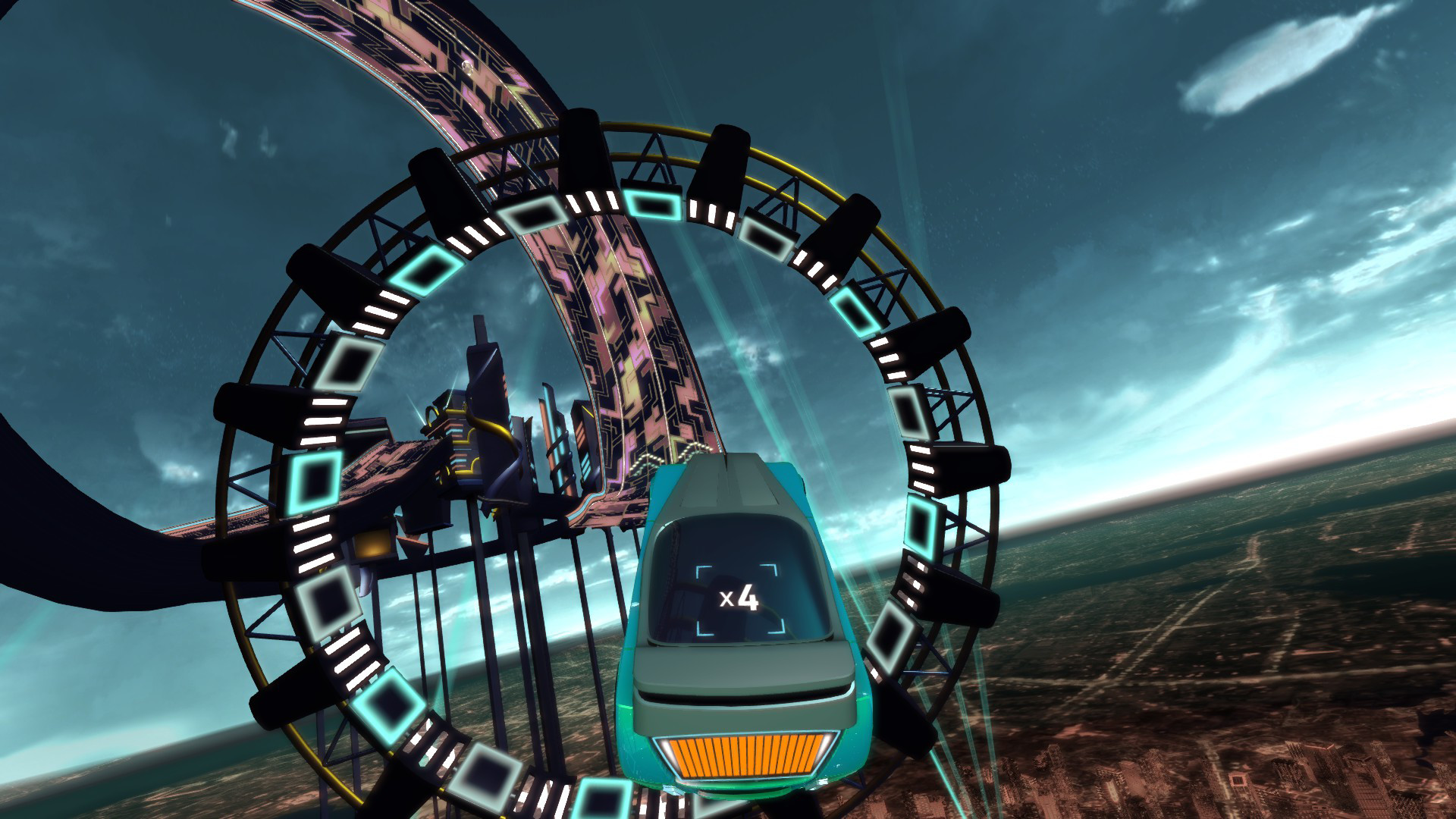

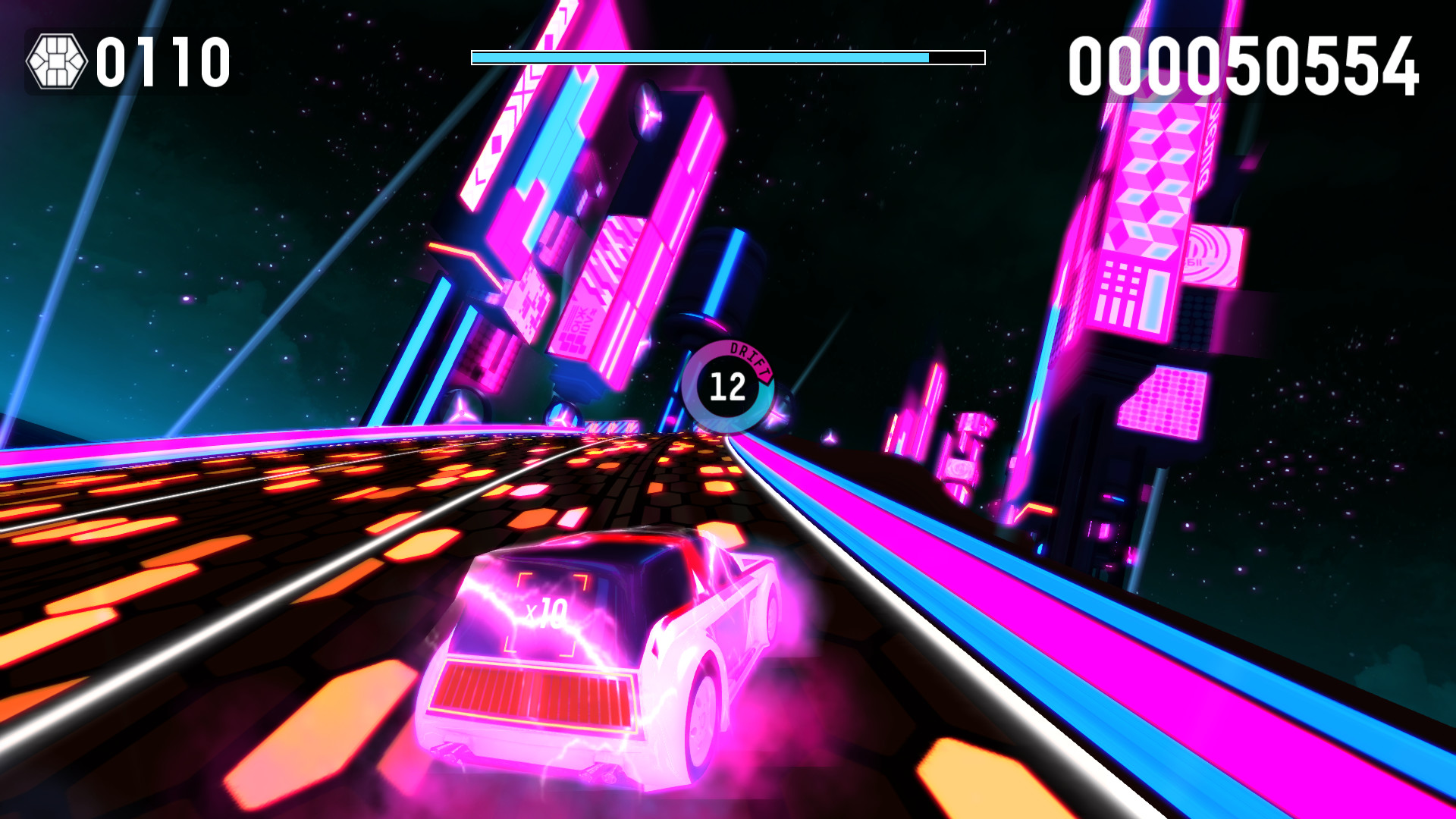
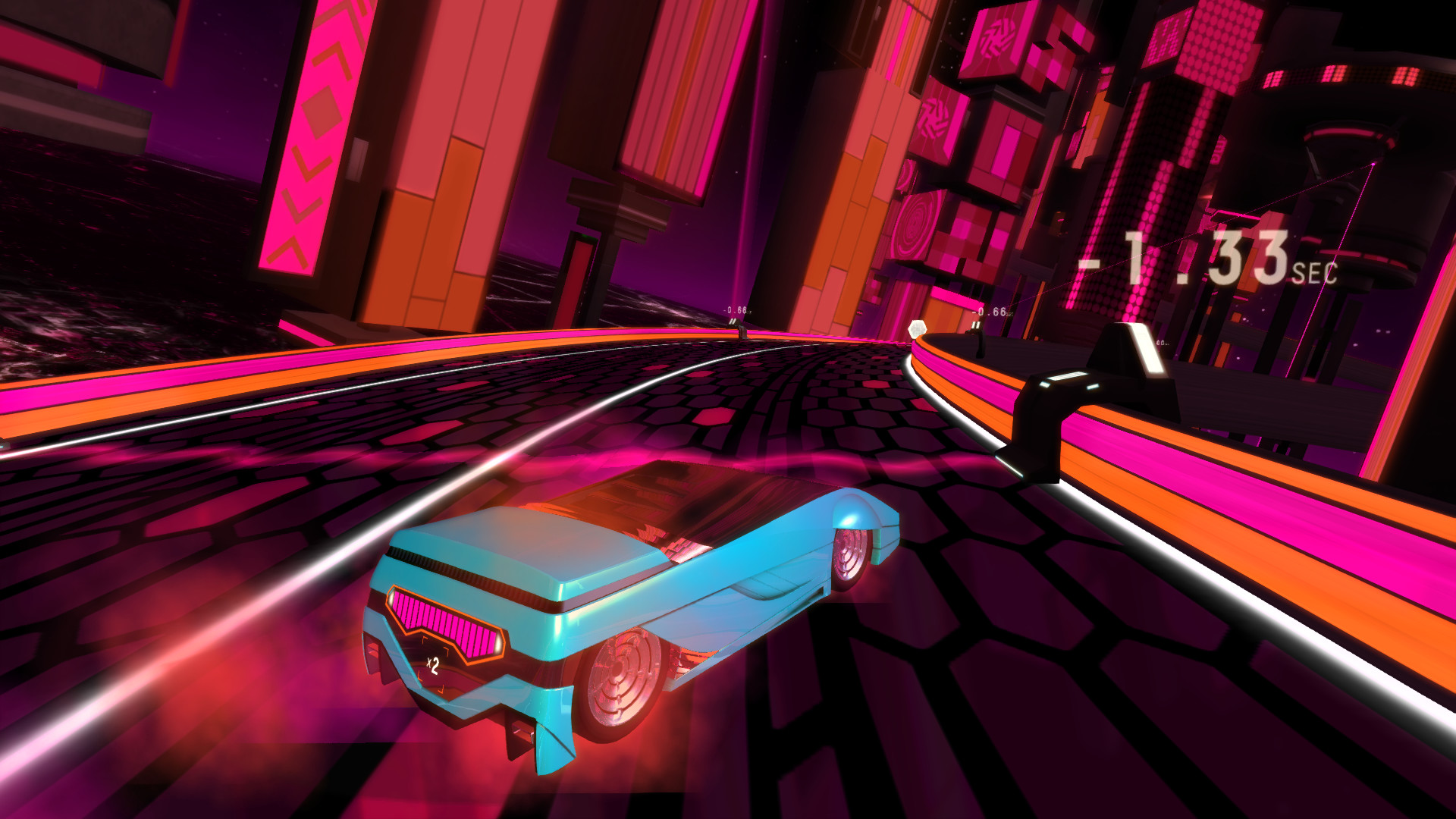
Official store screenshots from Steam — deckport links them, never rehosts. Hover to pause; click to preview.
Identity
Launch
- Binary
- game.exe
- Needs files
- none beyond the binary
Proton
- Version
- GE-Proton
- Winetricks
- —
- ProtonDB
- ProtonDB Silver runs with minor issues
⚙ Setup notes
Status: Delisted Steam game (appid 351990; pulled from sale 2022-12-01, official servers shut down late 2022 — owners can still install from their Steam library).
Install: Unity engine title; the launcher is game.exe, sitting next to the game_Data folder.
Proton: ProtonDB silver — runs on Proton; use GE-Proton (or proton_experimental) for the smoothest start.
DRM: Steam DRM only — no GFWL/SecuROM gates.
IMPORTANT — track generation is server-side: Riff Racer's MEGA track generator (and the score/leaderboard backend) ran on FOAM's official servers, which are gone. Out of the box you can launch the game but cannot generate new tracks. A community fix restores this: patch the game's ParseOctane.dll to point at the fan-run server (the rebane2001/hobune project — upload ParseOctane.dll to riffapi.hobune.stream, swap in the patched copy) or self-host the open-source Flask server locally. The community servers are read-only for scores but DO restore track generation and let you view pre-shutdown leaderboards.
Controller: Native XInput support (Xbox 360 / Xbox One pads), so the Deck's built-in gamepad maps directly without Steam Input remapping; older DirectInput pads are unsupported.
Fix: If launch hangs, add %command% with PROTON_NO_ESYNC=1 or force a fresh prefix. For the no-tracks problem, apply the ParseOctane.dll community-server patch above.
Note: deckport only configures the prefix; it never bundles or links the game files.
The one thing to know
Supply your own copy: deckport links nothing — the launcher is game.exe (Steam crash logs confirm it); verify the name in your install.
Availability: Delisted 2022-12-01 but remains installable for existing Steam library owners (passes the not-for-sale rule).
Status: ProtonDB silver (≈0.33 score over ~24 reports; trends gold, best-reported platinum, but silver is the honest overall tier); this exact deckport recipe is not yet Deck-confirmed, so it's needs-test.
Core feature needs the community fix: Official servers are gone and the MEGA track generator was server-side — out of the box you can launch but cannot generate tracks. Apply the community-server patch (ParseOctane.dll → riffapi.hobune.stream or a local self-hosted Flask server) to restore track generation; community servers are read-only for new score submissions.
Controller: Native XInput support means the Deck gamepad just works with no Steam Input remapping; no DRM/GFWL steps needed.
Community guides
Write-ups and threads from people who got this (or a similar) game running. deckport links to them — it doesn't reproduce them.
Get the artwork
deckport never hosts game images. Open this game on SteamGridDB, pick
the cover / hero / logo / icon you like, and drop them into the
game folder under .deckport-art/ before you push it to the
Deck. The importer files them under the right names automatically.
Run it on your Deck
Two files: the one-time importer (deckport.py) in your
Deck's home folder, and this game's install helper. Copy the game
into ~/Games and run the helper with Steam closed — it
writes the recipe (binary, launch options, Proton version)
and registers the shortcut with artwork.