About
Rochard is a 2D side-scrolling puzzle-platformer set in three-dimensional sci-fi environments, built in the Unity engine. You play as John Rochard, an unlucky asteroid miner who uncovers a mysterious alien artifact, and solve physics-based puzzles and light combat using the G-Lifter, a gravity gun that lifts heavy objects and lets you manipulate gravity to reach new heights. It was well received for its inventive gravity mechanics and humor, and was notable as one of the first PlayStation 3 games to use the Unity engine. It was later delisted from storefronts following developer Recoil Games' closure.
Screenshots

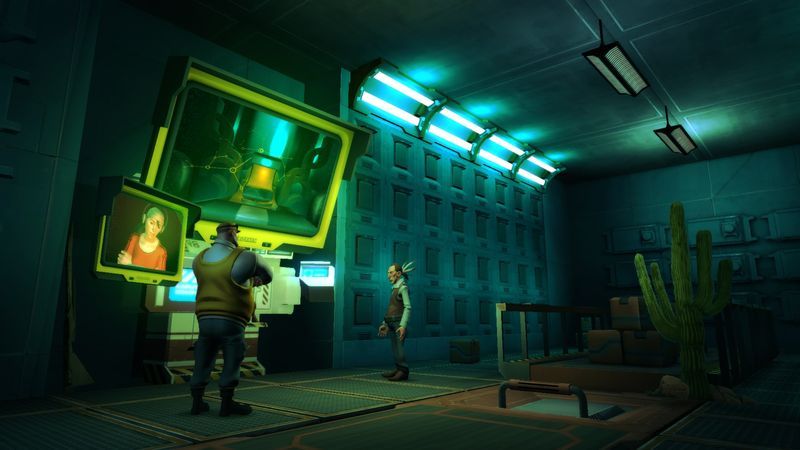
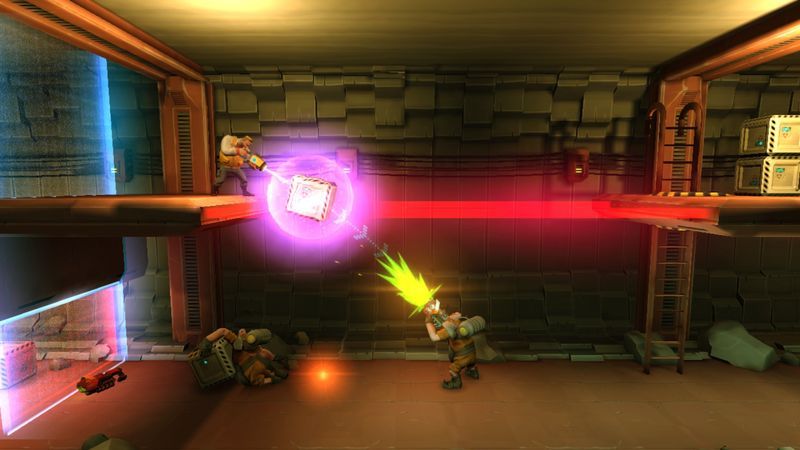

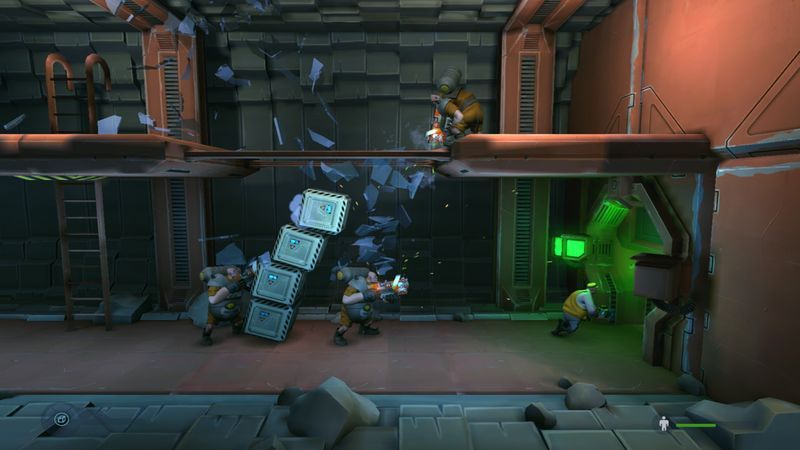
Official store screenshots from Steam — deckport links them, never rehosts. Hover to pause; click to preview.
Identity
Launch
- Binary
- Rochard.exe
- Needs files
- none beyond the binary
Proton
- Version
- GE-Proton
- Winetricks
- —
- ProtonDB
- ProtonDB Platinum runs flawlessly
⚙ Setup notes
Game: Delisted Steam game (appid 107800) — physics puzzle-platformer by Recoil Games, removed from Steam in 2021 after the studio's bankruptcy.
Proton: ProtonDB rates the Windows build platinum (small sample — only ~4 reports, low confidence — but no trouble reports) and it runs out-of-the-box: install, set Proton (GE-Proton or proton_experimental both work; Valve Proton is fine too), launch Rochard.exe.
Native Linux note: Rochard also shipped a native Linux build (added via Humble Indie Bundle 6 in 2012). If your copy includes the Linux depot you can run that directly on the Deck instead of Proton; this recipe targets the Windows build under Proton, which is the more universally available form.
DRM: Steam wrapper only — no GFWL, no SecuROM, no DRM hoops and no online servers to worry about (offline single-player).
Controller: Native Xbox/gamepad support, so it works as-is on the Deck's controls; if a pad isn't detected just apply the Steam-bundled Gamepad layout.
Install: deckport only configures the prefix; it never bundles the game files.
The one thing to know
Supply your own copy: deckport links nothing. Confirm the exe name matches your install (standard is Rochard.exe).
Availability: Delisted from Steam in 2021 (Recoil Games bankruptcy); not sold anywhere now.
Compatibility: ProtonDB platinum (small sample, low confidence) — the handful of reports show it running cleanly under Proton, so this should be a near-zero-effort Deck title. A native Linux build also exists if your copy includes it. Offline single-player, native gamepad support, no DRM/GFWL.
Status: Not yet personally verified on a Deck (status needs-test).
Community guides
Write-ups and threads from people who got this (or a similar) game running. deckport links to them — it doesn't reproduce them.
Get the artwork
deckport never hosts game images. Open this game on SteamGridDB, pick
the cover / hero / logo / icon you like, and drop them into the
game folder under .deckport-art/ before you push it to the
Deck. The importer files them under the right names automatically.
Run it on your Deck
Two files: the one-time importer (deckport.py) in your
Deck's home folder, and this game's install helper. Copy the game
into ~/Games and run the helper with Steam closed — it
writes the recipe (binary, launch options, Proton version)
and registers the shortcut with artwork.