About
RollerCoaster Tycoon 3 is a 2004 amusement-park construction and management sim, the first entry in the series to render parks in full 3D and let players ride their own coasters via the in-game CoasterCam. Players build rides, scenery, shops and staff while keeping visitors ("peeps") happy, across a scenario-based career mode and an open sandbox mode. The Platinum edition bundles the base game with both expansions: Soaked! (water parks) and Wild! (zoos and animals).
Well-reviewed and long a fan favorite, the original appid was delisted from Steam in May 2018 amid an Atari/Frontier royalty dispute; a separately published Complete Edition is a different product.
Screenshots
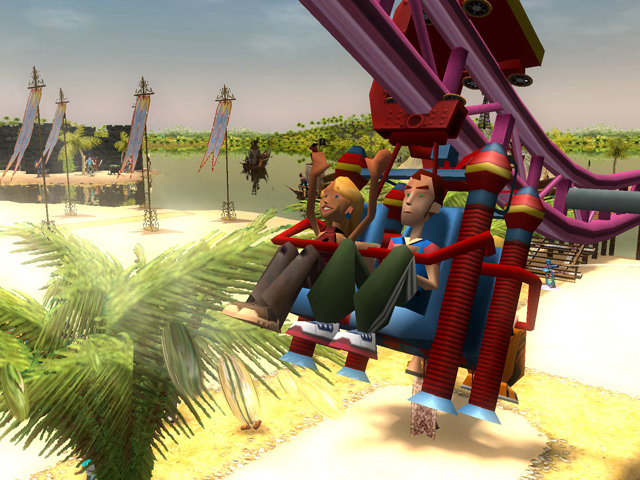
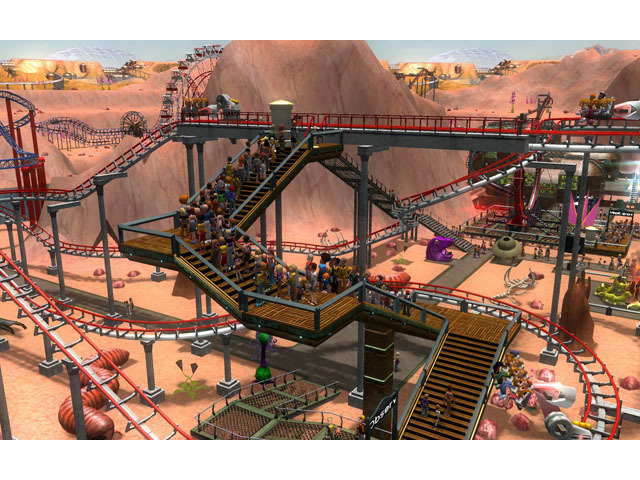
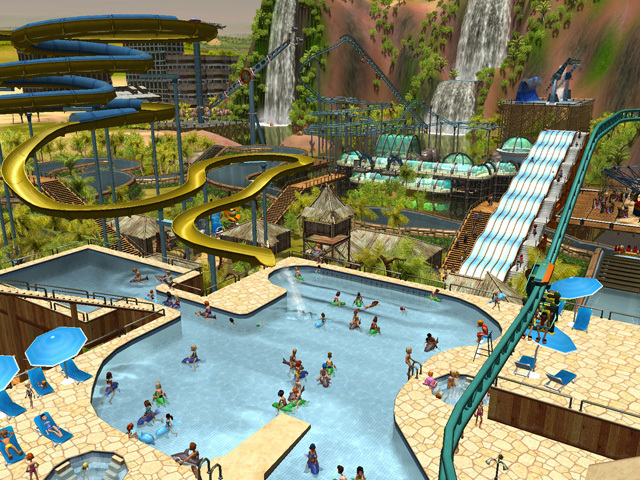
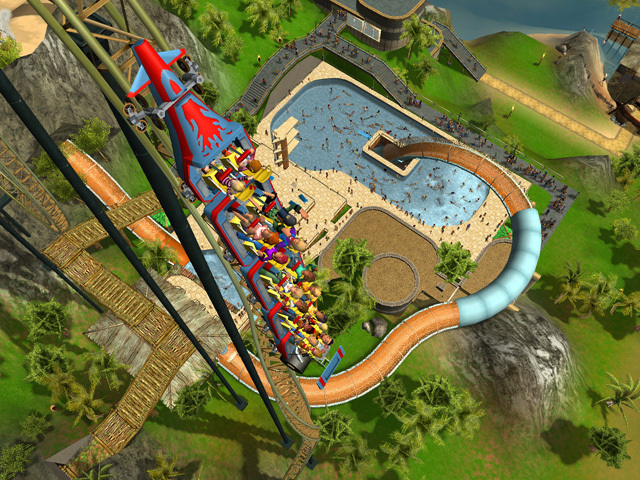
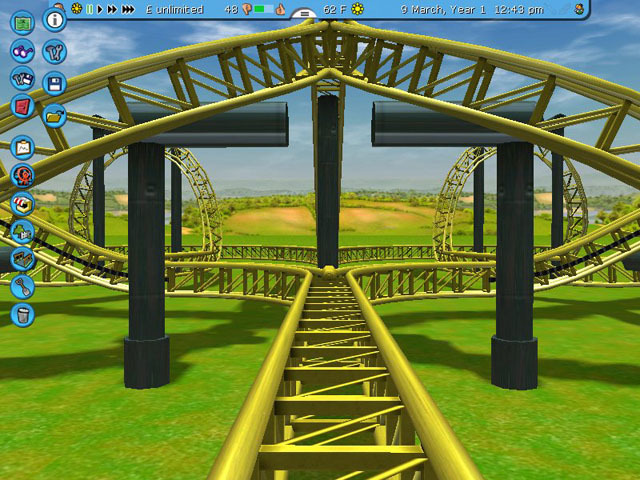
Official store screenshots from Steam — deckport links them, never rehosts. Hover to pause; click to preview.
Identity
Launch
- Binary
- RCT3plus.exe
- Options
- %command%
- Needs files
- none beyond the binary
Proton
- Version
- GE-Proton
- Winetricks
- —
- ProtonDB
- ProtonDB Gold runs perfectly after tweaks
⚙ Setup notes
Delisted: Delisted Steam game (appid 2700, pulled May 2018 over the Atari/Frontier royalty dispute). The Platinum binary is RCT3plus.exe (the still-sold Complete Edition is a different appid, 1368820, and uses RCT3.exe).
Proton: ProtonDB tier gold: runs well on Linux/Proton with no DRM blockers. Use GE-Proton or proton_experimental.
Fix: Known gotcha: holding Shift to elevate buildings while placing them can fail under DXVK/D9VK — if you hit that, force WineD3D for the D3D9 path by adding PROTON_USE_WINED3D=1 to the launch options.
Display: Widescreen/1080p: the game runs at 4:3/5:4 by default; set resolution by editing Options.txt in the prefix (compatdata .../pfx user AppData\Atari\RCT3\Options.txt) and adding a Resolution 1280 800 line for the Deck panel, or pick the closest in-game res.
Cosmetic: The CoasterCam stays 5:4 and stretches on widescreen.
Install: deckport only configures the prefix; it never bundles or links the game files.
The one thing to know
Supply your own copy. deckport links nothing.
Delisted: Delisted (appid 2700, removed May 2018); the Complete Edition re-release is a separate product.
Proton: ProtonDB gold — community reports it runs on Linux/Proton, so it should play on the Deck (needs a hands-on Deck pass to confirm).
Controller: No native controller support: it is a mouse+keyboard park sim, so set up a Steam Input gamepad layout (trackpad-as-mouse + on-screen/keyboard binds) — fully playable on Deck that way, just not plug-and-play.
Fix: If Shift-to-elevate placement misbehaves, add PROTON_USE_WINED3D=1.
Display: Pick a Deck-friendly resolution via Options.txt; CoasterCam is locked 5:4 and stretches in widescreen.
Community guides
Write-ups and threads from people who got this (or a similar) game running. deckport links to them — it doesn't reproduce them.
Get the artwork
deckport never hosts game images. Open this game on SteamGridDB, pick
the cover / hero / logo / icon you like, and drop them into the
game folder under .deckport-art/ before you push it to the
Deck. The importer files them under the right names automatically.
Run it on your Deck
Two files: the one-time importer (deckport.py) in your
Deck's home folder, and this game's install helper. Copy the game
into ~/Games and run the helper with Steam closed — it
writes the recipe (binary, launch options, Proton version)
and registers the shortcut with artwork.