About
Saint Seiya: Soldiers' Soul is a 3D arena fighting game based on Masami Kurumada's Saint Seiya (Knights of the Zodiac) manga and anime. Developed by Dimps and published by Bandai Namco, it is an expanded successor to Saint Seiya: Brave Soldiers, adapting the Sanctuary, Asgard, Poseidon and Hades sagas with a roster of more than 70 fighters across numerous costumes and stages. The PC version arrived in late 2015 and was later delisted from Steam, leaving it unavailable for new purchase.
Screenshots
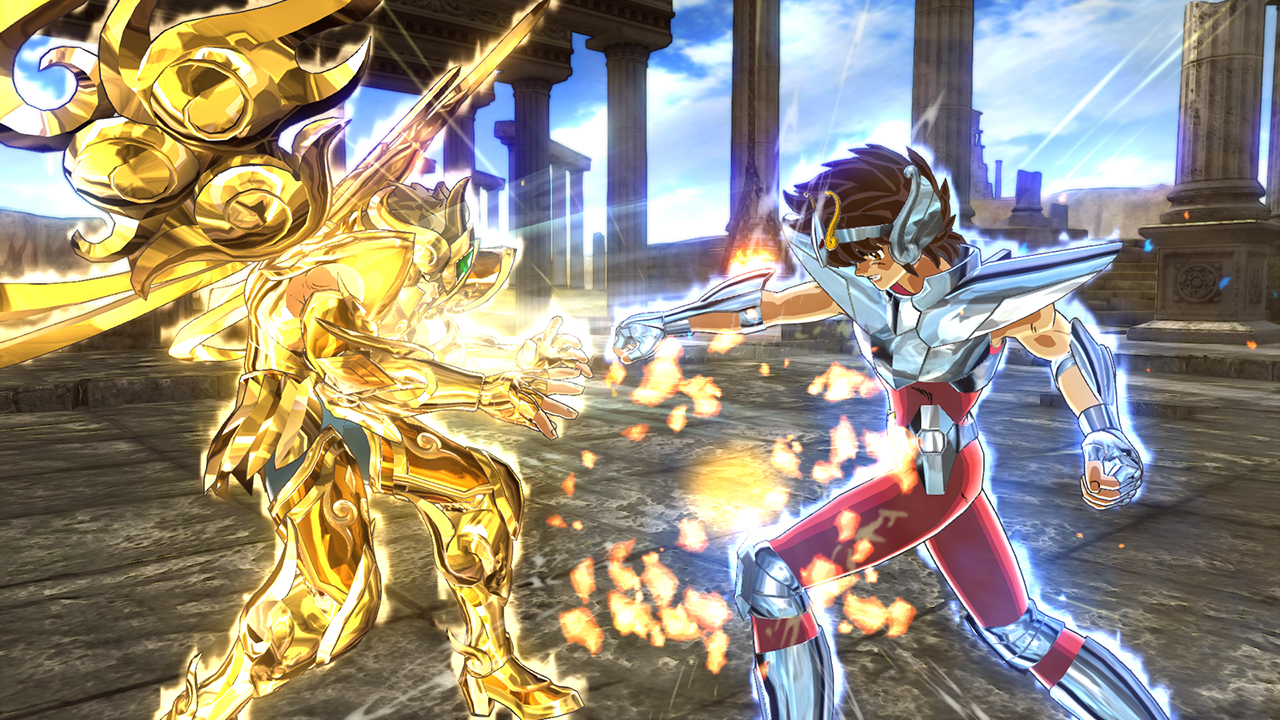
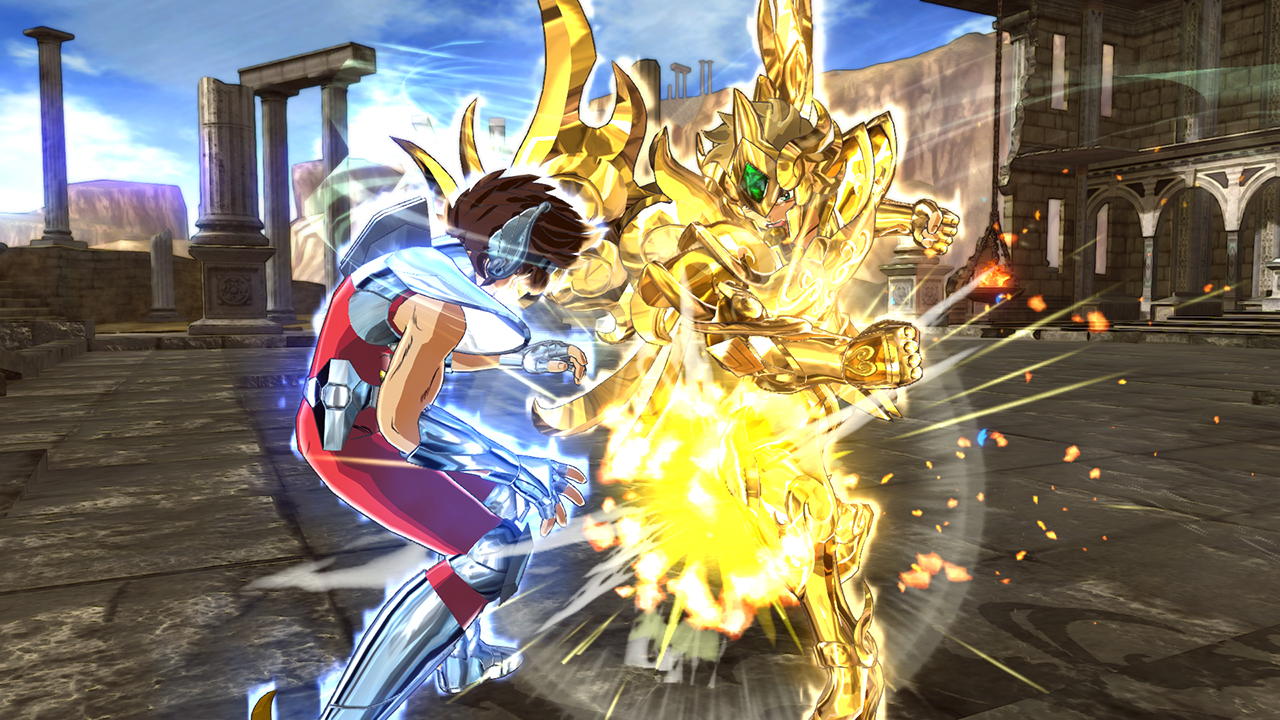
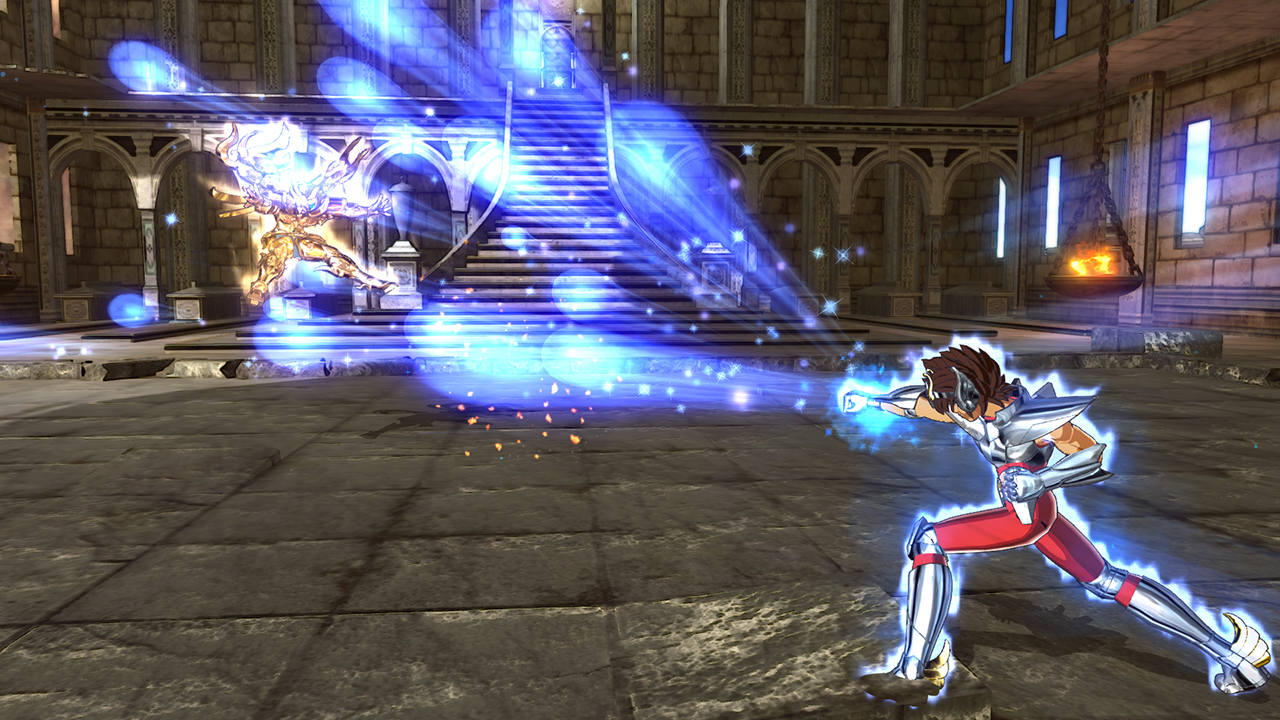
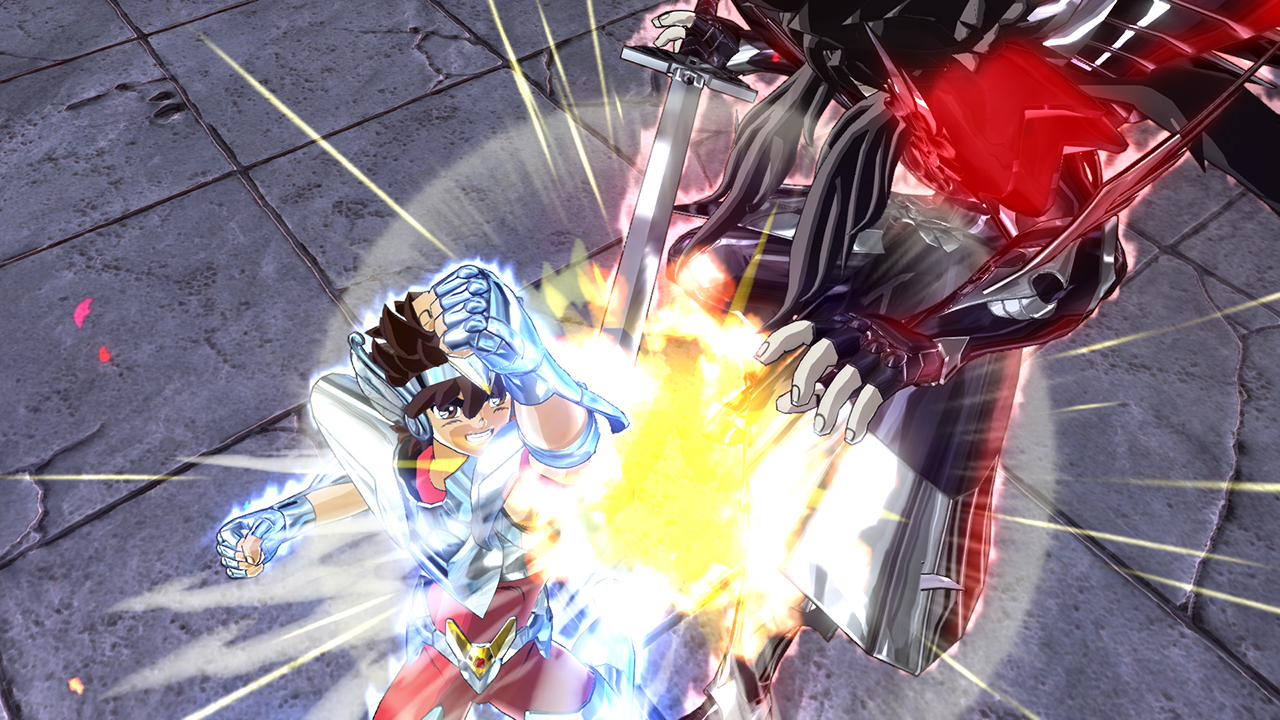
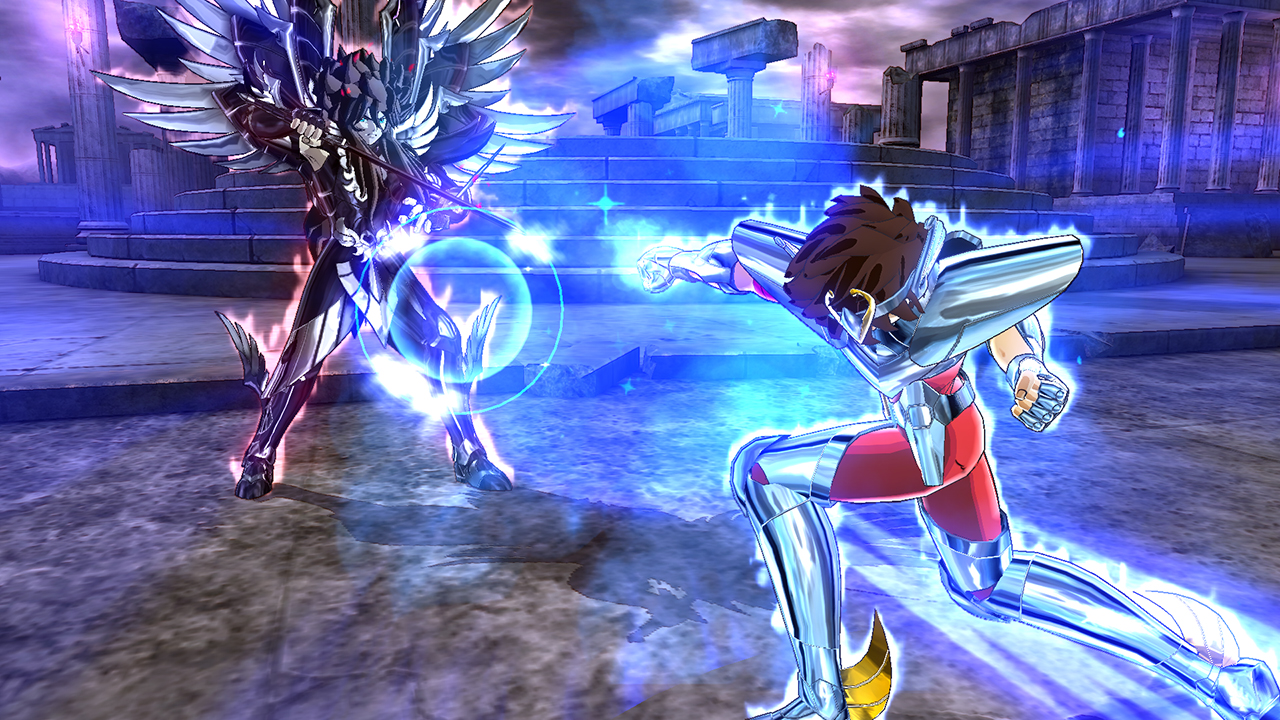
Official store screenshots from Steam — deckport links them, never rehosts. Hover to pause; click to preview.
Identity
Launch
- Binary
- SSSS.exe
- Needs files
- none beyond the binary
Proton
- Version
- Proton 7.0-6
- Winetricks
- —
- ProtonDB
- ProtonDB Silver runs with minor issues
⚙ Setup notes
Game: Delisted Steam game (appid 348710), a 3D arena fighter. ProtonDB silver — community reports it running on Linux/Proton, and it became playable on the Deck via a Proton update.
Proton: Use Proton 7.0-6 (stable); GE-Proton also works. Real executable is SSSS.exe in steamapps/common/SSSS/.
DRM: No GFWL/SecuROM DRM to bypass.
Controller: Native controller handling is flaky on raw Windows (people resort to x360ce/JoyToKey), but on the Deck Steam Input presents the built-in gamepad as a standard controller, so a Gamepad/Gamepad-with-Joystick-Trackpad layout maps it cleanly without those hacks.
Known issue: A few arenas/stages can render incorrectly under Proton (Valve/Proton #3128).
Install: deckport only configures the prefix; it never bundles or links the game files.
The one thing to know
Supply your own copy. Delisted Steam game (appid 348710); deckport links nothing.
Proton: ProtonDB silver, confirmed running on Deck under Proton 7. Binary is SSSS.exe (steamapps/common/SSSS/).
Controller: On Deck, use a Steam Input Gamepad layout — native controller support is unreliable on Windows, but Steam Input handles it cleanly, so no x360ce/JoyToKey needed.
Known issues: A few arenas may render incorrectly under Proton (Valve/Proton #3128); rare black-screen-on-launch reports exist, usually resolved by switching Proton version.
Status: Recipe config not yet hands-on tested on a specific Deck.
Community guides
Write-ups and threads from people who got this (or a similar) game running. deckport links to them — it doesn't reproduce them.
Get the artwork
deckport never hosts game images. Open this game on SteamGridDB, pick
the cover / hero / logo / icon you like, and drop them into the
game folder under .deckport-art/ before you push it to the
Deck. The importer files them under the right names automatically.
Run it on your Deck
Two files: the one-time importer (deckport.py) in your
Deck's home folder, and this game's install helper. Copy the game
into ~/Games and run the helper with Steam closed — it
writes the recipe (binary, launch options, Proton version)
and registers the shortcut with artwork.