About
Section 8: Prejudice is a sci-fi first-person shooter and the direct sequel to 2009's Section 8, built on Unreal Engine 3. A digital download-only title, it offered more content than its predecessor across a single-player campaign and several multiplayer modes. The PC and Xbox 360 versions earned generally favorable reviews, with critics praising the volume of content while criticizing the execution. It was delisted from Steam in September 2020, likely due to an expired publishing agreement, and its PC online features relied on the now-defunct Games for Windows - LIVE.
Screenshots
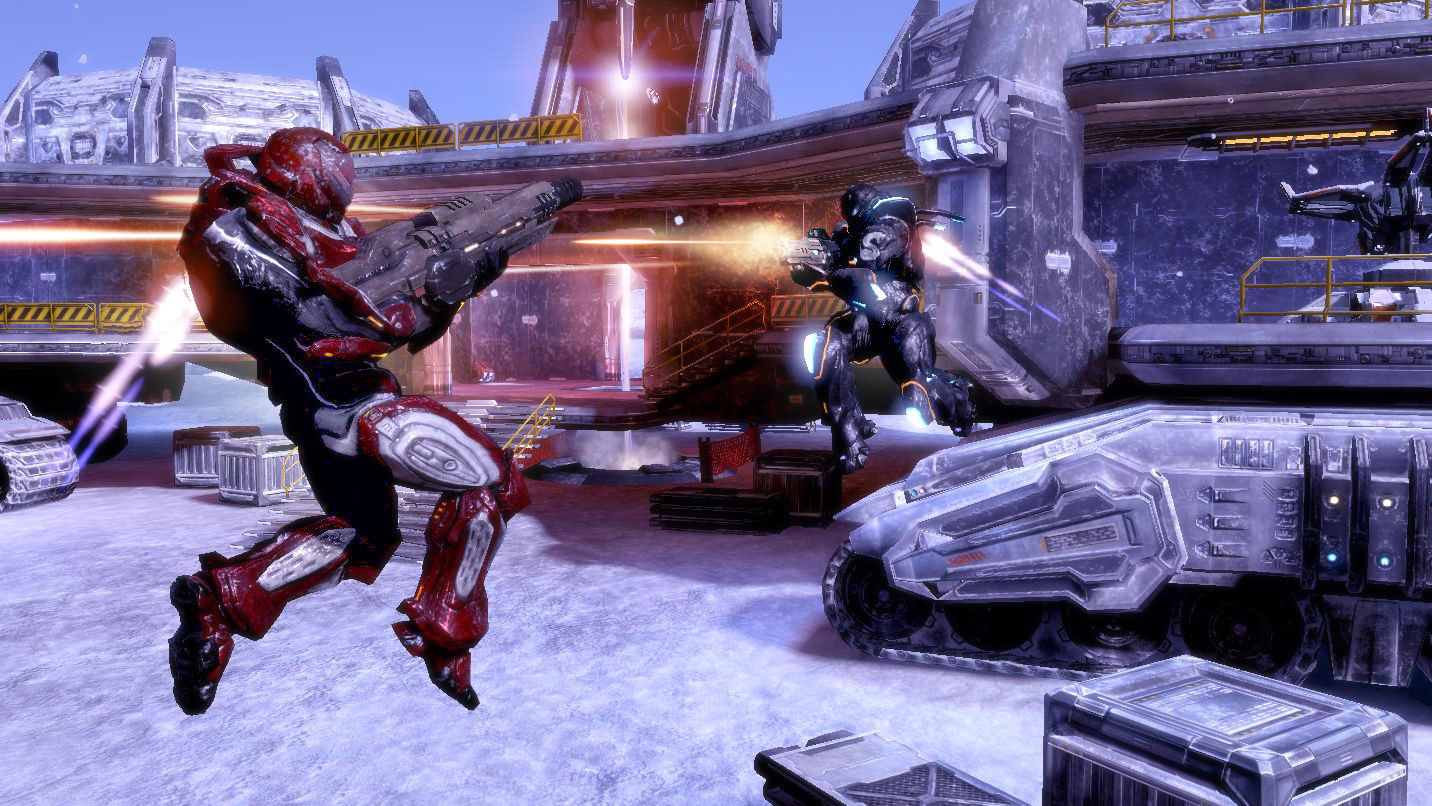
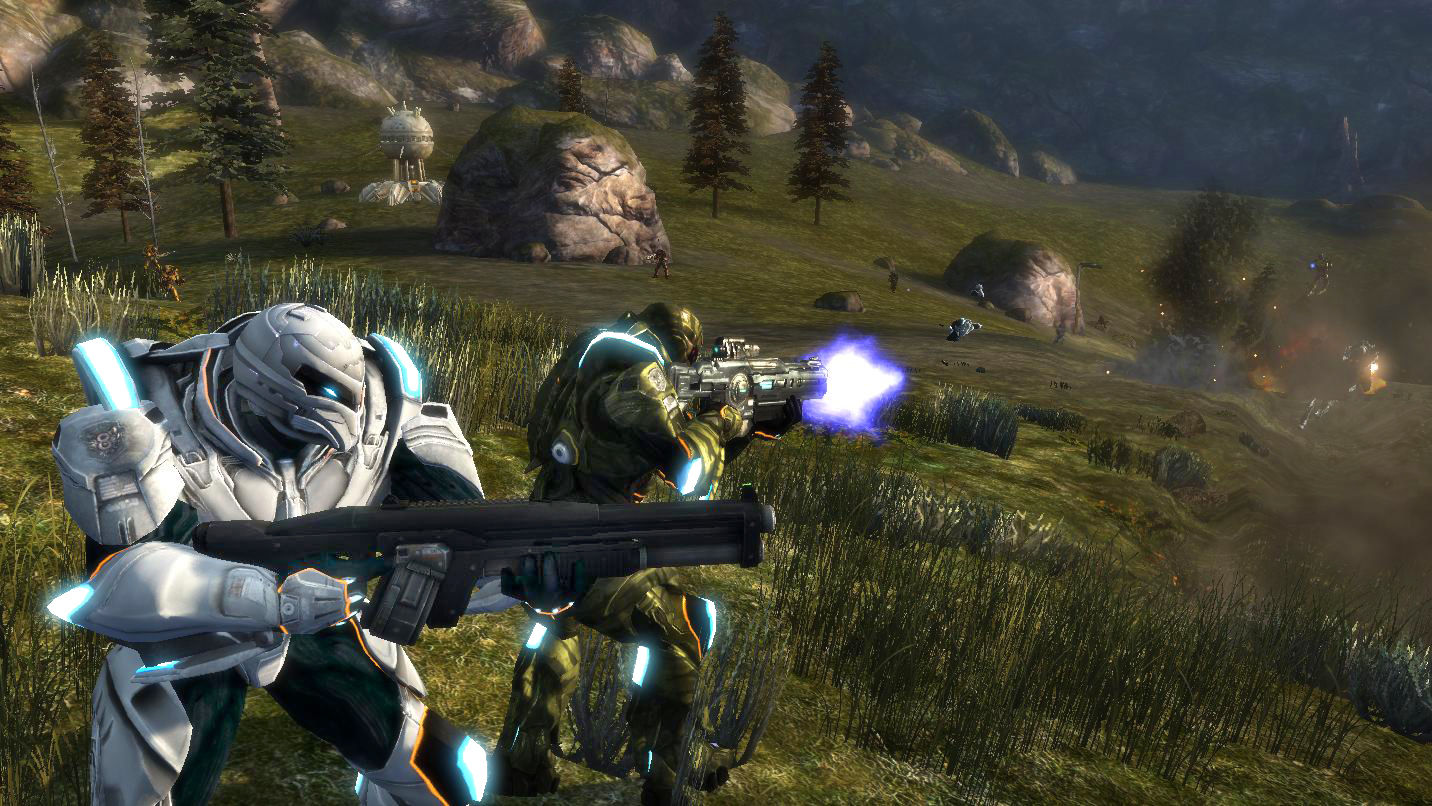
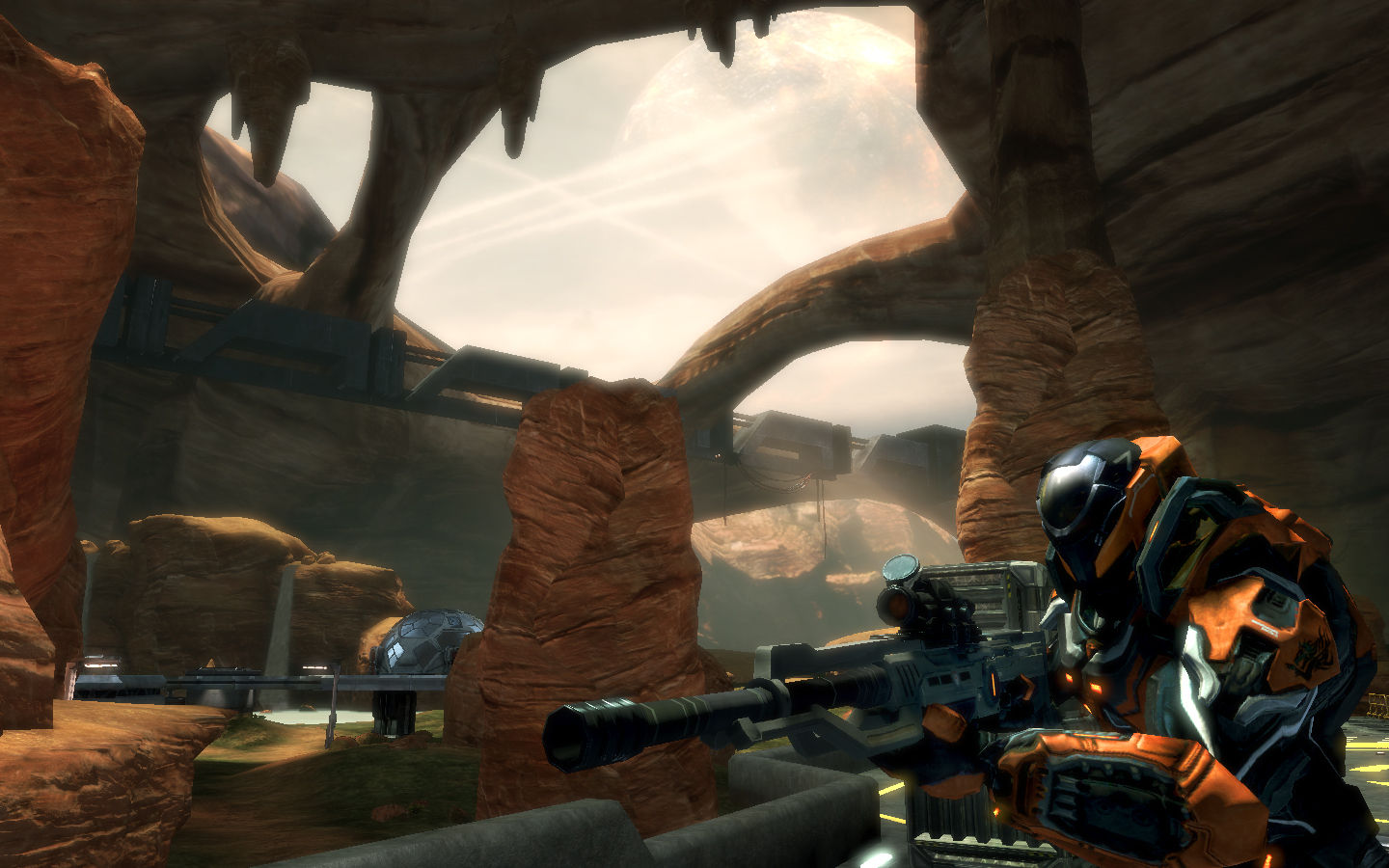

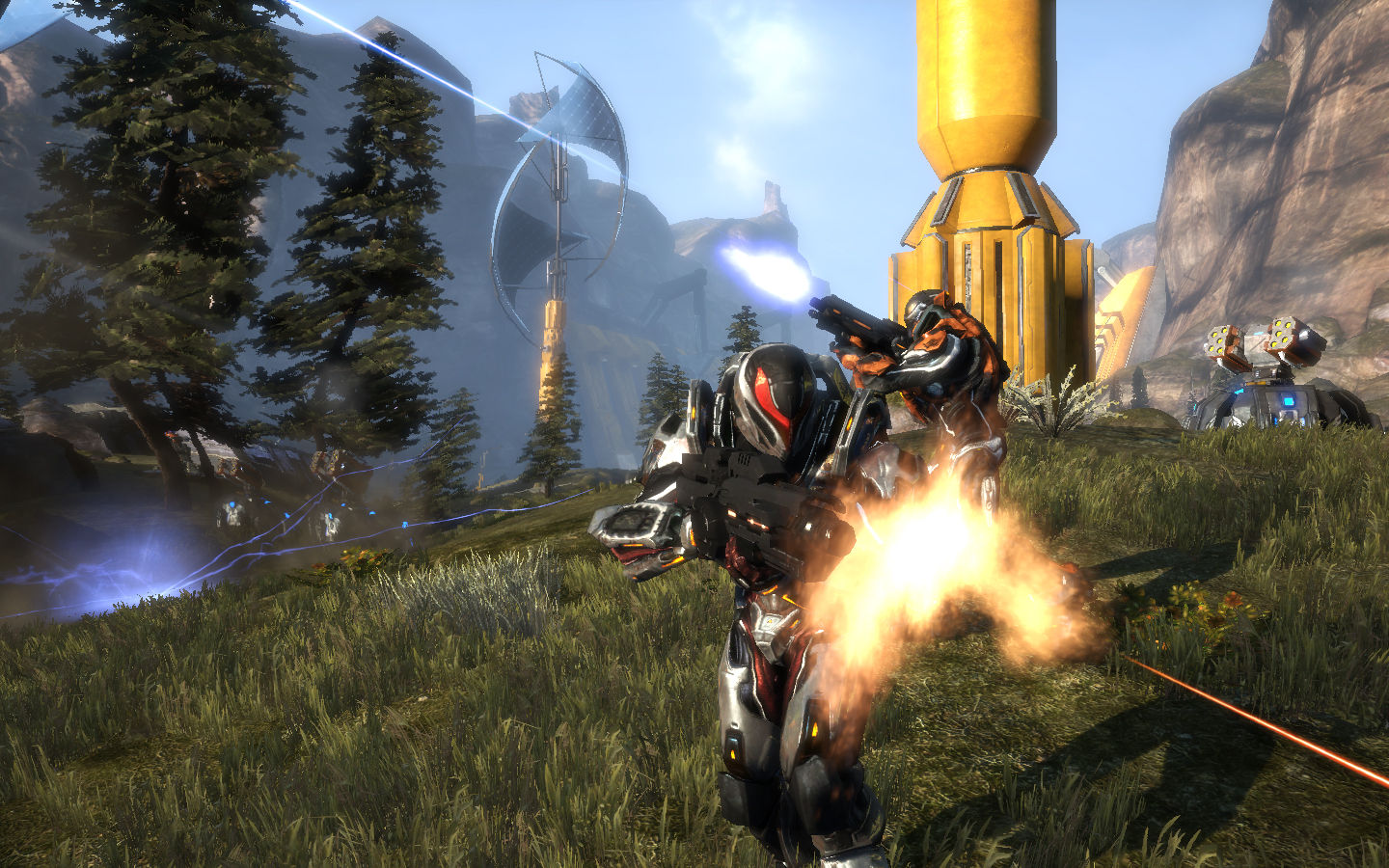
Official store screenshots from Steam — deckport links them, never rehosts. Hover to pause; click to preview.
Identity
Launch
- Binary
- Binaries/Win32/S9-Win32-F.exe
- Needs files
- none beyond the binary
Proton
- Version
- GE-Proton
- Winetricks
- —
- ProtonDB
- ProtonDB Silver runs with minor issues
⚙ Setup notes
Game: Delisted UE3 FPS (Steam appid 97100). ProtonDB tier silver; Deck-Verified status Unsupported.
GFWL: The one real blocker is Games for Windows Live (GFWL) — Microsoft shut the Marketplace, so online auth/saves break under stock GFWL.
Fix: Bypass GFWL by replacing xlive.dll in <install>\Binaries\Win32 with a GFWL-emulator/stub dll; with that in place the game launches into offline mode and saves/settings persist. The game exe is S9-Win32-F.exe (TimeGate's internal codename for the game is "S9") — sits next to xlive.dll in that same folder.
Proton: Use GE-Proton (community reports GE-Proton9-25 plus a Media Foundation DLL for video); older reports got the in-game GFWL installer to complete on Proton 4.11-13 but progression did not save without the xlive.dll bypass.
Controller: Native gamepad support (console-port FPS) — Steam Input plays nice; no keyboard/mouse layout needed.
Install: deckport only configures the prefix; it never bundles or links the game files.
The one thing to know
Supply your own copy. deckport links nothing.
DRM: GFWL dependency is the main hurdle — bypass it by dropping a stub/emulator xlive.dll into Binaries\Win32 so the game runs offline with working saves; otherwise it loads but won't persist progress.
Multiplayer: Dead (official GFWL/Marketplace servers shut down) — single-player/bots/LAN only.
Controller: Native controller support, so Steam Input works out of the box.
Binary: Binaries/Win32/S9-Win32-F.exe (signed by TimeGate Studios; "S9" is the game's internal codename).
Tier: ProtonDB silver, Deck-Verified Unsupported.
Community guides
Write-ups and threads from people who got this (or a similar) game running. deckport links to them — it doesn't reproduce them.
Get the artwork
deckport never hosts game images. Open this game on SteamGridDB, pick
the cover / hero / logo / icon you like, and drop them into the
game folder under .deckport-art/ before you push it to the
Deck. The importer files them under the right names automatically.
Run it on your Deck
Two files: the one-time importer (deckport.py) in your
Deck's home folder, and this game's install helper. Copy the game
into ~/Games and run the helper with Steam closed — it
writes the recipe (binary, launch options, Proton version)
and registers the shortcut with artwork.