About
Shiftlings is a 2.5D puzzle-platformer in which two alien twins are tethered together by an oxygen cable; players inflate and deflate the pair to solve momentum and traversal puzzles across five interstellar worlds and 50 stages. Developed by Norwegian studio Rock Pocket Games and published by Sierra Entertainment, it released in 2015 on PC, PS4, Xbox One and Wii U, with a later Switch Enhanced Edition.
The PC version was delisted from Steam after the Sierra publishing arrangement lapsed, though it was generally well received for its cooperative design and presentation.
Screenshots
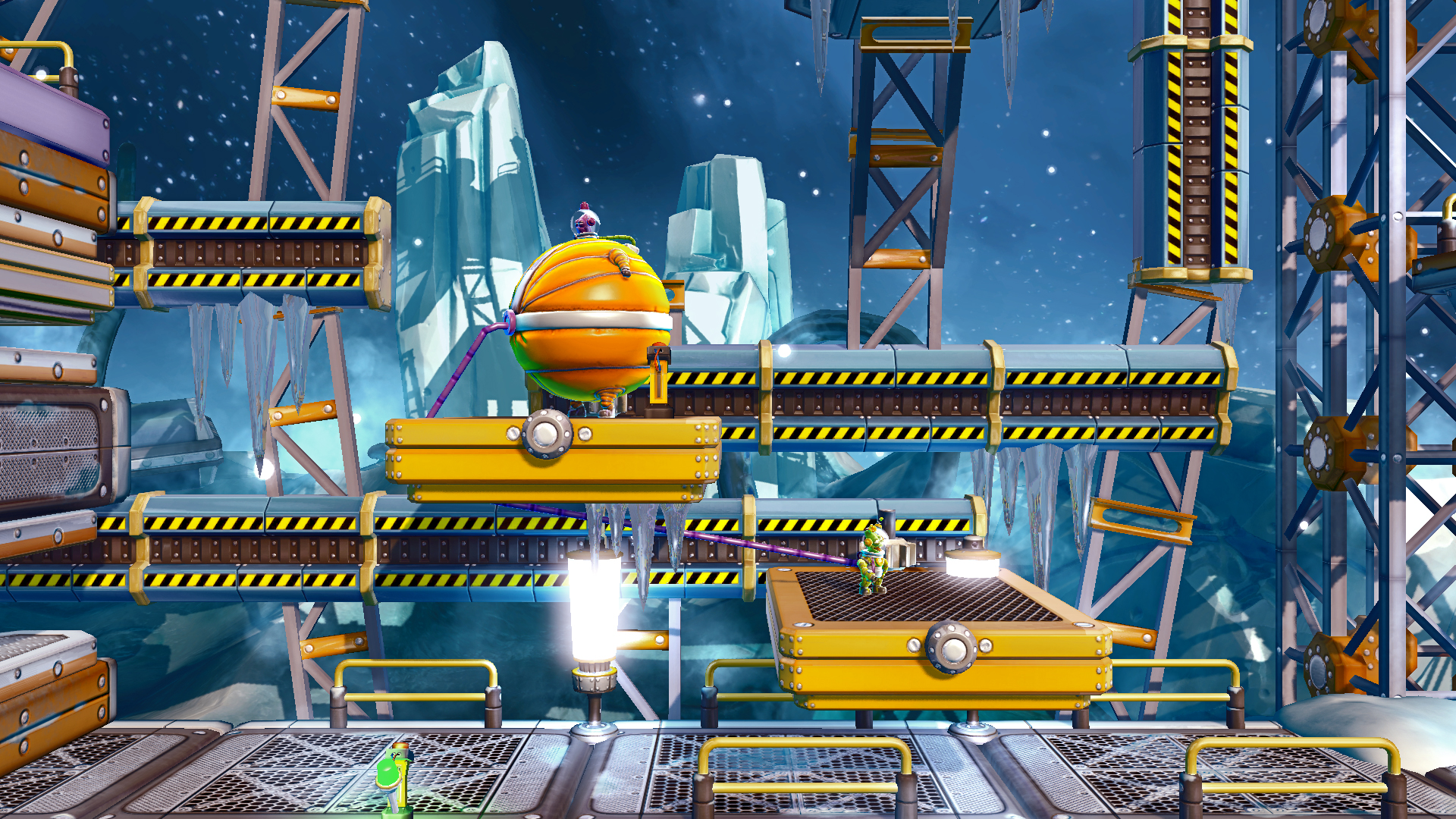
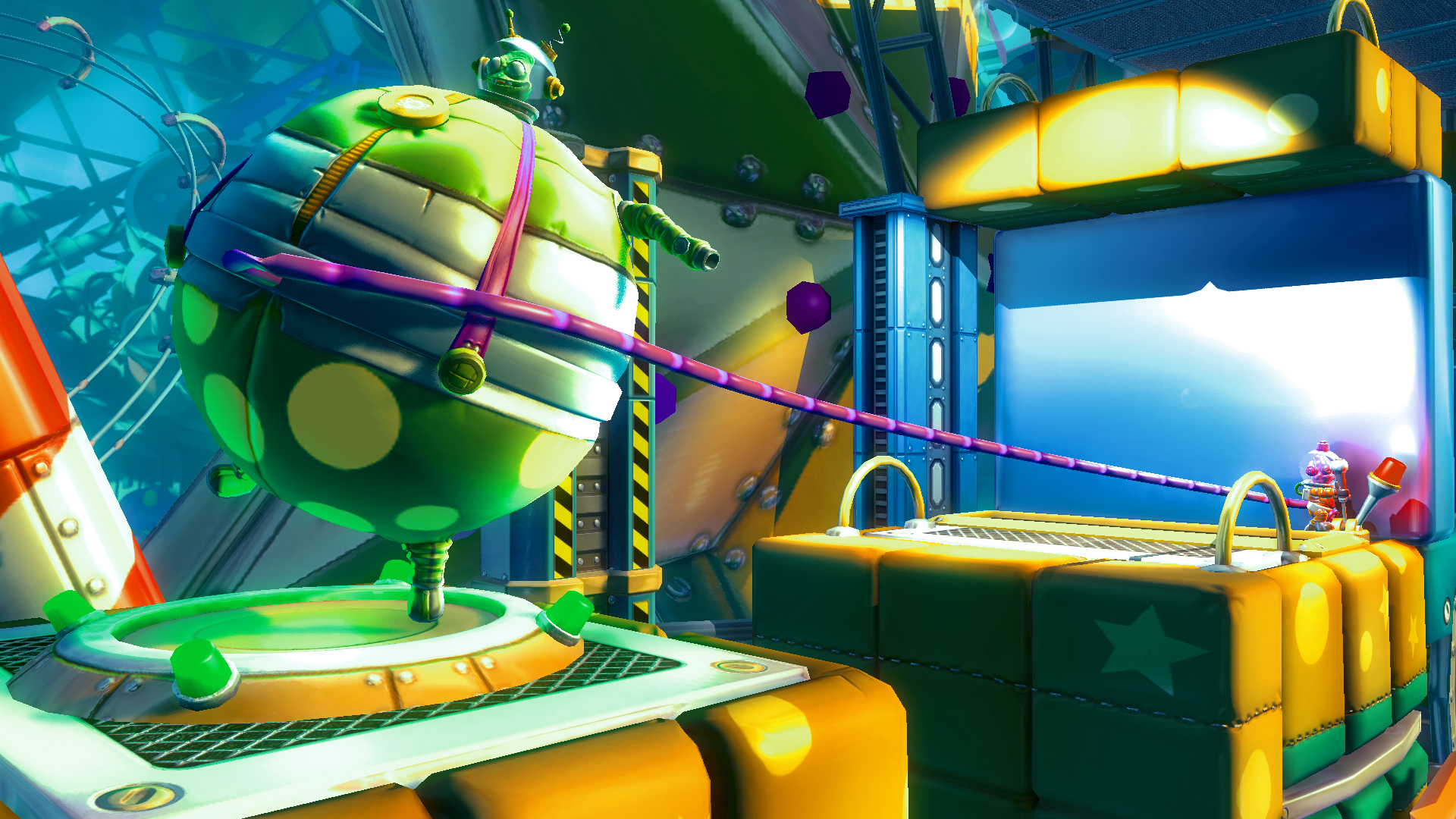
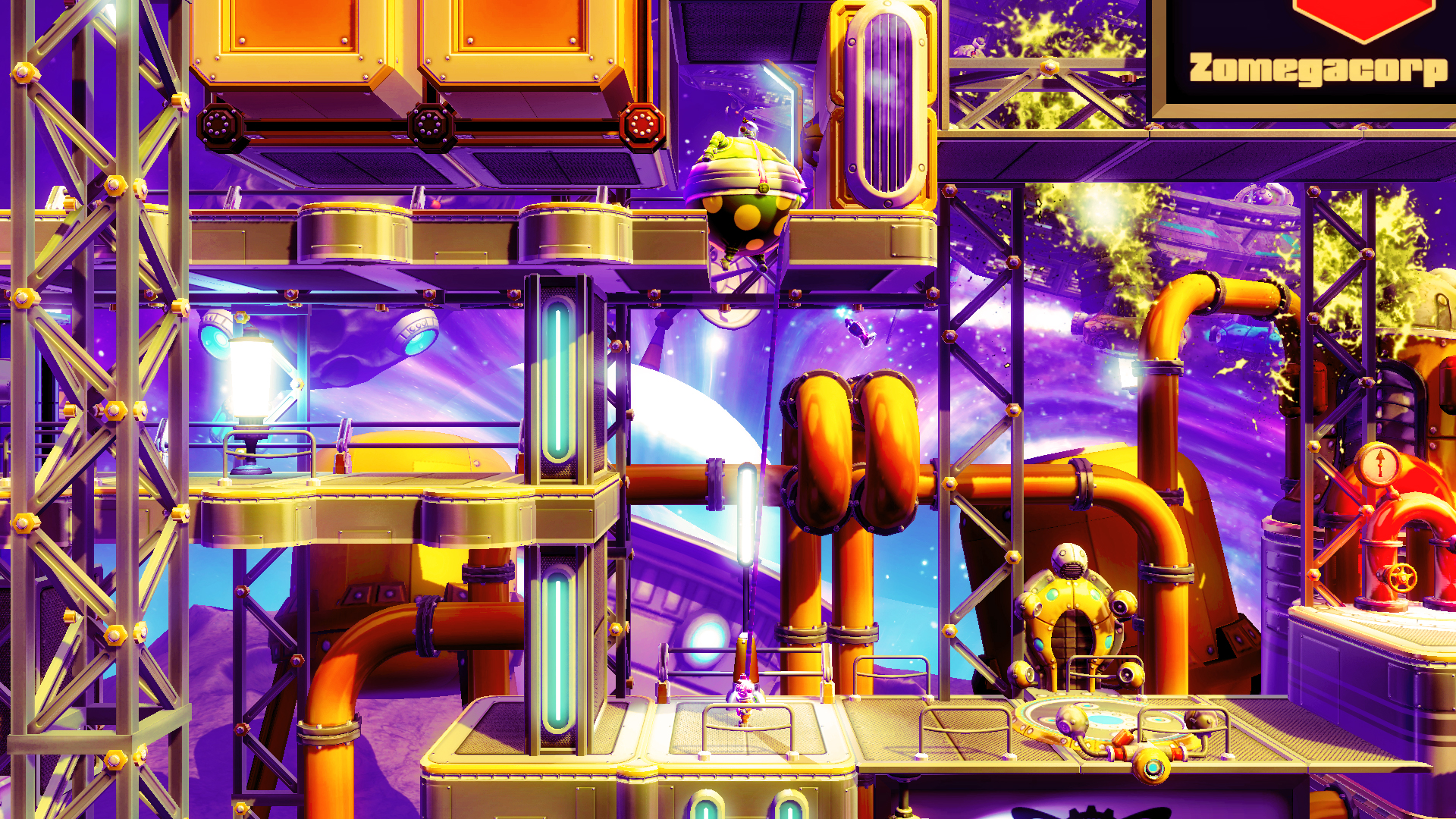
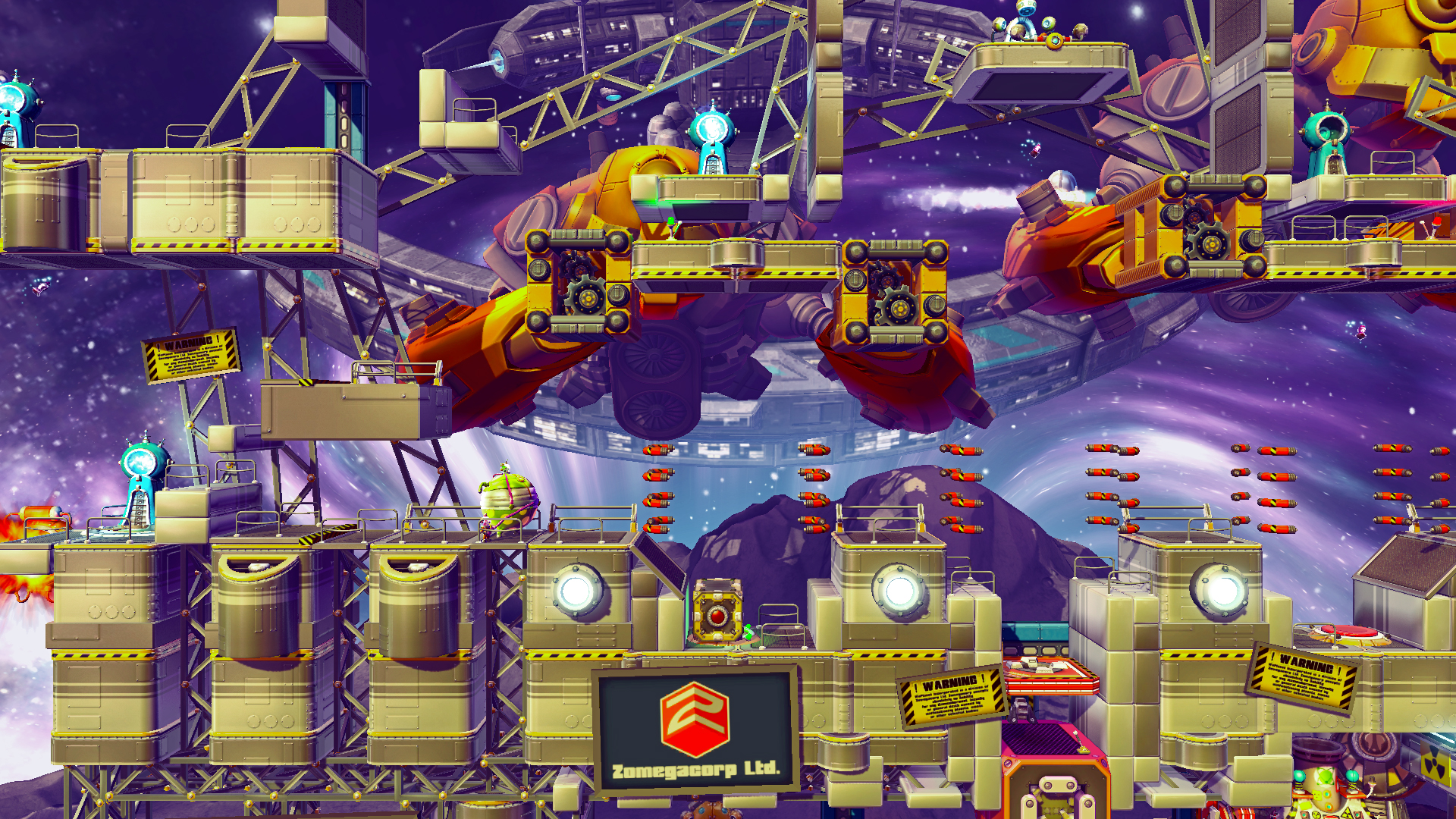
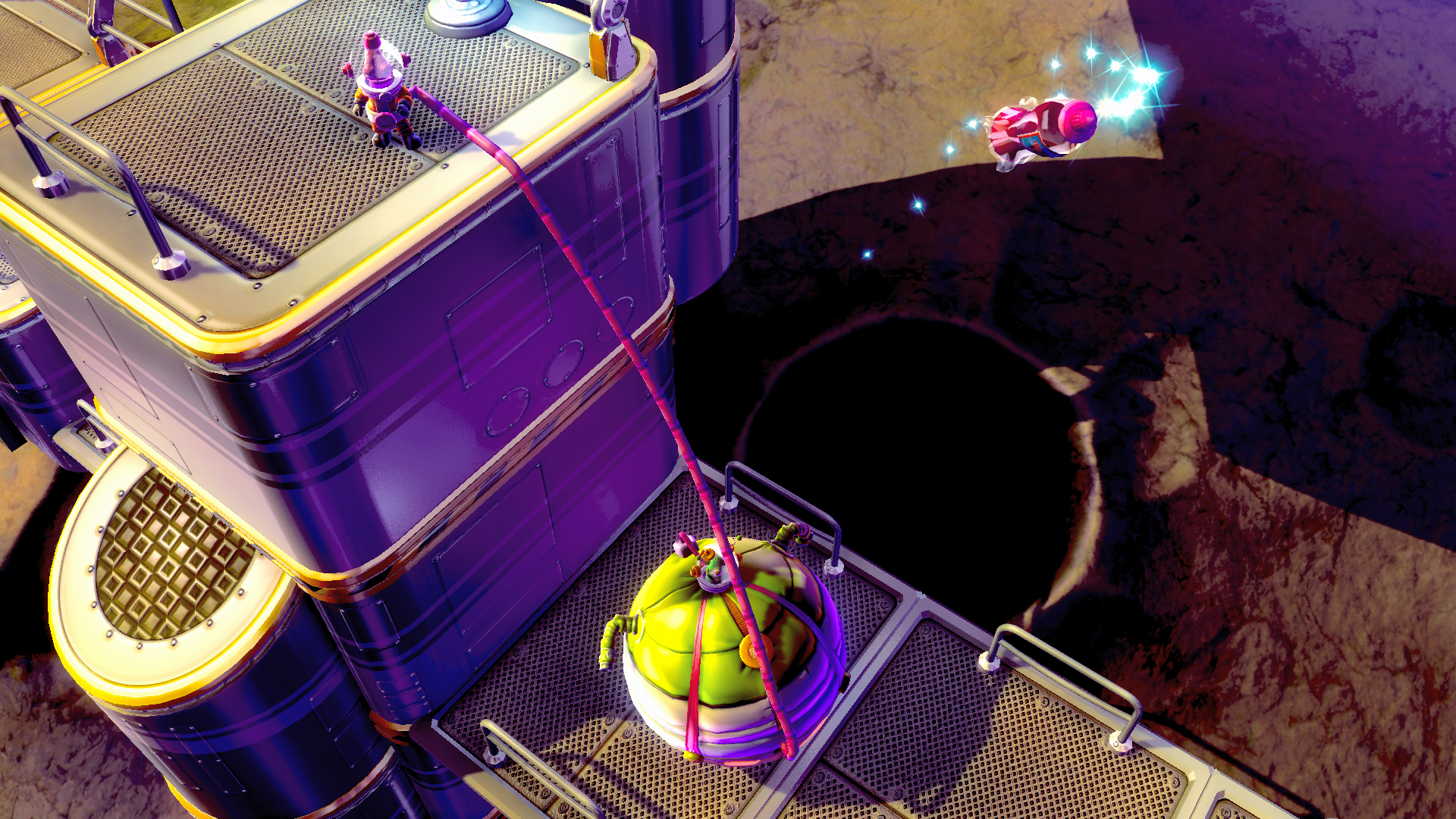
Official store screenshots from Steam — deckport links them, never rehosts. Hover to pause; click to preview.
Identity
Launch
- Binary
- Shiftlings.exe
- Needs files
- none beyond the binary
Proton
- Version
- GE-Proton
- Winetricks
- —
- ProtonDB
- ProtonDB Platinum runs flawlessly
⚙ Setup notes
Delisted: Delisted Steam game (appid 310810, removed March 2022 after the Rock Pocket/Sierra publishing deal expired; owners keep library access). Unity engine puzzle-platformer.
Proton: Steam Deck Verified and ProtonDB platinum — runs cleanly with stock Proton. GE-Proton is a safe default and proton_experimental also works.
DRM: No DRM/GFWL/SecuROM steps needed.
Controller: Full native controller support, so no Steam Input layout is required (gamepad is the recommended way to play). No special launch options required.
Install: deckport only configures the prefix; it never bundles or links the game files.
The one thing to know
Supply your own copy. deckport links nothing.
Delisted: Delisted from Steam (appid 310810) in March 2022 after the Rock Pocket/Sierra publishing deal expired; existing owners keep library access.
Proton: Steam Deck Verified with ProtonDB platinum, so it should run out of the box on the Deck with stock/GE-Proton.
Controller: Unity engine, full native controller support (gamepad recommended) — no Steam Input workaround needed.
Binary: Binary name (Shiftlings.exe) is best-effort from the Unity build convention; confirm the exact casing in your own install.
Get the artwork
deckport never hosts game images. Open this game on SteamGridDB, pick
the cover / hero / logo / icon you like, and drop them into the
game folder under .deckport-art/ before you push it to the
Deck. The importer files them under the right names automatically.
Run it on your Deck
Two files: the one-time importer (deckport.py) in your
Deck's home folder, and this game's install helper. Copy the game
into ~/Games and run the helper with Steam closed — it
writes the recipe (binary, launch options, Proton version)
and registers the shortcut with artwork.