About
Sol Survivor is an indie tower-defense game from American studio Cadenza Interactive, released on Xbox 360 (Xbox Live Indie Games) in 2009 and on Windows via Steam in March 2010. It sets itself apart from typical tower defense with an interactive orbital 'support' mechanic, letting players rain down lasers, missiles, EMPs or nukes to back up their stationary turrets against waves of alien creeps. It was well received for its loadout customization, free-form turret placement, and co-op campaign and survival modes where one player builds while another handles support. It is notable today as a delisted title: Cadenza Interactive wound down and the game was removed from sale, so it survives mainly with players who bought it before delisting.
Screenshots
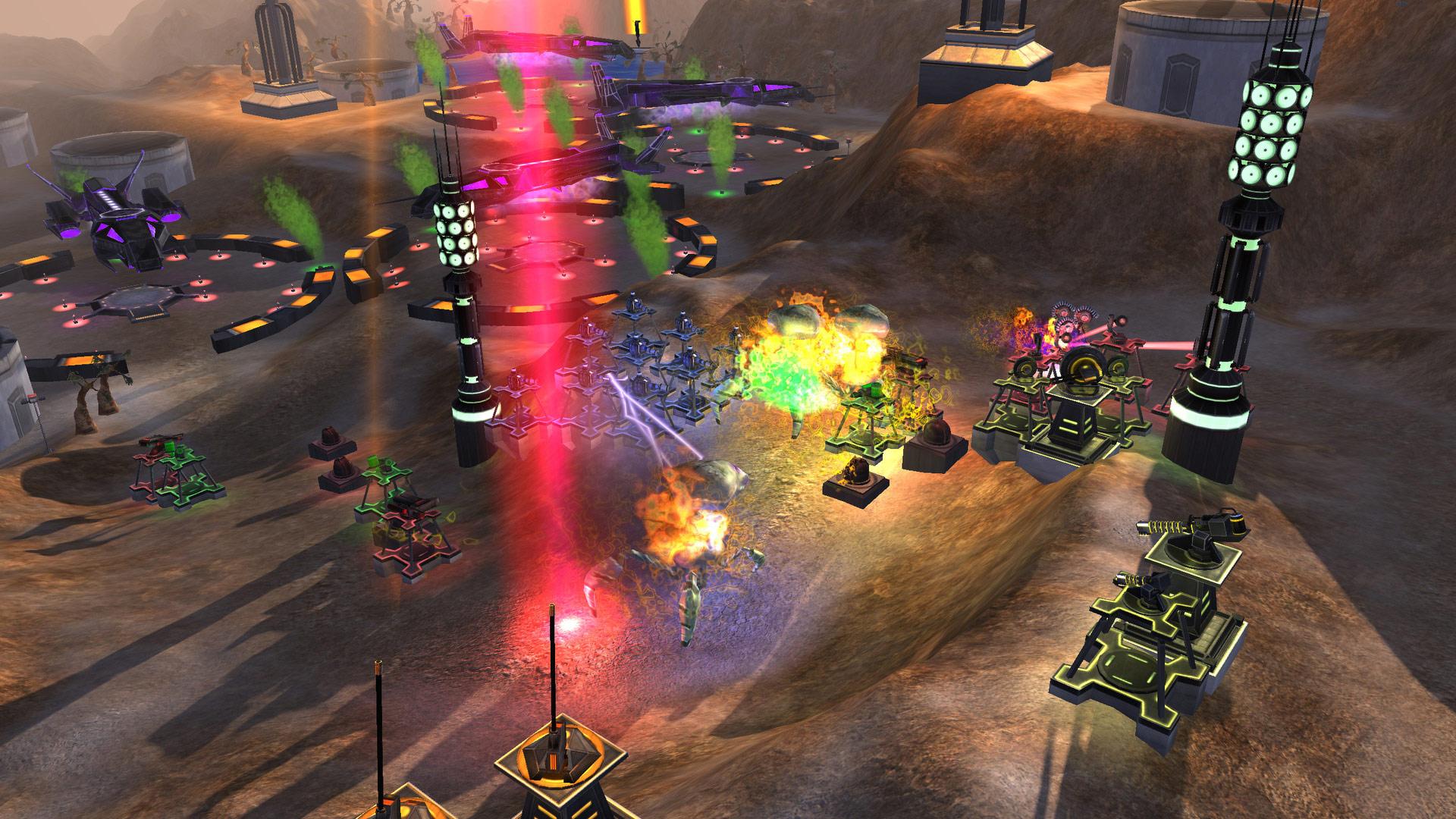
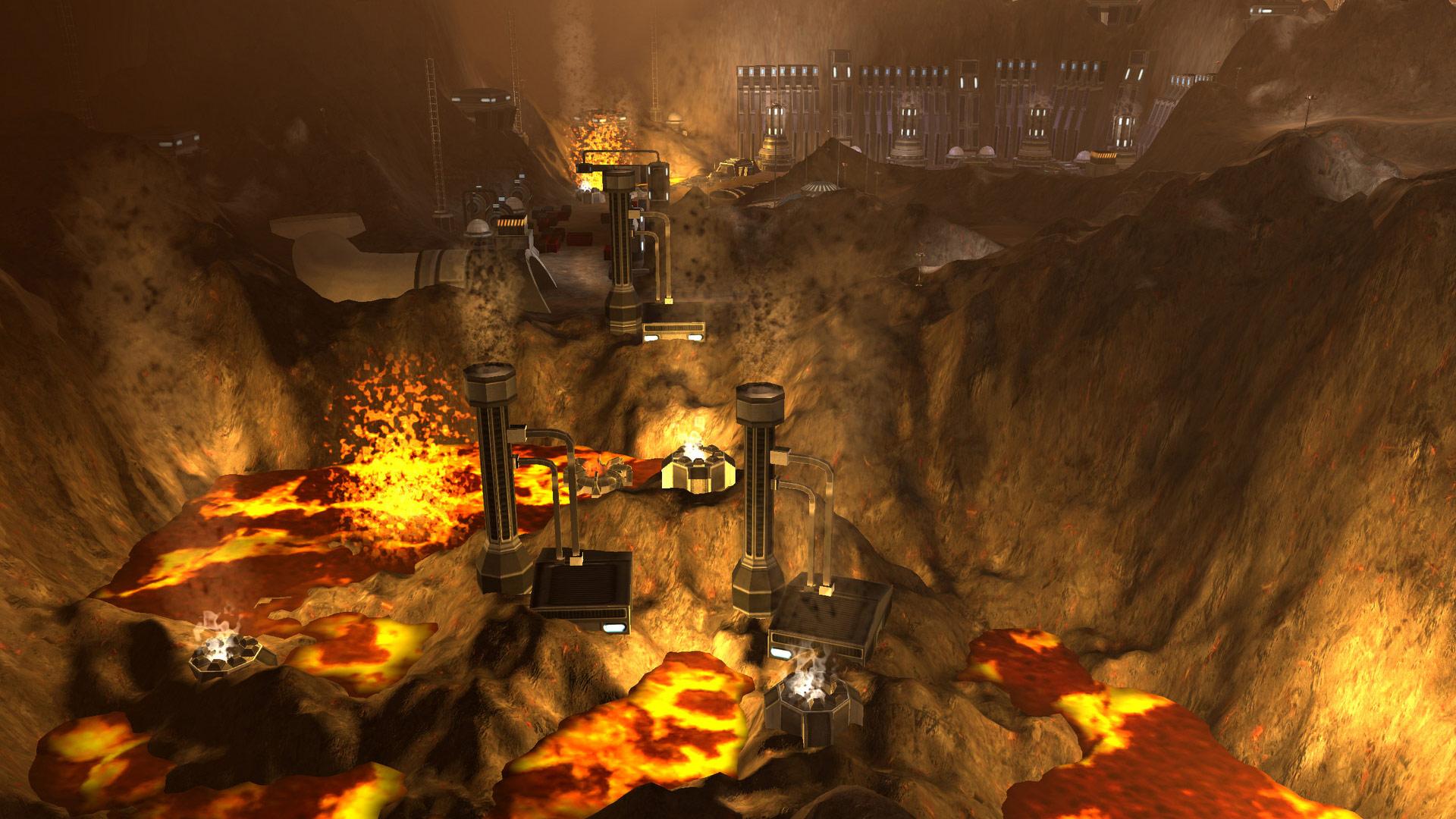
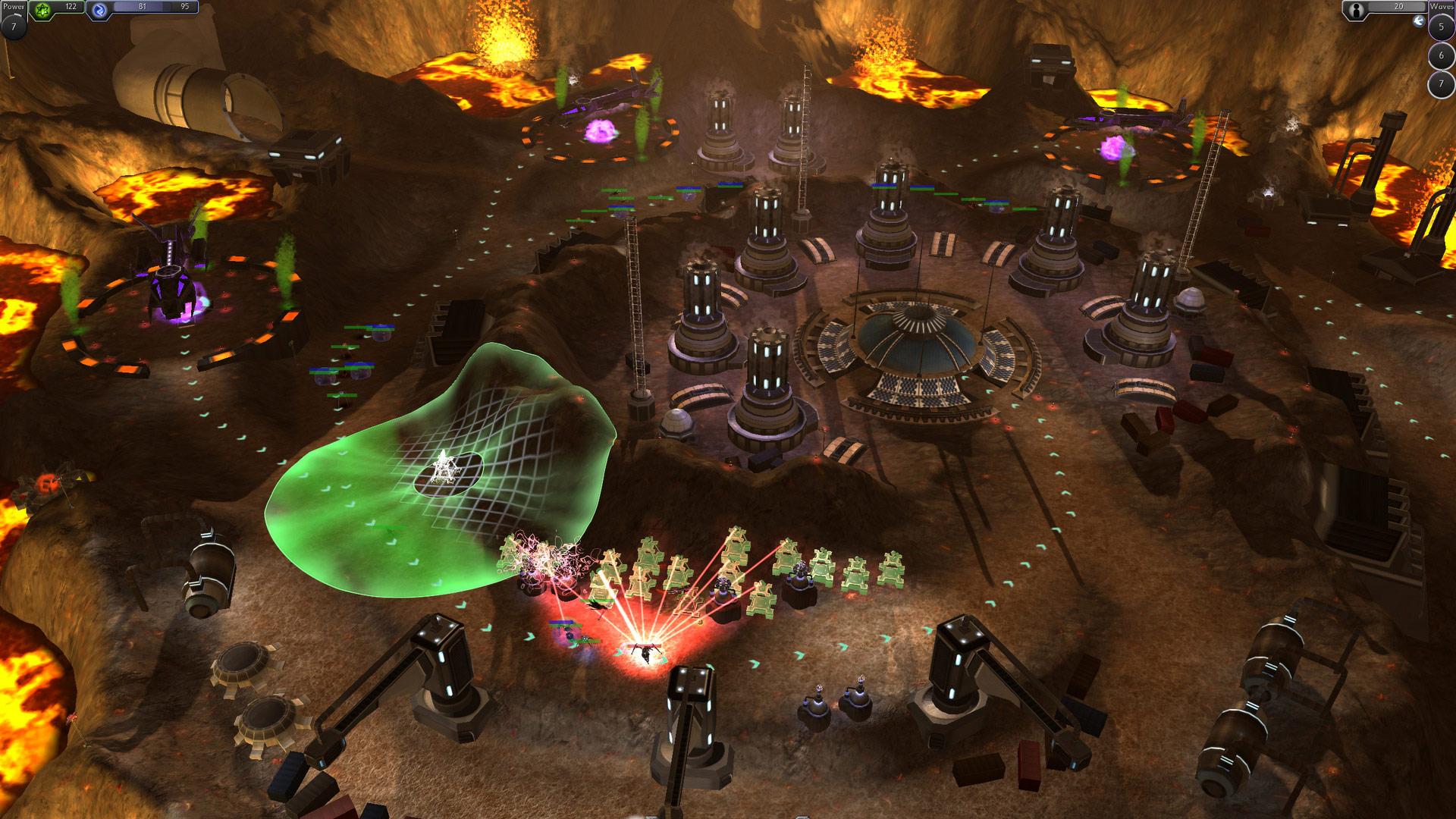

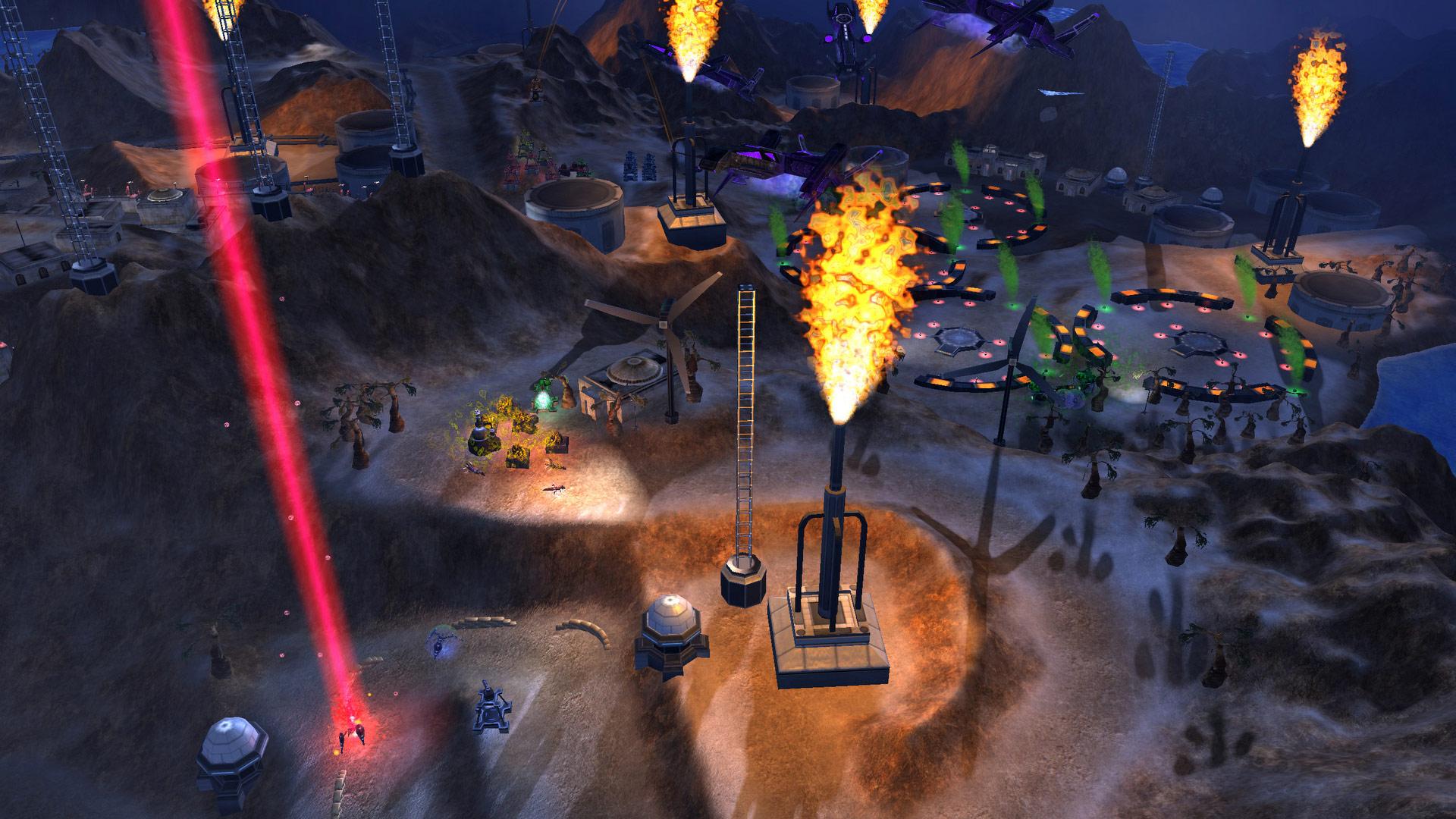
Official store screenshots from Steam — deckport links them, never rehosts. Hover to pause; click to preview.
Identity
Launch
- Binary
- SolSurvivor.exe
- Needs files
- none beyond the binary
Proton
- Version
- GE-Proton
- Winetricks
- xna40, dotnet40, dotnet35
- ProtonDB
- ProtonDB Silver runs with minor issues
⚙ Setup notes
Game: Delisted turret-defense game by Cadenza Interactive (Steam appid 45000; removed from sale 2024-12-31, existing owners keep access).
Fix: This is an XNA Game Studio (XNA 4.0) title built on the .NET runtime. The key step is installing the XNA 4.0 redistributable into the prefix — xna40 (pull dotnet40 first if winetricks asks, and dotnet35 if an older-runtime prompt blocks the install). Without the XNA redist the game throws a missing-framework error on launch.
Proton: GE-Proton handles the XNA/.NET stack more reliably than stock proton_experimental; if you hit a black screen on launch, fall back to a 7.0-x Proton.
Controller: Game has Partial Controller Support natively, so the gamepad works for core play; map any keyboard-only menu actions with a Steam Input layout.
Multiplayer: Multiplayer/Wars modes relied on the developer's now-defunct servers — treat this as a single-player/Survival recipe.
Install: deckport only configures the prefix; it never bundles or links the game files.
The one thing to know
Supply your own copy. deckport links nothing.
DRM: Delisted 2024-12-31 (Cadenza Interactive dissolved); not for sale, but prior purchasers keep Steam access.
Fix: XNA Game Studio (XNA 4.0) title: install xna40 into the prefix (with dotnet40/dotnet35 as winetricks dependencies) or it won't launch.
Proton: Use GE-Proton; if you get a black/white launch screen, drop to Proton 7.0-x.
Controller: Native Partial Controller Support covers gameplay; add a Steam Input keyboard layout for any menu actions the pad can't reach.
Multiplayer: Co-Op/Wars/Versus multiplayer is effectively dead (developer servers gone) — play Survival/single-player.
Status: Tier (silver) from ProtonDB (17 reports, score ~0.32); binary SolSurvivor.exe. Recipe still needs a real on-Deck confirmation.
Community guides
Write-ups and threads from people who got this (or a similar) game running. deckport links to them — it doesn't reproduce them.
Get the artwork
deckport never hosts game images. Open this game on SteamGridDB, pick
the cover / hero / logo / icon you like, and drop them into the
game folder under .deckport-art/ before you push it to the
Deck. The importer files them under the right names automatically.
Run it on your Deck
Two files: the one-time importer (deckport.py) in your
Deck's home folder, and this game's install helper. Copy the game
into ~/Games and run the helper with Steam closed — it
writes the recipe (binary, launch options, Proton version)
and registers the shortcut with artwork.