About
Sonic CD is a from-scratch remaster of the 1993 Sega CD game, rebuilt on Christian Whitehead's Retro Engine with widescreen support and both the Japanese and US soundtracks. The original is a classic 2D Sonic platformer notable for its time-travel mechanic and for introducing Amy Rose and Metal Sonic.
This 2012 PC release was well received but was pulled from sale on Steam in May 2022 ahead of its inclusion in the Sonic Origins collection, so it is no longer purchasable for new buyers.
Screenshots
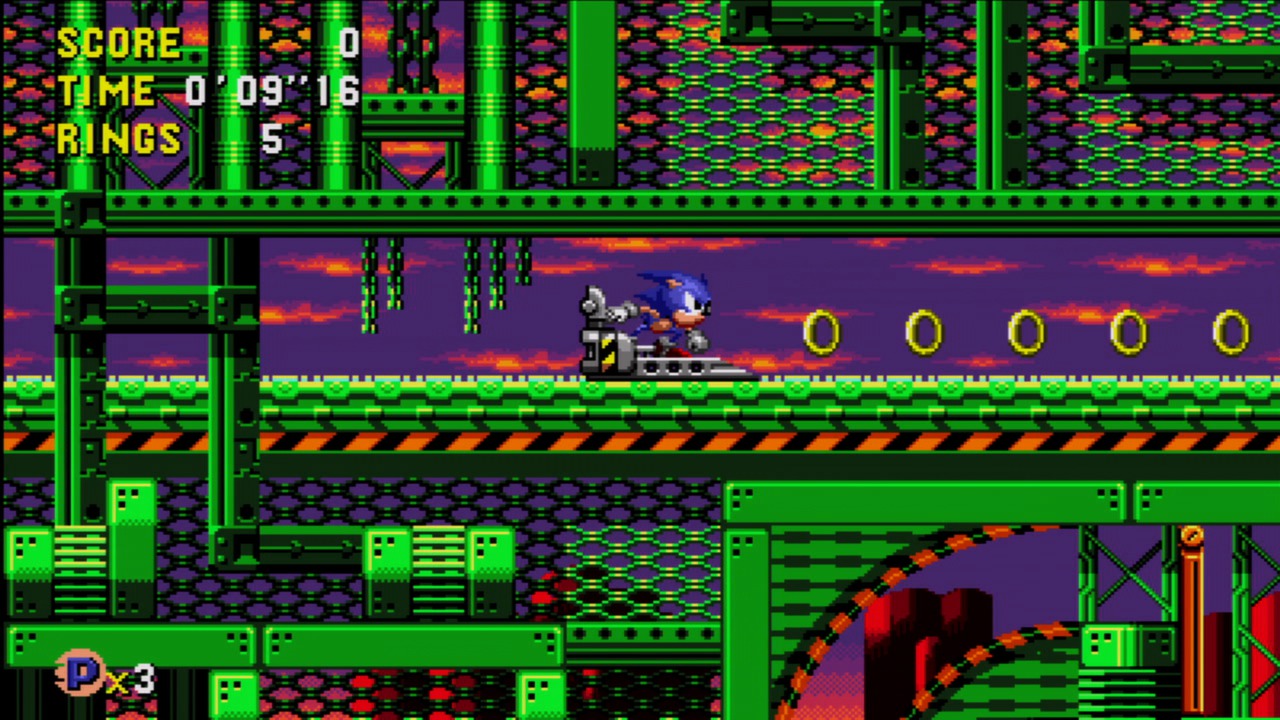
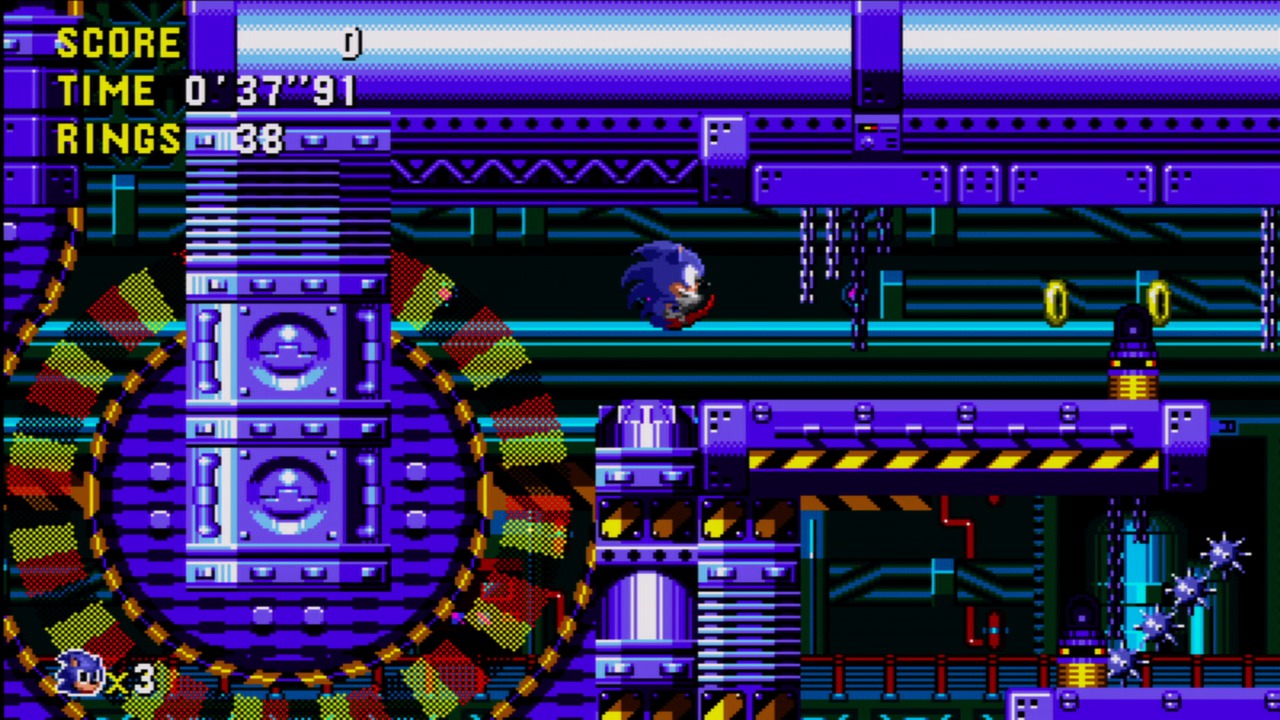
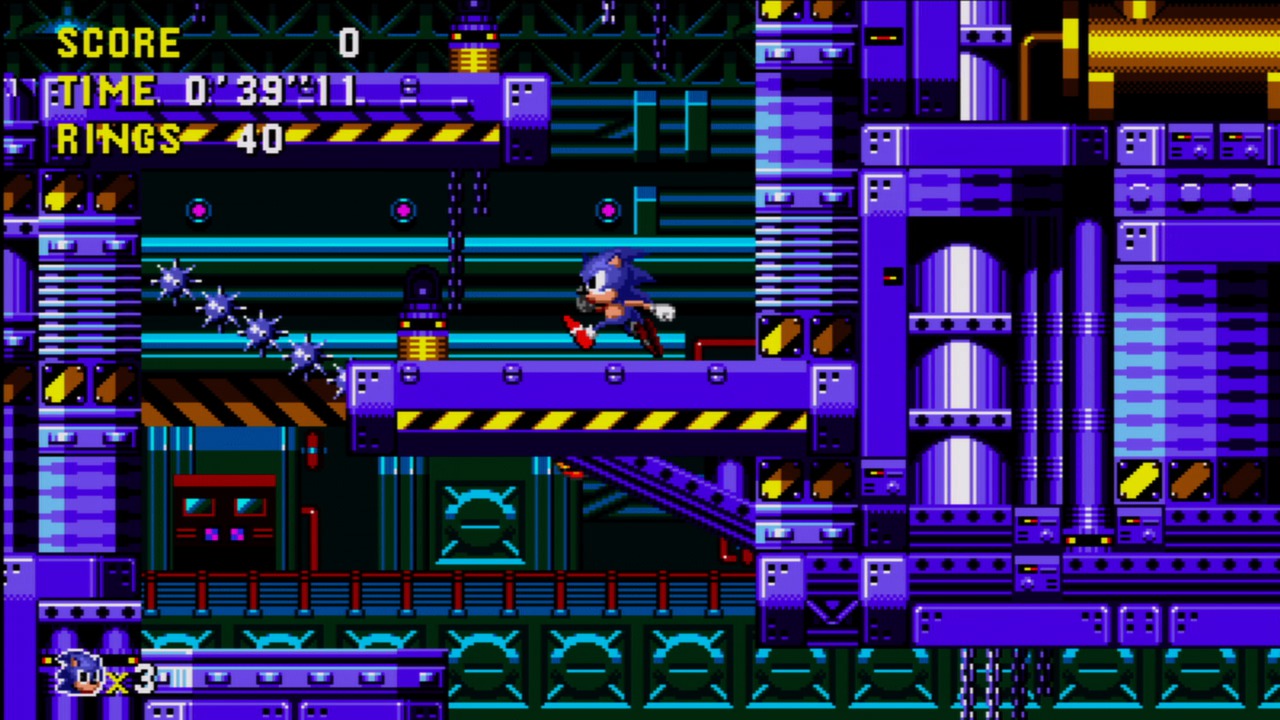
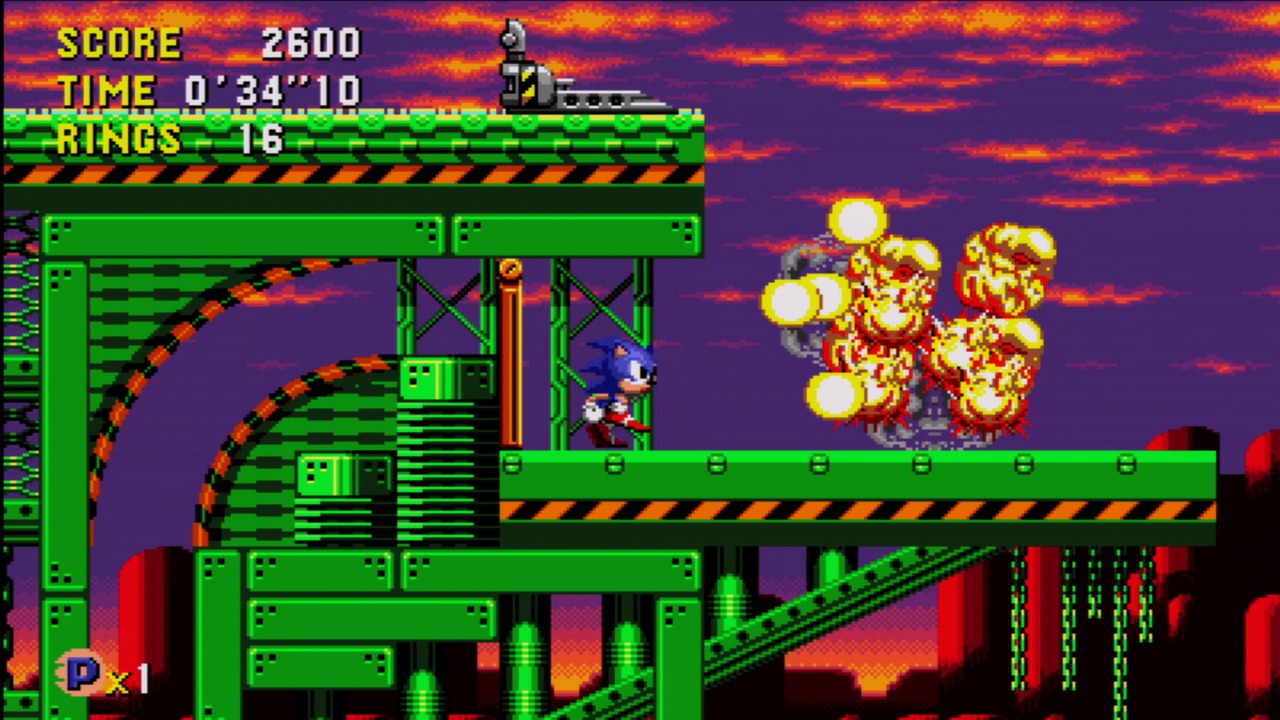
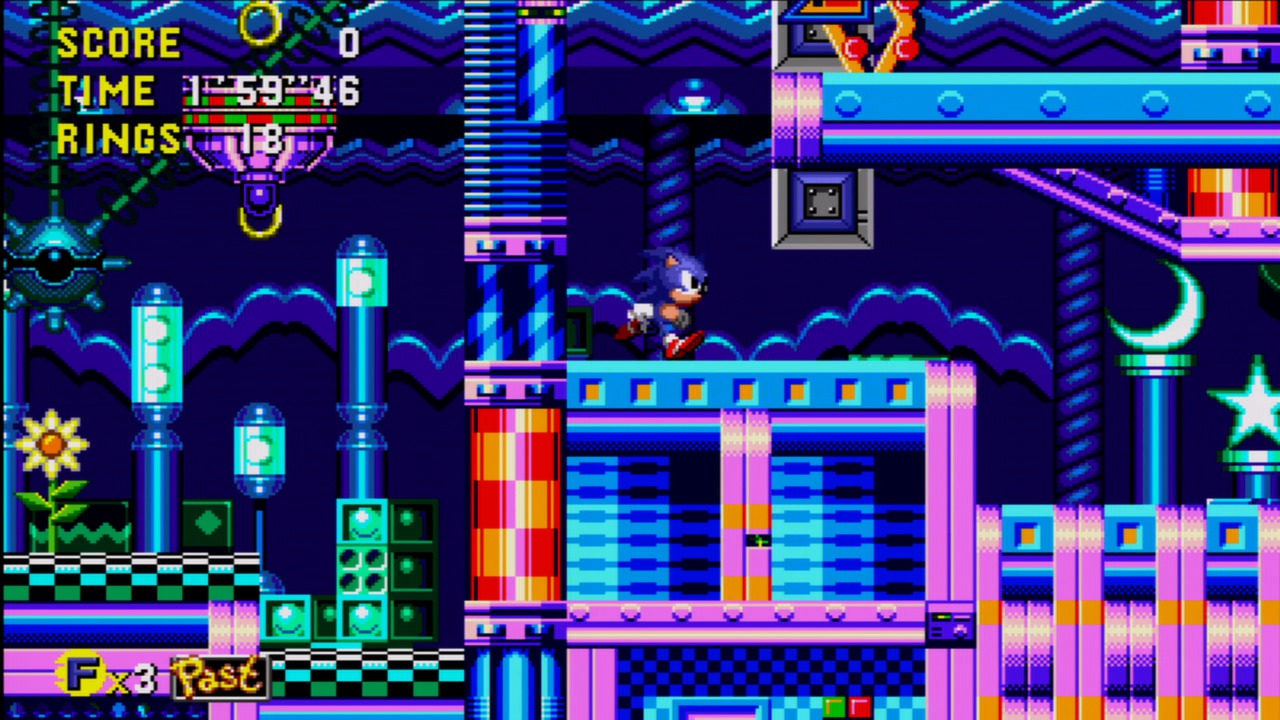
Official store screenshots from Steam — deckport links them, never rehosts. Hover to pause; click to preview.
Identity
Launch
- Binary
- soniccd.exe
- Needs files
- none beyond the binary
Proton
- Version
- GE-Proton
- Winetricks
- directx9
- ProtonDB
- ProtonDB Silver runs with minor issues
⚙ Setup notes
DRM: Delisted Steam game (appid 200940; removed from sale May 2022 ahead of Sonic Origins). Runs on Steam Deck but needs setup: with plain Proton the game shows a black screen and closes.
Fix: Install the DirectX runtime into the Proton prefix. Recommended path: force GE-Proton in the game's compatibility settings, then in Desktop Mode use Protontricks (or run the bundled DXSETUP.exe in the install's DirectX folder) to install the DirectX 9 runtime into the prefix. After that it boots and plays normally.
Alternative: Set PROTON_USE_WINED3D=1 in launch options instead of installing DirectX.
Display: If it silently fails to launch, shorten a very long install-folder path.
Controller: Retro Engine build has native gamepad support and the Deck controller is generally recognized out of the box; if any input is missed, enable a Steam Input gamepad layout as a fallback.
Install: deckport only configures the prefix; it never bundles or links the game files.
The one thing to know
Supply your own copy. deckport links nothing.
DRM: Delisted from Steam in May 2022 (folded into Sonic Origins); existing owners keep it in their library.
Fix: Community confirms it runs on Steam Deck with one setup step: plain Proton gives a black screen, so install the DirectX 9 runtime into the Proton prefix (via Protontricks or the install's DXSETUP.exe) — GE-Proton recommended. Once DirectX is in the prefix it plays fine.
Controller: Native controller support in the Retro Engine build; Deck gamepad is usually recognized without a layout, with Steam Input as a fallback if needed.
Modes: Single-player, no server dependency.
Save: To wipe the bundled save, delete SData.bin in the game root.
Community guides
Write-ups and threads from people who got this (or a similar) game running. deckport links to them — it doesn't reproduce them.
Get the artwork
deckport never hosts game images. Open this game on SteamGridDB, pick
the cover / hero / logo / icon you like, and drop them into the
game folder under .deckport-art/ before you push it to the
Deck. The importer files them under the right names automatically.
Run it on your Deck
Two files: the one-time importer (deckport.py) in your
Deck's home folder, and this game's install helper. Copy the game
into ~/Games and run the helper with Steam closed — it
writes the recipe (binary, launch options, Proton version)
and registers the shortcut with artwork.