About
SoulWorker is a free-to-play anime-styled action MMORPG known for its fast hack-and-slash combat, cel-shaded visuals, and a cast of teenage 'Soulworkers' fighting in a post-apocalyptic world. The series originally launched in Japan in 2016. The earlier Western release via Gameforge's EU/NA servers shut down on April 30, 2021, but this appid (1377580) is the separate global VALOFE/G·O·P release that is still live and free-to-play on Steam (released October 2, 2020).
Screenshots
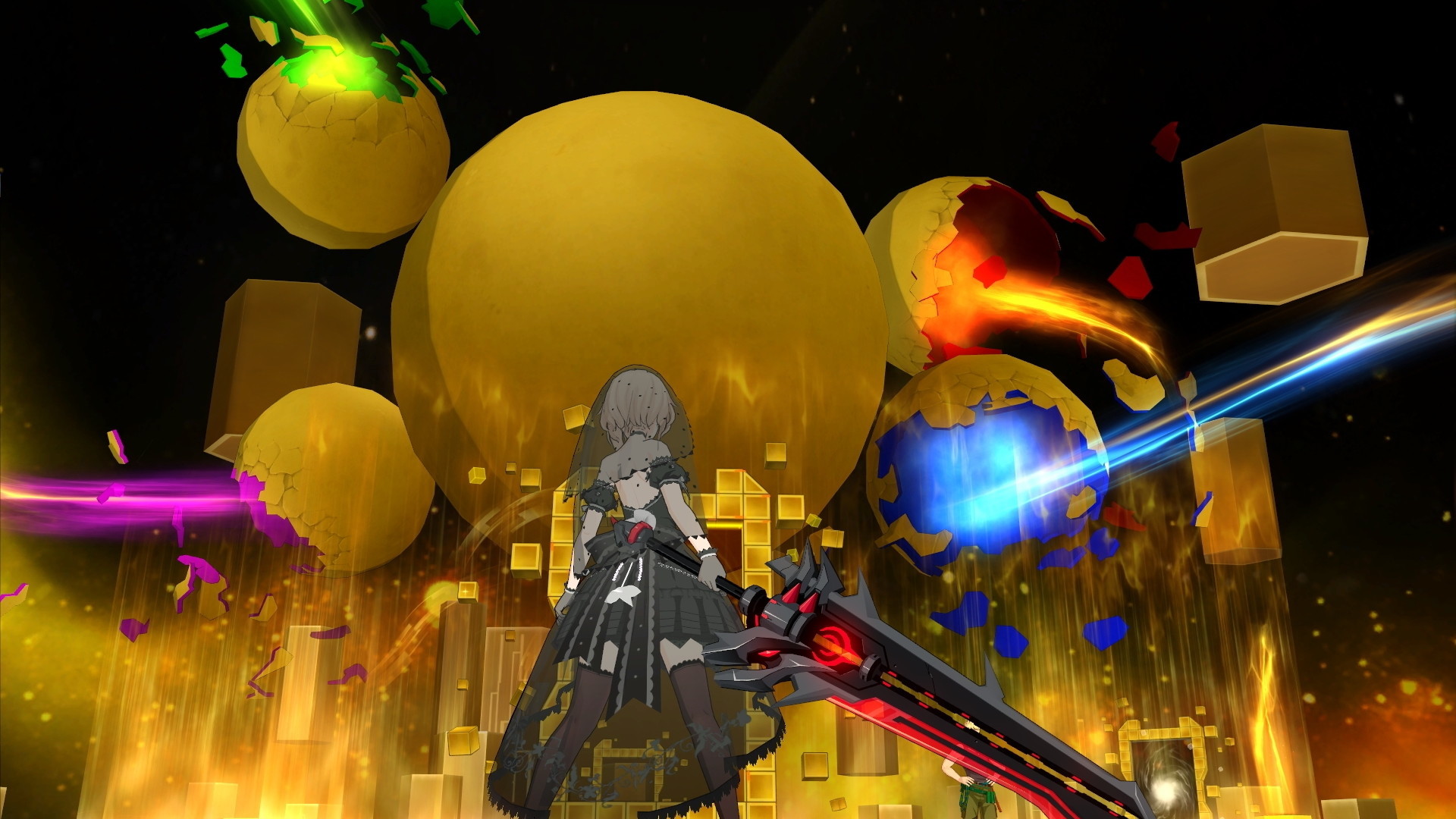
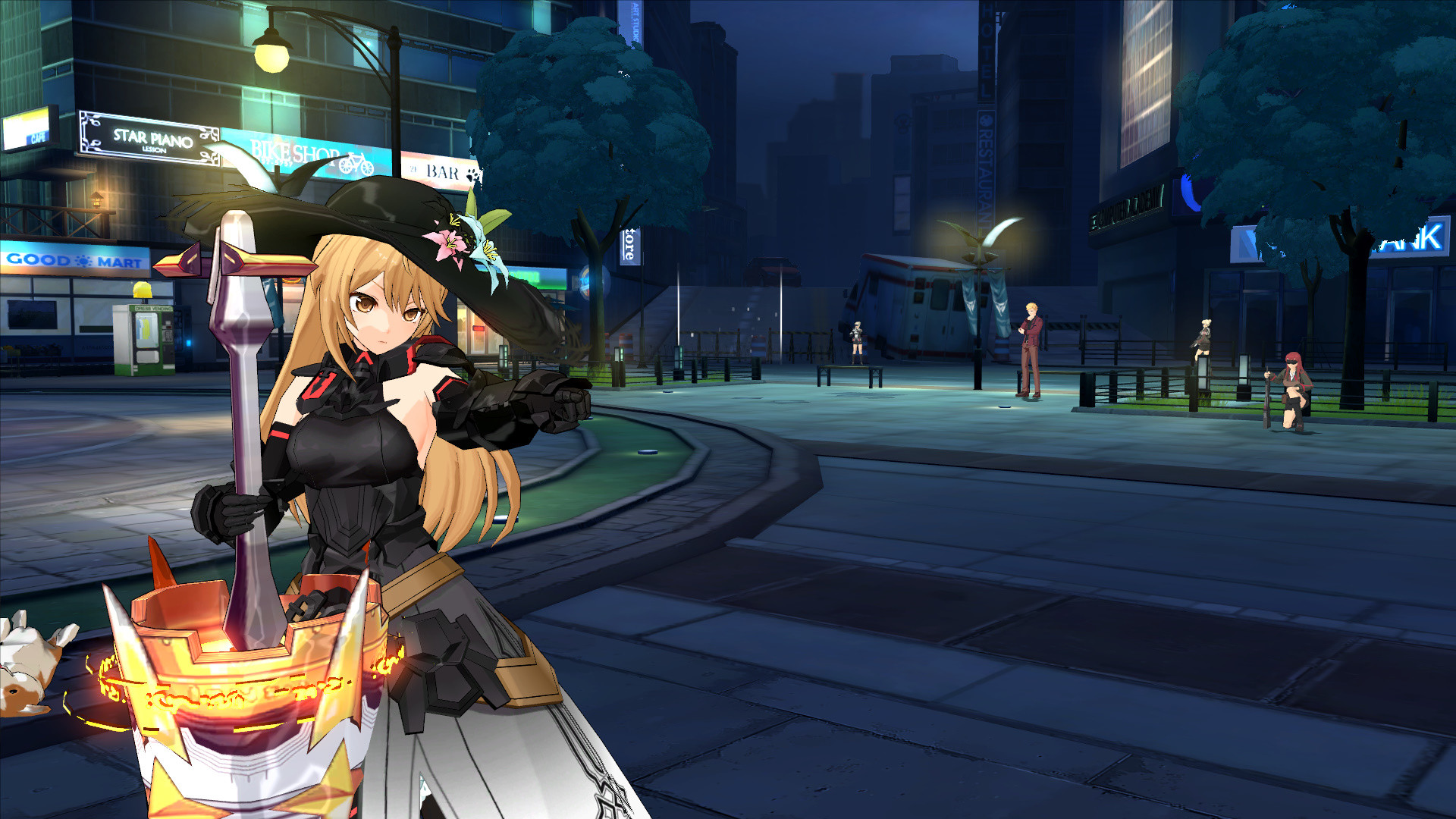
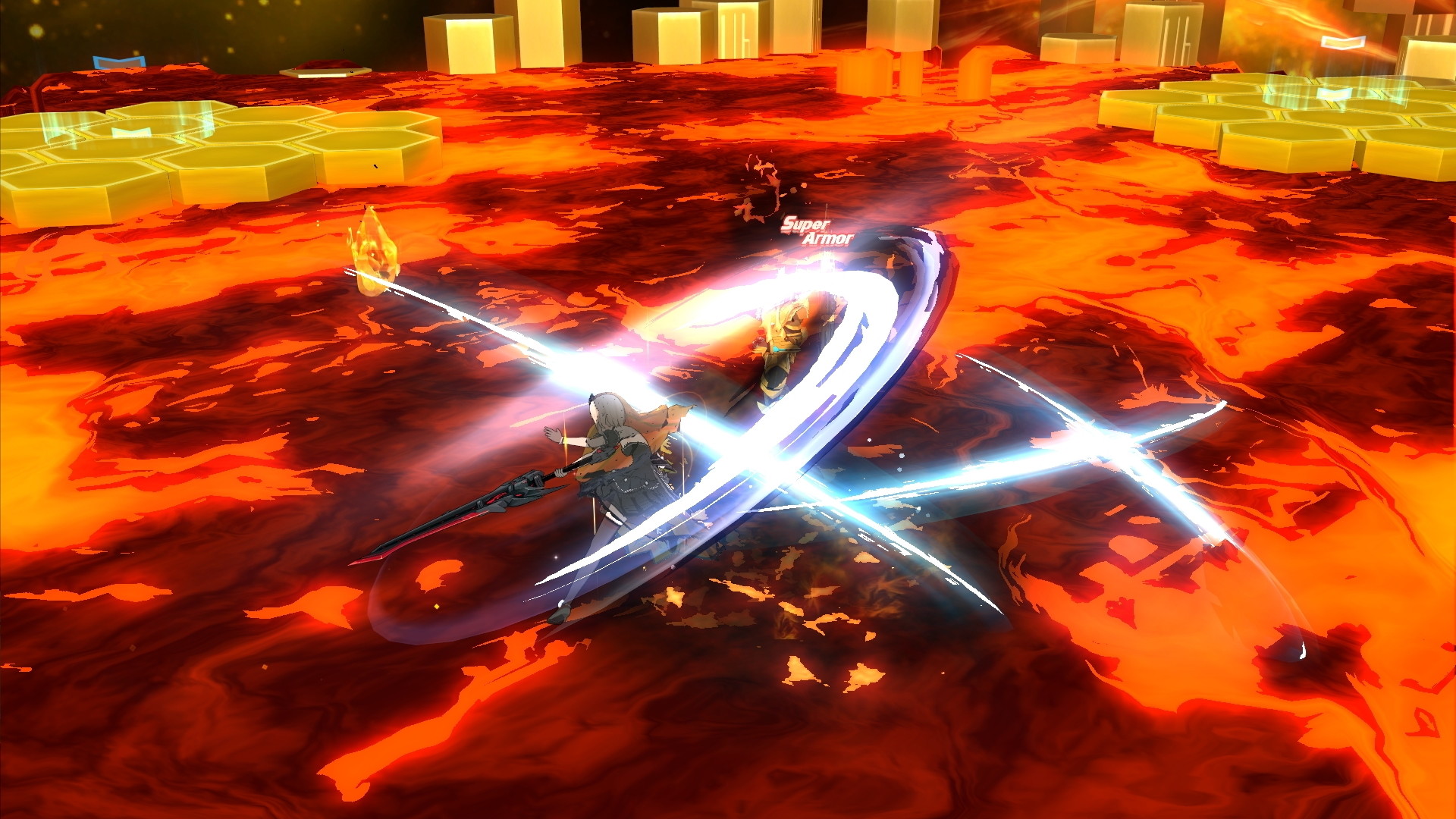
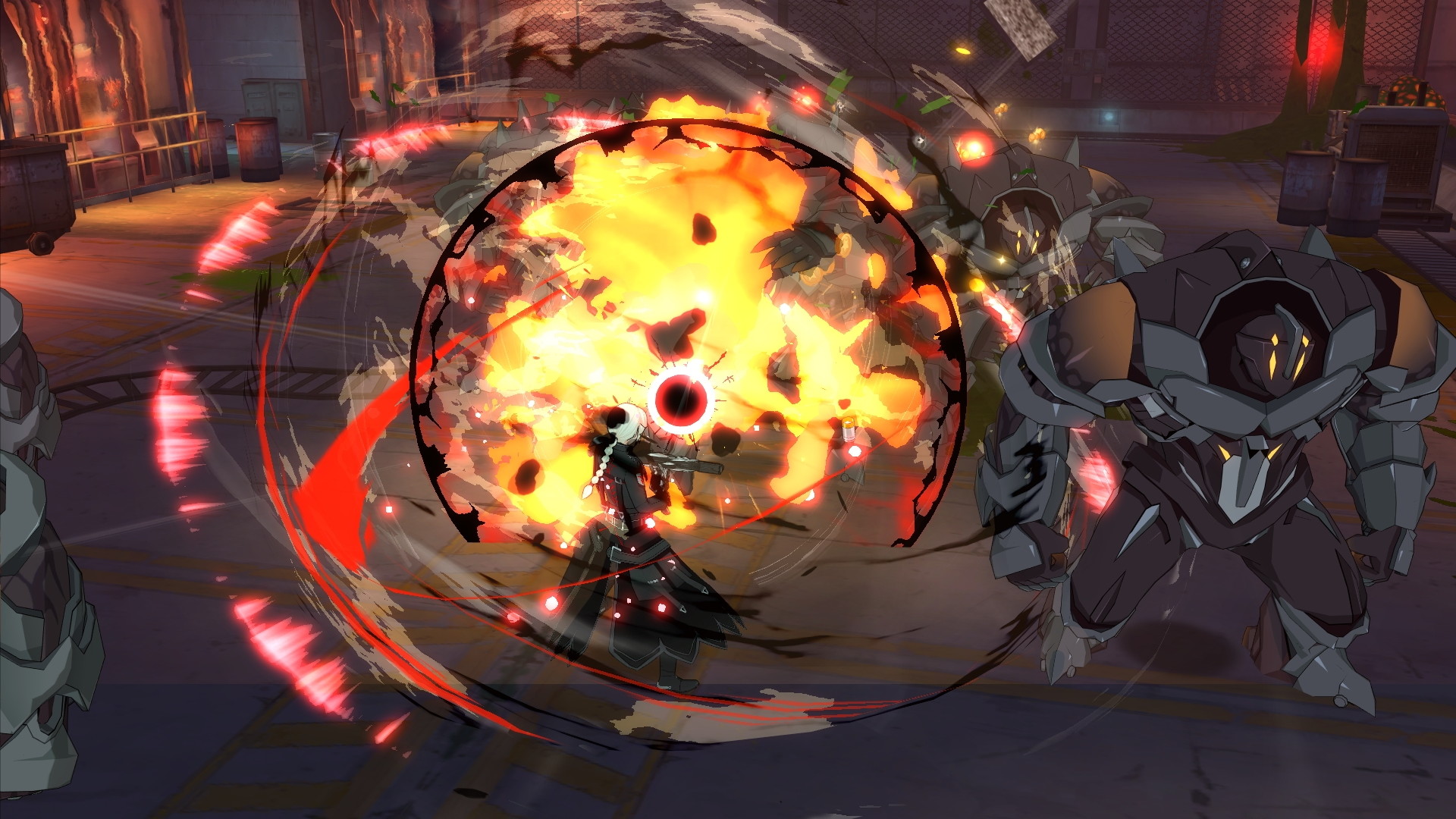
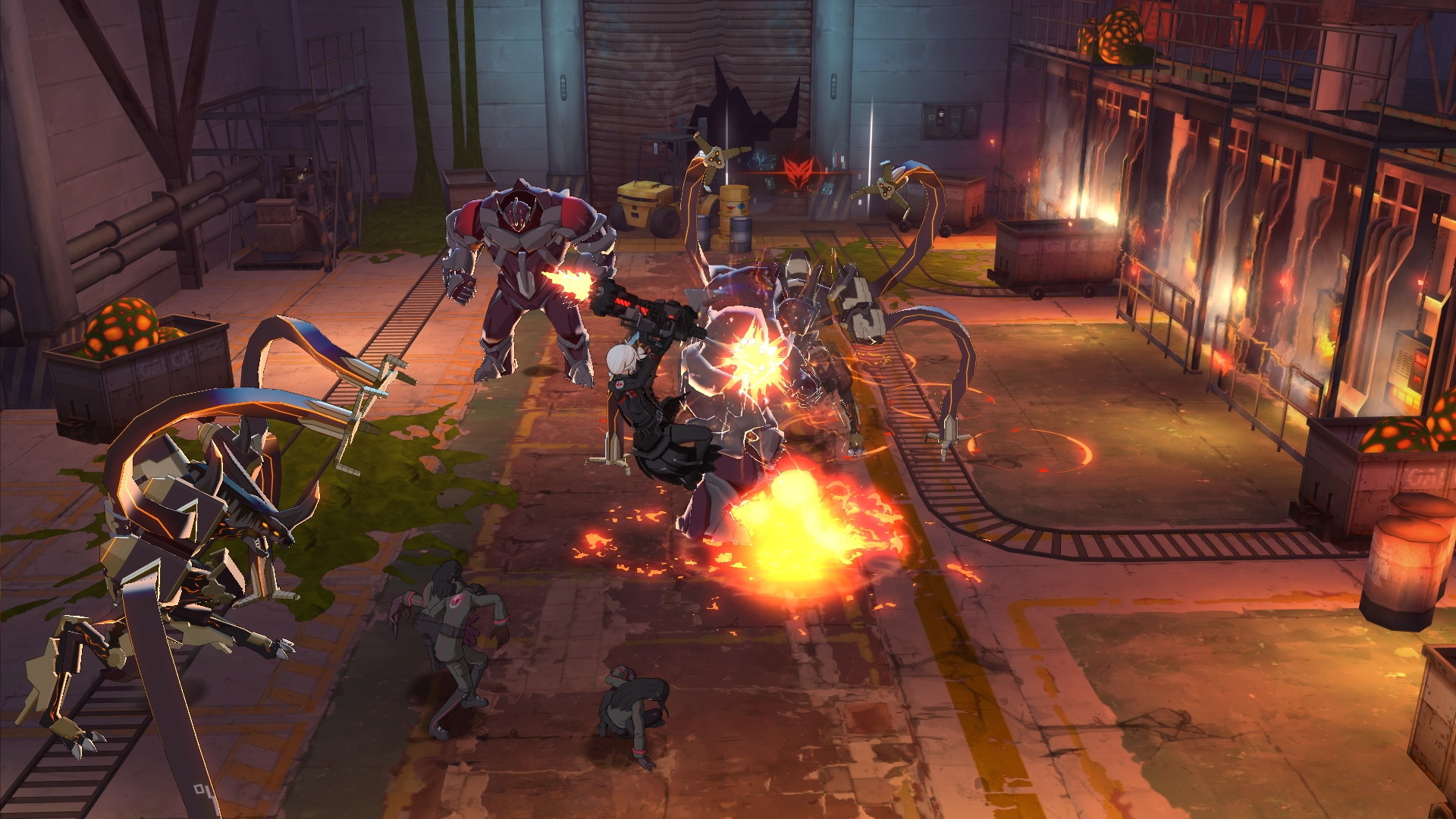
Official store screenshots from Steam — deckport links them, never rehosts. Hover to pause; click to preview.
Identity
Launch
- Binary
- Soulworker.exe
- Needs files
- none beyond the binary
Proton
- Version
- GE-Proton
- Winetricks
- —
- ProtonDB
- ProtonDB Silver runs with minor issues
⚙ Setup notes
DRM: Free-to-play, live on Steam (appid 1377580, global VALOFE/G·O·P release). Account login is required; kernel-level nProtect GameGuard anti-cheat is present.
Proton: ProtonDB silver (trending gold). nProtect GameGuard currently launches and works under Proton — the game is generally playable without heavy tinkering. Reported good on GE-Proton and proton_experimental.
Fix (GameGuard / opencl.dll): After GameGuard updates the launcher can fail to start unless opencl.dll is present in the prefix's system folders — several ProtonDB reporters had to copy/provide opencl.dll (e.g. into windows/system32 and syswow64 of the prefix) to get past the anti-cheat init. Try the latest GE-Proton first; add the DLL only if launch hangs at the GameGuard step.
Display: Exclusive fullscreen can misbehave on the Deck; borderless windowed at a lower resolution improves performance. The regional install folder (e.g. Soulworker_GB, SoulWorker_TWN) contains a General.ini you can edit — set the screen mode to borderless and the resolution to 1280x800 to match the Deck panel. Confirm the exact key names in your copy's ini before changing them.
Controller: Has gamepad support, but in-game key/button rebinding does not save under Proton per ProtonDB reports — use the default bindings or remap via Steam Input.
Install: deckport only configures the prefix; it never bundles or links the game files.
The one thing to know
Install from Steam. This appid is a free-to-play, still-live title — install it through Steam; deckport only configures the prefix and links nothing.
Online MMO: Requires login to a live server. (Note: the older Gameforge EU/NA service shut down Apr 30 2021, but this 1377580 listing is the separate global VALOFE/G·O·P release that remains online.)
Anti-cheat: Kernel-level nProtect GameGuard. It currently works under Proton, but a GameGuard update may require providing opencl.dll in the prefix to get past the anti-cheat launch step — so this is needs-test, not fully verified.
Proton: ProtonDB silver (trending gold). Generally playable on GE-Proton.
Display/Controls: Prefer borderless windowed at a lower resolution (e.g. 1280x800) for performance; in-game rebinding does not save under Proton, so use Steam Input to remap if needed.
Community guides
Write-ups and threads from people who got this (or a similar) game running. deckport links to them — it doesn't reproduce them.
Get the artwork
deckport never hosts game images. Open this game on SteamGridDB, pick
the cover / hero / logo / icon you like, and drop them into the
game folder under .deckport-art/ before you push it to the
Deck. The importer files them under the right names automatically.
Run it on your Deck
Two files: the one-time importer (deckport.py) in your
Deck's home folder, and this game's install helper. Copy the game
into ~/Games and run the helper with Steam closed — it
writes the recipe (binary, launch options, Proton version)
and registers the shortcut with artwork.