About
Star Trek: Bridge Crew puts you and up to three other players on the bridge of a Federation starship, filling the roles of Captain, Helm, Tactical, and Engineer to crew the ship together. Built by Ubisoft's Red Storm Entertainment, it launched in 2017 as a flagship VR title and later added a free patch enabling headset-free (flat) desktop play. Its emphasis on communication and teamwork made it a standout social co-op experience, praised when a coordinated crew works in sync. It was delisted from Steam after Ubisoft's Star Trek license lapsed.
Screenshots
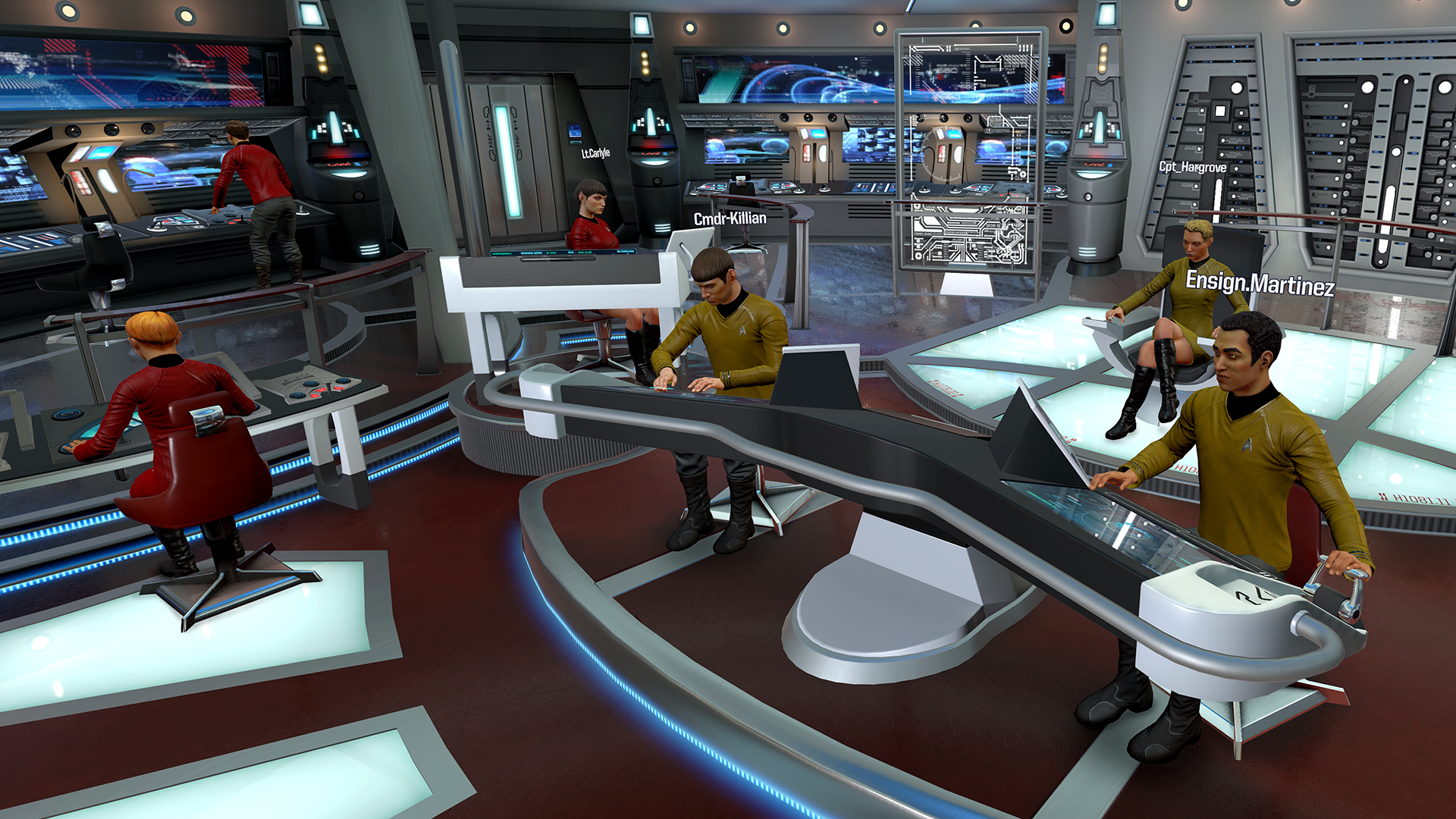
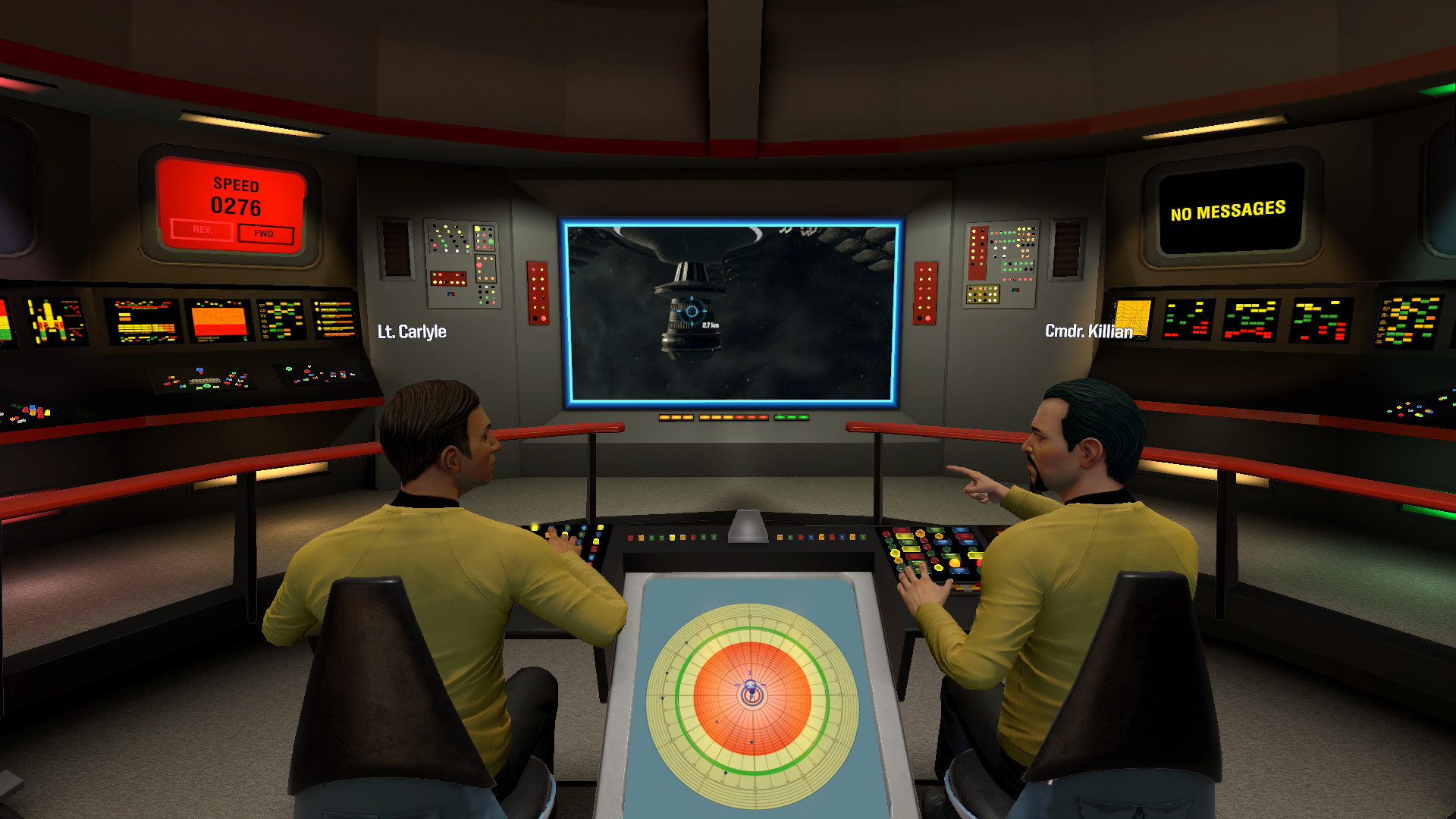
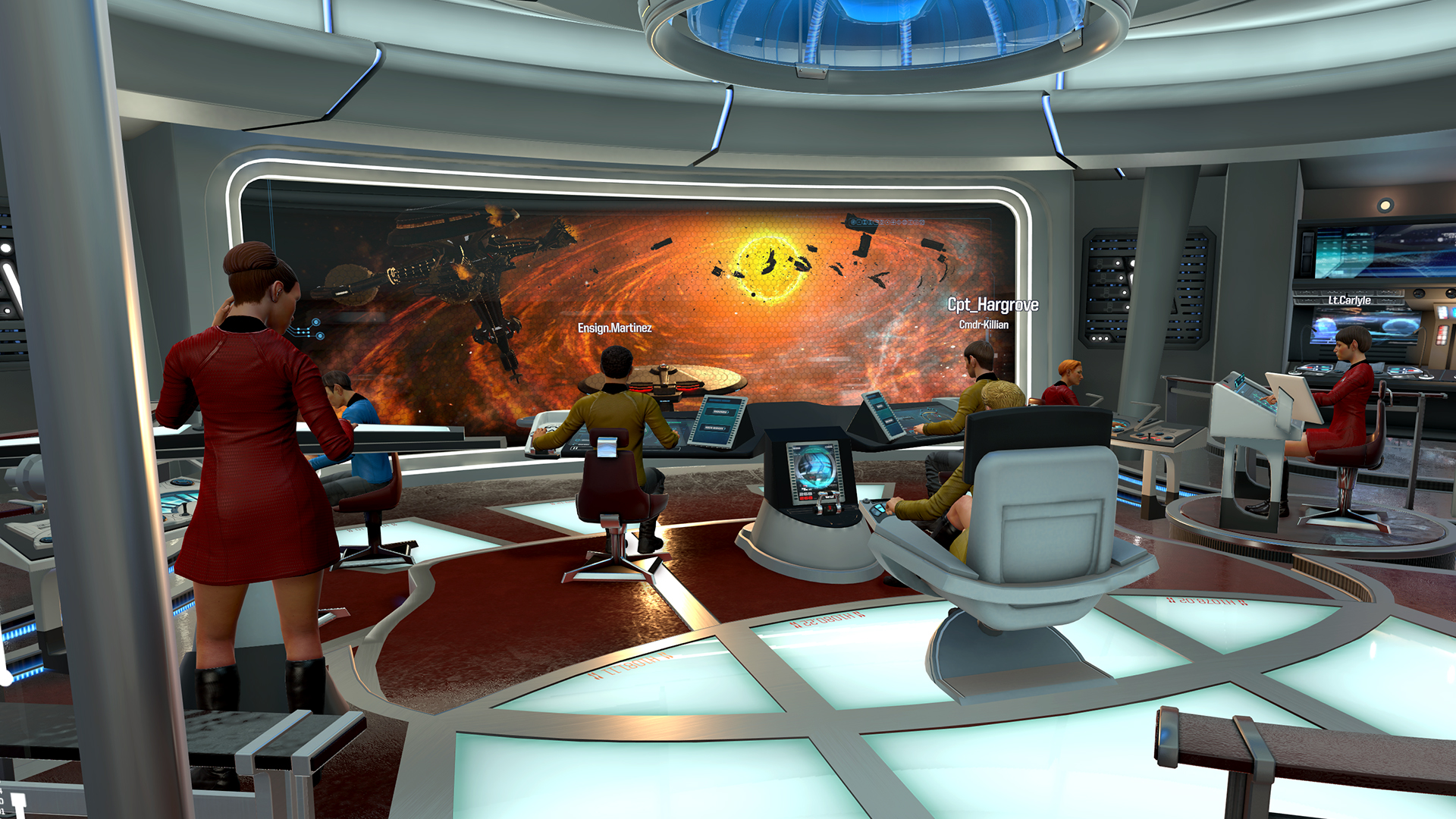
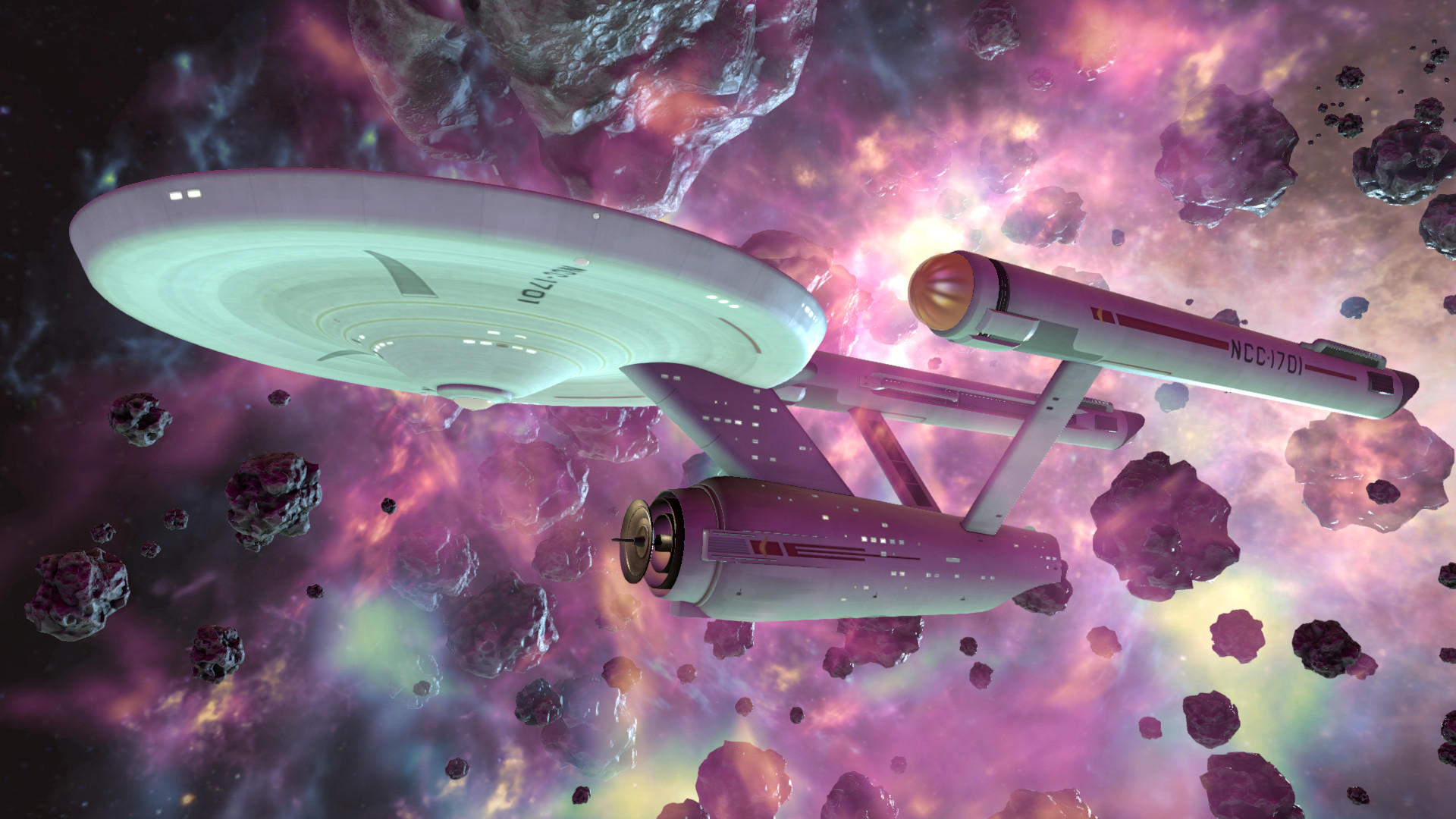
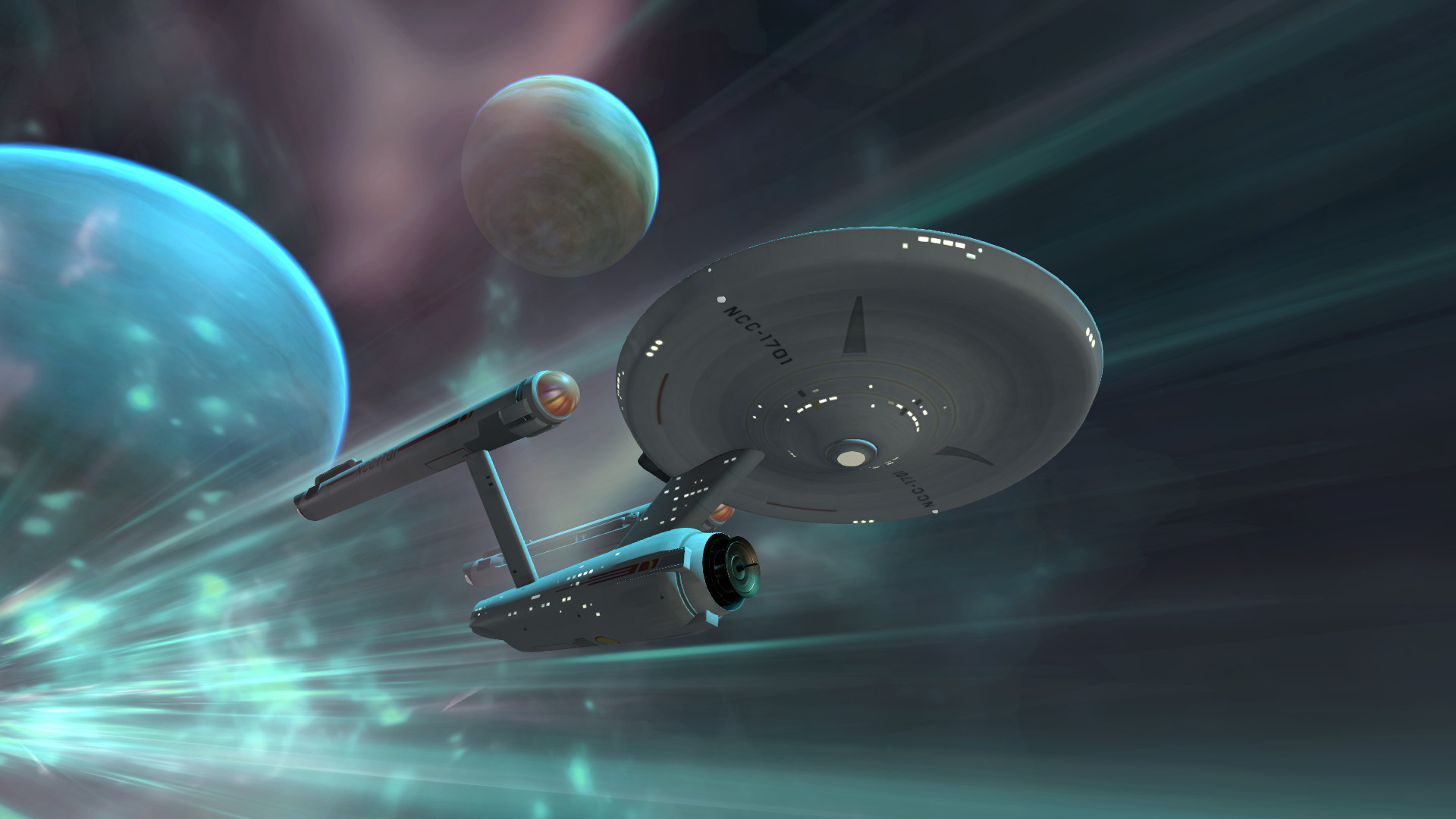
Official store screenshots from Steam — deckport links them, never rehosts. Hover to pause; click to preview.
Identity
Launch
- Binary
- BridgeCrew.exe
- Needs files
- none beyond the binary
Proton
- Version
- GE-Proton
- Winetricks
- —
- ProtonDB
- ProtonDB Gold runs perfectly after tweaks
⚙ Setup notes
Status: Delisted Steam game (appid 527100), still runs on Deck via Proton — ProtonDB gold.
Proton: Prefer GE-Proton over stock for smoother Ubisoft Connect (Uplay) sign-in; proton_experimental also works.
DRM: Requires Ubisoft Connect + always-online for all modes, so you must log in to the Ubisoft overlay on first launch (the main source of friction under Proton — Linux/Proton users commonly hit a Ubisoft Connect "unable to connect / connection error" on sign-in; if login fails, retry or switch to a different GE-Proton build).
Display: Play the FLAT (non-VR) desktop mode — a free compatibility patch added headset-free play, so pick the plain Play Star Trek Bridge Crew entry, not the Launch in VR one (launching via Ubisoft Connect defaults to non-VR).
Controller: Full gamepad support in non-VR — enable controller mode as the game loads to drive both hands at once; the Deck's built-in controller works.
Install: deckport only configures the prefix; it never bundles or links the game files.
The one thing to know
Supply your own copy: deckport links nothing.
Delisted: Removed from Steam (appid 527100) after Ubisoft's Star Trek license lapsed; community ProtonDB reports rate it gold on Linux/Proton.
DRM: Requires Ubisoft Connect (Uplay) DRM and a constant internet connection for ALL modes — the Ubisoft Connect login is the main thing to get past under Proton; GE-Proton handles it best.
Controller: Play the non-VR (flat) desktop mode — it has full gamepad support, so the Deck controls work, but you must enable controller mode as the game loads.
Multiplayer: It's online/co-op oriented (crew of four), so verify multiplayer/matchmaking still functions before relying on it.
Status: Recipe params set from research but not yet confirmed on a physical Deck.
Community guides
Write-ups and threads from people who got this (or a similar) game running. deckport links to them — it doesn't reproduce them.
Get the artwork
deckport never hosts game images. Open this game on SteamGridDB, pick
the cover / hero / logo / icon you like, and drop them into the
game folder under .deckport-art/ before you push it to the
Deck. The importer files them under the right names automatically.
Run it on your Deck
Two files: the one-time importer (deckport.py) in your
Deck's home folder, and this game's install helper. Copy the game
into ~/Games and run the helper with Steam closed — it
writes the recipe (binary, launch options, Proton version)
and registers the shortcut with artwork.