About
Star Wars: The Clone Wars - Republic Heroes is a 2009 action game set during the Clone Wars animated series, spanning 40 missions split between platforming sections led by Jedi and third-person shooting led by clone troopers. Playing solo lets you swap between the paired characters while the AI handles the other; two players can also play together in drop-in/drop-out co-op.
It was widely panned at release for dull combat, story and camera problems (IGN 4.8, GameSpot 3.5), though the co-op was generally considered the high point. The PC version relies on the deprecated Games for Windows - LIVE service, which led to its delisting from Steam.
Screenshots
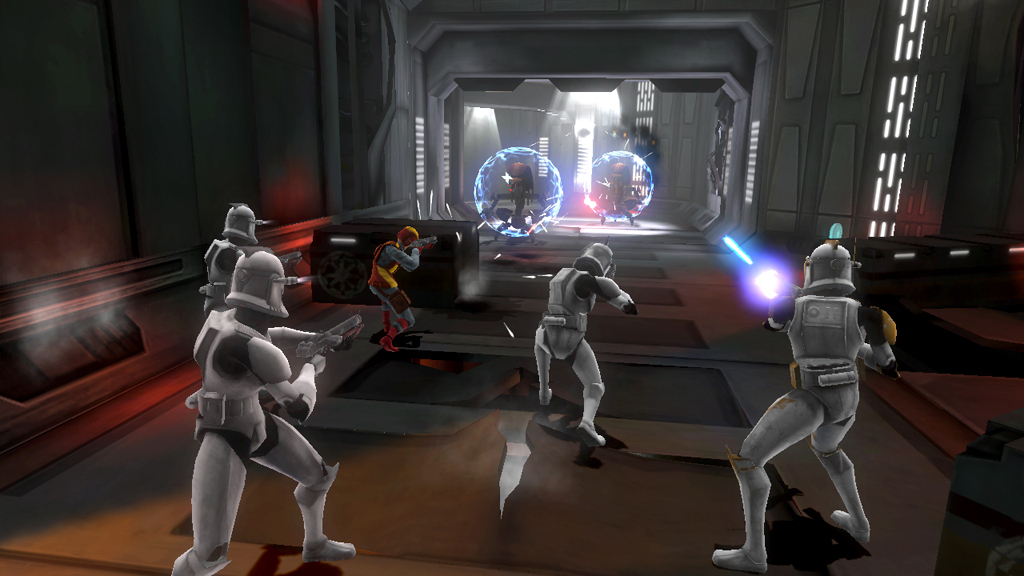
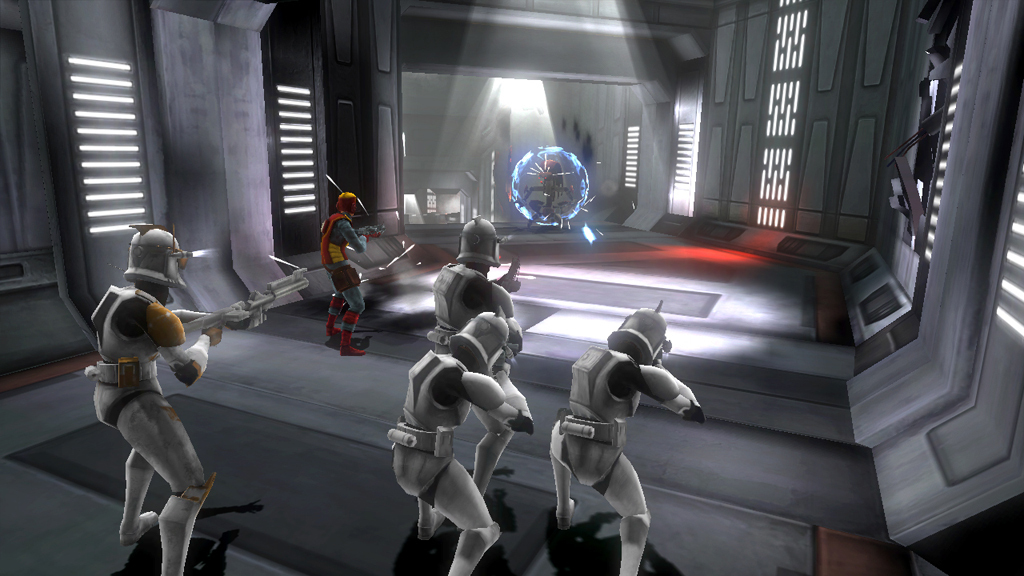
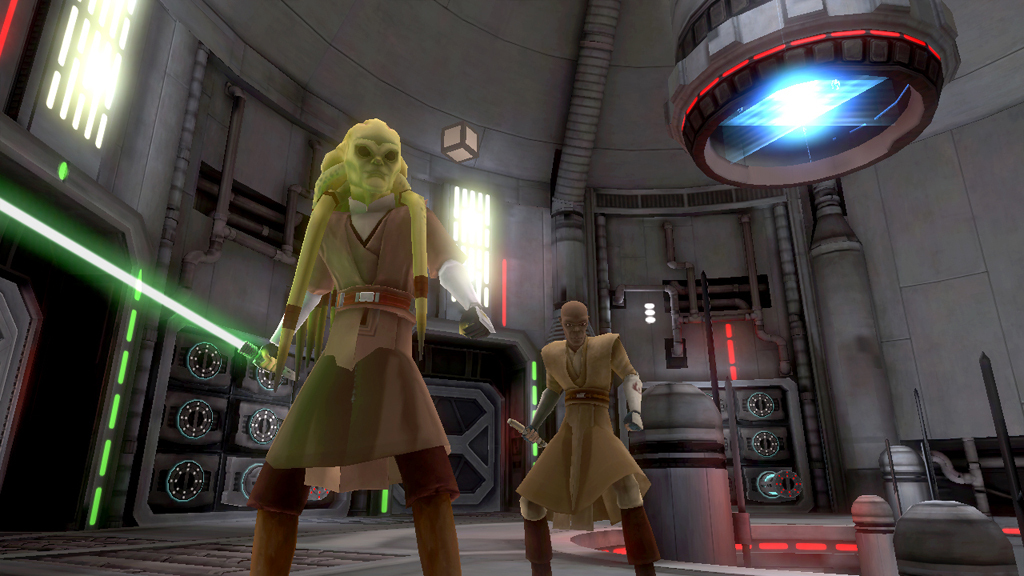

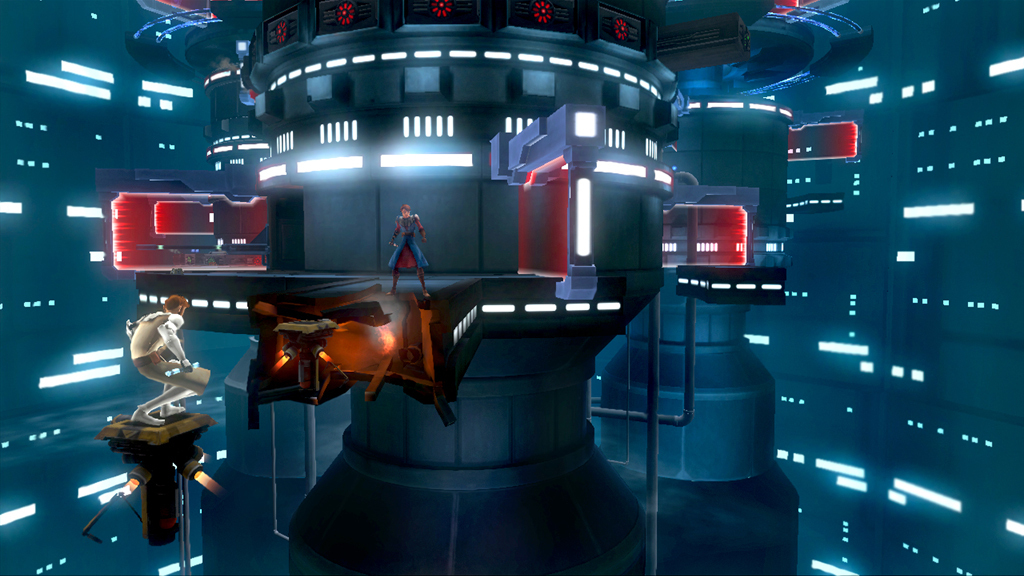
Official store screenshots from Steam — deckport links them, never rehosts. Hover to pause; click to preview.
Identity
Launch
- Binary
- Republic Heroes.exe
- Needs files
- none beyond the binary
Proton
- Version
- GE-Proton
- Winetricks
- xact
- ProtonDB
- ProtonDB Silver runs with minor issues
⚙ Setup notes
DRM: Delisted from Steam 2025-01-31 (appid 32420) because it depends on the deprecated Games for Windows - LIVE (GFWL) client. The real launcher is Republic Heroes.exe.
GFWL Fix: On Deck, GFWL sign-in does NOT work and will block startup — the game errors that xlive.dll is missing. Use the community no-GFWL bypass: drop a stub xlive.dll into the game folder (per PCGamingWiki, or place a renamed Ultimate-ASI-Loader DLL as xlive.dll) so the title launches straight to gameplay while keeping local saves. If the install itself fails on the GFWL marketplace step, removing the GFWL-Marketplace key from installscript.vdf lets the install complete (see the Proton issue).
Proton: GE-Proton handles this most reliably; proton_experimental also works for many.
Audio: Add xact via winetricks if audio/voices are missing.
ProtonDB: Tier is silver — runs after the GFWL workaround, but expect some menu/cutscene quirks.
Controller: Native gamepad support is present, so the Deck controller works once in-game.
The one thing to know
Supply your own copy. deckport links nothing.
DRM: Delisted from Steam 2025-01-31; the leftover reseller key listings are not the live Steam store. Single-player game, so no dead-server concern.
Hard blocker: On Deck, Games for Windows - LIVE means you MUST apply the xlive.dll no-GFWL bypass (PCGamingWiki) or the game won't start. Binary is Republic Heroes.exe.
Controller: Supported natively, so no Steam Input layout is required.
ProtonDB: Silver — playable but not flawless (occasional cutscene/menu glitches; install the xact winetricks verb if audio drops).
Needs-test: ProtonDB confirms it runs, but this exact recipe hasn't been verified on a physical Deck.
Community guides
Write-ups and threads from people who got this (or a similar) game running. deckport links to them — it doesn't reproduce them.
Get the artwork
deckport never hosts game images. Open this game on SteamGridDB, pick
the cover / hero / logo / icon you like, and drop them into the
game folder under .deckport-art/ before you push it to the
Deck. The importer files them under the right names automatically.
Run it on your Deck
Two files: the one-time importer (deckport.py) in your
Deck's home folder, and this game's install helper. Copy the game
into ~/Games and run the helper with Steam closed — it
writes the recipe (binary, launch options, Proton version)
and registers the shortcut with artwork.