About
Steel & Steam: Episode 1 is a retro fantasy-steampunk JRPG built in RPG Maker VX Ace, with sprite-based visuals and turn-based combat that deliberately recall 16-bit Genesis and SNES era role-playing games. It was Kickstarted in 2013 by Red Meat Games (funding nearly four times its goal) and launched in April 2014, reaching Steam later that year. Intended as the first chapter of an episodic series, no further episodes were ever produced. The game was removed from sale on Steam in March 2016 and the developers never publicly explained why the series was discontinued.
Screenshots
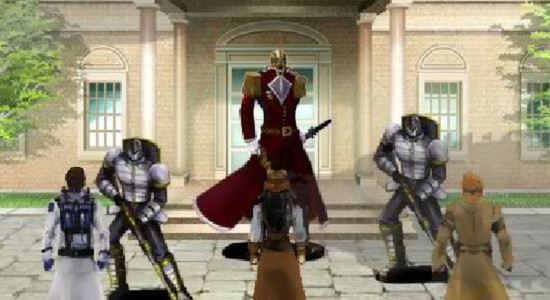
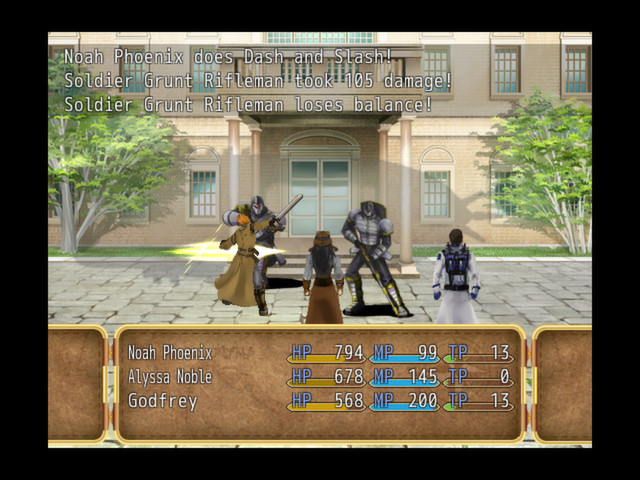
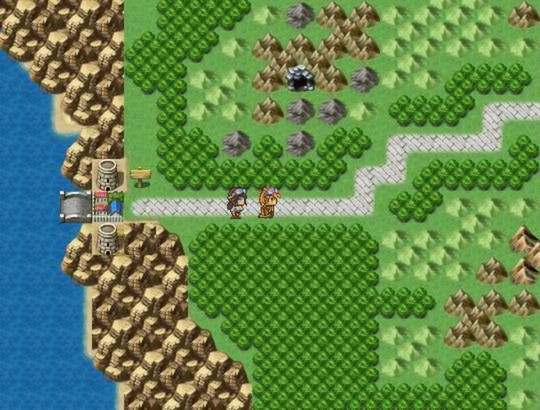
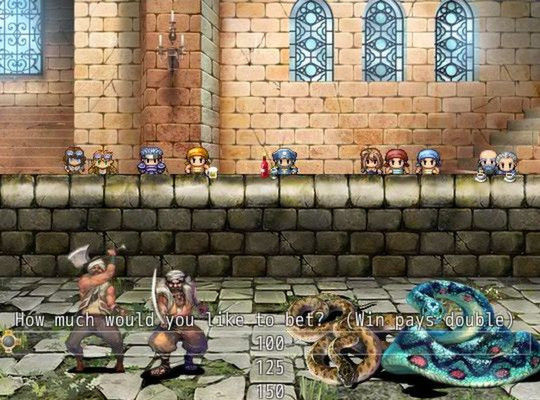
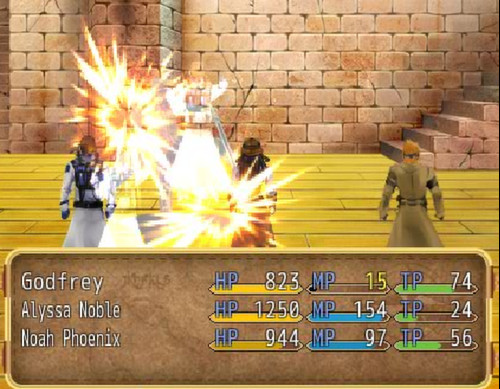
Official store screenshots from Steam — deckport links them, never rehosts. Hover to pause; click to preview.
Identity
Launch
- Binary
- Game.exe
- Needs files
- none beyond the binary
Proton
- Version
- GE-Proton
- Winetricks
- —
- ProtonDB
- ProtonDB Gold runs perfectly after tweaks
⚙ Setup notes
DRM: Delisted Steam game (appid 310450, purchase removed 11 March 2016). No third-party DRM — once you own it, the depot files run directly.
Engine: Steampunk JRPG built with RPG Maker VX Ace (RGSS3). The launcher is the standard Game.exe sitting next to Game.ini and the .rvdata2 data; Red Meat Games added custom menus/emotions/monsters on top of the stock engine.
Proton: RPG Maker VX Ace titles run cleanly under Proton (community reports ProtonDB Gold for the engine, runs out of the box). GE-Proton or proton_experimental both work, no extra winetricks needed.
Audio caveat: Proton's RGSS3 implementation does not play MIDI BGM — if any track is missing/silent, that BGM file was MIDI. Converting the offending .mid/.midi files in the game's Audio/BGM folder to .ogg restores them; .ogg/.mp3/.wav tracks are unaffected.
Display: Toggle fullscreen with Alt+Enter. If a missing-RTP error appears, the runtime/fonts ship inside the game folder so no separate RTP install is required; a stubborn RTP error can be cleared by adding the HKLM\Software\Wow6432Node\Enterbrain\RGSS3\RTP\RPGVXAce registry key in the prefix.
Controller: Keyboard-driven by default (arrows/Z/X/Shift/F); not a native gamepad — on the Deck add a Steam Input gamepad layout mapping the d-pad/A/B/X to those keys.
Install: normal Steam install of an owned copy; deckport only configures the prefix, it never bundles or links the game files.
The one thing to know
Supply your own copy: deckport links nothing.
DRM: Single-player steampunk JRPG (RPG Maker VX Ace), delisted from Steam in March 2016 so no longer for sale.
Proton: RPG Maker VX Ace games run well under Proton (engine is ProtonDB Gold), but this specific recipe has not been confirmed on a Deck yet — Game.exe is the standard engine binary, verify it matches your install folder.
Audio: If any background track is silent, it was a MIDI file — Proton can't play RGSS3 MIDI; convert the .mid tracks in Audio/BGM to .ogg.
Controller: Native keyboard input only, so add a Steam Input gamepad layout (d-pad + A/B mapped to arrows/Z/X) for handheld play.
Community guides
Write-ups and threads from people who got this (or a similar) game running. deckport links to them — it doesn't reproduce them.
Get the artwork
deckport never hosts game images. Open this game on SteamGridDB, pick
the cover / hero / logo / icon you like, and drop them into the
game folder under .deckport-art/ before you push it to the
Deck. The importer files them under the right names automatically.
Run it on your Deck
Two files: the one-time importer (deckport.py) in your
Deck's home folder, and this game's install helper. Copy the game
into ~/Games and run the helper with Steam closed — it
writes the recipe (binary, launch options, Proton version)
and registers the shortcut with artwork.