About
Stela is a cinematic, atmospheric side-scrolling puzzle-platformer in which a young woman witnesses the final days of a mysterious ancient world. Built on Unreal Engine 4, it pairs hand-crafted environmental puzzles with light running-and-climbing traversal and frequent chase sequences, drawing comparisons to mood-driven platformers like Limbo and Inside. Developed and published by SkyBox Labs, it launched on Apple Arcade and Xbox One in 2019 and reached Windows and Nintendo Switch in 2020. The Steam release was delisted after NetEase acquired SkyBox Labs, making it no longer purchasable on the storefront.
Screenshots
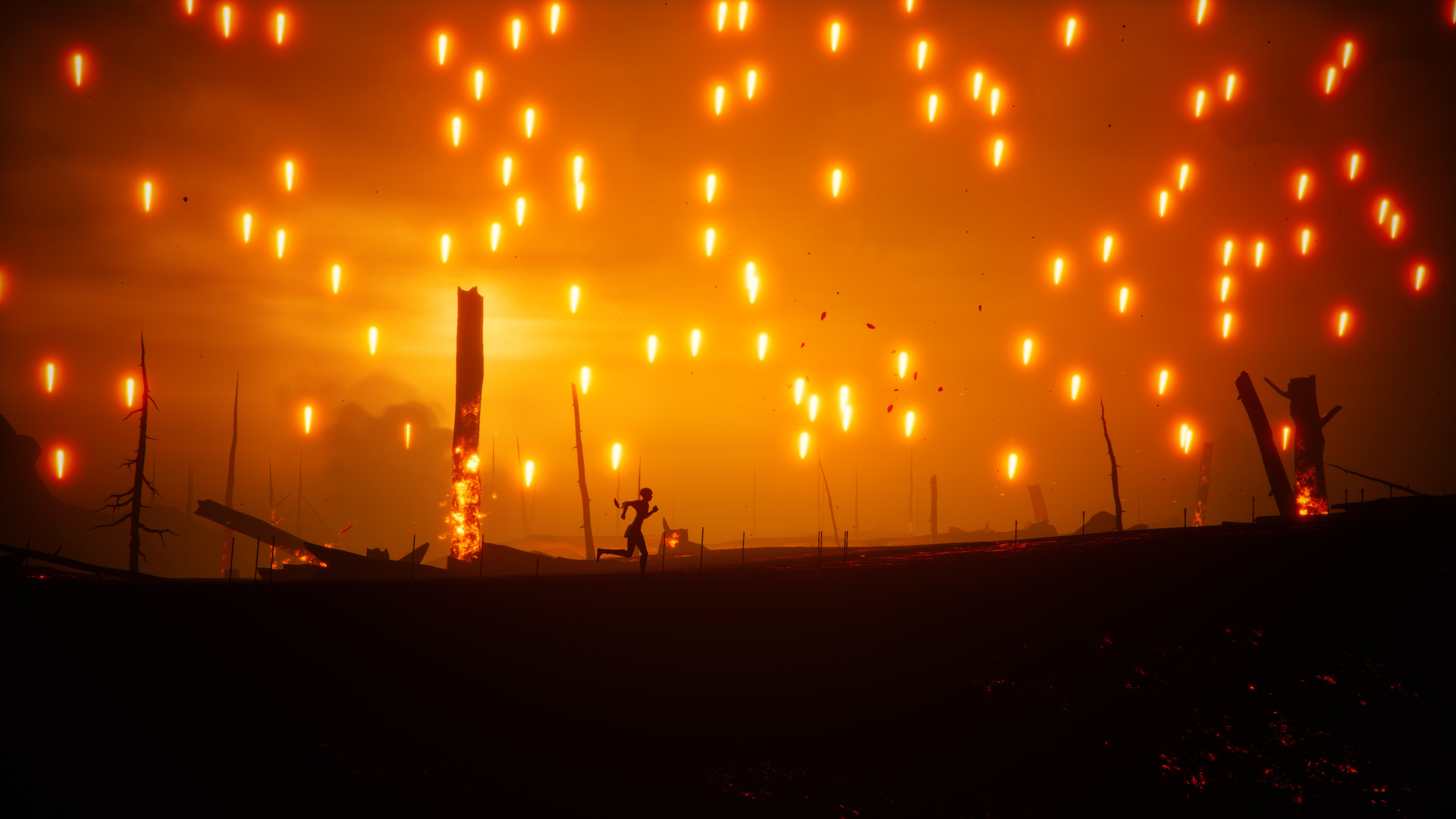
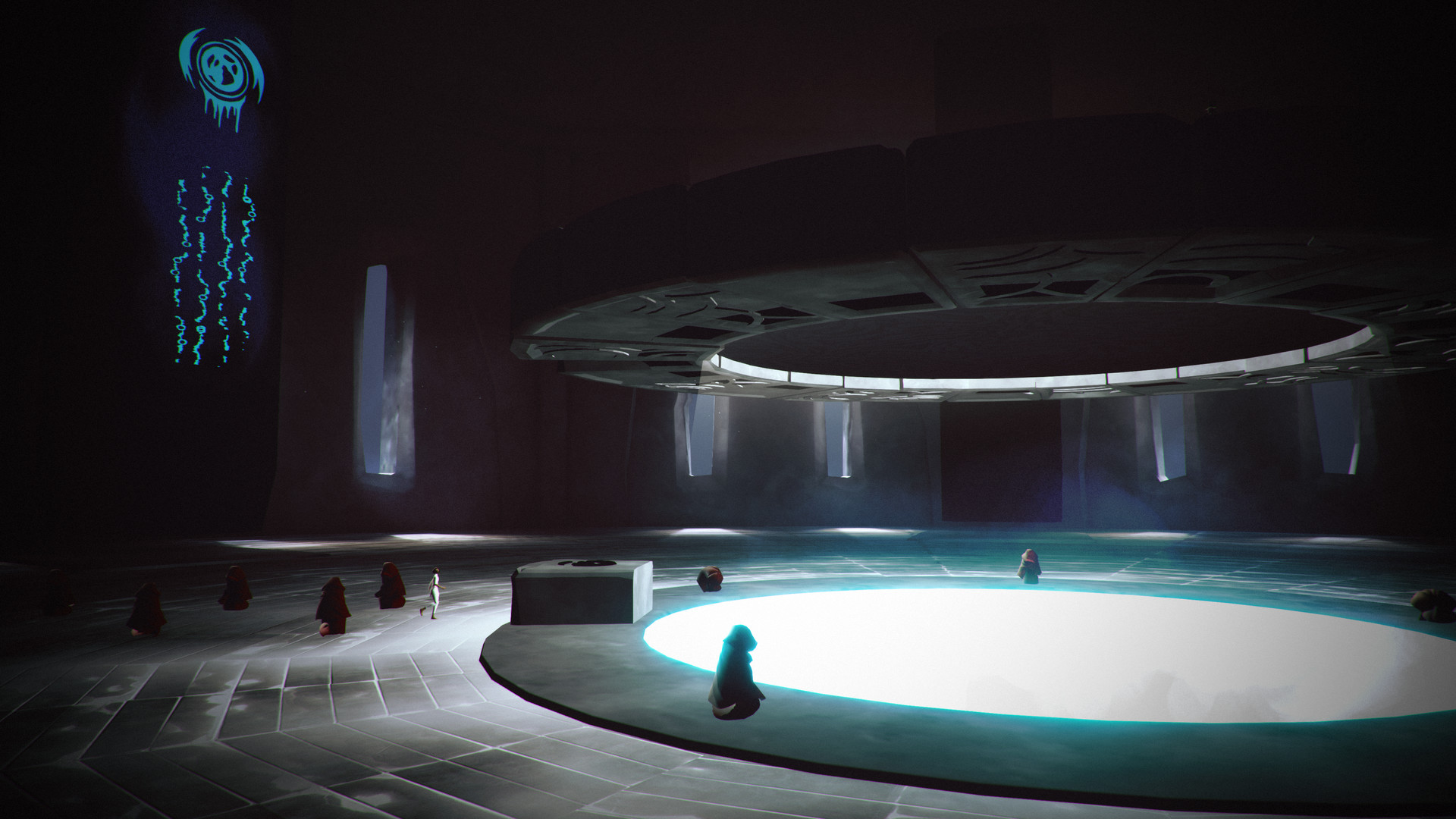
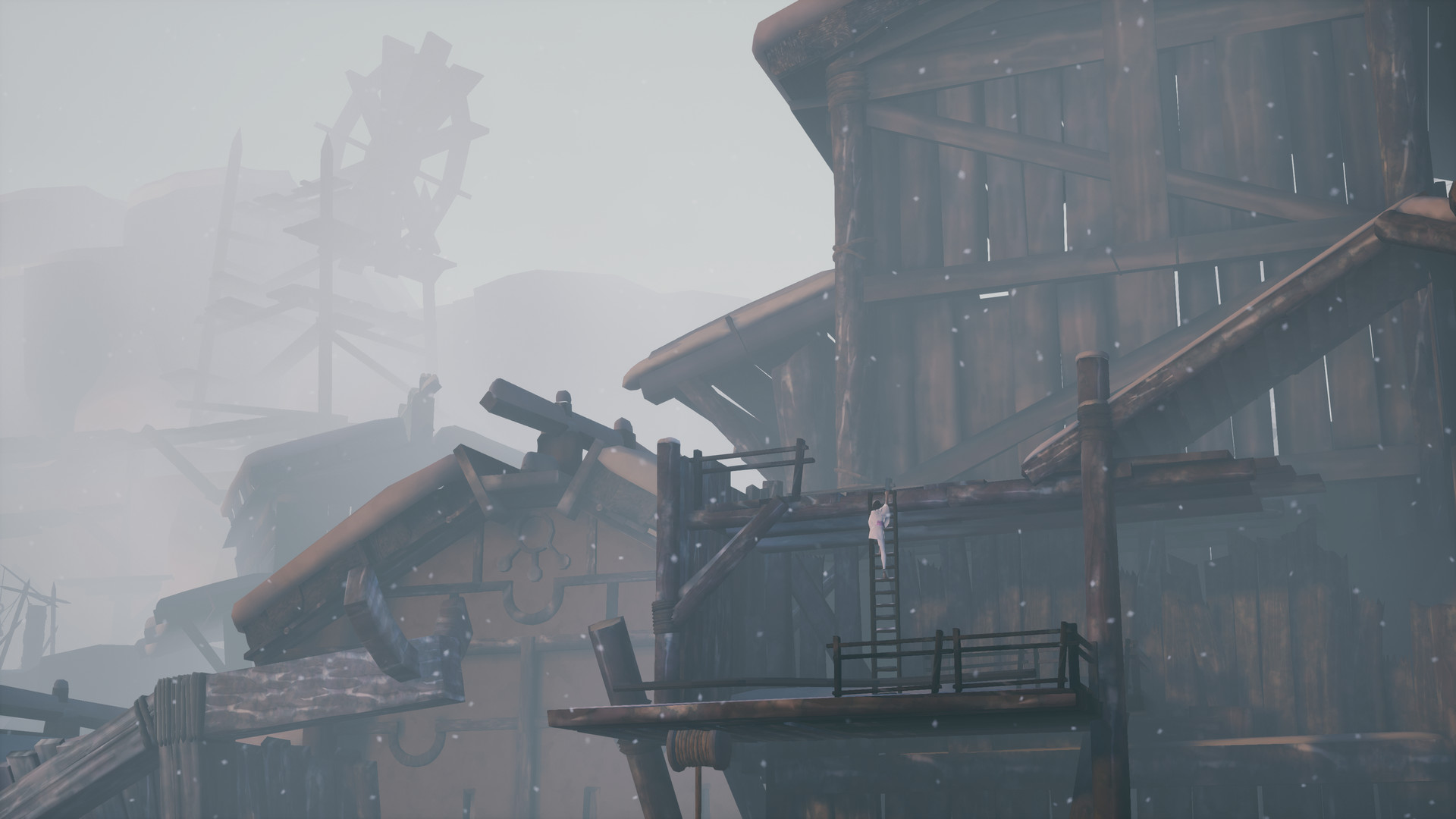
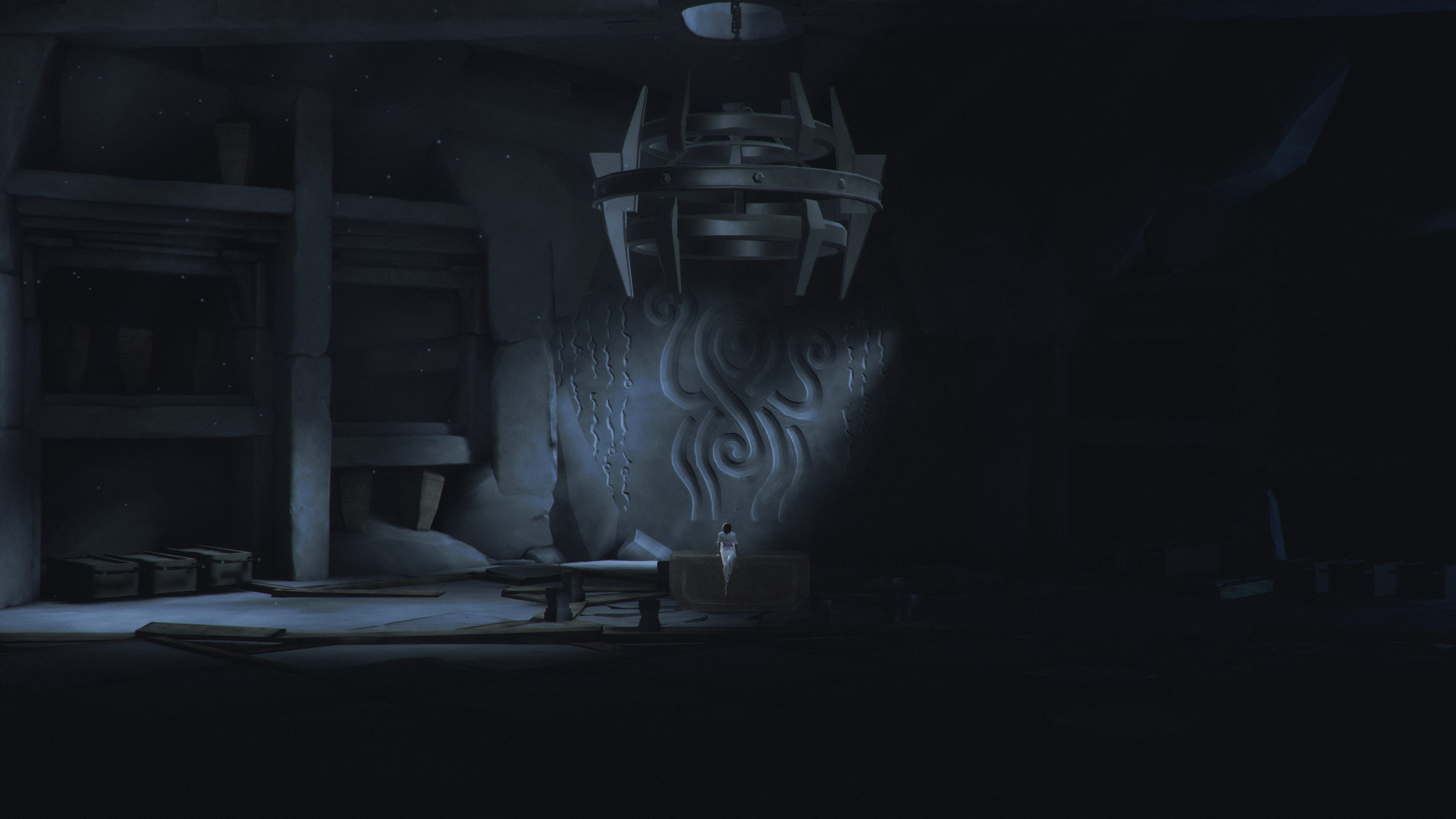
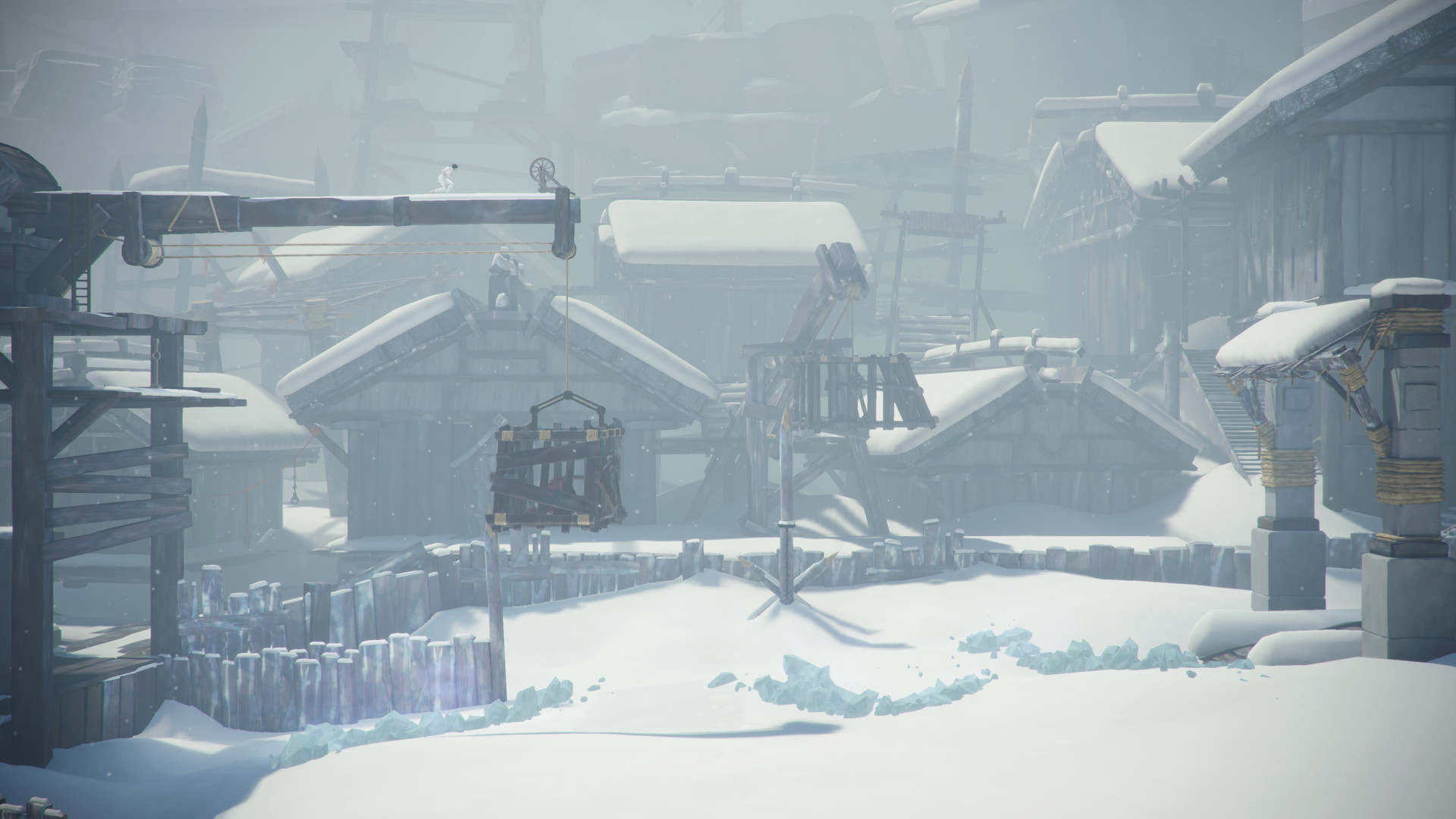
Official store screenshots from Steam — deckport links them, never rehosts. Hover to pause; click to preview.
Identity
Launch
- Binary
- Stela.exe
- Needs files
- none beyond the binary
Proton
- Version
- GE-Proton
- Winetricks
- —
- ProtonDB
- ProtonDB Gold runs perfectly after tweaks
⚙ Setup notes
Status: Delisted Steam game (appid 1048600, removed Jan 2023 after NetEase acquired SkyBox Labs).
Engine: Cinematic side-scrolling puzzle-platformer built on Unreal Engine 4 — single-player, offline, no DRM/GFWL/online dependency.
Proton: ProtonDB rates it gold, but the sample is tiny (~3 reports, low confidence). UE4 titles generally run reliably on the Deck; use a recent GE-Proton (Proton 8.0+ / proton_experimental also work).
Install: Binary is the UE4 shipping exe (Stela.exe) in the install root. No launch options or winetricks needed; runs at the Deck's native resolution out of the box.
Controller: the Steam store page does not advertise full controller support, and players historically asked about gamepad support on the Steam version. Treat controller as not guaranteed native — keep a Steam Input layout (gamepad-with-trackpad/keyboard fallback) handy in case some menus or prompts expect mouse/keyboard.
deckport only configures the prefix; it never bundles or links the game files.
The one thing to know
Supply your own copy. deckport links nothing.
Proton: ProtonDB gold but only a handful of reports (low confidence); UE4 platformer that the community reports running well on Linux/Proton, so it should be smooth on the Deck.
Offline: Fully offline single-player — no servers to worry about.
Controller: Controller support is not advertised on the Steam store page, so don't assume native gamepad. Set up a Steam Input layout (gamepad with trackpad/keyboard fallback) in case prompts or menus need mouse/keyboard.
Binary: Stela.exe inferred from UE4 conventions; confirm the exact exe name in your install root if it differs.
Status: Recipe configured but not yet hands-on verified on a Deck.
Community guides
Write-ups and threads from people who got this (or a similar) game running. deckport links to them — it doesn't reproduce them.
Get the artwork
deckport never hosts game images. Open this game on SteamGridDB, pick
the cover / hero / logo / icon you like, and drop them into the
game folder under .deckport-art/ before you push it to the
Deck. The importer files them under the right names automatically.
Run it on your Deck
Two files: the one-time importer (deckport.py) in your
Deck's home folder, and this game's install helper. Copy the game
into ~/Games and run the helper with Steam closed — it
writes the recipe (binary, launch options, Proton version)
and registers the shortcut with artwork.