About
Street Fighter X Tekken is a 2012 crossover fighting game pitting Capcom's Street Fighter against Bandai Namco's Tekken, using Street Fighter IV-style 2D mechanics with two-on-two tag-team battles. Developed by Capcom with Dimps (the Windows port by QLOC), it introduced the Gem customization system and Pandora mode. It was delisted from Steam in November 2021 alongside several other Capcom titles, because its outdated Games for Windows Live backend caused problems on the PC version, and it never returned to sale.
Screenshots
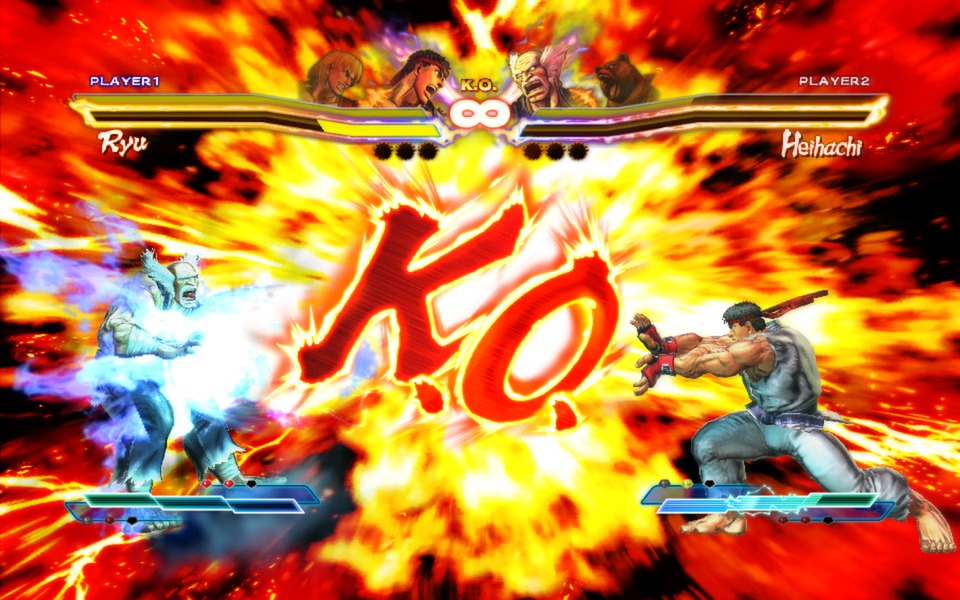
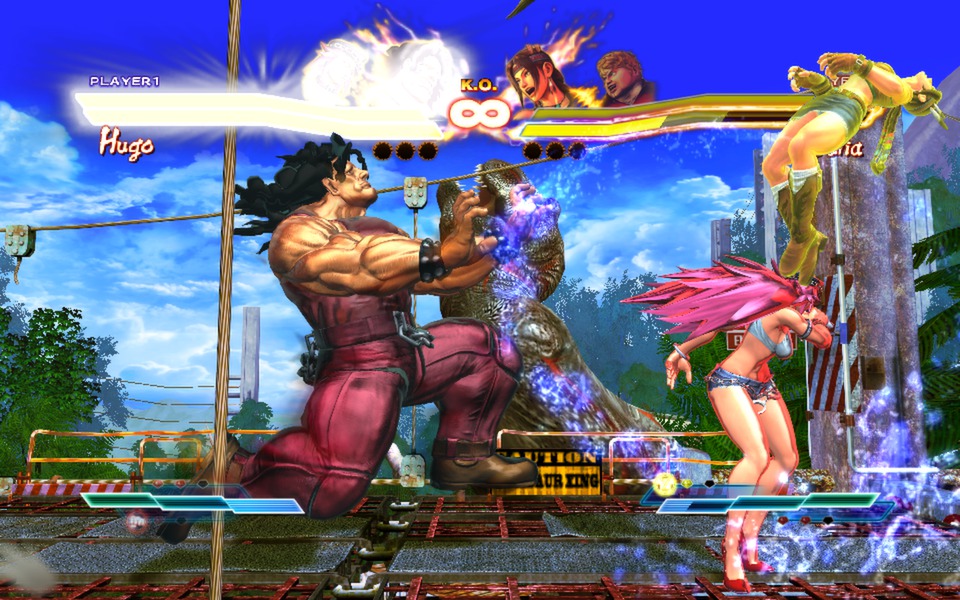
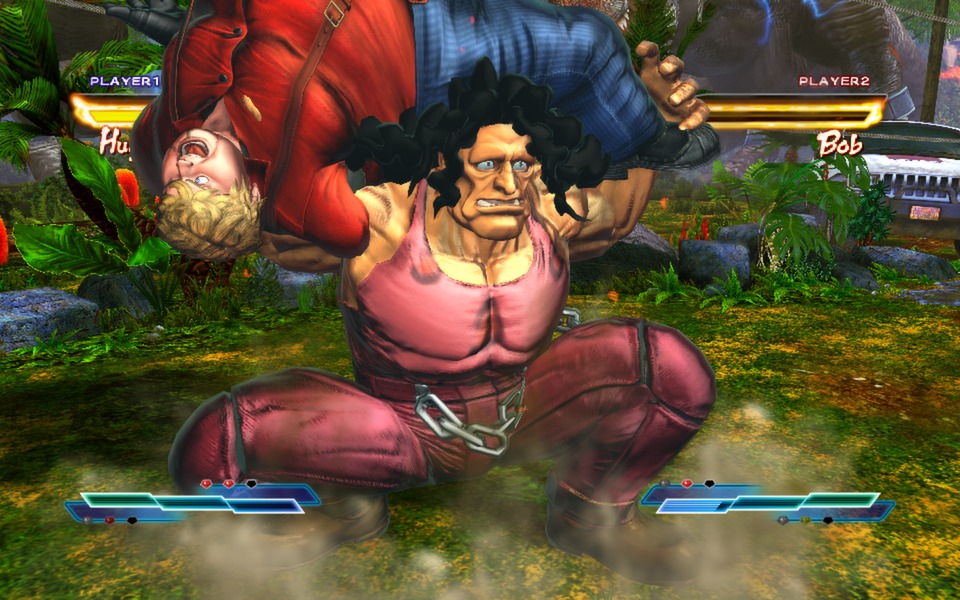
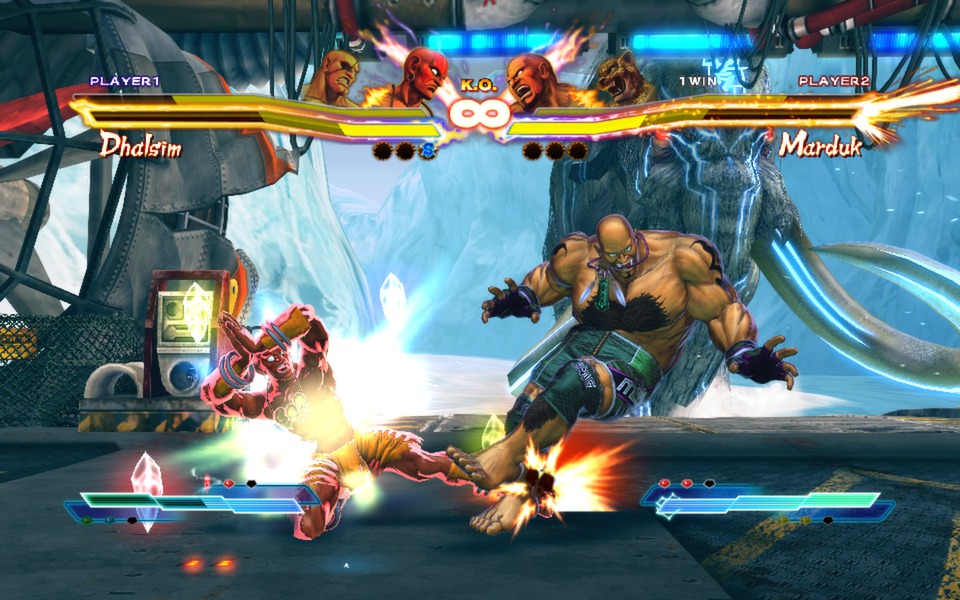
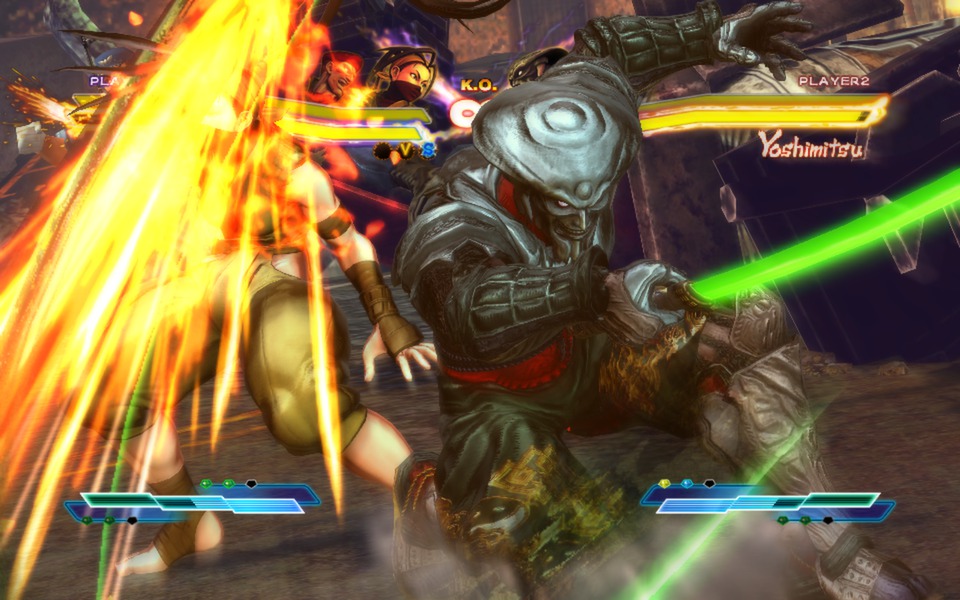
Official store screenshots from Steam — deckport links them, never rehosts. Hover to pause; click to preview.
Identity
Launch
- Binary
- SFTK.exe
- Needs files
- none beyond the binary
Proton
- Version
- GE-Proton
- Winetricks
- —
- ProtonDB
- ProtonDB Gold runs perfectly after tweaks
⚙ Setup notes
Fix: Get the latest build first. A May 2025 Steam update strips Games for Windows Live from the build, so the current Steam version launches without the old GFWL hurdle — update before configuring.
Proton: Proton 8.0-5+ works; GE-Proton runs a touch smoother and is best for controller detection.
Display: launch from Desktop Mode — Gaming Mode mangles the resolution. Turn Fullscreen off in the in-game graphics options to avoid the black-screen / resolution issue.
Cosmetic: some arcade-mode cutscenes show a corrupt texture then auto-skip. Gameplay is unaffected.
The one thing to know
Supply your own copy — delisted commercial game.
GFWL: the Steam build got a May 2025 update removing GFWL, so update to the latest version first. Legacy / non-Steam copies still need community GFWL workarounds.
Display: run from Desktop Mode (Gaming Mode mangles resolution) and turn Fullscreen off in graphics options to dodge the black-screen issue.
Controller: native gamepad works, but some Proton versions don't detect external pads — switch Proton version (GE-Proton recommended) if the gamepad doesn't appear.
Cosmetic: a few arcade cutscenes render a broken texture then skip themselves. deckport links nothing.
Community guides
Write-ups and threads from people who got this (or a similar) game running. deckport links to them — it doesn't reproduce them.
Get the artwork
deckport never hosts game images. Open this game on SteamGridDB, pick
the cover / hero / logo / icon you like, and drop them into the
game folder under .deckport-art/ before you push it to the
Deck. The importer files them under the right names automatically.
Run it on your Deck
Two files: the one-time importer (deckport.py) in your
Deck's home folder, and this game's install helper. Copy the game
into ~/Games and run the helper with Steam closed — it
writes the recipe (binary, launch options, Proton version)
and registers the shortcut with artwork.