About
Super Lucky's Tale is a 2017 Unity-engine 3D platformer starring Lucky the fox, who travels the Book of Ages to stop the villain Jinx and his Kitty Litter henchmen. Developed by Playful Studios and published by Microsoft, it launched as an Xbox One X title and is a follow-up to the Oculus Rift VR game Lucky's Tale. The original Steam release was delisted in August 2020 when the expanded remaster New Super Lucky's Tale arrived; existing owners can still install the original from their libraries.
Screenshots
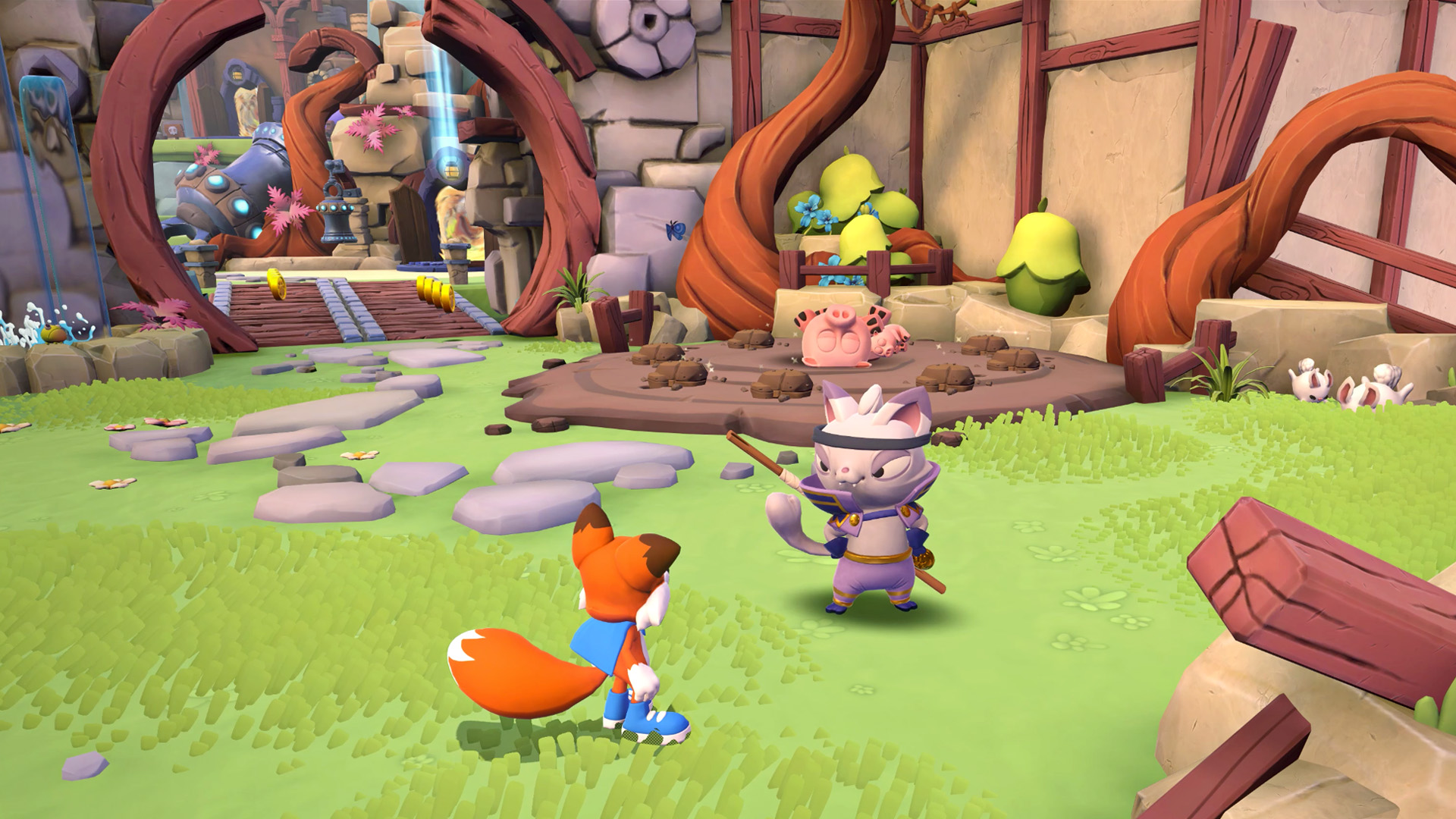
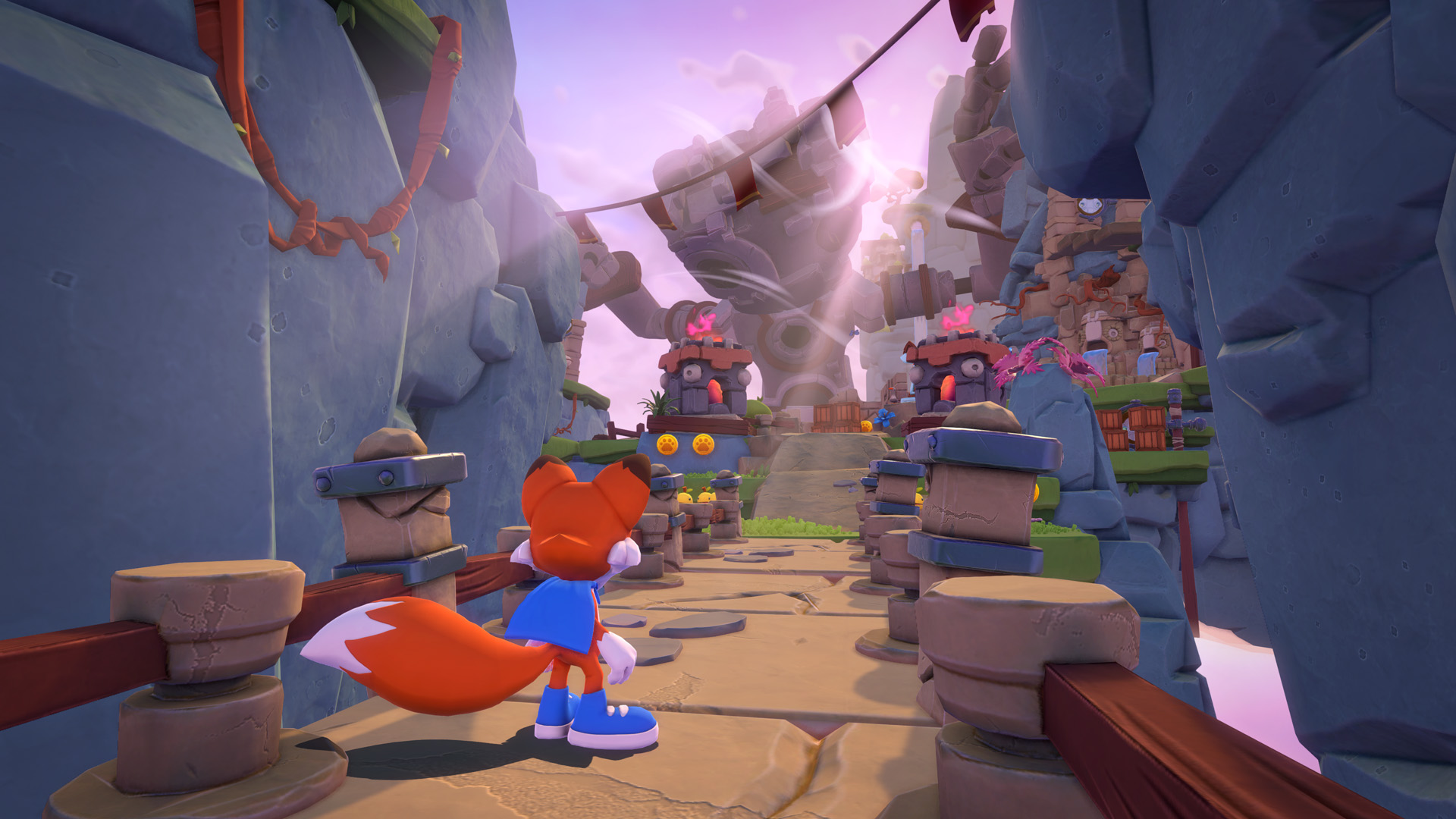
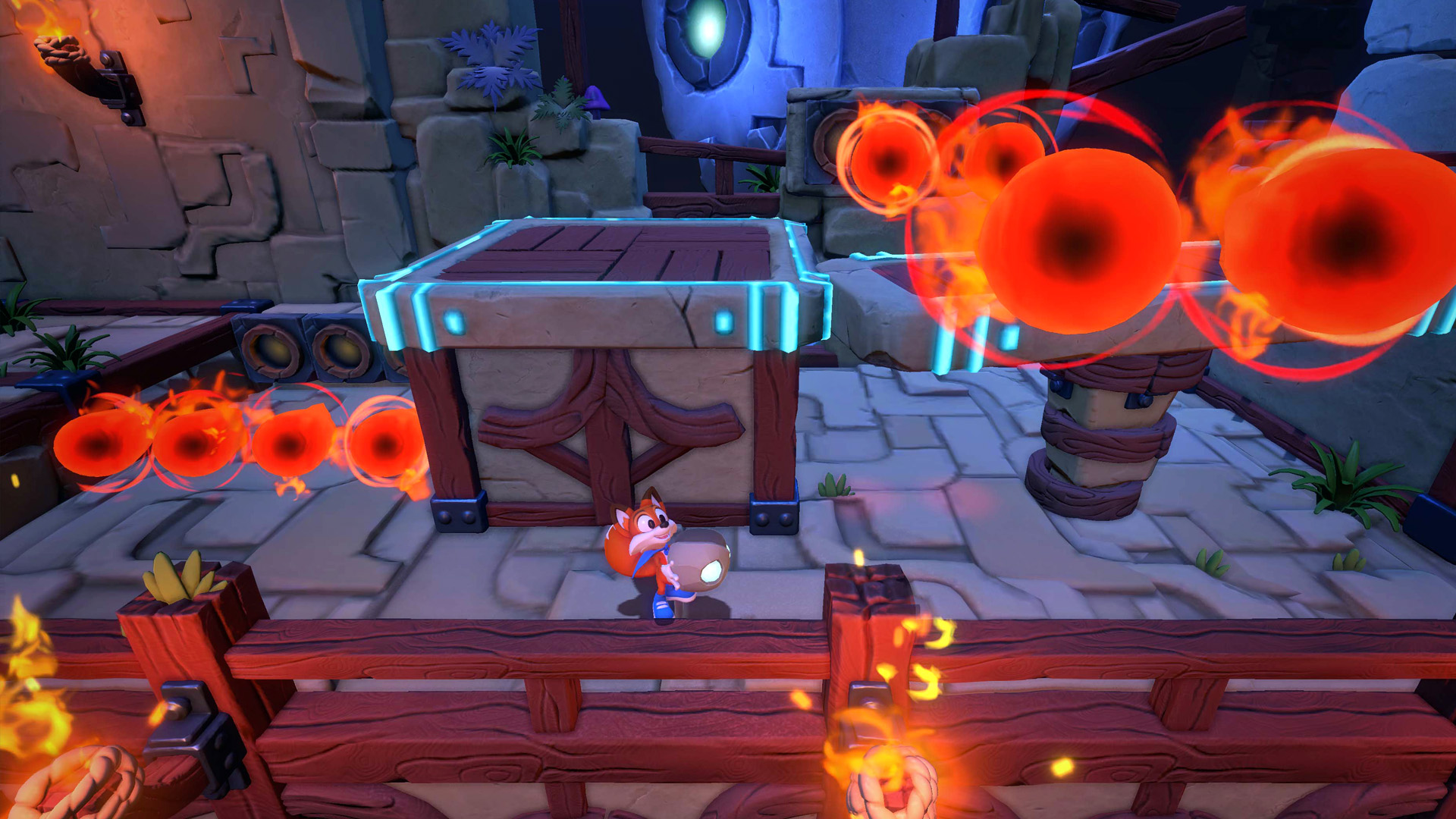
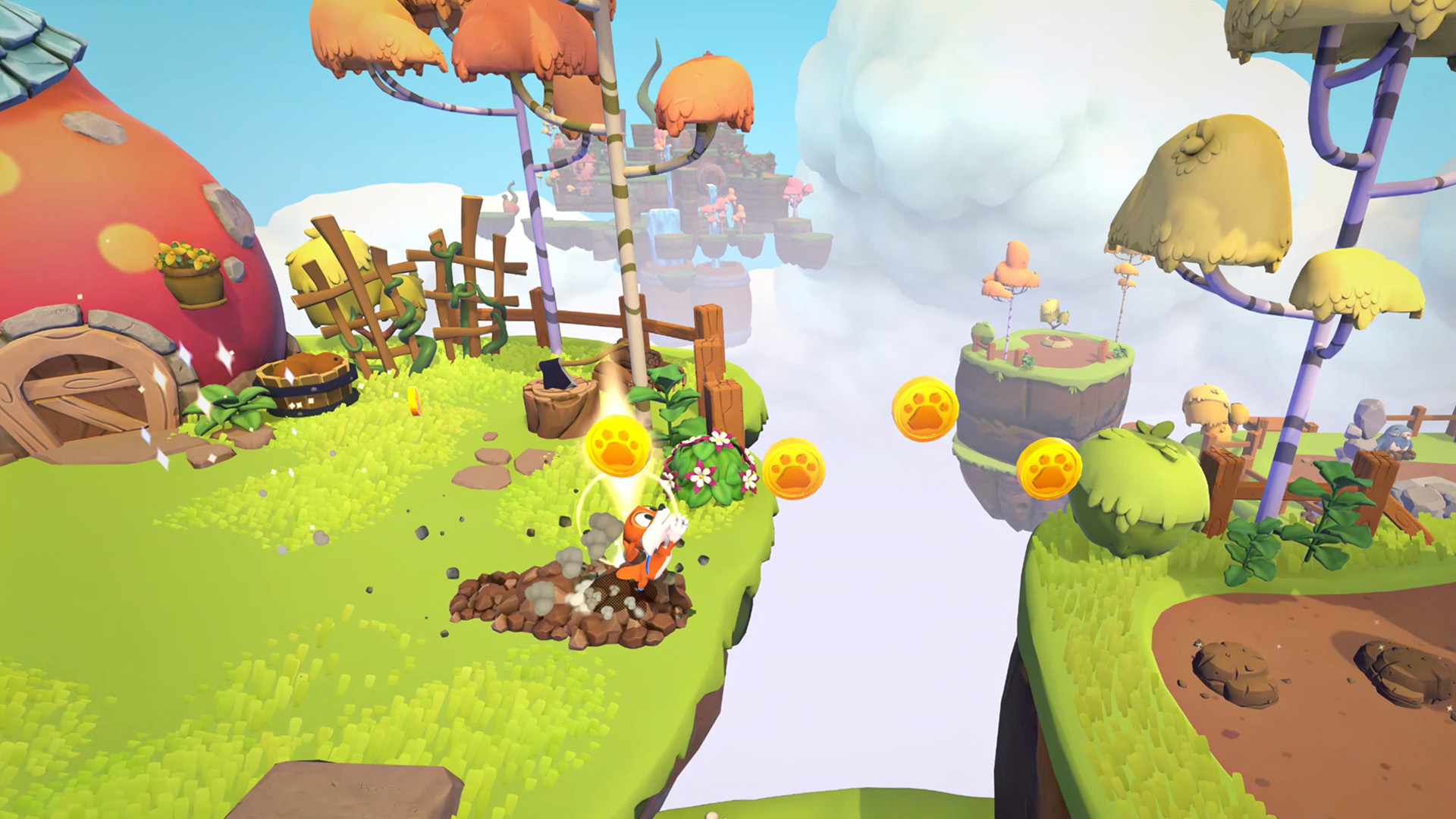
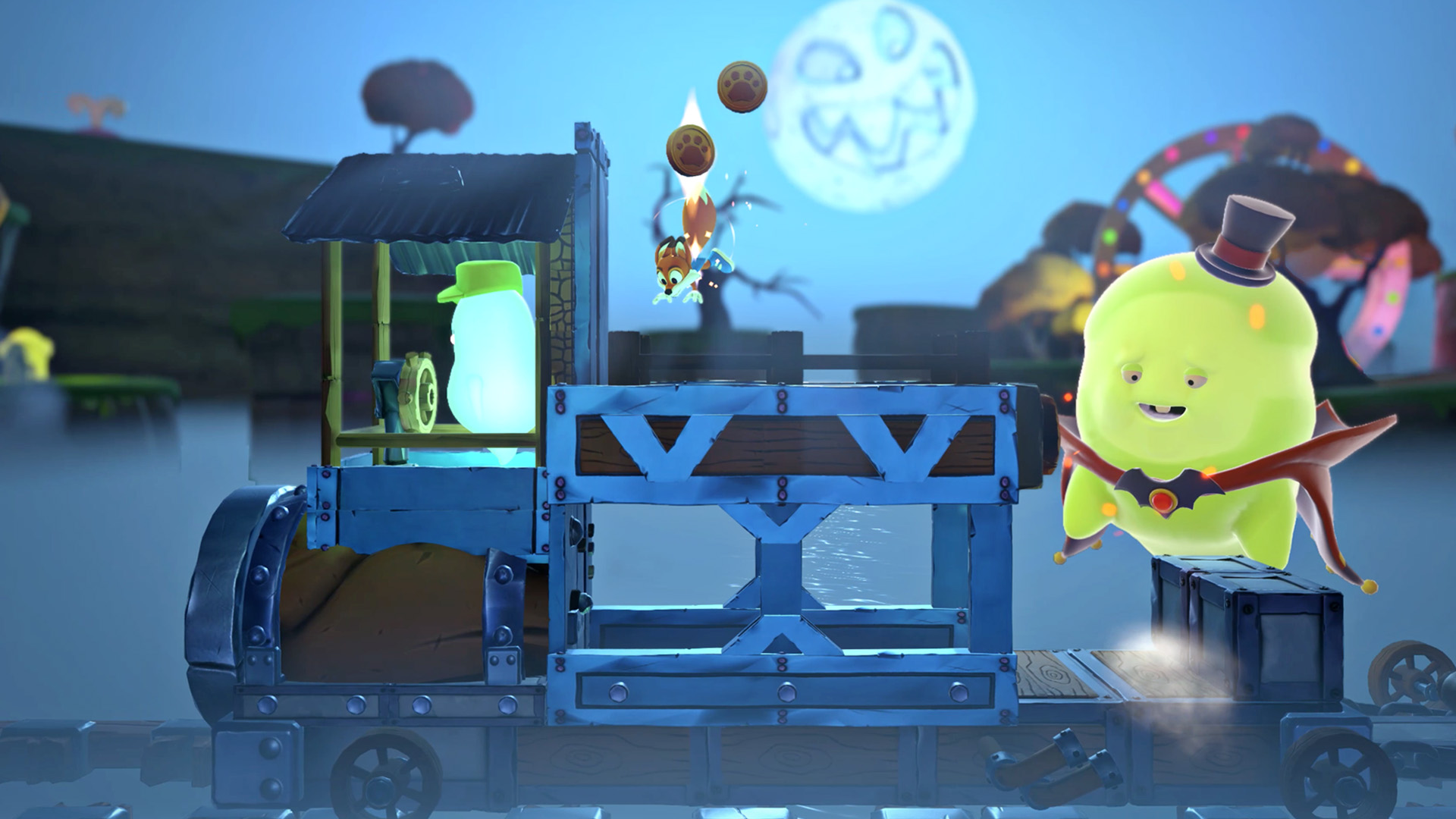
Official store screenshots from Steam — deckport links them, never rehosts. Hover to pause; click to preview.
Identity
Launch
- Binary
- SLT.exe
- Needs files
- none beyond the binary
Proton
- Version
- GE-Proton
- Winetricks
- —
- ProtonDB
- ProtonDB Gold runs perfectly after tweaks
⚙ Setup notes
Game: Original Super Lucky's Tale (Steam appid 847360), delisted Aug 2020 when New Super Lucky's Tale launched; owners can still install it from their library. Unity engine title, single-player 3D platformer, no online component. ProtonDB overall tier gold (recent reports trend higher, but confidence is only moderate on a small report count — gold is the honest call).
Proton: A 2018-era Proton report (Proton 3.76) showed missing-character/flickering rendering, but that is long obsolete — use GE-Proton (or recent proton_experimental) for clean DXVK rendering on the Deck's AMD GPU.
DRM: No GFWL/SecuROM/Denuvo DRM.
Controller: Native Xbox-style controller support, so the Deck's built-in pad works out of the box; non-Xbox pads (e.g. DualShock 4) need a Steam Input layout, which the Deck provides automatically.
Install: deckport only configures the prefix; it never bundles or links the game files.
The one thing to know
Supply your own copy: Owners can reinstall from their Steam library; deckport links nothing.
Delisted: Delisted in Aug 2020 (original Super Lucky's Tale, not the New Super Lucky's Tale remaster, appid 1038300, which is still sold and Deck Verified). ProtonDB tier gold.
Proton: Set Proton to GE-Proton (or recent proton_experimental) — the only negative report on file is a 2018 Proton 3.76 rendering glitch that modern Proton resolves.
Online: Single-player only, no servers to worry about.
Controller: Native controller support means the Deck's gamepad works without extra config; some users note the original ignores certain analog-trigger inputs (e.g. dig-on-hold) and only fully supports Xbox-layout pads, so prefer the Deck's default Xbox-style input.
NEEDS-TEST: binary SLT.exe and exact GE-Proton build not yet confirmed on a physical Deck.
Community guides
Write-ups and threads from people who got this (or a similar) game running. deckport links to them — it doesn't reproduce them.
Get the artwork
deckport never hosts game images. Open this game on SteamGridDB, pick
the cover / hero / logo / icon you like, and drop them into the
game folder under .deckport-art/ before you push it to the
Deck. The importer files them under the right names automatically.
Run it on your Deck
Two files: the one-time importer (deckport.py) in your
Deck's home folder, and this game's install helper. Copy the game
into ~/Games and run the helper with Steam closed — it
writes the recipe (binary, launch options, Proton version)
and registers the shortcut with artwork.