About
Table Top Racing: World Tour is a combat racing game in which miniaturized toy cars zip around tracks built on everyday surfaces such as kitchen tables, garage workbenches and arcade machines. It is the console and PC follow-up to the 2013 mobile hit Table Top Racing, developed by a studio founded by Nick Burcombe, co-creator of the WipEout series, and it pairs tight kart-style handling with power-ups and wheel-mounted weapons across a single-player championship and time trials.
Reviews were mixed but the game built a steady following, and it was delisted from Steam in November 2025 after the studio wound down operations. The online multiplayer servers are no longer active, but the single-player championship and time trials remain fully playable offline.
Screenshots
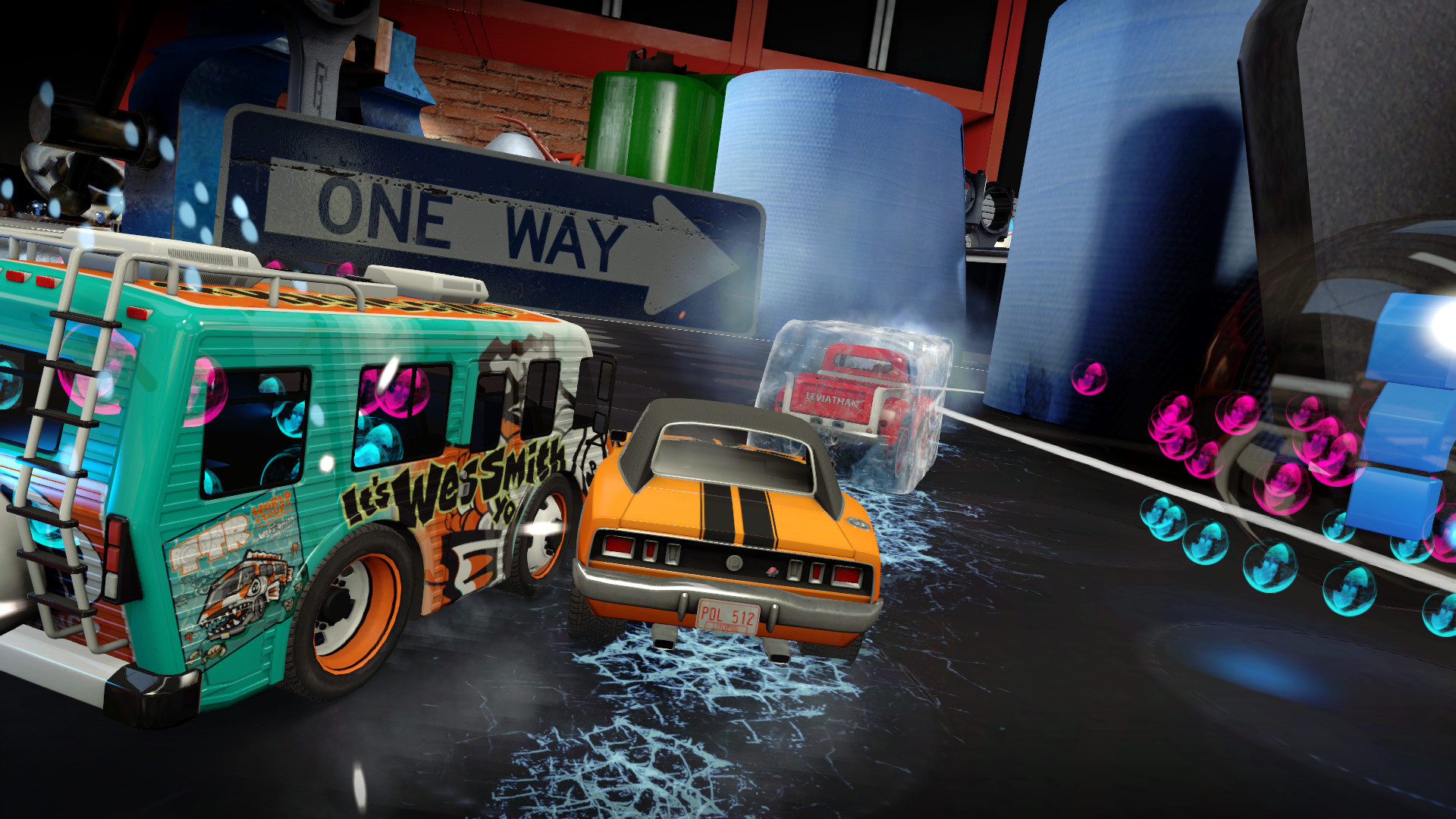
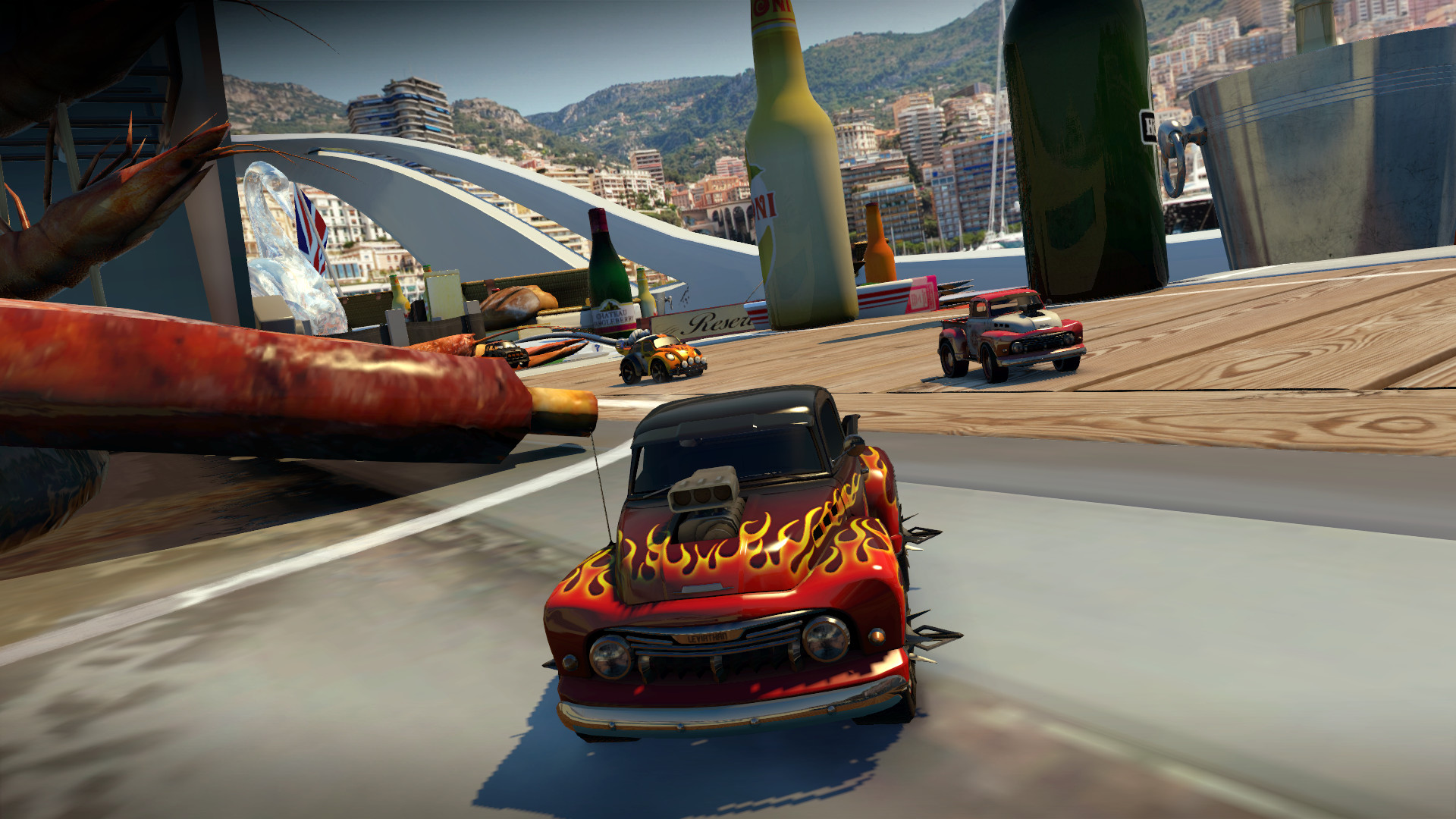
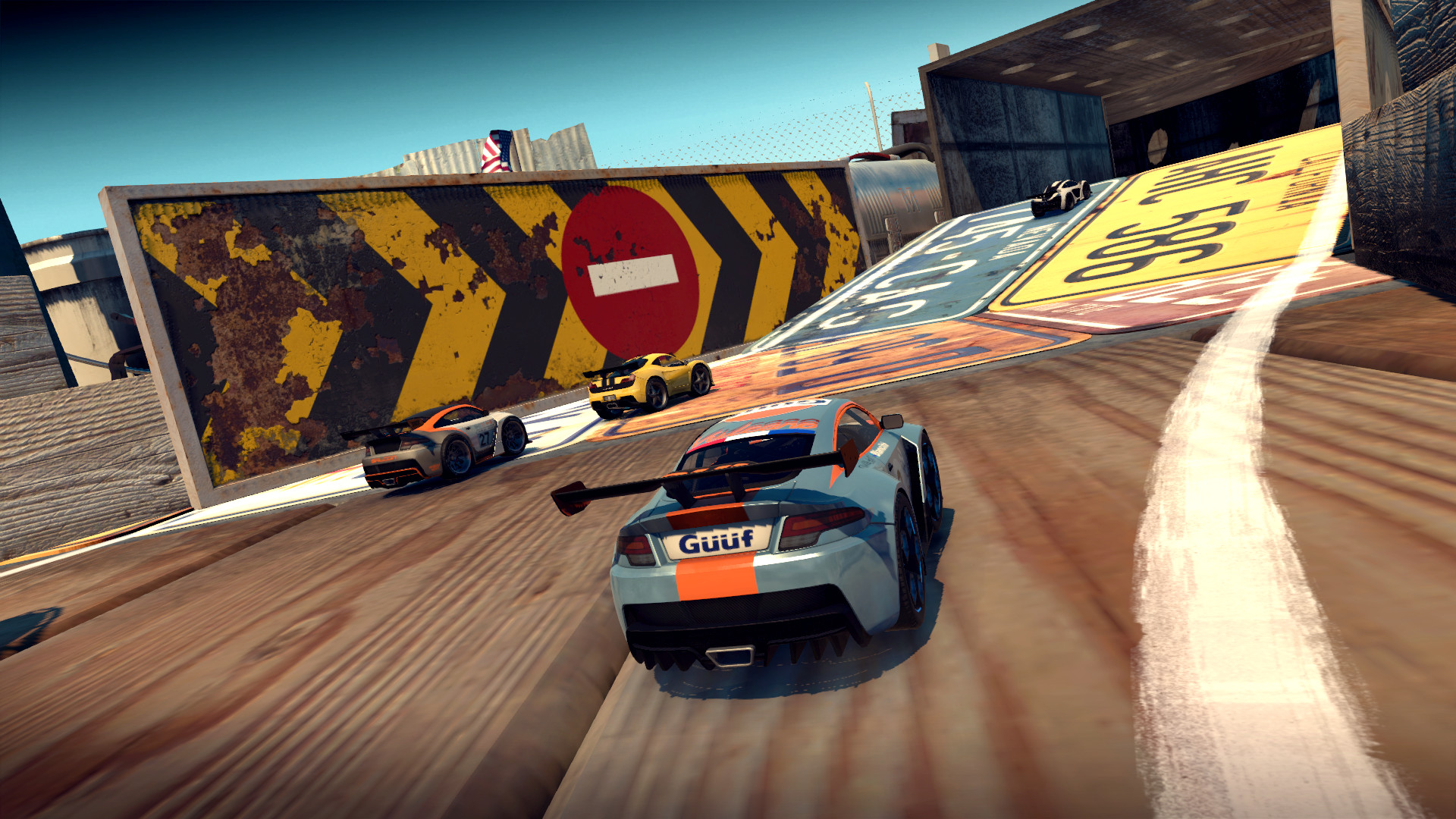
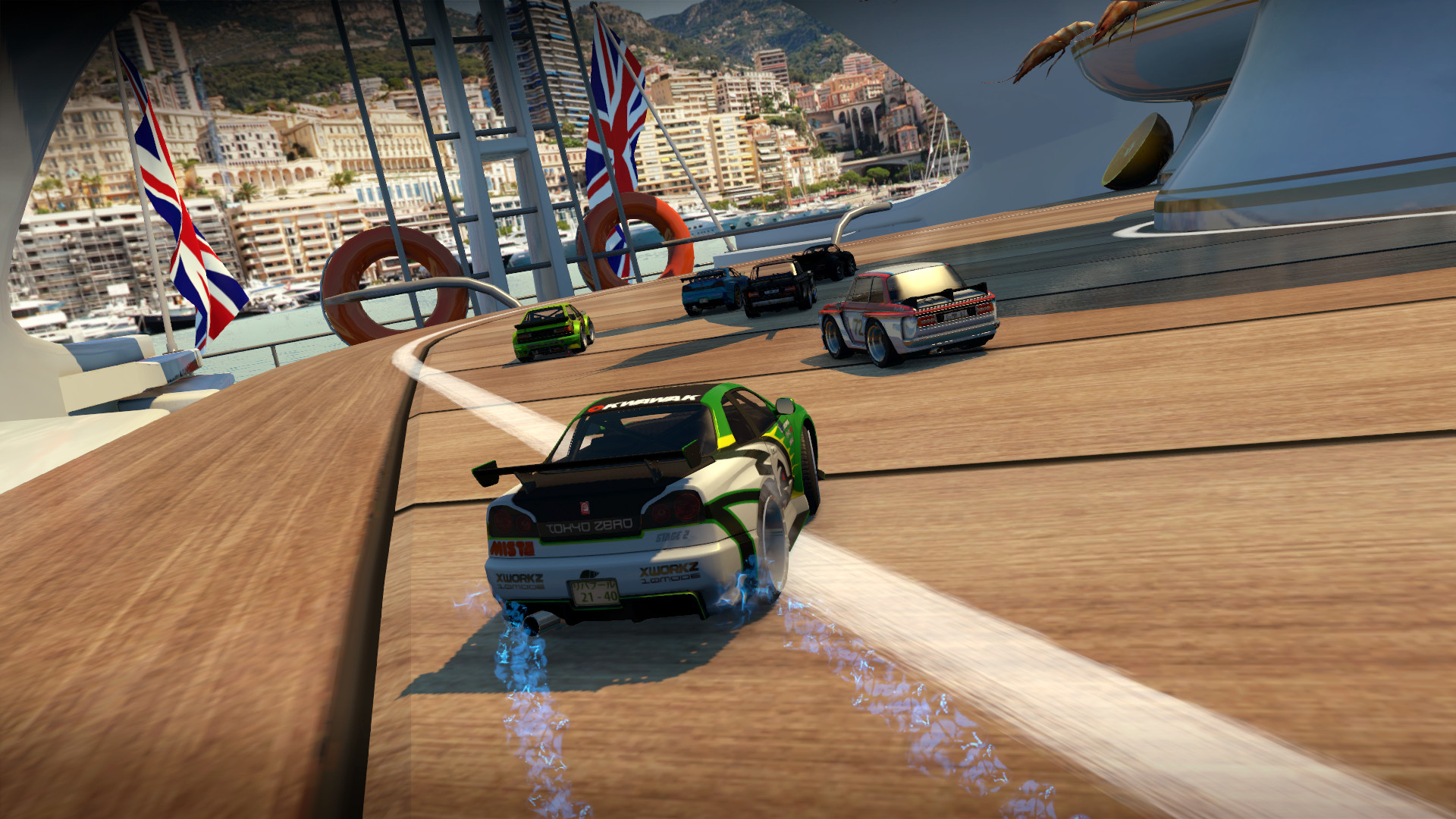
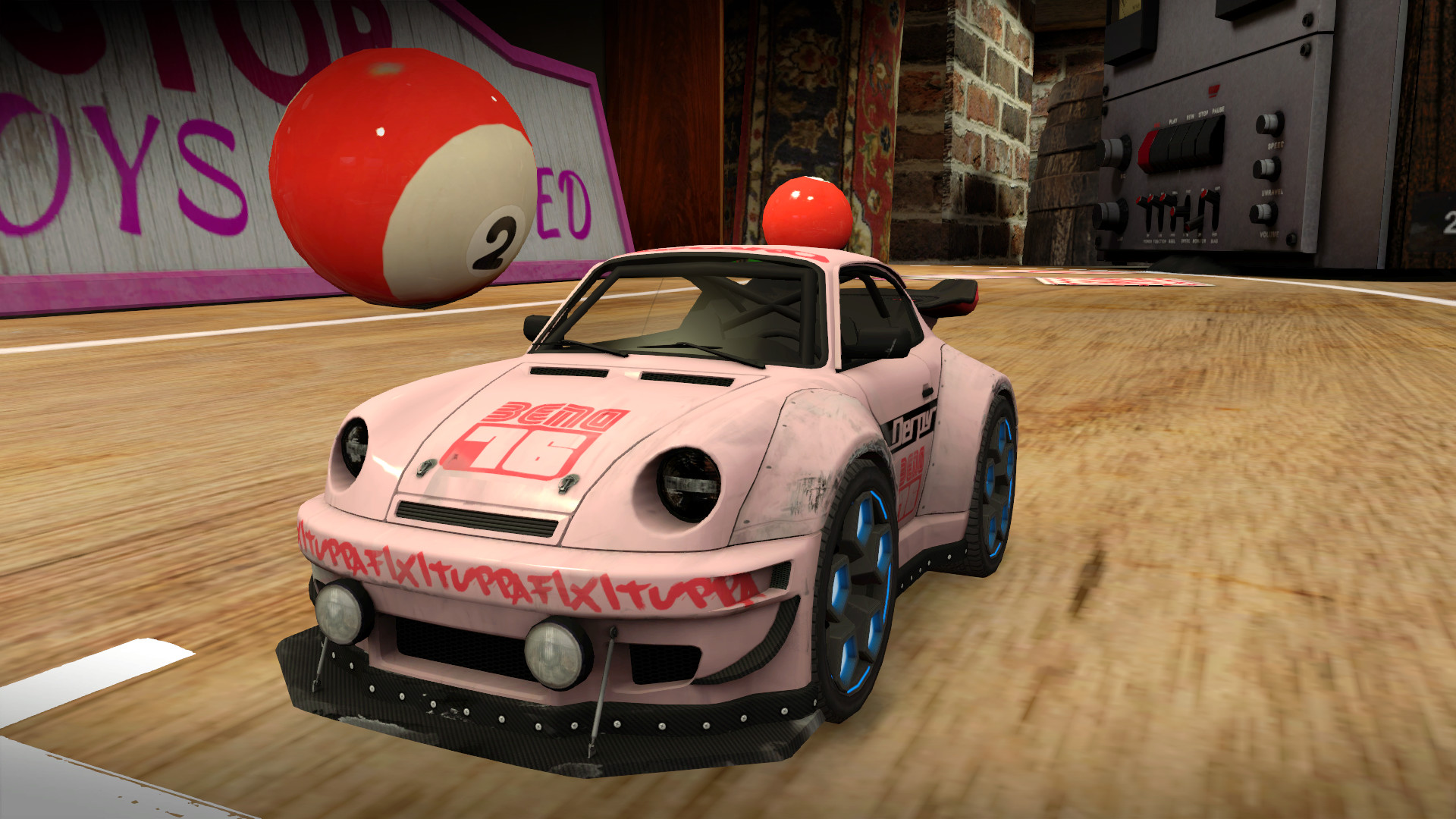
Official store screenshots from Steam — deckport links them, never rehosts. Hover to pause; click to preview.
Identity
Launch
- Binary
- TableTopRacing.exe
- Needs files
- none beyond the binary
Proton
- Version
- proton_experimental
- Winetricks
- —
- ProtonDB
- ProtonDB Gold runs perfectly after tweaks
⚙ Setup notes
Install: Delisted Steam game (appid 450670; pulled from the store Nov 2025 after the studio ceased operations — owners keep it in their library). Unity 5 combat racer, ProtonDB gold.
Proton: Runs on proton_experimental (community reports of it running on Linux/Proton). Most reports are positive (gold/platinum trend), but a few note controller detection trouble — see Controller below.
DRM: Steamworks only — no GFWL/SecuROM DRM to work around. Just install and launch.
Controller: A post-launch patch fixed detection for most standard pads (the dev tested Xbox 360/One, DualShock 4, Logitech F310/F710, Speedlink) and claimed roughly 95% of controllers fixed; racing wheels are not supported. The Deck's built-in gamepad generally works, but a minority of Linux/Proton reports mention the pad not being detected — if so, try forcing a Steam Input controller layout (e.g. Gamepad with Joystick Trackpad) so Proton presents an XInput device.
deckport only configures the prefix; it never bundles or links the game files.
The one thing to know
Supply your own copy: Delisted from Steam Nov 2025 (studio shut down); no longer for sale, but owners keep it in their library. deckport links nothing.
Proton: ProtonDB gold, runs on proton_experimental with no DRM workaround needed.
Controller: A patch fixed most standard pads (~95% per the dev), but some Linux/Proton reports note the gamepad isn't detected. If the Deck pad doesn't work, force a Steam Input controller layout so Proton exposes an XInput device.
Binary: Unity build; name (TableTopRacing.exe vs TableTopRacingWorldTour.exe) still needs a quick confirm against your install dir.
Multiplayer: Was online-only — verify whether servers are still up; single player / time trials are unaffected.
Community guides
Write-ups and threads from people who got this (or a similar) game running. deckport links to them — it doesn't reproduce them.
Get the artwork
deckport never hosts game images. Open this game on SteamGridDB, pick
the cover / hero / logo / icon you like, and drop them into the
game folder under .deckport-art/ before you push it to the
Deck. The importer files them under the right names automatically.
Run it on your Deck
Two files: the one-time importer (deckport.py) in your
Deck's home folder, and this game's install helper. Copy the game
into ~/Games and run the helper with Steam closed — it
writes the recipe (binary, launch options, Proton version)
and registers the shortcut with artwork.