About
Tales from Candlekeep: Tomb of Annihilation is a digital adaptation of the Dungeons & Dragons Adventure System board games, set in the Forgotten Realms and based on the Tomb of Annihilation module. Players control adventurers such as Artus Cimber, Asharra, Birdsong, or Dragonbait through procedurally assembled tile-based dungeons, fighting monsters in turn-based combat while drawing encounter and treasure cards. Released by BKOM Studios in 2017, it was praised as a faithful, approachable take on the tabletop game. It was removed from sale on Steam in May 2022 after the Wizards of the Coast D&D license expired, though prior owners retain access.
Screenshots
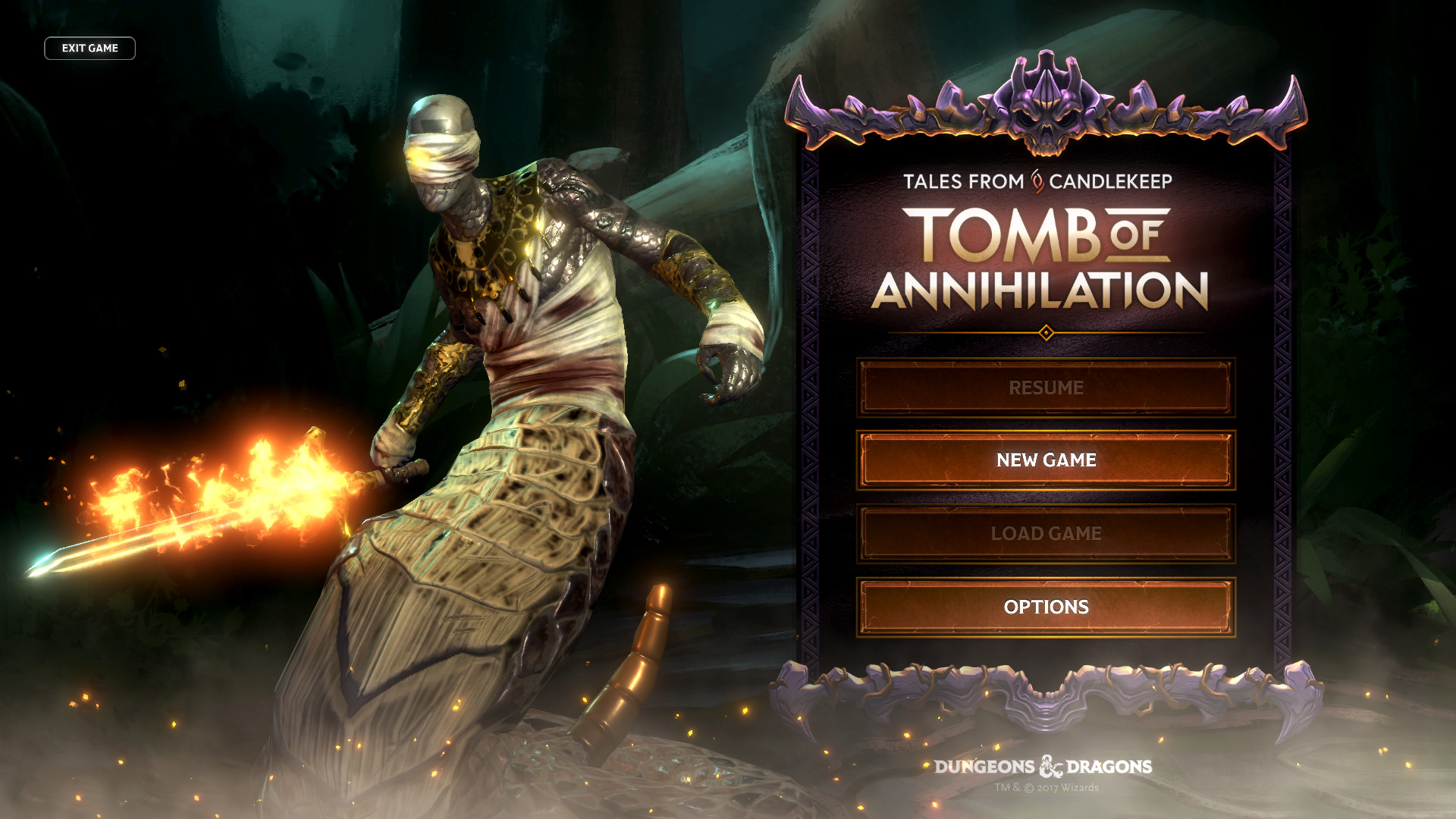
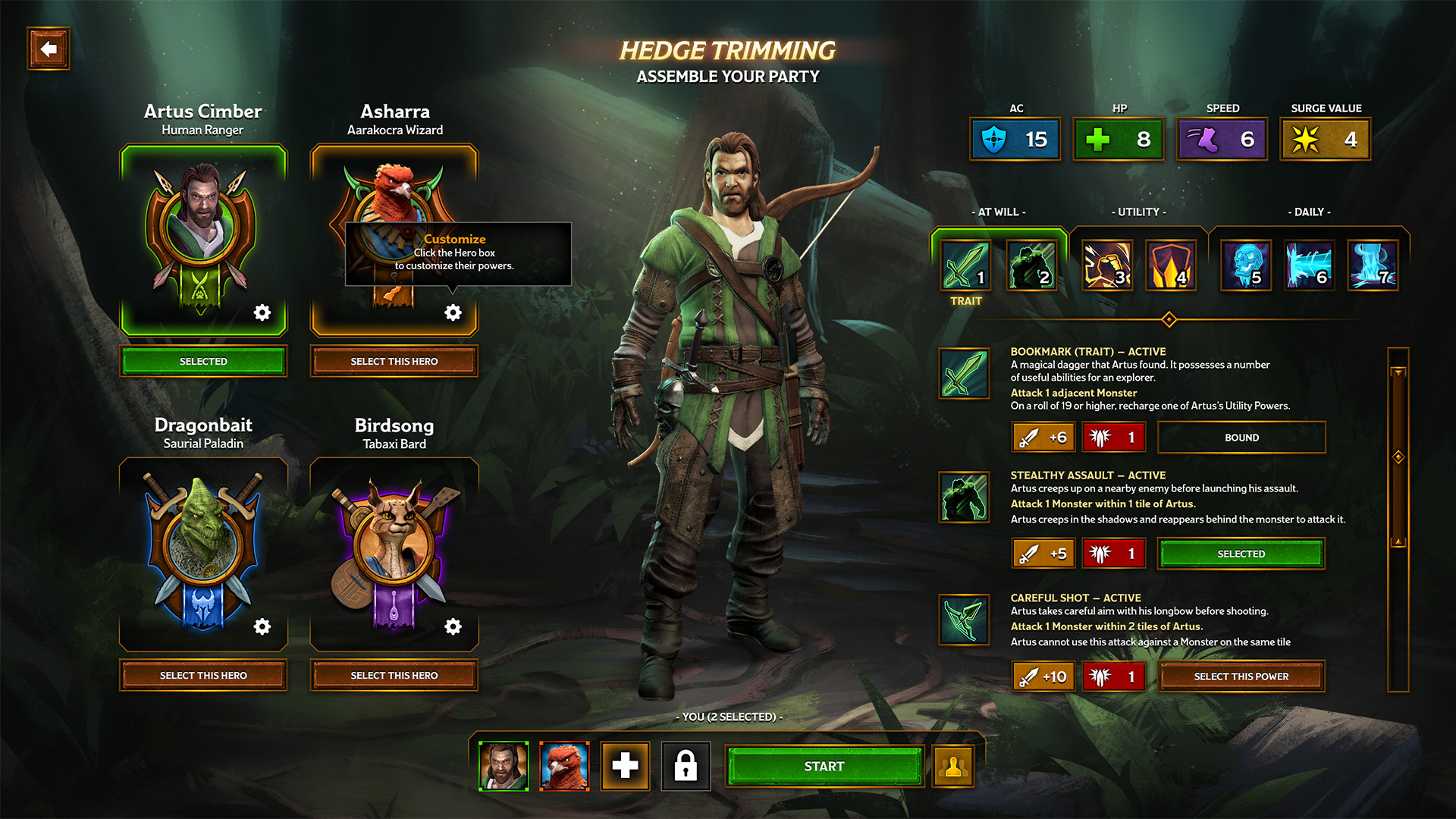
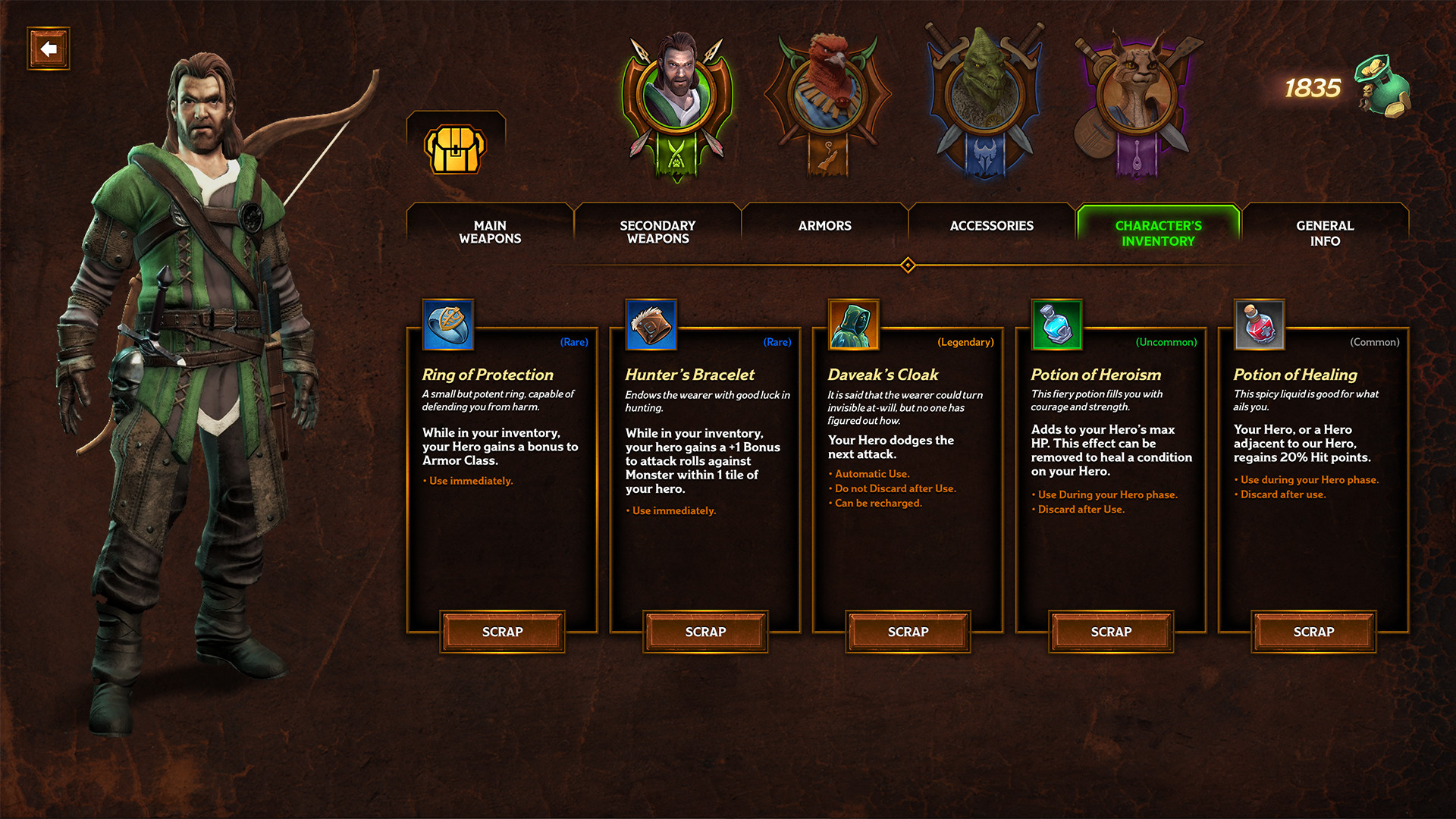
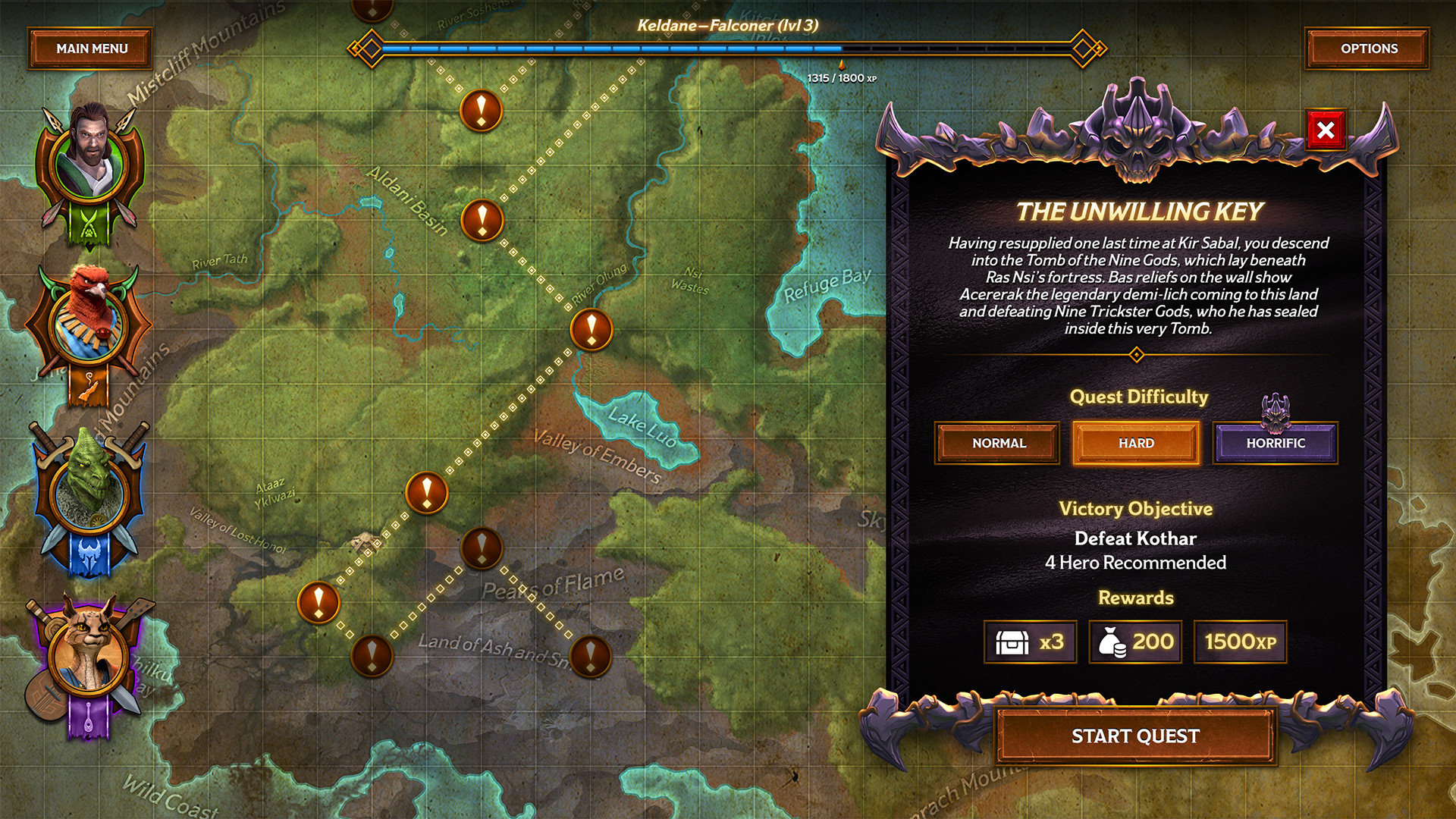
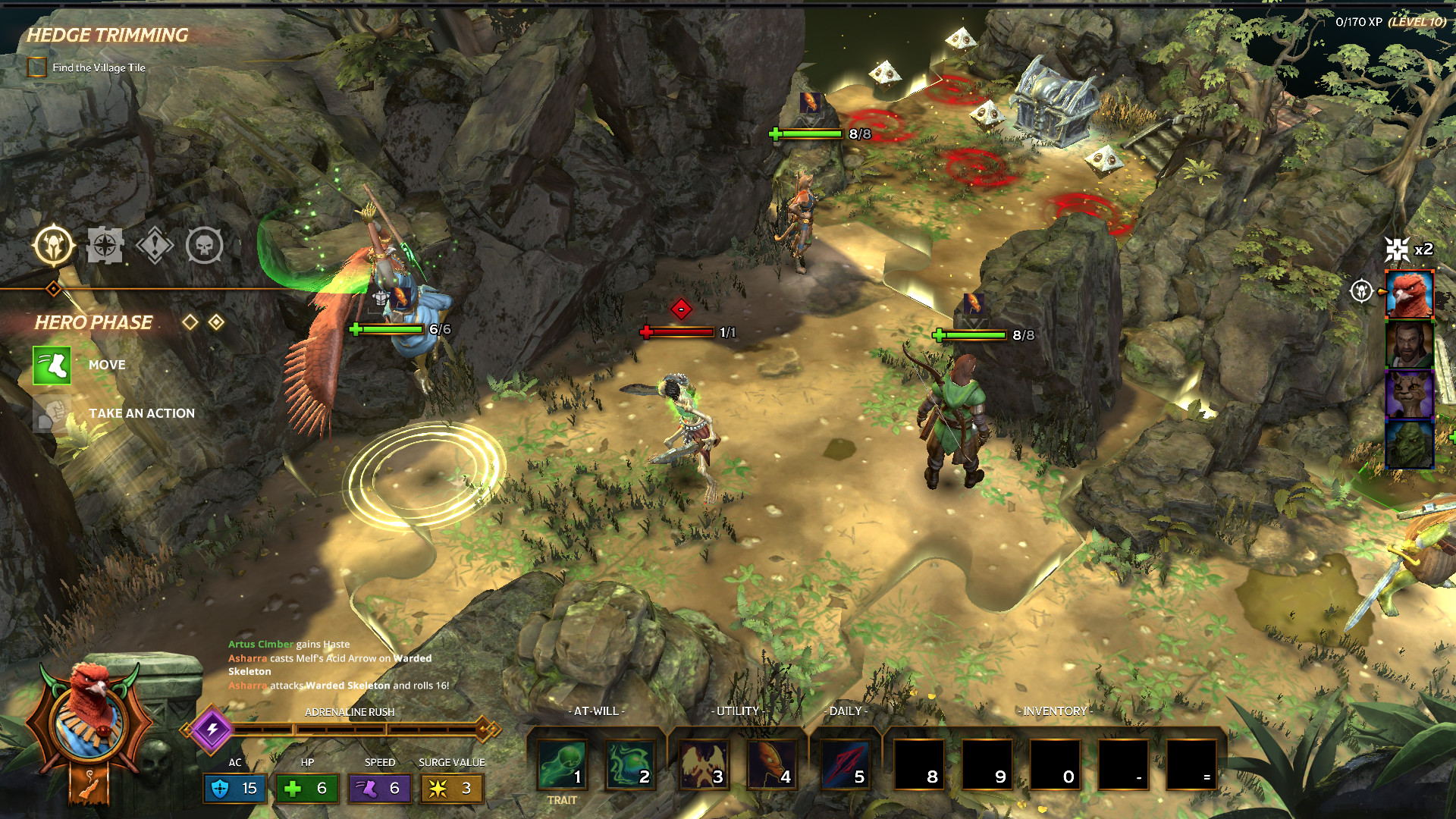
Official store screenshots from Steam — deckport links them, never rehosts. Hover to pause; click to preview.
Identity
Launch
- Binary
- TalesCandlekeep.exe
- Needs files
- none beyond the binary
Proton
- Version
- GE-Proton
- Winetricks
- —
- ProtonDB
- ProtonDB Platinum runs flawlessly
⚙ Setup notes
Status: Delisted Steam game (appid 663380; removed from sale May 2022 when the D&D/Wizards of the Coast license expired). Turn-based D&D Adventure-System dungeon crawler from BKOM Studios on Unity.
Proton: ProtonDB platinum (15 reports, moderate confidence; trending gold) — runs under Proton with no DRM/launcher hassle. Use GE-Proton (or recent proton_experimental); no winetricks needed.
Install: Binary is TalesCandlekeep.exe (the Unity payload sits in TalesCandlekeep_Data).
DRM: Steam wrapper only — no GFWL/SecuROM/Denuvo.
Controller: Steam does NOT list controller support for this title (no "full"/"partial controller support" flag on the store page; it's a mouse-driven Unity UI). On the Deck plan to use Steam Input — enable the gamepad-with-mouse/trackpad layout or a community config — rather than expecting native gamepad input.
Note: deckport only configures the prefix; it never bundles or links the game files.
The one thing to know
Supply your own copy: deckport links nothing. Delisted from Steam in May 2022 (D&D license expiry); still in library for prior owners.
Proton: ProtonDB platinum and community reports confirm it runs on Linux/Proton with no tweaks, so it should play well on the Deck — flagged needs-test since this exact recipe hasn't been confirmed on hardware.
Multiplayer: Single-player only — no online co-op. 'Remote Play Together' just lets you share a session with a friend (only the host needs to own it); not required to play, and no live servers to worry about.
Controller: No declared controller support on Steam — it's a mouse-driven Unity interface. Expect to lean on Steam Input (gamepad-with-mouse/trackpad or a community layout) on the Deck; treat the gamepad as untested until confirmed on hardware.
Install: Confirm the binary name (TalesCandlekeep.exe) against your install.
Community guides
Write-ups and threads from people who got this (or a similar) game running. deckport links to them — it doesn't reproduce them.
Get the artwork
deckport never hosts game images. Open this game on SteamGridDB, pick
the cover / hero / logo / icon you like, and drop them into the
game folder under .deckport-art/ before you push it to the
Deck. The importer files them under the right names automatically.
Run it on your Deck
Two files: the one-time importer (deckport.py) in your
Deck's home folder, and this game's install helper. Copy the game
into ~/Games and run the helper with Steam closed — it
writes the recipe (binary, launch options, Proton version)
and registers the shortcut with artwork.