About
A 2013 brawler based on the Nickelodeon Teenage Mutant Ninja Turtles cartoon, built on Unreal Engine 3. Players control the four turtles through a combo-driven, skill-based combat system across linear stages, alone or in co-op. It received generally negative reviews and was delisted in early 2017 after Activision's TMNT license lapsed, making it unavailable for sale.
Screenshots
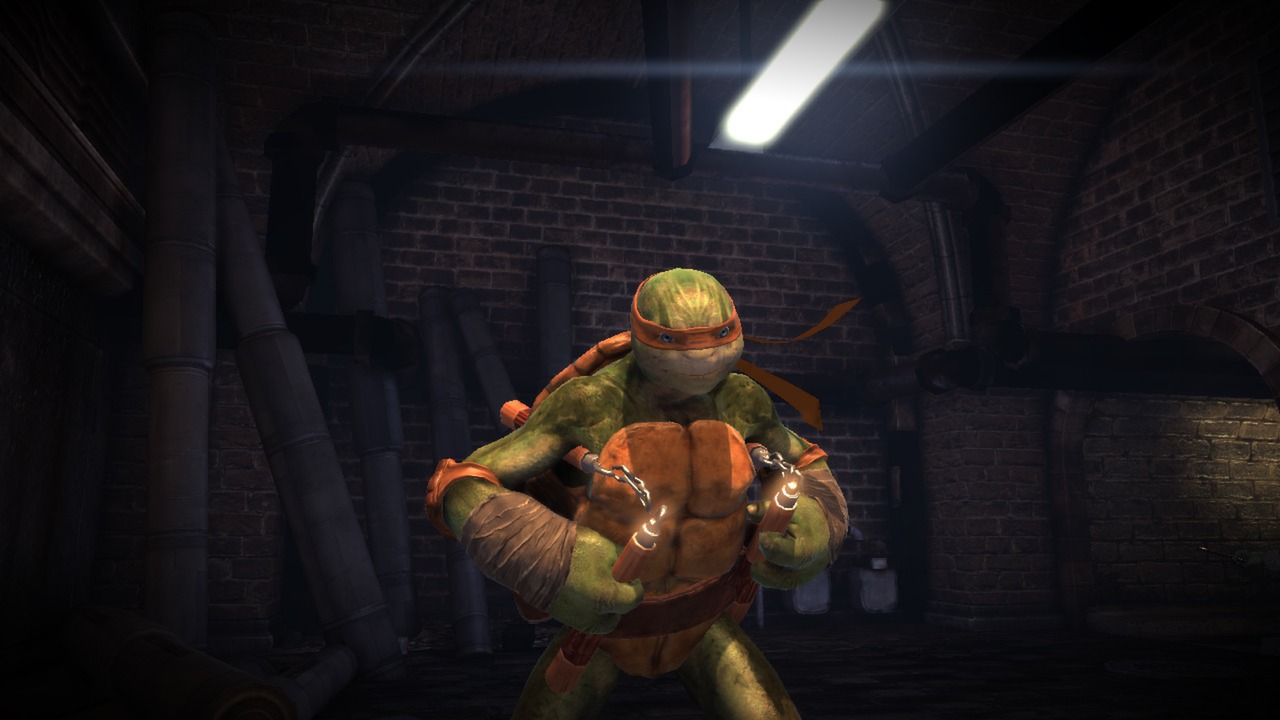
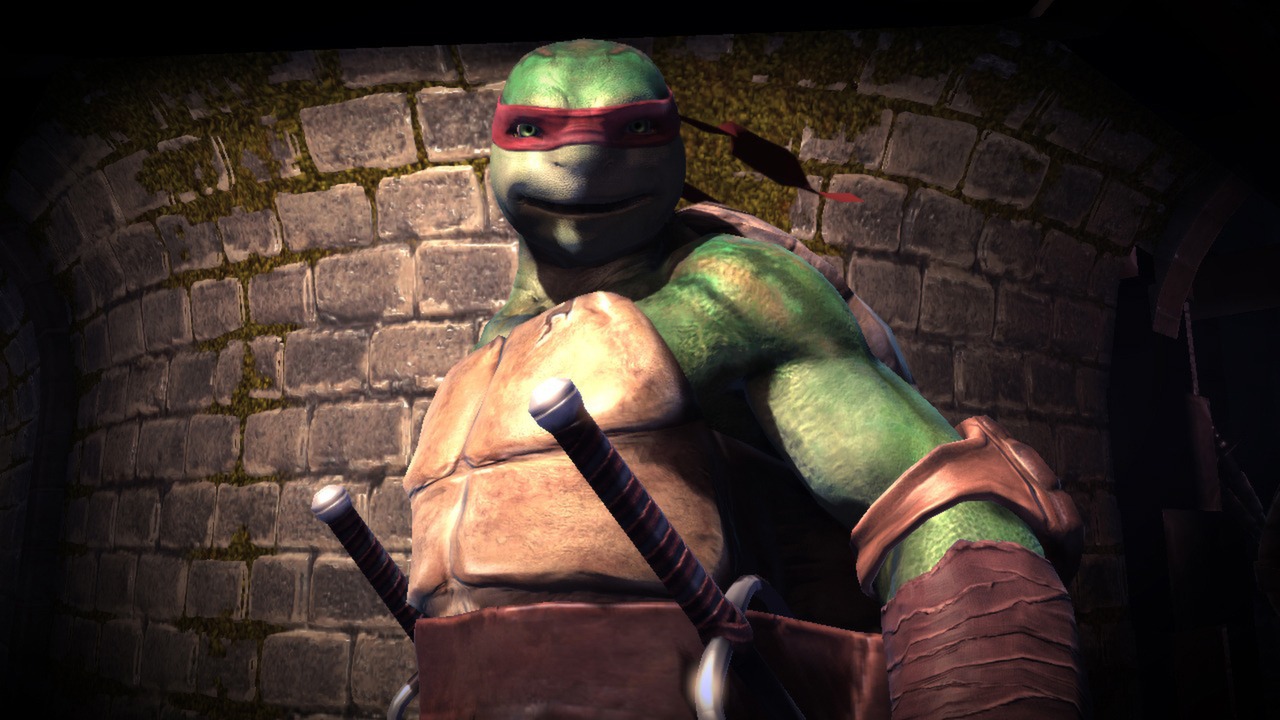
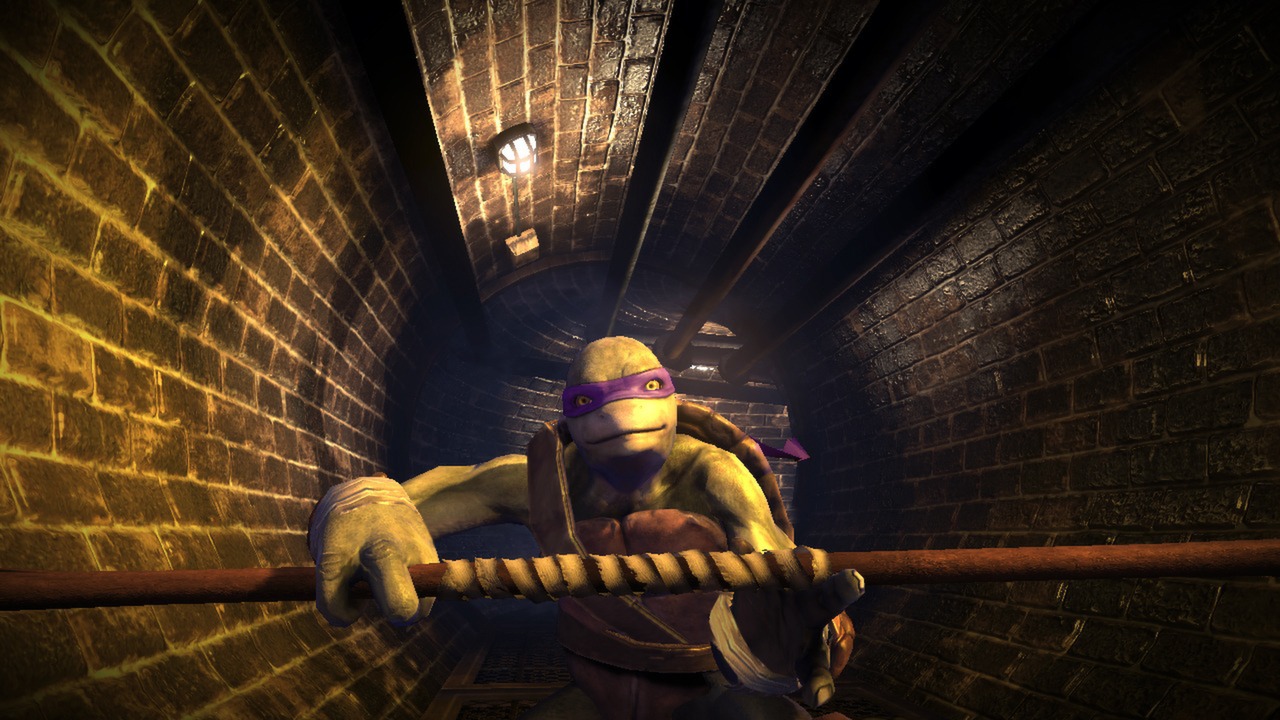
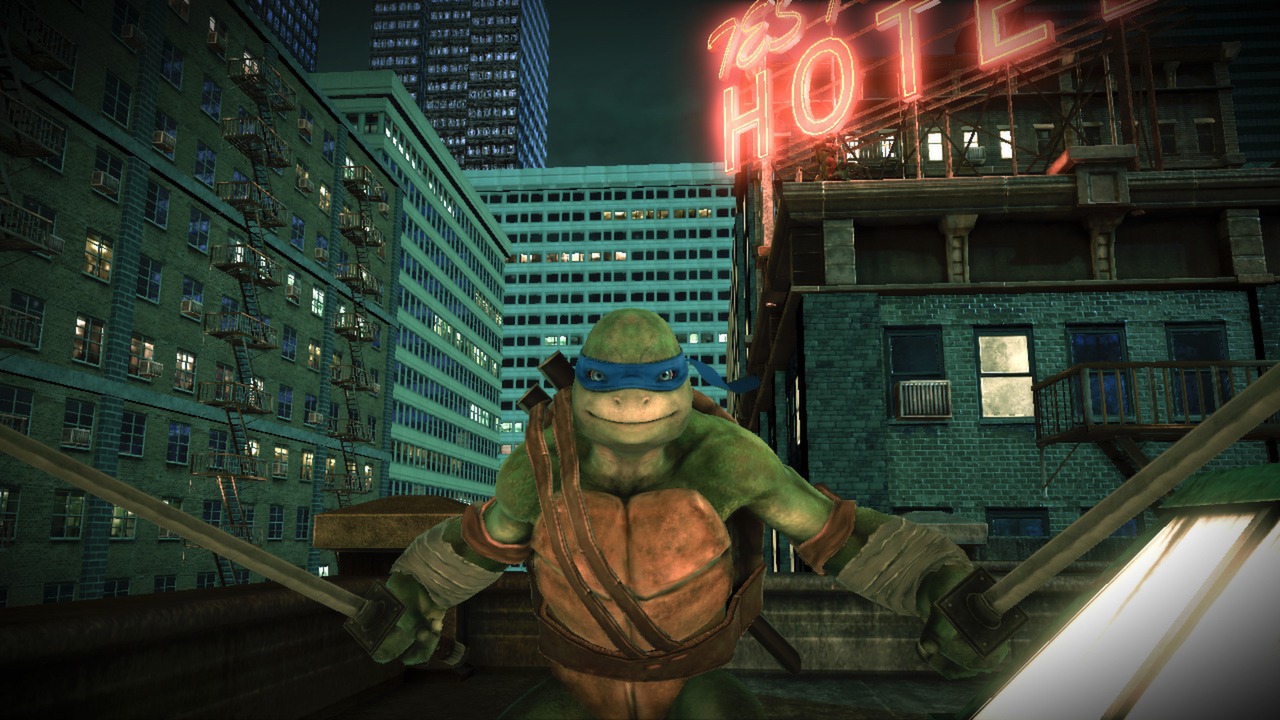
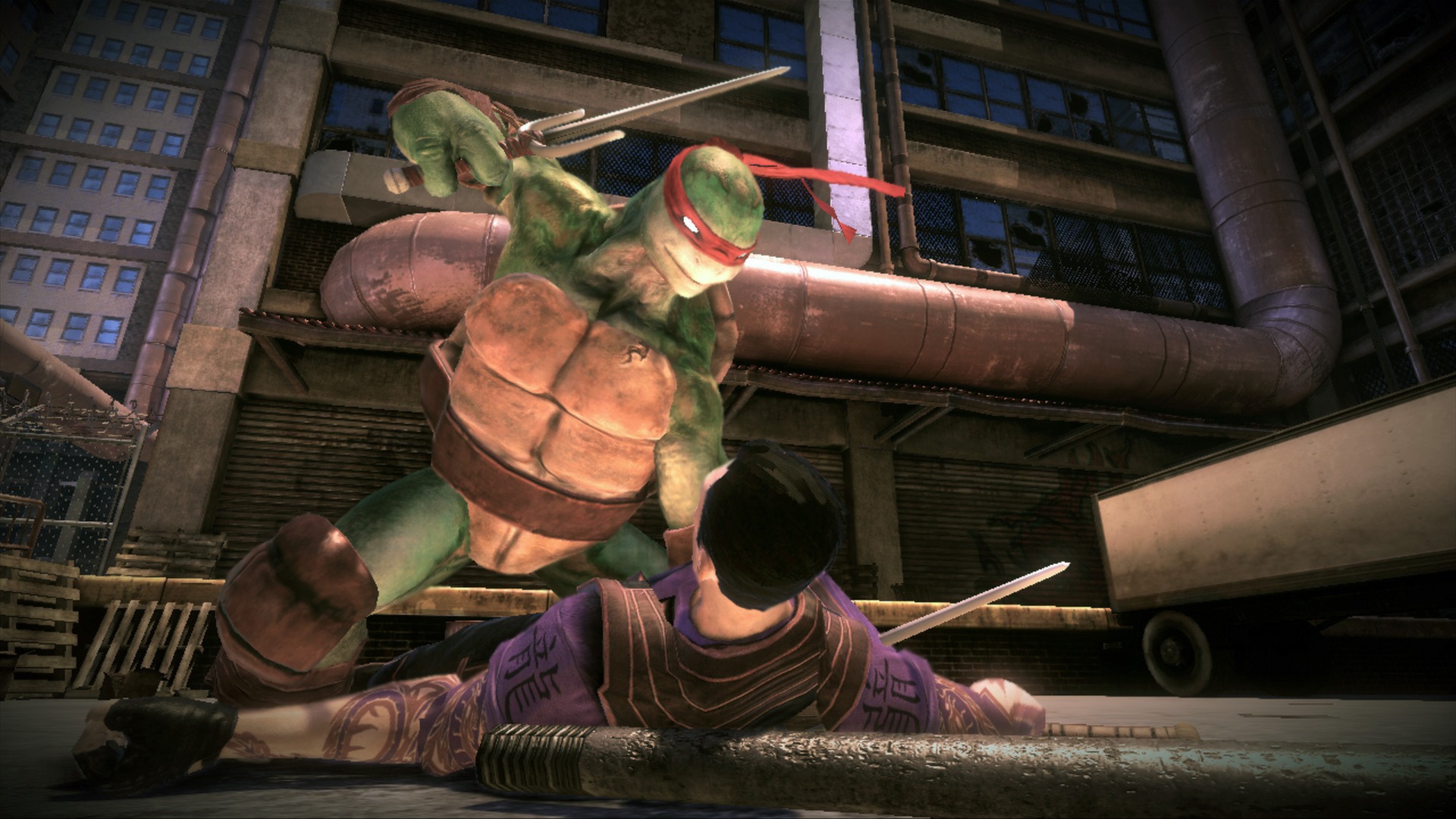
Official store screenshots from Steam — deckport links them, never rehosts. Hover to pause; click to preview.
Identity
Launch
- Binary
- Binaries/Win32/TMNT-OotS.exe
- Needs files
- none beyond the binary
Proton
- Version
- GE-Proton
- Winetricks
- —
- ProtonDB
- ProtonDB Platinum runs flawlessly
⚙ Setup notes
Delisted: Delisted Steam game (appid 228560), pulled in Jan 2017 when Activision did not renew the TMNT license; a brief 2023 relisting was a Valve error and was refunded/revoked.
Proton: ProtonDB rates it platinum and community threads confirm it runs on the Steam Deck (tested on Proton 7.0-5; GE-Proton or proton_experimental also fine).
Controller: Unreal Engine 3 beat-em-up with native Xbox-style controller support in-game, but the menus are awkward with a pad. Community Deck reports note the title/menus need a keyboard key (map Enter/Start via Steam Input), and after selecting "controller" in the in-game settings the confirm button may need remapping. Add a Steam Input layout (gamepad-with-mouse/keyboard fallback) to navigate the front-end smoothly.
Install: Real launch binary is Binaries\Win32\TMNT-OotS.exe.
DRM: Uses Steam DRM only (no Games for Windows Live), so no DRM bypass is needed.
Display: If the game launches at the wrong resolution, edit the UE3 ini at <prefix>/.../DamageGame/Config (or Engine/Config) and set ResX/ResY to the Deck's 1280x800.
Cosmetic: Some users report main-menu/cutscene flicker on certain Proton builds — switching Proton version usually clears it.
deckport only configures the prefix; it never bundles or links the game files.
The one thing to know
Supply your own copy: deckport links nothing.
Delisted: Delisted since Jan 2017 (license lapsed), confirmed not for sale on Steam — passes the not-for-sale rule.
Proton: ProtonDB platinum with community Deck reports confirming it runs (Proton 7.0-5 / GE-Proton), so marked needs-test rather than fully verified.
Controller: Native pad support in-game, but menus need Steam Input help (map a keyboard key for the title/front-end; remap confirm after enabling controller in settings). No GFWL/DRM hacks required.
Quirks: Occasional main-menu/cutscene flicker on some Proton builds (swap Proton version) and a manual resolution edit if it does not pick 1280x800.
Co-op: The 4-player co-op was online-only and those servers are gone; single-player works fully.
Community guides
Write-ups and threads from people who got this (or a similar) game running. deckport links to them — it doesn't reproduce them.
Get the artwork
deckport never hosts game images. Open this game on SteamGridDB, pick
the cover / hero / logo / icon you like, and drop them into the
game folder under .deckport-art/ before you push it to the
Deck. The importer files them under the right names automatically.
Run it on your Deck
Two files: the one-time importer (deckport.py) in your
Deck's home folder, and this game's install helper. Copy the game
into ~/Games and run the helper with Steam closed — it
writes the recipe (binary, launch options, Proton version)
and registers the shortcut with artwork.