About
The Lord of the Rings: War in the North is a 2011 action role-playing game by Snowblind Studios, set during the events of the books but following an original trio of heroes fighting Sauron's forces in the largely untold northern campaign. It blends hack-and-slash combat with light RPG progression and was built for drop-in three-player co-op. Reviews were mixed, praising the visuals and co-op but criticizing the AI and technical rough edges. It was delisted from Steam in 2019, most likely because the Tolkien game license from Middle-earth Enterprises expired.
Screenshots
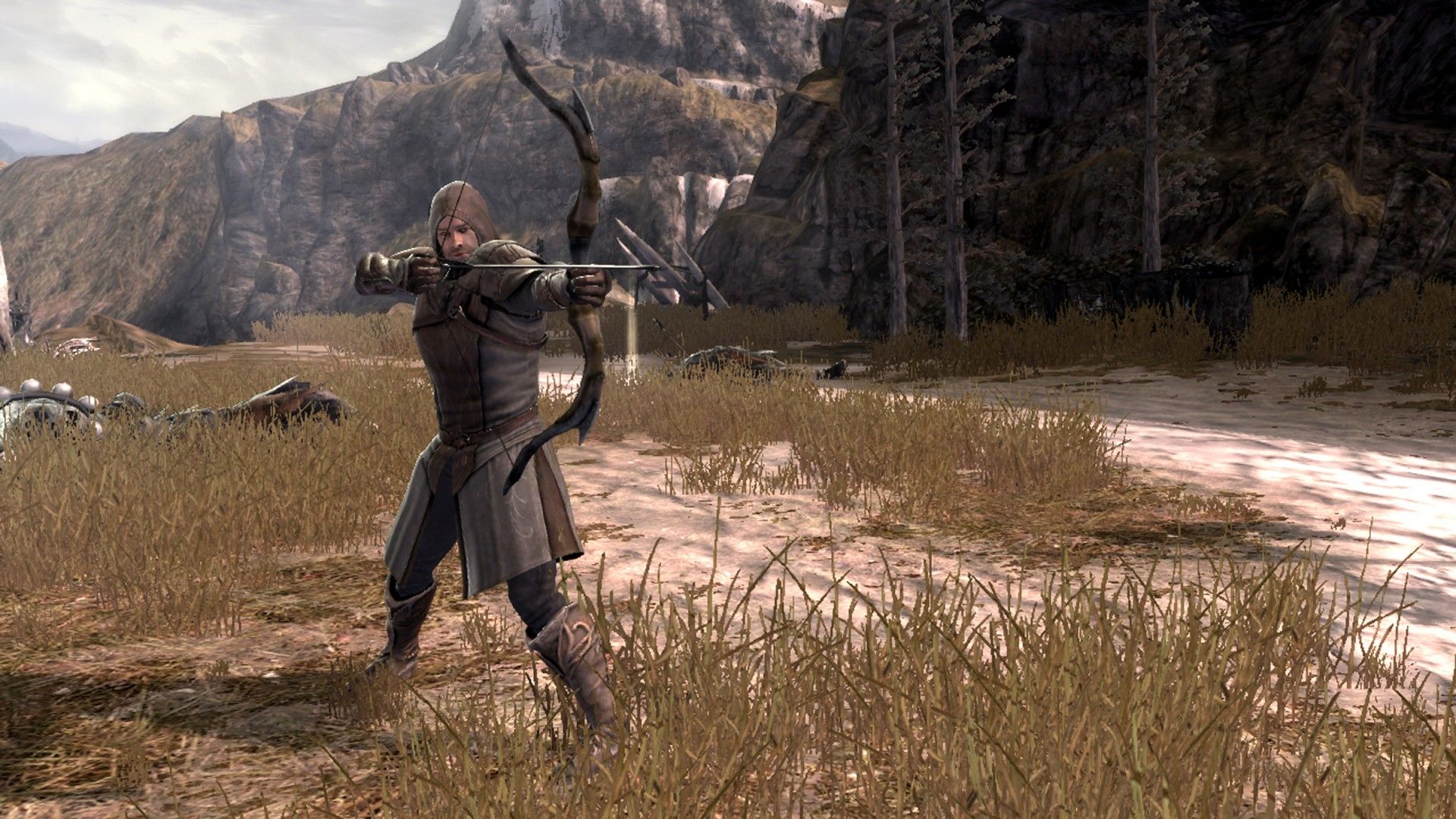
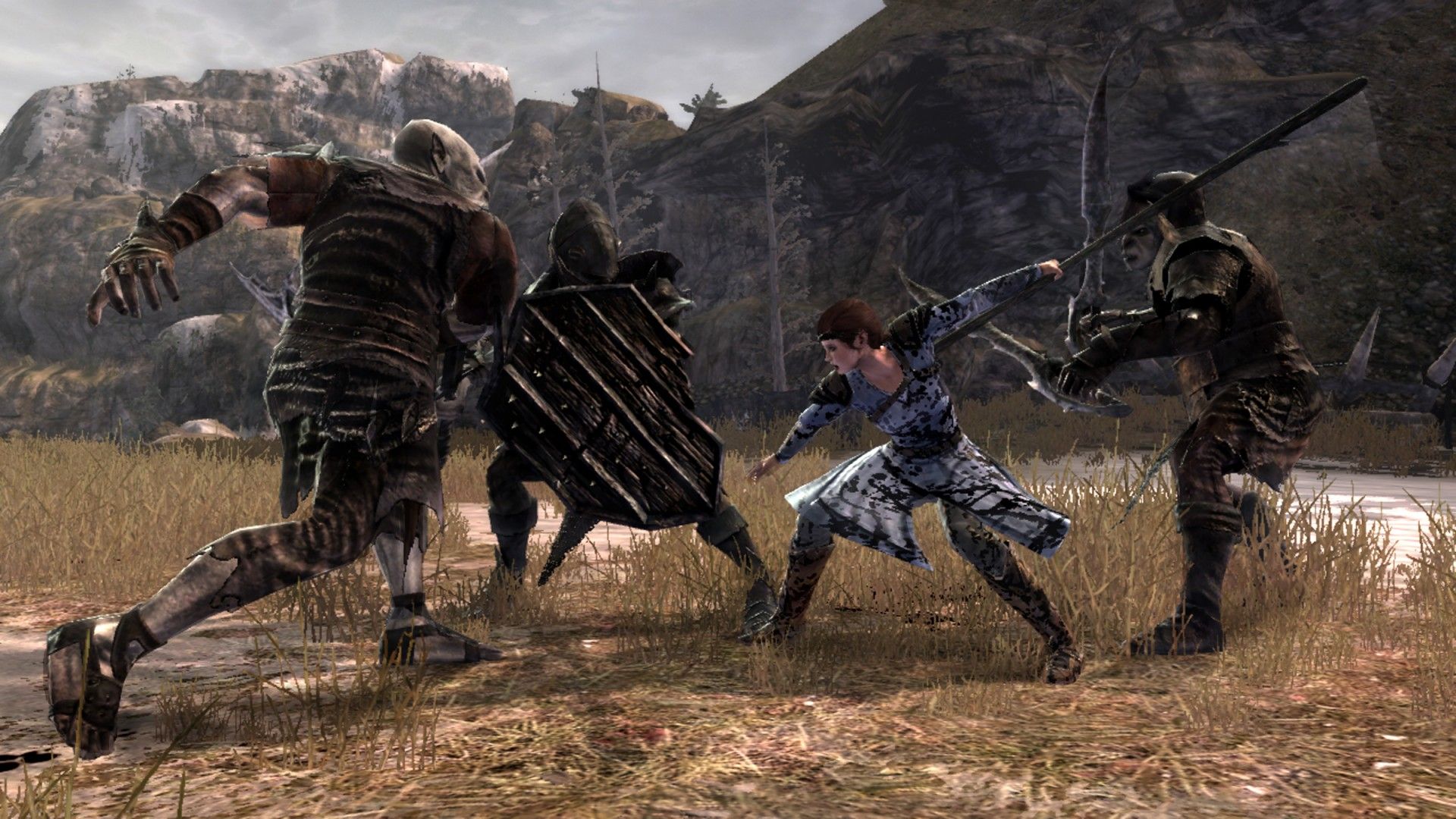
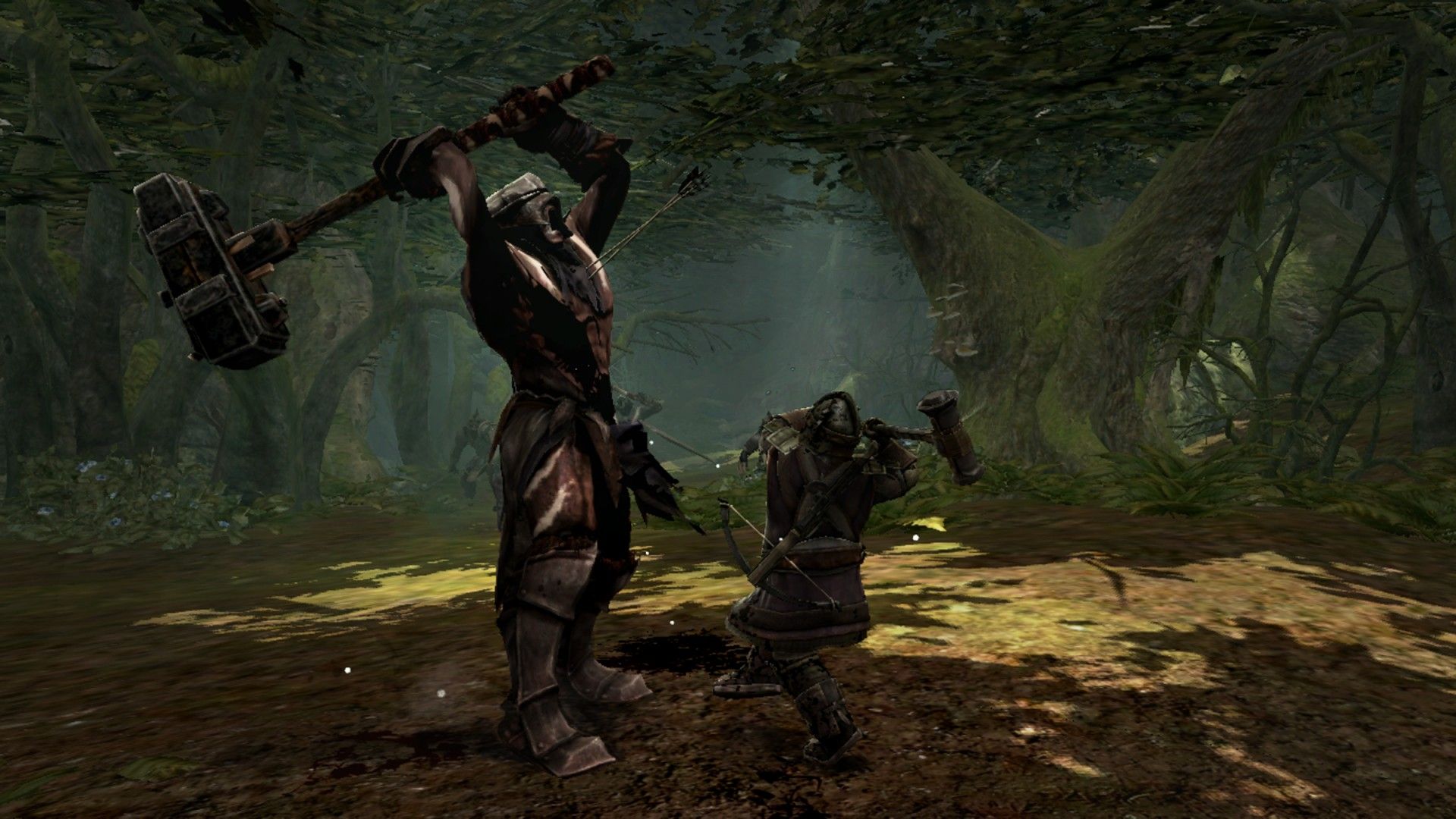
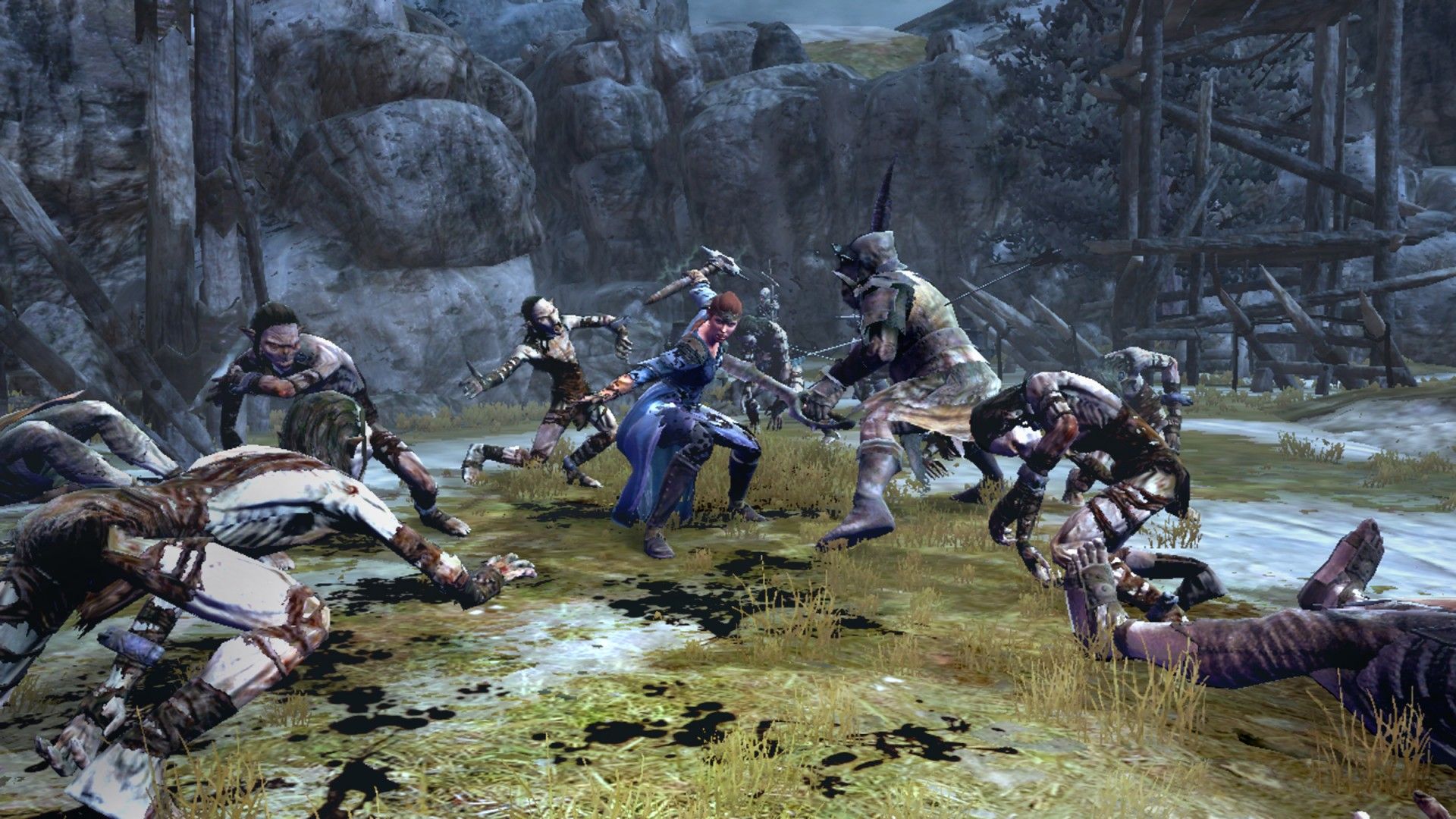
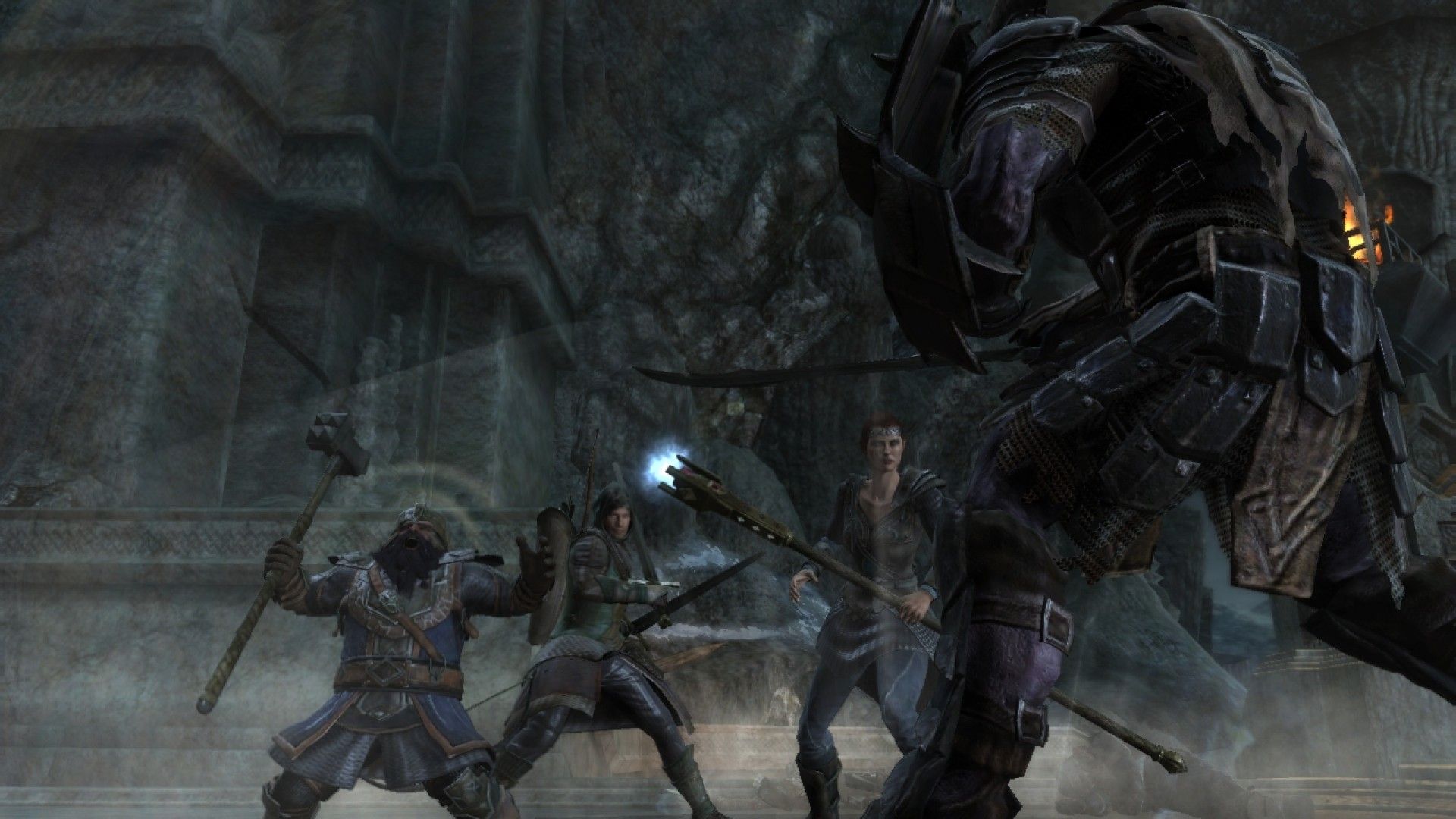
Official store screenshots from Steam — deckport links them, never rehosts. Hover to pause; click to preview.
Identity
Launch
- Binary
- War in the North/witn.exe
- Needs files
- none beyond the binary
Proton
- Version
- GE-Proton
- Winetricks
- —
- ProtonDB
- ProtonDB Gold runs perfectly after tweaks
⚙ Setup notes
Proton: Delisted Steam game (appid 32800), ProtonDB gold. GE-Proton is the recommended runtime: on stock Proton the game stutters/freezes constantly outside cutscenes, while GE-Proton (or proton_experimental) runs it smoothly; Proton 7.0-6 forced compatibility also works.
Fix: Known launch quirk: the first few launches may crash. Workaround from the community — start it from Desktop mode and re-launch each time it crashes (about 5 times); after that it boots reliably on the first try every time. If it instead crashes on reaching the main menu, deleting the two .sav files under the prefix's userdata/<id>/32800/local folder clears it.
GFWL: Uses Games for Windows Live (GFWL) — it still signs in/creates a local offline profile, so single-player works, but a GFWL bypass (drop-in xlive.dll/.ini in the game's exe folder) avoids the sign-in entirely; online/co-op functionality is gone either way.
Controller: Native single-gamepad support (it's a console action-RPG), so the Deck's built-in controls map without a custom layout. (One known quirk: RT ranged-attack can misbehave when LT is held — a Steam Input layout can remap around it if you hit this.)
VOIP: In-game VOIP is routed through Steam — if you also run Discord, adjust the mic device in Steam settings to avoid it muting Discord.
Install: deckport only configures the prefix; it never bundles or links the game files.
The one thing to know
Supply your own copy. Delisted Steam game (appid 32800); deckport links nothing.
Proton: ProtonDB gold; community confirms it runs on Linux/Deck. Use GE-Proton (or proton_experimental) — stock Proton stutters badly.
Fix: First launches may crash: re-launch from Desktop mode ~5 times until it sticks, then it boots normally.
DRM: GFWL DRM — single-player works via a local offline profile (or use a drop-in xlive.dll bypass); online co-op servers are dead.
Controller: Native controller support, no Steam Input layout needed.
VOIP: Routes through Steam (can mute Discord — change device in Steam settings).
Binary: Main executable is witn.exe, inside the War in the North install folder; confirm against your install.
Community guides
Write-ups and threads from people who got this (or a similar) game running. deckport links to them — it doesn't reproduce them.
Get the artwork
deckport never hosts game images. Open this game on SteamGridDB, pick
the cover / hero / logo / icon you like, and drop them into the
game folder under .deckport-art/ before you push it to the
Deck. The importer files them under the right names automatically.
Run it on your Deck
Two files: the one-time importer (deckport.py) in your
Deck's home folder, and this game's install helper. Copy the game
into ~/Games and run the helper with Steam closed — it
writes the recipe (binary, launch options, Proton version)
and registers the shortcut with artwork.