About
Tom Clancy's H.A.W.X. is an arcade-leaning aerial combat game from Ubisoft Bucharest, the first entry in the H.A.W.X. series. Players fly real-world military jets through a near-future campaign, with an Assistance Off mode that loosens flight aids for tighter, more agile maneuvering.
It originally featured four-player drop-in co-op and eight-player dogfighting via Games for Windows Live, but those online services were shut down in 2015 along with the game's removal from Steam, leaving the single-player campaign as the playable content. The delisting is widely attributed to the expiration of its aircraft manufacturer licenses.
Screenshots
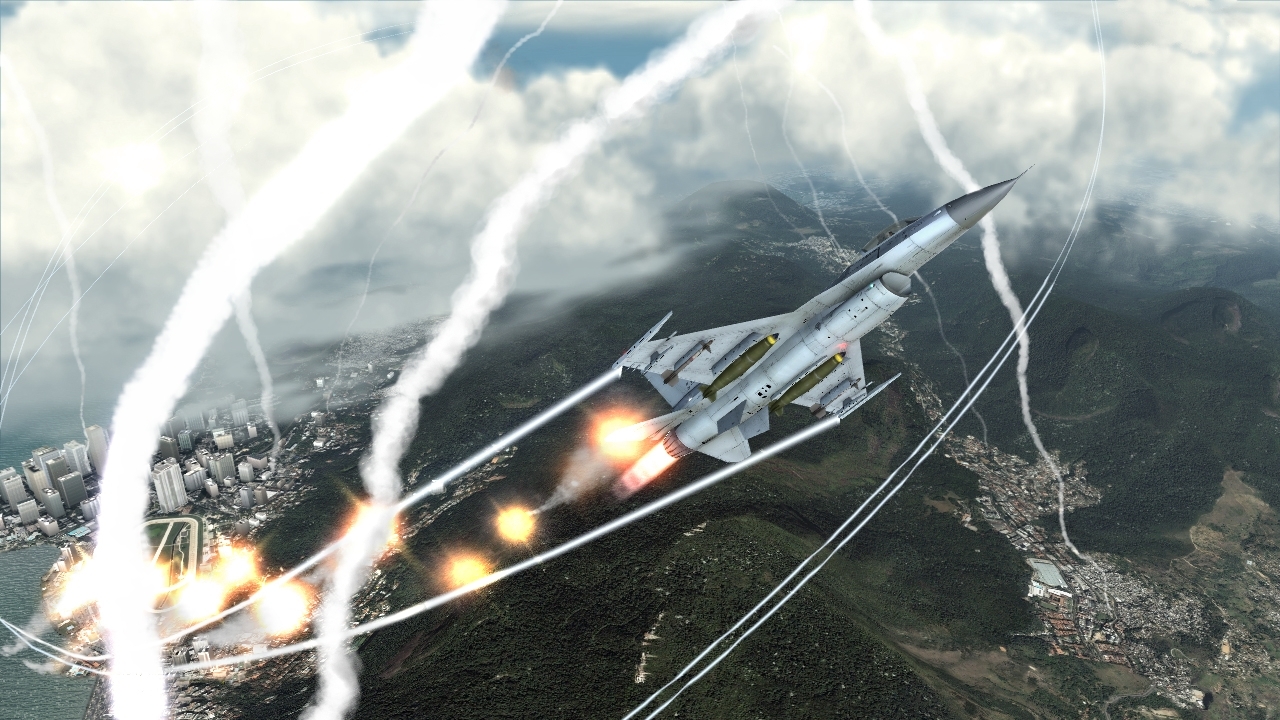
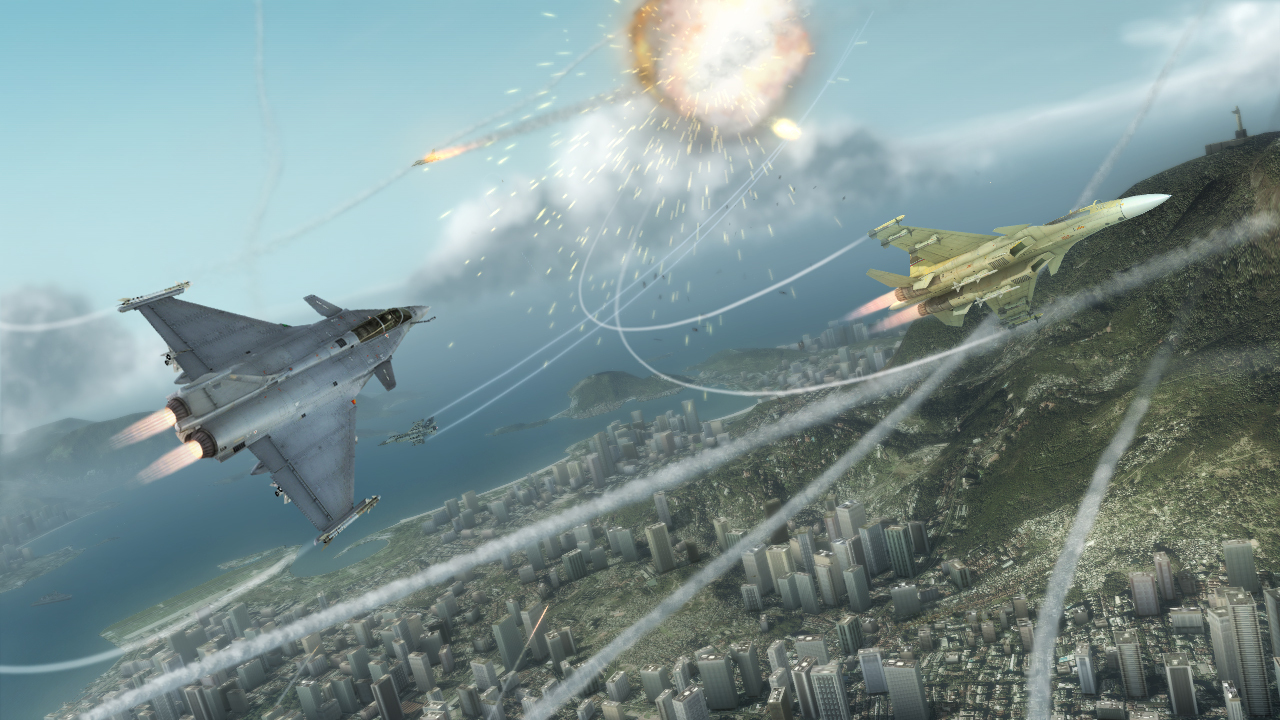
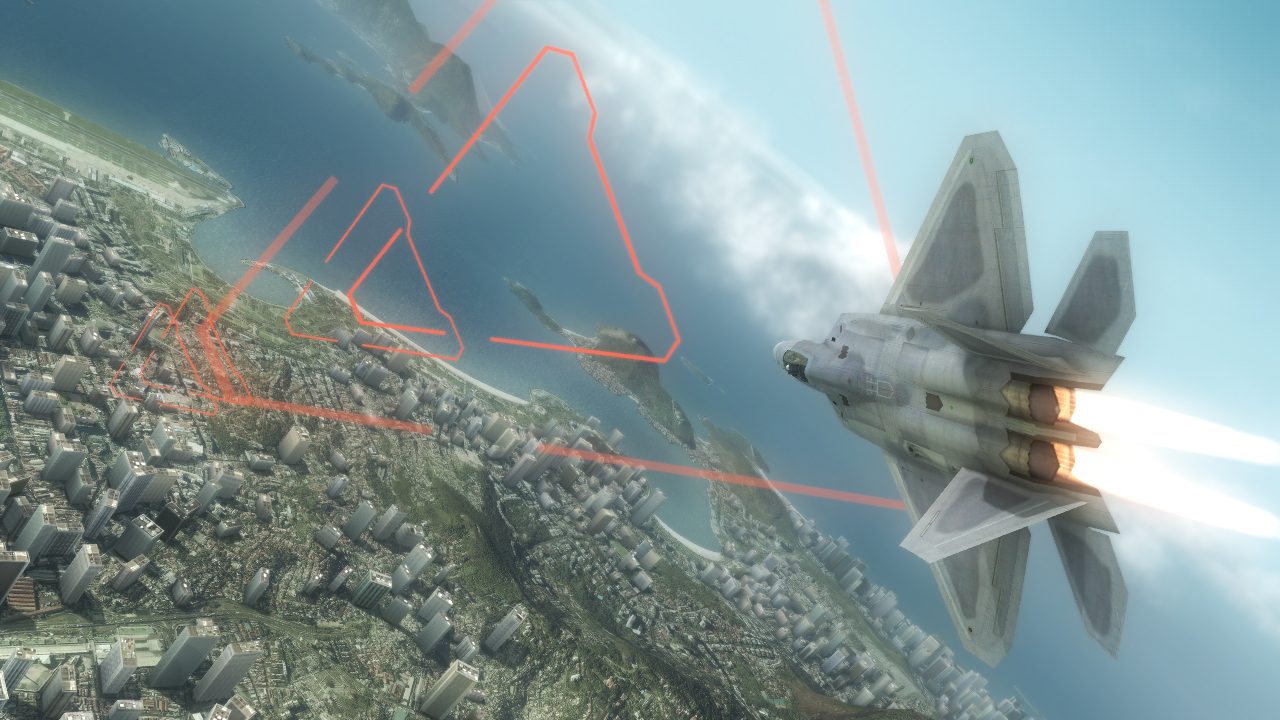

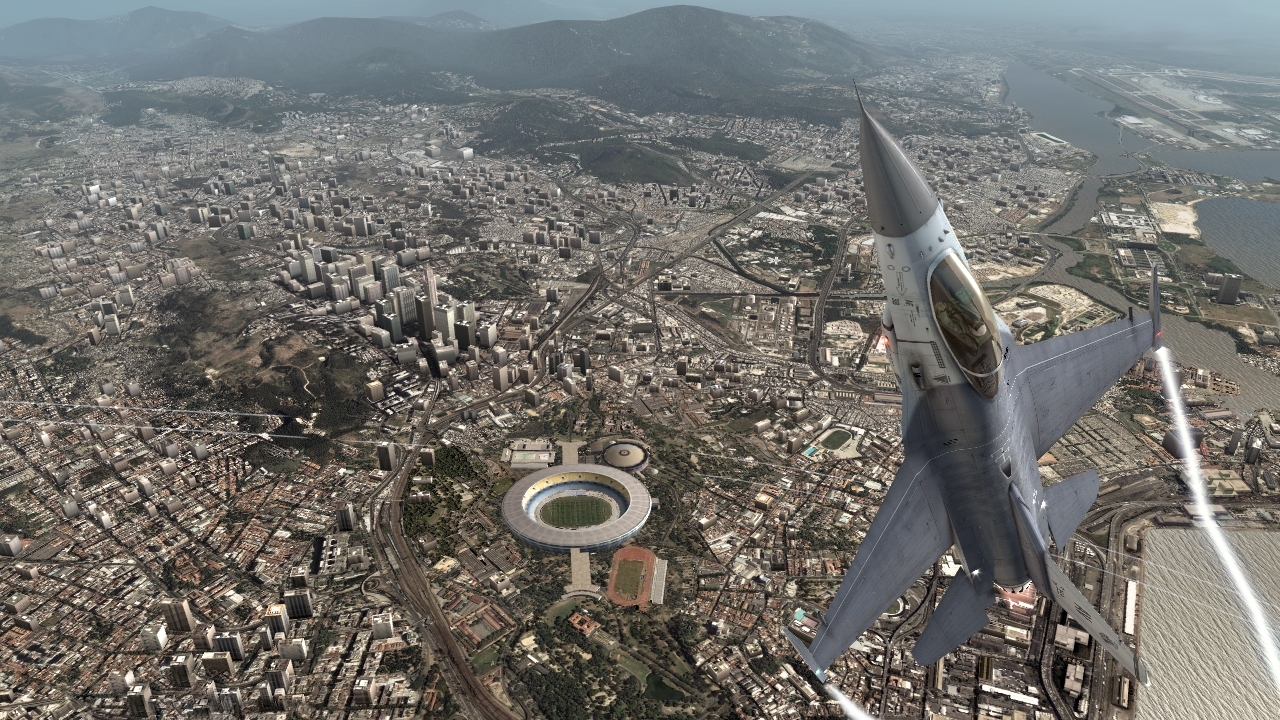
Official store screenshots from Steam — deckport links them, never rehosts. Hover to pause; click to preview.
Identity
Launch
- Binary
- HAWX.exe
- Options
- PROTON_NO_D3D11=1 %command%
- Needs files
- none beyond the binary
Proton
- Version
- GE-Proton
- Winetricks
- xact
- ProtonDB
- ProtonDB Gold runs perfectly after tweaks
⚙ Setup notes
Game: 2009 Ubisoft arcade flight-combat game (Steam appid 21900), delisted by Ubisoft.
Binaries: Ships two executables: HAWX.exe (DirectX 9) and HAWX_dx10.exe (DirectX 10) — use the D3D9 build on Deck.
Proton: GE-Proton handles the title best; vanilla proton_experimental also reported working.
Display: Launch with PROTON_NO_D3D11=1 %command% to avoid a renderer crash.
GFWL: Wraps Games for Windows Live, which is the main hurdle. If GFWL blocks startup or won't save progress/settings, install an xlive.dll bypass into the game folder and clear the GFWL/compatdata Live folder so the game runs an offline profile.
Patch: Apply the unofficial 1.02 patch for stability.
The one thing to know
Supply your own copy: Delisted Steam title (appid 21900) — configuration only, no links.
GFWL: Games for Windows Live is the main pain point: it can install and let the game run, but progression/settings won't persist without an xlive.dll bypass and clearing the Live folder in compatdata.
Display: Launch with PROTON_NO_D3D11=1 %command%; prefer the D3D9 HAWX.exe over the D3D10 build on Deck.
Controller: Native gamepad support — arcade flight model plays well on the Deck's built-in controls (Steam Input layout not required).
DRM: The Steam build's DRM/online layer is GFWL (the first H.A.W.X. is a Games for Windows LIVE title; the sequel moved to Uplay). Some 2009 Ubisoft retail discs of this era also shipped with SecuROM activation, but that is unconfirmed for this title and does not apply to the Steam copy.
Community guides
Write-ups and threads from people who got this (or a similar) game running. deckport links to them — it doesn't reproduce them.
Get the artwork
deckport never hosts game images. Open this game on SteamGridDB, pick
the cover / hero / logo / icon you like, and drop them into the
game folder under .deckport-art/ before you push it to the
Deck. The importer files them under the right names automatically.
Run it on your Deck
Two files: the one-time importer (deckport.py) in your
Deck's home folder, and this game's install helper. Copy the game
into ~/Games and run the helper with Steam closed — it
writes the recipe (binary, launch options, Proton version)
and registers the shortcut with artwork.