About
Transformers: Devastation is a fast-paced action hack-and-slash from PlatinumGames (the studio behind Bayonetta and Metal Gear Rising), set in the Generation 1 continuity. Its cel-shaded art style faithfully recreates the look of the original 1980s cartoon, and players control one of five Autobots — Optimus Prime, Bumblebee, Sideswipe, Wheeljack, or Grimlock — switching between robot and vehicle modes mid-combat as the Autobots fight to stop the Decepticons from cyberforming Earth. It launched to generally favorable reviews praising its combat and nostalgic faithfulness, though the short campaign drew criticism. Following the expiry of Activision's Transformers license with Hasbro, the game and its DLC were delisted from Steam and other storefronts on December 21, 2017.
Screenshots

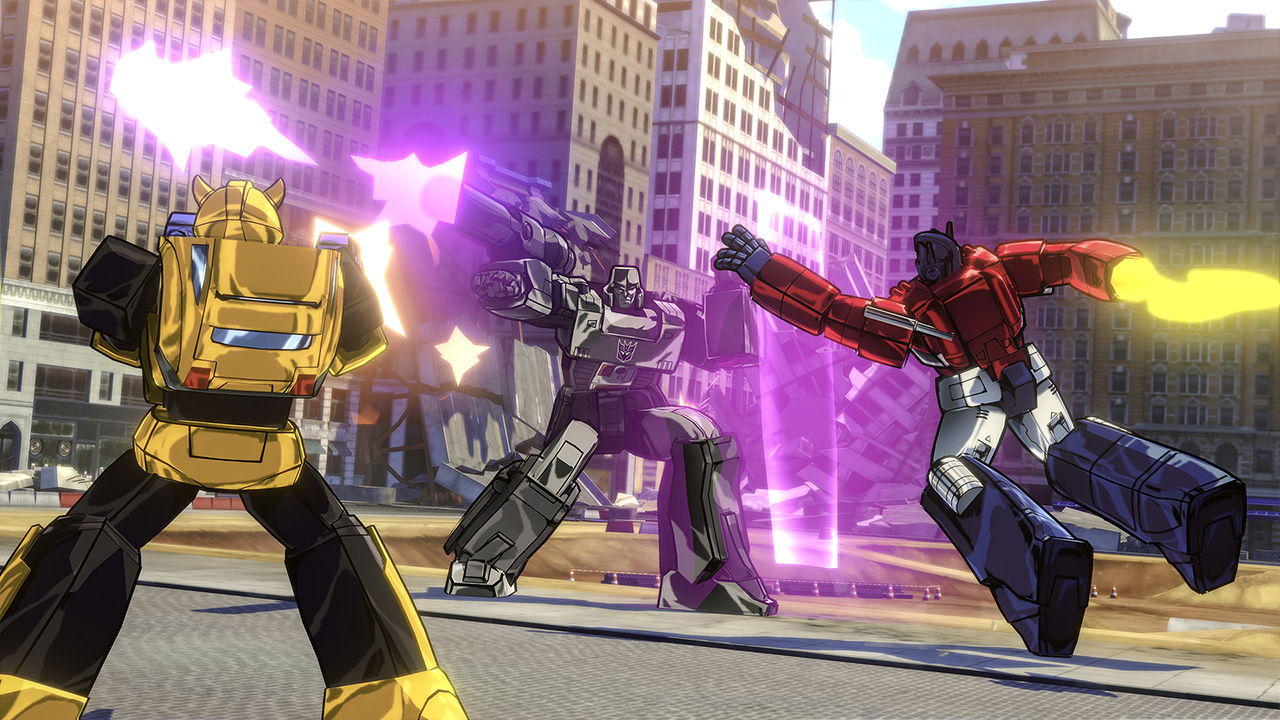
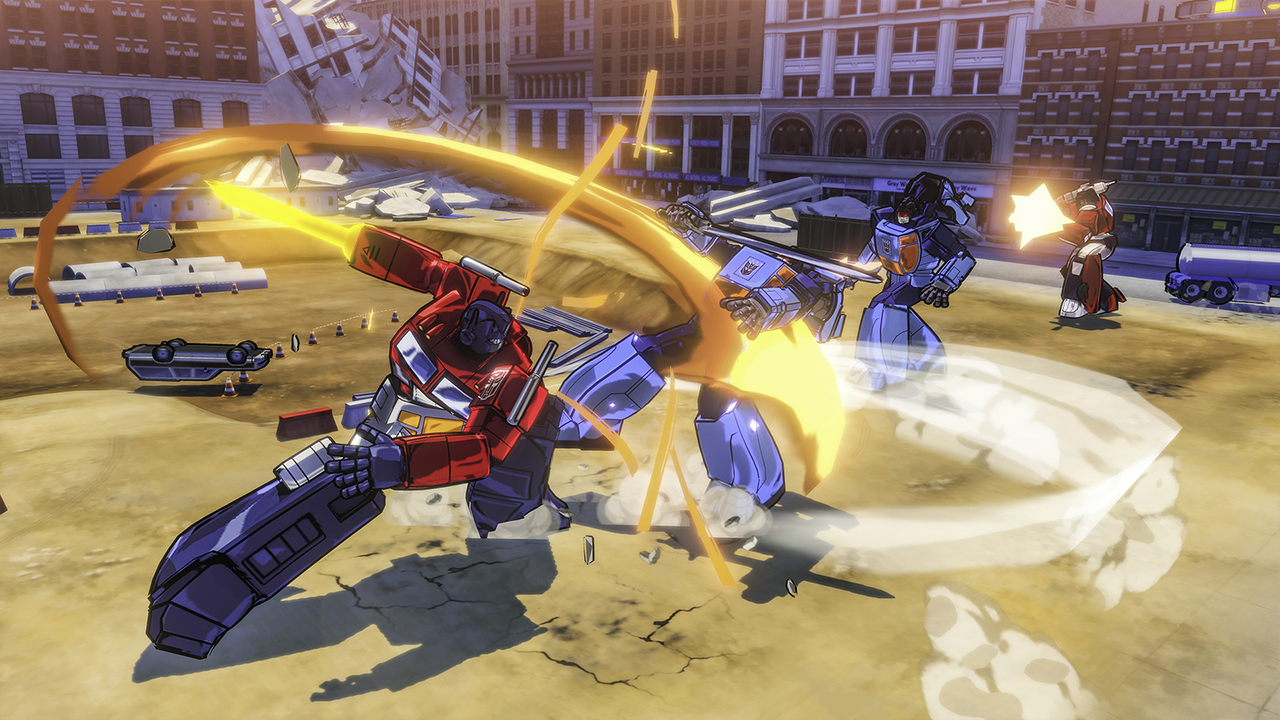

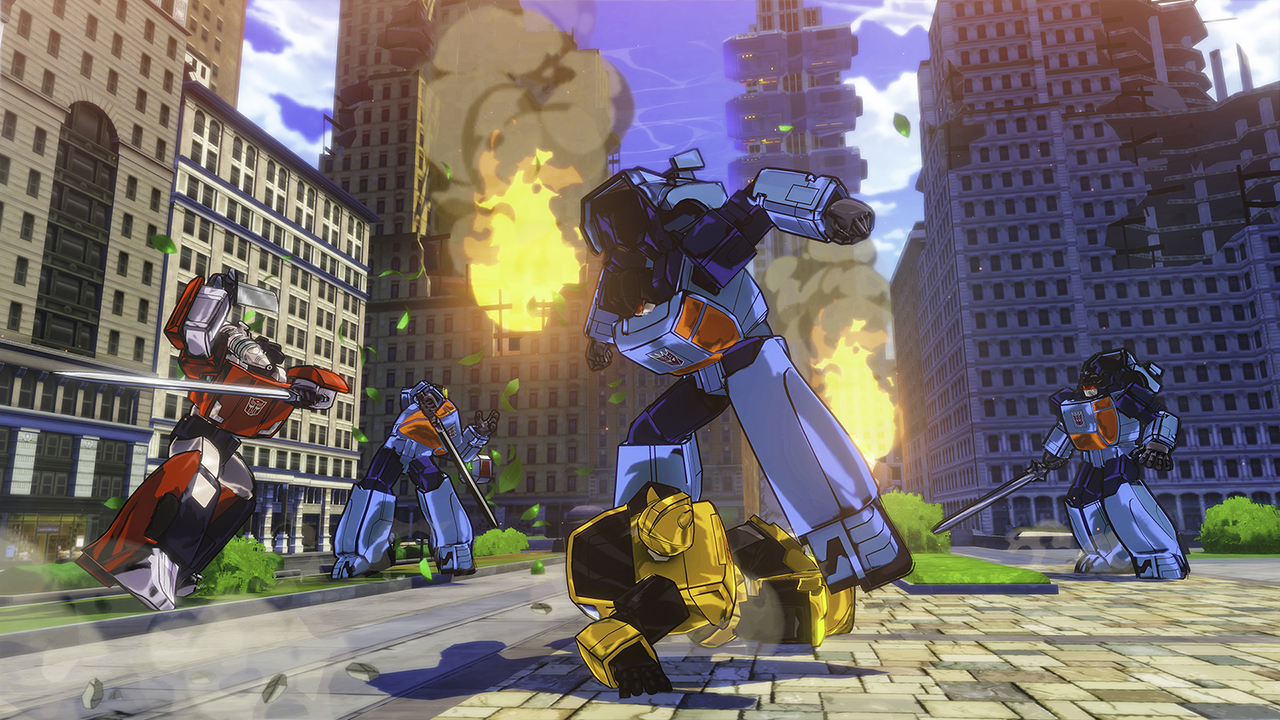
Official store screenshots from Steam — deckport links them, never rehosts. Hover to pause; click to preview.
Identity
Launch
- Binary
- TransformerDevastation.exe
- Needs files
- none beyond the binary
Proton
- Version
- GE-Proton
- Winetricks
- —
- ProtonDB
- ProtonDB Platinum runs flawlessly
⚙ Setup notes
Game: Delisted Steam game (appid 338930), a PlatinumGames action title.
Proton: ProtonDB tier is platinum (trending platinum, moderate confidence on a modest report count), and community reports (TFW2005, ResetEra) confirm it runs well on the Steam Deck. GE-Proton or proton_experimental both work — no tweaks reported as required. An old Proton issue (#3501) noted missing audio in animated cutscenes under early Proton; current builds report no such problem, but if cutscene audio drops, switch Proton version.
Binary: Main binary is TransformerDevastation.exe (note the singular "Transformer" — confirmed from users' steamapps folders).
DRM: No DRM/GFWL workaround needed.
Controller: Full native controller support (built for gamepad), so no Steam Input remapping required.
Display: Note the limited resolution list (1366x768/1280x720/1024x768/800x600/1680x1050/4K) — pick 1280x720 on the Deck's 1280x800 panel. An optional PCGamingWiki widescreen fix exists but is unnecessary for handheld play.
Install: deckport only configures the prefix; it never bundles or links the game files.
The one thing to know
Supply your own copy. deckport links nothing.
Delisted: Delisted single-player Steam game (appid 338930); no online component, so nothing to lose from server shutdowns.
Proton: ProtonDB platinum (modest report count) and community reports say it runs well on the Steam Deck with no required tweaks. Run with GE-Proton or proton_experimental.
Binary: TransformerDevastation.exe.
Controller: Native gamepad support — no Steam Input layout needed.
Display: Resolution menu is limited; use 1280x720 on the Deck.
Status: Still needs a hands-on confirmation on a Deck before marking verified.
Community guides
Write-ups and threads from people who got this (or a similar) game running. deckport links to them — it doesn't reproduce them.
Get the artwork
deckport never hosts game images. Open this game on SteamGridDB, pick
the cover / hero / logo / icon you like, and drop them into the
game folder under .deckport-art/ before you push it to the
Deck. The importer files them under the right names automatically.
Run it on your Deck
Two files: the one-time importer (deckport.py) in your
Deck's home folder, and this game's install helper. Copy the game
into ~/Games and run the helper with Steam closed — it
writes the recipe (binary, launch options, Proton version)
and registers the shortcut with artwork.