About
Unreal Tournament 2004 (UT2004) is the third game in the Unreal Tournament series, built on the Unreal Engine 2, and an expanded re-release of Unreal Tournament 2003. The Editor's Choice Edition bundles the UnrealEd editor and bonus content. It is a fast-paced first-person arena shooter centered on deathmatch and team modes, and notably introduced large-scale vehicle-based Onslaught matches. Widely praised on release as a high point for the series, it was later delisted from digital storefronts but remains fully playable offline against bots.
Screenshots
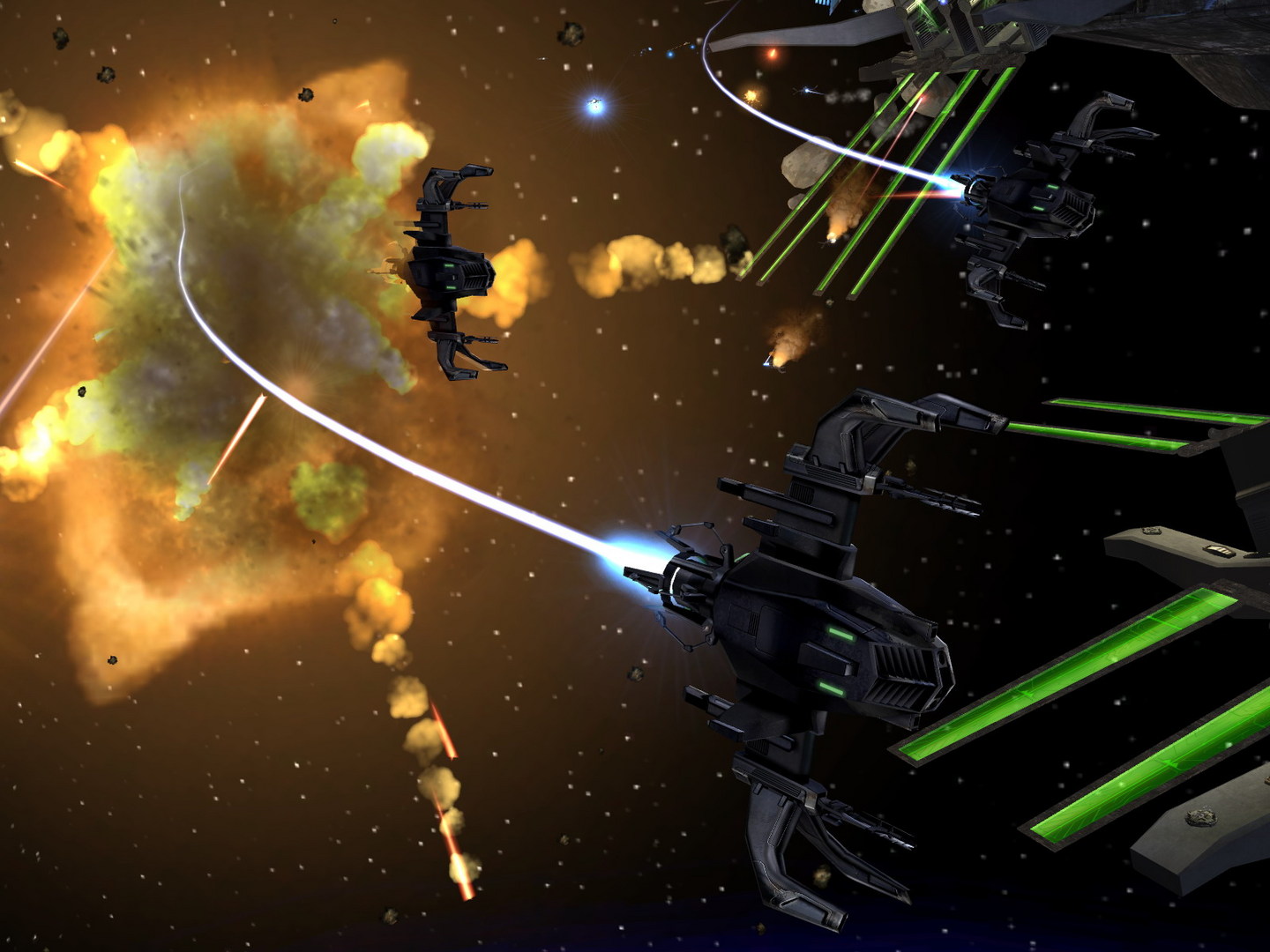
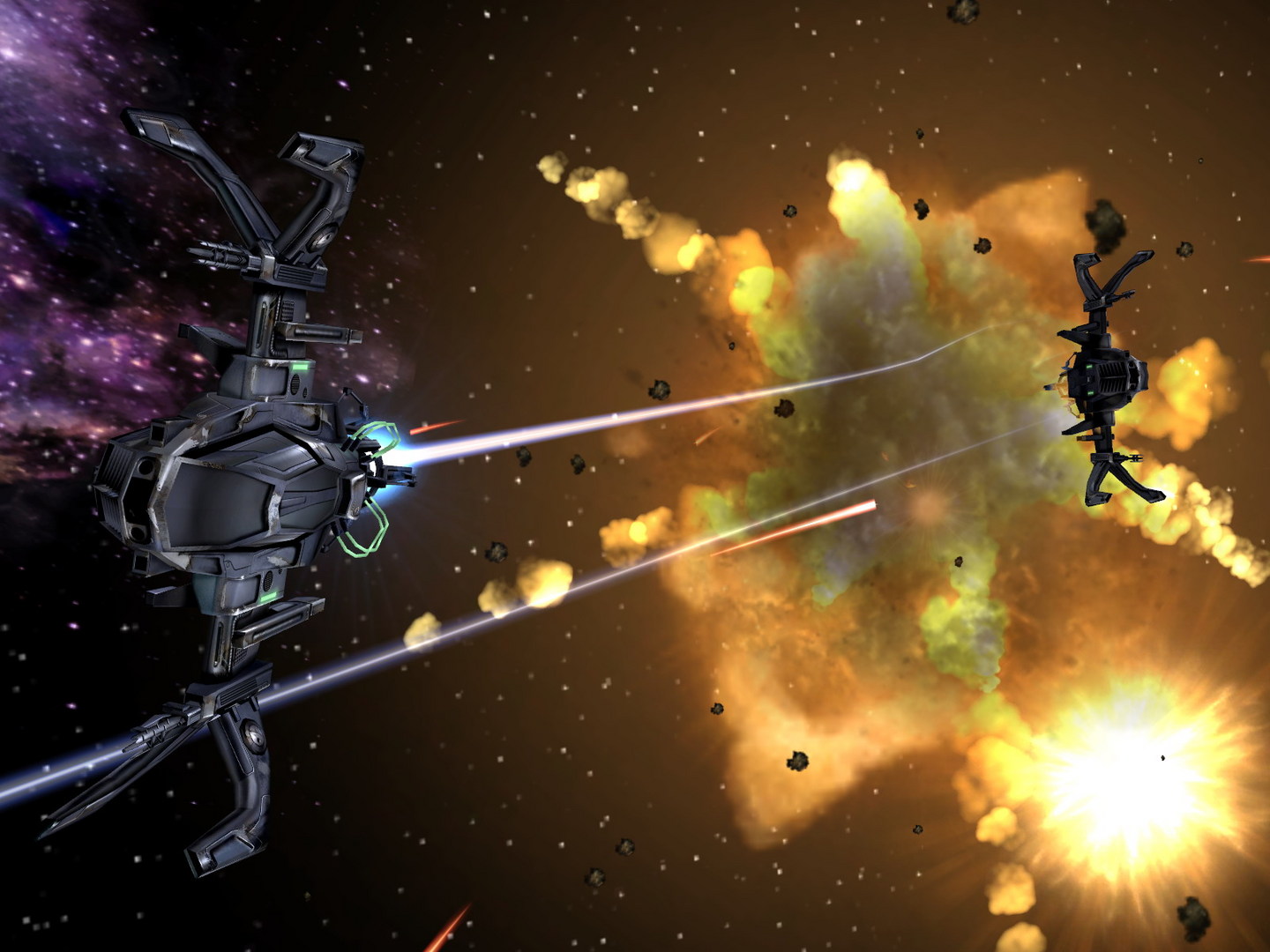
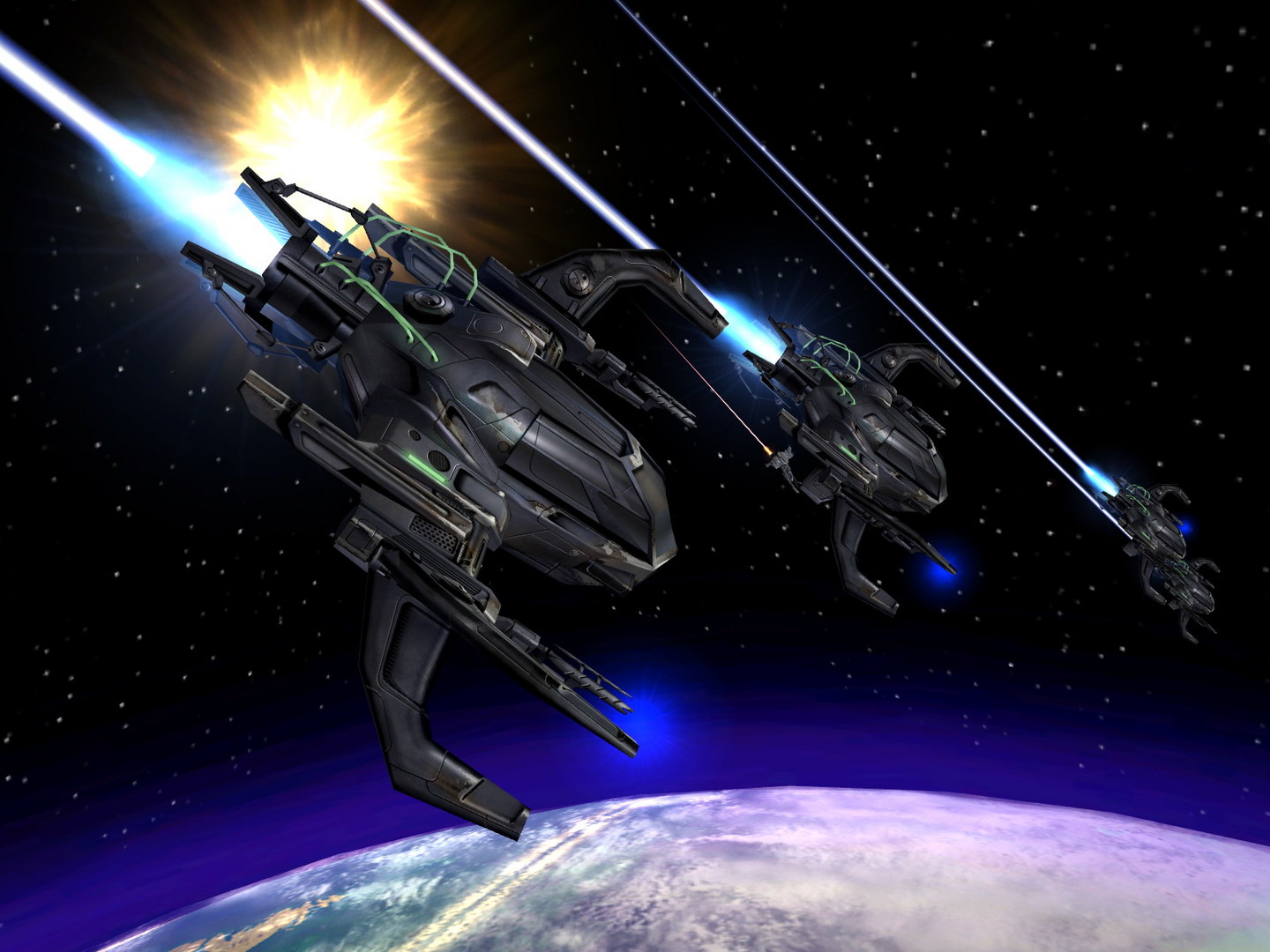
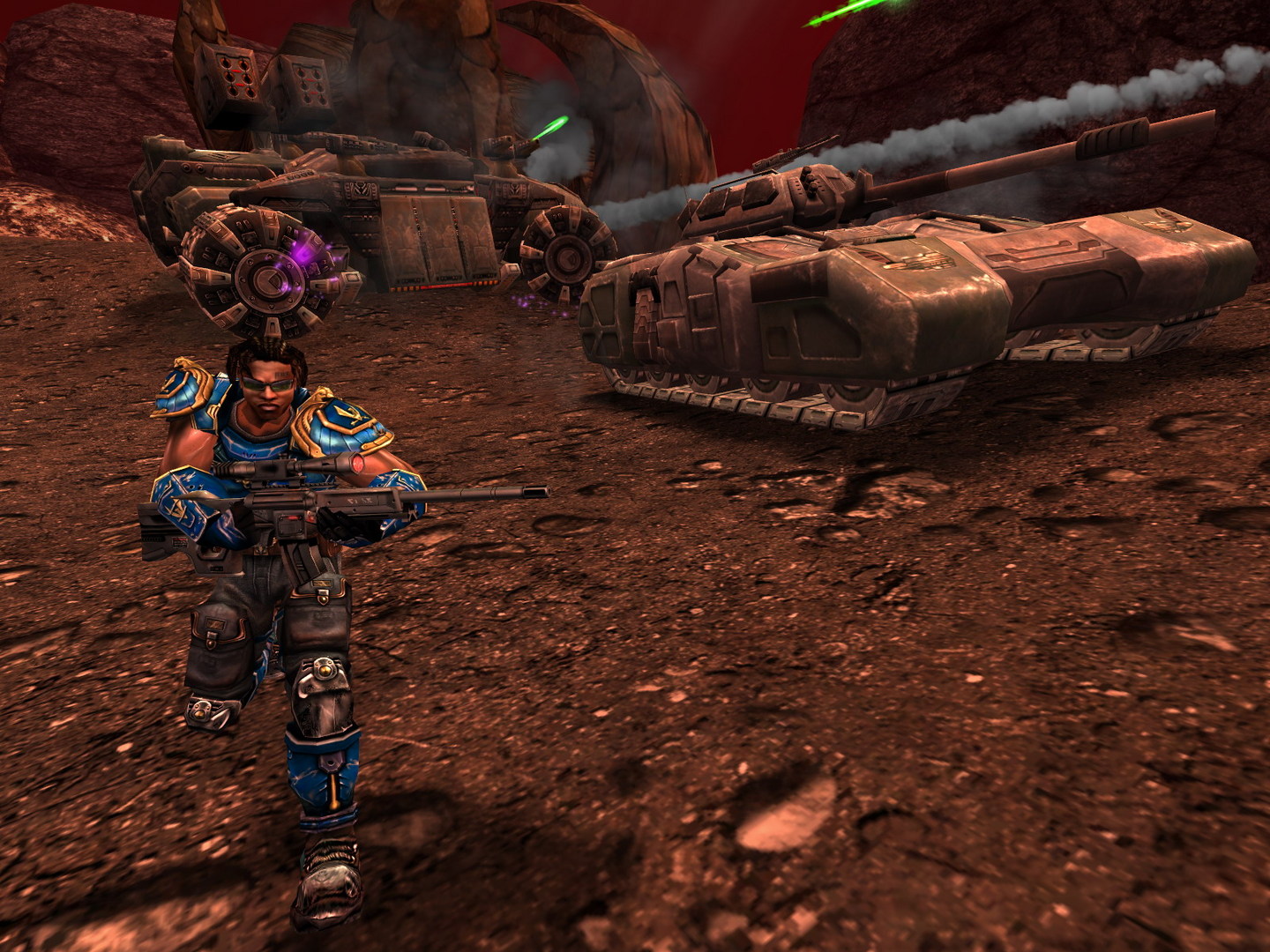
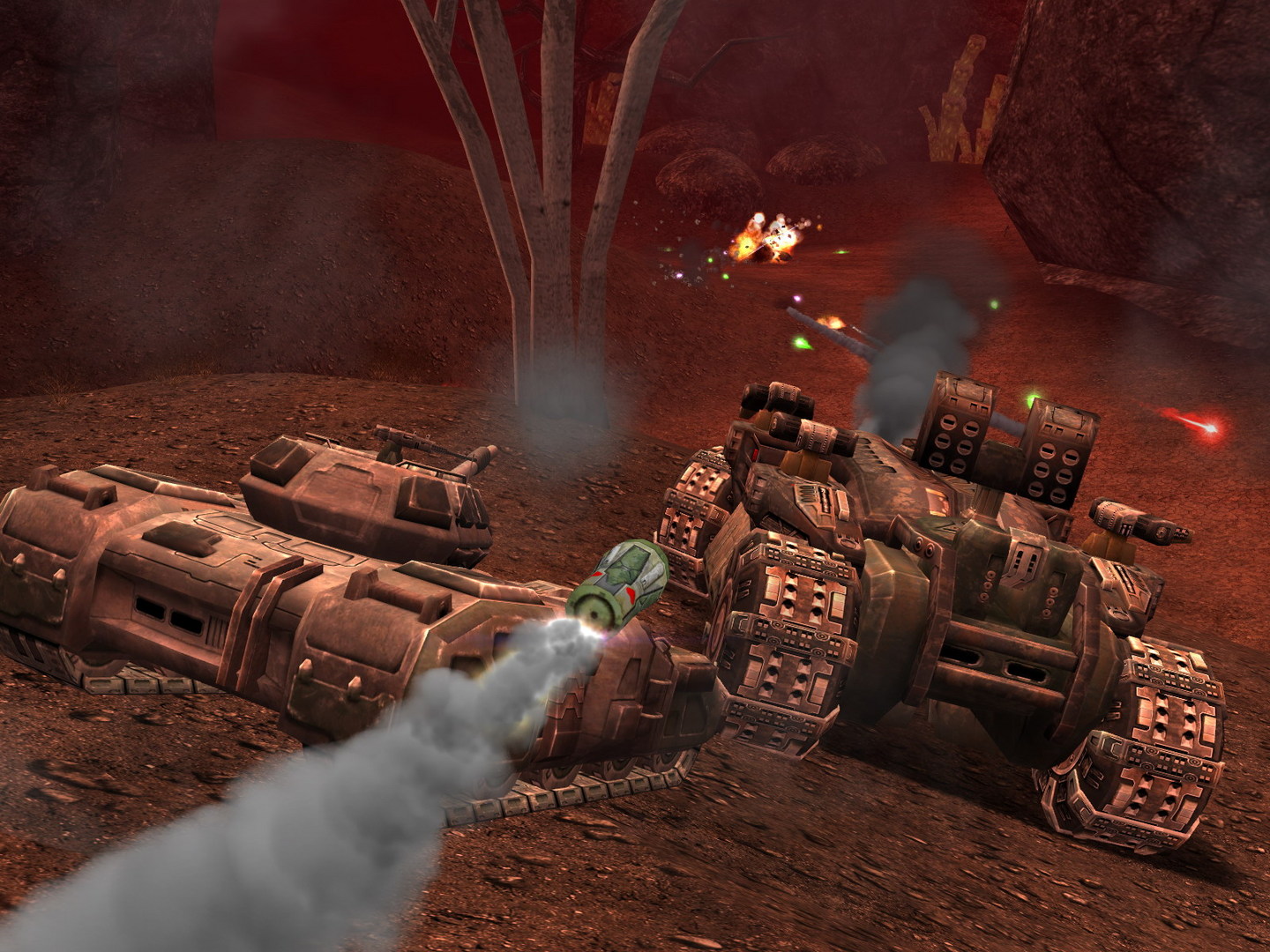
Official store screenshots from Steam — deckport links them, never rehosts. Hover to pause; click to preview.
Identity
Launch
- Binary
- System/UT2004.exe
- Needs files
- none beyond the binary
Proton
- Version
- proton_experimental
- Winetricks
- —
- ProtonDB
- ProtonDB Platinum runs flawlessly
⚙ Setup notes
Proton: Delisted Steam game (appid 13230). ProtonDB tier platinum — runs well on Deck with Proton Experimental.
Fix: Main hurdle is an 'Invalid CD KEY' error on first launch. Fix it via Protontricks -> select UT2004 -> default prefix -> regedit, then under HKEY_LOCAL_MACHINE\SOFTWARE\Wow6432Node\Unreal Technology\Installed Apps\UT2004 (create the keys if missing) add a String value named CDkey set to your CD key, then relaunch.
Install: If you hit error 0x02, install the game on the Deck's internal drive rather than an SD card / external disk.
Display / stutter: Out of the box the game stutters badly on Deck. Selecting Proton Experimental largely fixes it; reports also recommend forcing DXVK's Direct3D 8 path and disabling Reduce mouse lag in the in-game input menu for a big FPS jump. As an alternative, edit System/UT2004.ini to use the OpenGL renderer instead of D3D. Optional: run foxWSFix for a corrected widescreen HUD/FOV.
Alternative: Luxtorpeda provides a native UT2004 client.
Controller: PC release is keyboard+mouse only, so apply a Steam Input gamepad layout (community KBM/mouse-joystick templates exist) to play handheld.
The one thing to know
Supply your own copy. Delisted from Steam (appid 13230); community ProtonDB reports rate it platinum on Deck.
Fix: First launch usually throws an 'Invalid CD KEY' error — fix by adding the CDkey String value in the wineprefix registry via Protontricks (see [proton] notes).
Install: Install on the internal drive to avoid error 0x02.
Display / stutter: Default stutter is heavy; Proton Experimental plus forcing DXVK Direct3D 8 and disabling Reduce mouse lag smooths it out. Alternatively switch the renderer to OpenGL in UT2004.ini; foxWSFix corrects widescreen HUD/FOV.
Controller: Originally a keyboard+mouse game with no native gamepad support — a Steam Input controller layout is required for handheld play.
Online: Multiplayer relies on community master servers, which may be intermittent.
Community guides
Write-ups and threads from people who got this (or a similar) game running. deckport links to them — it doesn't reproduce them.
Get the artwork
deckport never hosts game images. Open this game on SteamGridDB, pick
the cover / hero / logo / icon you like, and drop them into the
game folder under .deckport-art/ before you push it to the
Deck. The importer files them under the right names automatically.
Run it on your Deck
Two files: the one-time importer (deckport.py) in your
Deck's home folder, and this game's install helper. Copy the game
into ~/Games and run the helper with Steam closed — it
writes the recipe (binary, launch options, Proton version)
and registers the shortcut with artwork.