About
Unreal Tournament 3 is the fourth main entry in Epic Games' Unreal Tournament series, built on Unreal Engine 3. It pairs a story-driven single-player campaign with the series' signature fast-paced arena combat across modes like Deathmatch, Capture the Flag, and the vehicle-heavy Warfare. The Black Edition bundles the game with the Titan Pack expansion, adding the Greed and Betrayal modes, new maps, weapons, and a Titan transformation powerup. Epic delisted the Unreal games from digital storefronts in 2022, leaving owners reliant on existing copies.
Screenshots
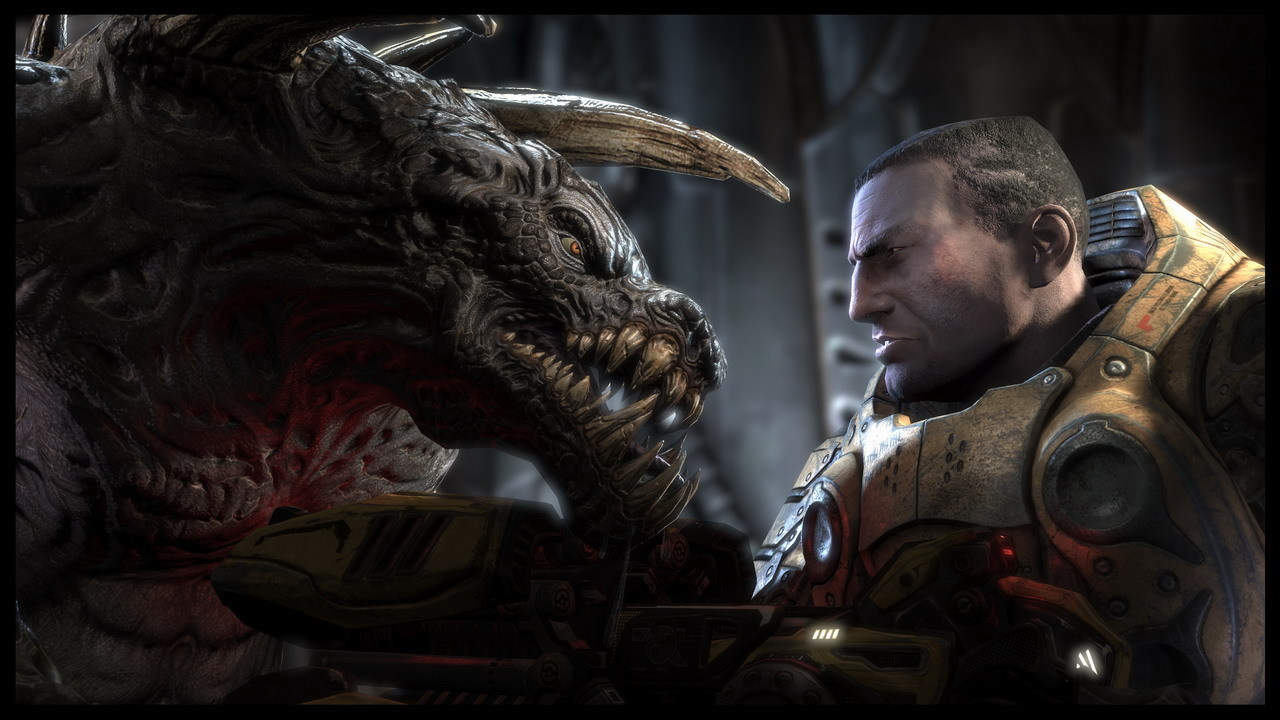
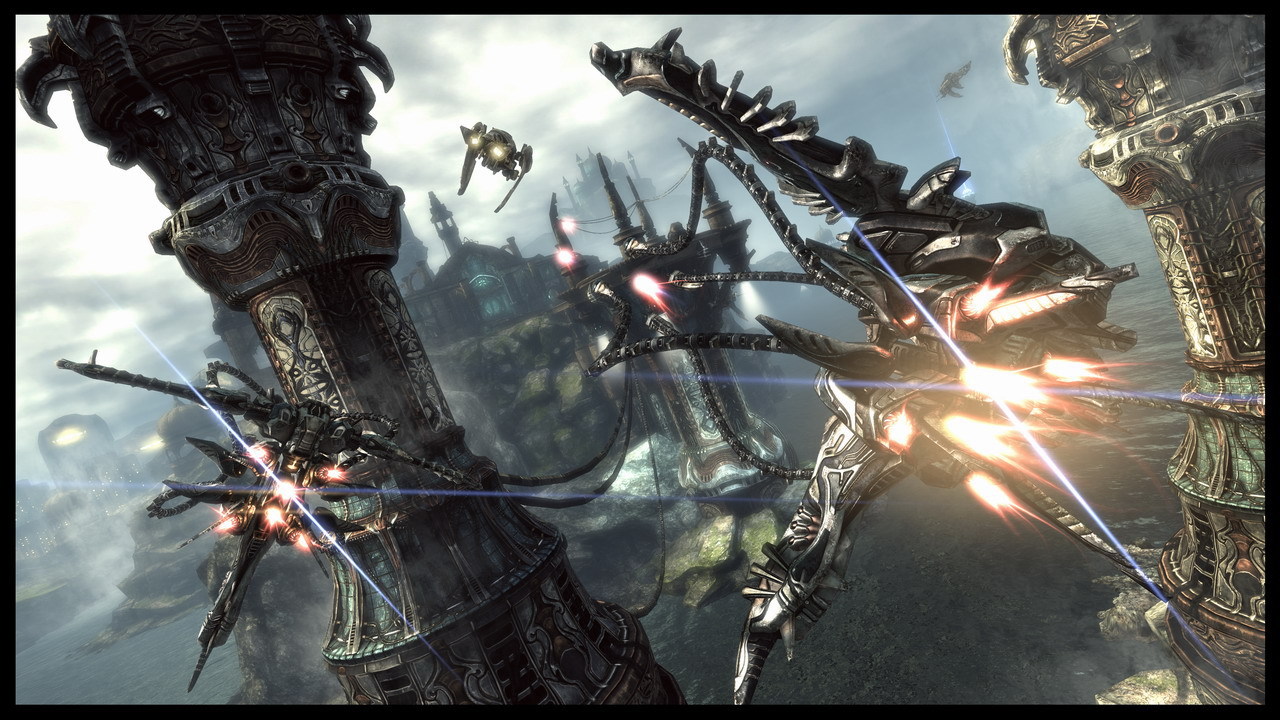
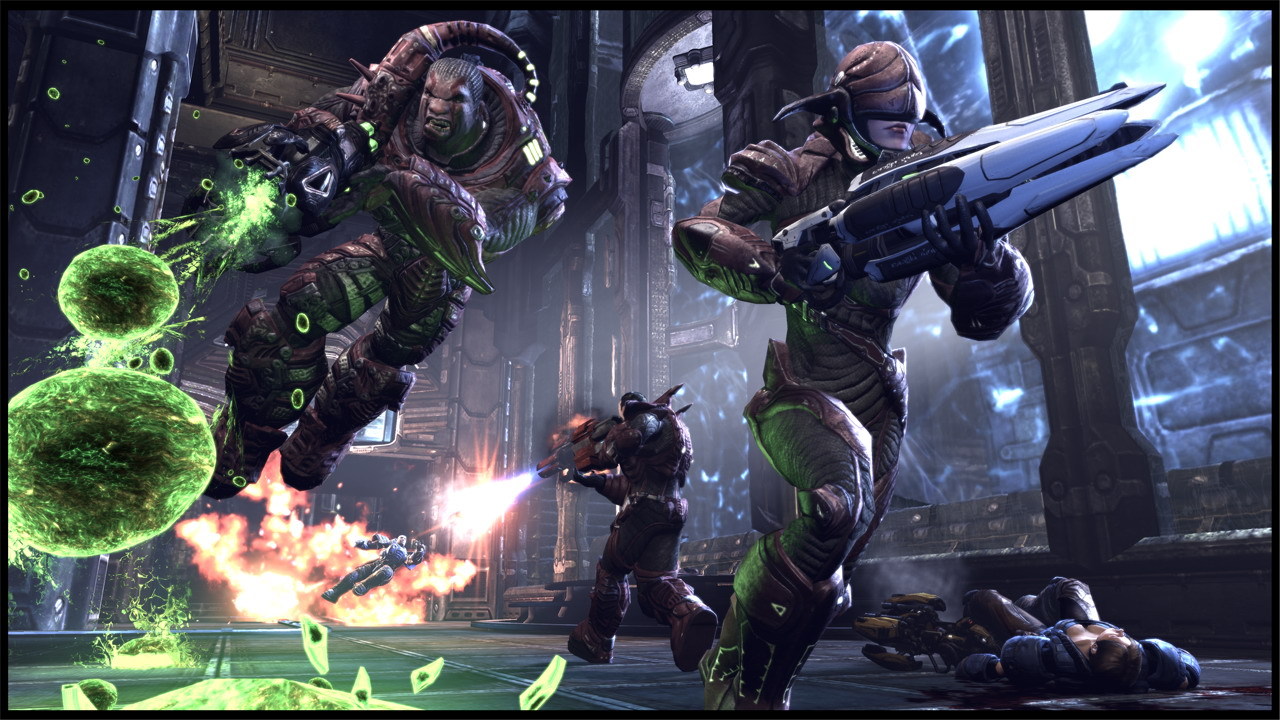
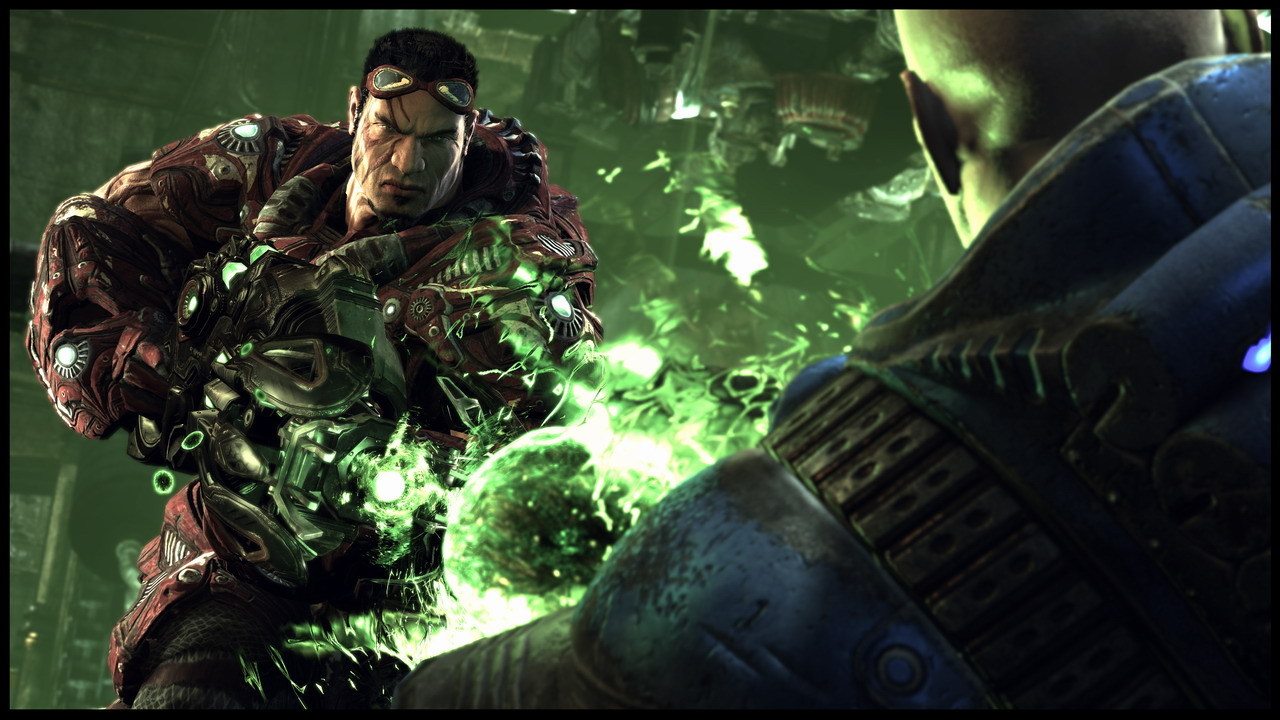
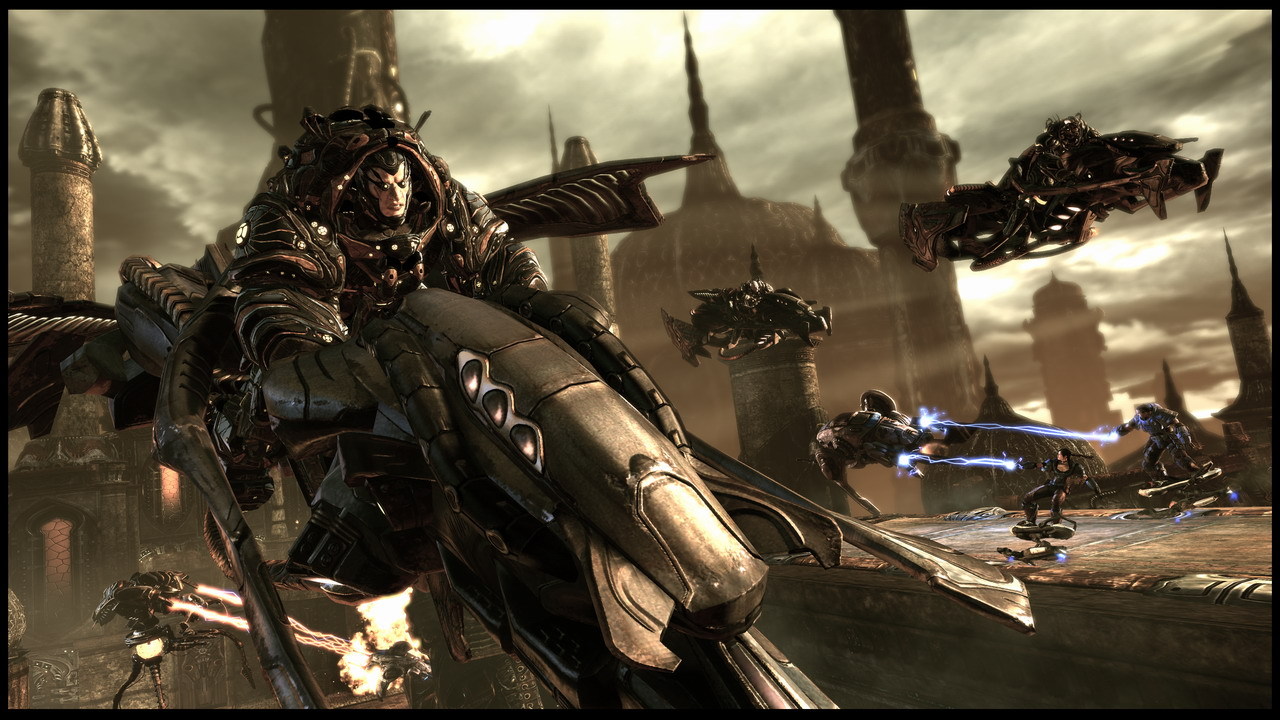
Official store screenshots from Steam — deckport links them, never rehosts. Hover to pause; click to preview.
Identity
Launch
- Binary
- Binaries/UT3.exe
- Options
- PROTON_NO_ESYNC=1 %command%
- Needs files
- none beyond the binary
Proton
- Version
- GE-Proton
- Winetricks
- —
- ProtonDB
- ProtonDB Gold runs perfectly after tweaks
⚙ Setup notes
Game: Epic's 2007 arena shooter; the Black Edition bundles the Titan Pack and bonus content.
GFWL: This build dropped the GFWL dependency the original retail UT3 shipped with, so no xlive.dll bypass is needed.
Proton: Runs well on Deck under GE-Proton (proton_experimental also works). Make sure Binaries/UT3.exe is the launched executable — some launchers default to an AGEIA PhysX test binary, which is the wrong target.
Fix: Launch the game once, set resolution to 1280x800 in the video menu, enable V-Sync, then fully exit and relaunch — this clears the first-boot multi-colored foliage textures and frame-pacing glitch.
Display: Caps at a smooth 60 FPS; a ~7W TDP limit is plenty for max settings.
Install: The expired-certificate problem only affects the standalone SetupUT3.exe installer, not the installed game itself.
The one thing to know
Supply your own copy: Delisted commercial game.
Controller: No usable native gamepad support on this build — apply the Steam Input Keyboard (WASD) + Mouse template for menus and aiming, then lower the look sensitivity to help with aim.
Fix: Do the resolution + V-Sync set-then-relaunch step on first boot to clear the foliage-texture and frame-pacing glitch.
Crashes: Rare random crashes (alt-tab / launch) are reported on some configs.
Black screen on first start: If the first launch shows only a black screen, run once with -windowed, pick the native resolution, then relaunch without -windowed.
Community guides
Write-ups and threads from people who got this (or a similar) game running. deckport links to them — it doesn't reproduce them.
Get the artwork
deckport never hosts game images. Open this game on SteamGridDB, pick
the cover / hero / logo / icon you like, and drop them into the
game folder under .deckport-art/ before you push it to the
Deck. The importer files them under the right names automatically.
Run it on your Deck
Two files: the one-time importer (deckport.py) in your
Deck's home folder, and this game's install helper. Copy the game
into ~/Games and run the helper with Steam closed — it
writes the recipe (binary, launch options, Proton version)
and registers the shortcut with artwork.