About
Unreal Tournament is a 1999 first-person arena shooter built on the original Unreal Engine, developed by Epic Games and Digital Extremes. It pioneered fast deathmatch and objective game modes such as Capture the Flag, Assault, and Domination, and was widely praised as one of the defining multiplayer FPS titles of its era, winning numerous Game of the Year awards.
The Game of the Year Edition is a 2000 re-release that bundles extra maps, mutators, and bonus content. The Steam release was later delisted, leaving the community OldUnreal patch project to keep the game running on modern systems.
Screenshots
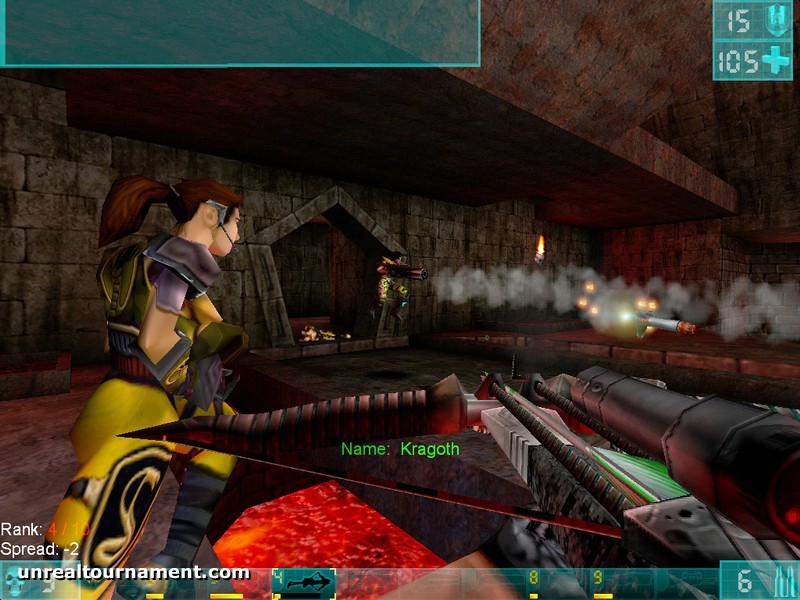
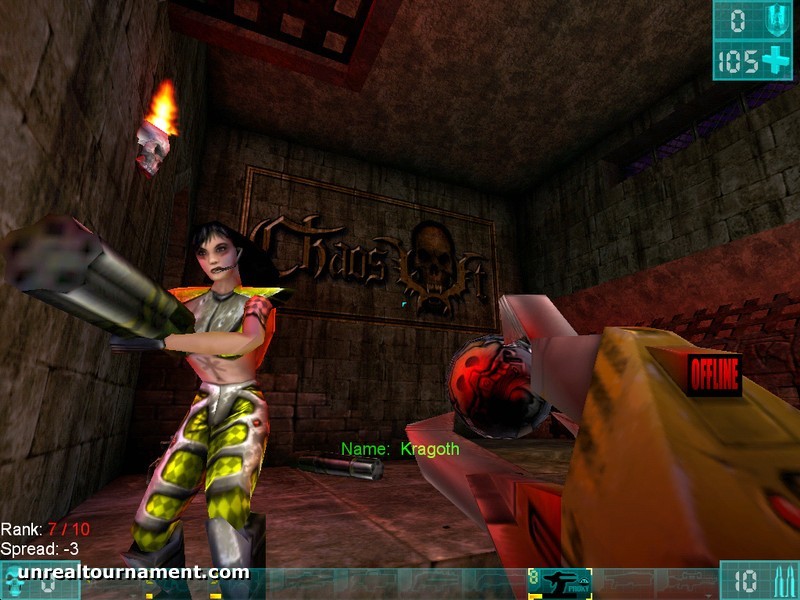
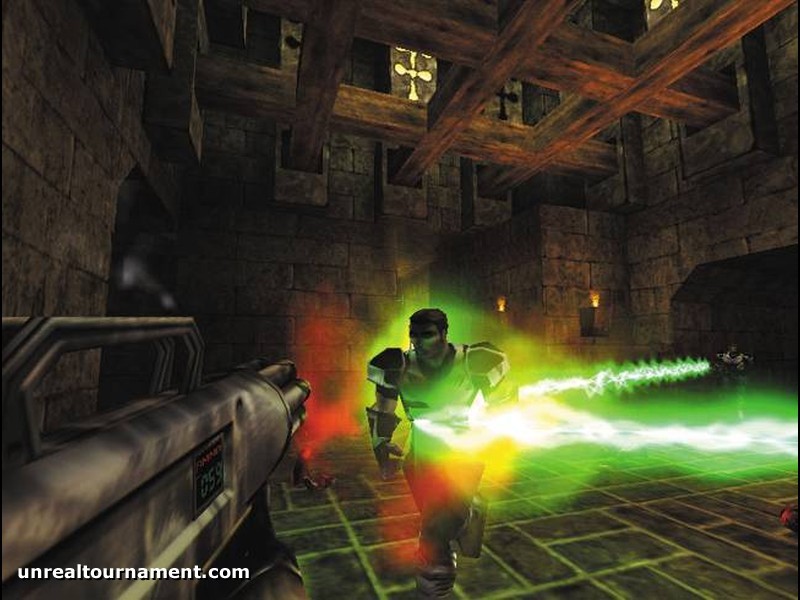
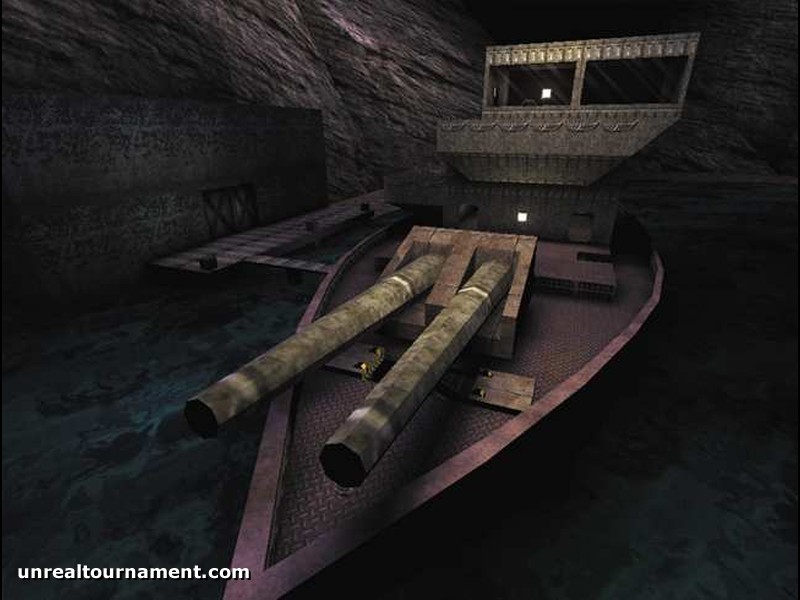
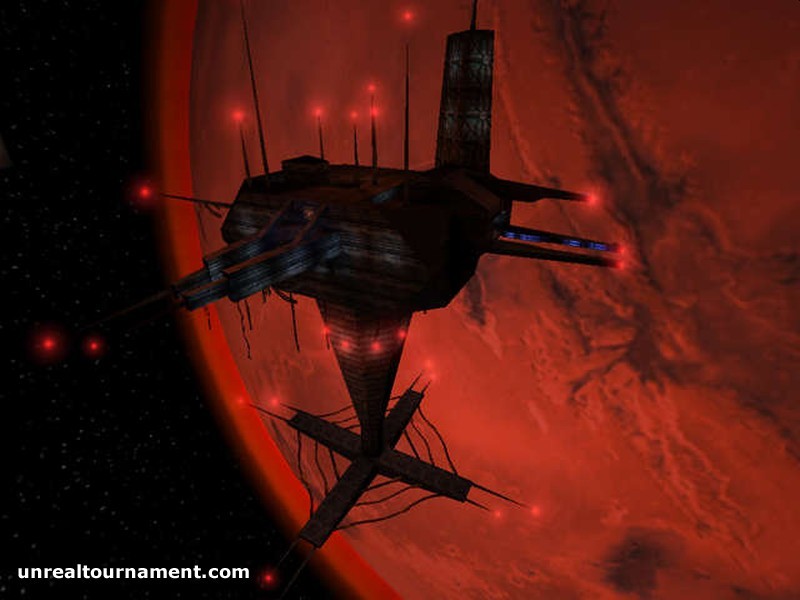
Official store screenshots from Steam — deckport links them, never rehosts. Hover to pause; click to preview.
Identity
Launch
- Binary
- System/UnrealTournament.exe
- Needs files
- none beyond the binary
Proton
- Version
- GE-Proton
- Winetricks
- —
- ProtonDB
- ProtonDB Gold runs perfectly after tweaks
⚙ Setup notes
Status: Delisted Steam game (appid 13240), ProtonDB gold.
Display: The stock 1999 build runs under Proton but defaults to the old Direct3D/software renderer that looks rough and can stutter on the Deck's AMD GPU.
Fix: The big quality-of-life fix is the community OldUnreal patch (v469+): install it into the game folder, then in-game switch the renderer to OpenGL/XOpenGL (or D3D11) under Preferences > Rendering. That adds raw mouse input, native widescreen, and high-res GUI/font scaling that matches the Deck's 1280x800 panel.
Proton: GE-Proton handles it cleanly; proton_experimental also works. If you skip OldUnreal, force the OpenGL renderer to avoid the D3D9 glitches.
Controller: Controller is not native — bind a Steam Input gamepad/keyboard-mouse layout (community 'gamepad' templates exist for UT99) since the game only understands keyboard+mouse.
Install: deckport only configures the prefix; it never bundles or links the game files.
The one thing to know
Supply your own copy. deckport links nothing.
Status: Delisted Steam game (appid 13240); ProtonDB gold with multiple reports of it running on Linux/Proton, so it should play on the Deck — set to needs-test pending a hands-on Deck confirmation.
Fix: Install the OldUnreal patch (v469+) and switch to the OpenGL/XOpenGL renderer for clean visuals, raw input, native widescreen, and Deck-resolution GUI scaling; foxWSFix99 is an alternative widescreen mod if not using OldUnreal.
Controller: No native controller support — use a Steam Input layout (gamepad or keyboard/mouse) since the game is keyboard+mouse only.
Multiplayer: It's primarily a multiplayer/online shooter: offline bot matches and LAN play work fine, but verify whether community servers still exist before counting on online play.
Community guides
Write-ups and threads from people who got this (or a similar) game running. deckport links to them — it doesn't reproduce them.
Get the artwork
deckport never hosts game images. Open this game on SteamGridDB, pick
the cover / hero / logo / icon you like, and drop them into the
game folder under .deckport-art/ before you push it to the
Deck. The importer files them under the right names automatically.
Run it on your Deck
Two files: the one-time importer (deckport.py) in your
Deck's home folder, and this game's install helper. Copy the game
into ~/Games and run the helper with Steam closed — it
writes the recipe (binary, launch options, Proton version)
and registers the shortcut with artwork.