About
Velocity 2X is a fast-paced top-down shoot 'em up built around the Quarp Drive teleport mechanic, where the player warps a ship through hazards and drops teleport beacons to backtrack, alternating with on-foot 2D platforming sections inside enemy bases. Developed by British studio FuturLab as the sequel to Velocity Ultra, it launched in 2014 and was met with critical acclaim for its blend of arcade shooting, puzzle-platforming, and tight score-chasing design. The PC version was published under Activision's Sierra brand and was later delisted from Steam after that publishing arrangement lapsed.
Screenshots
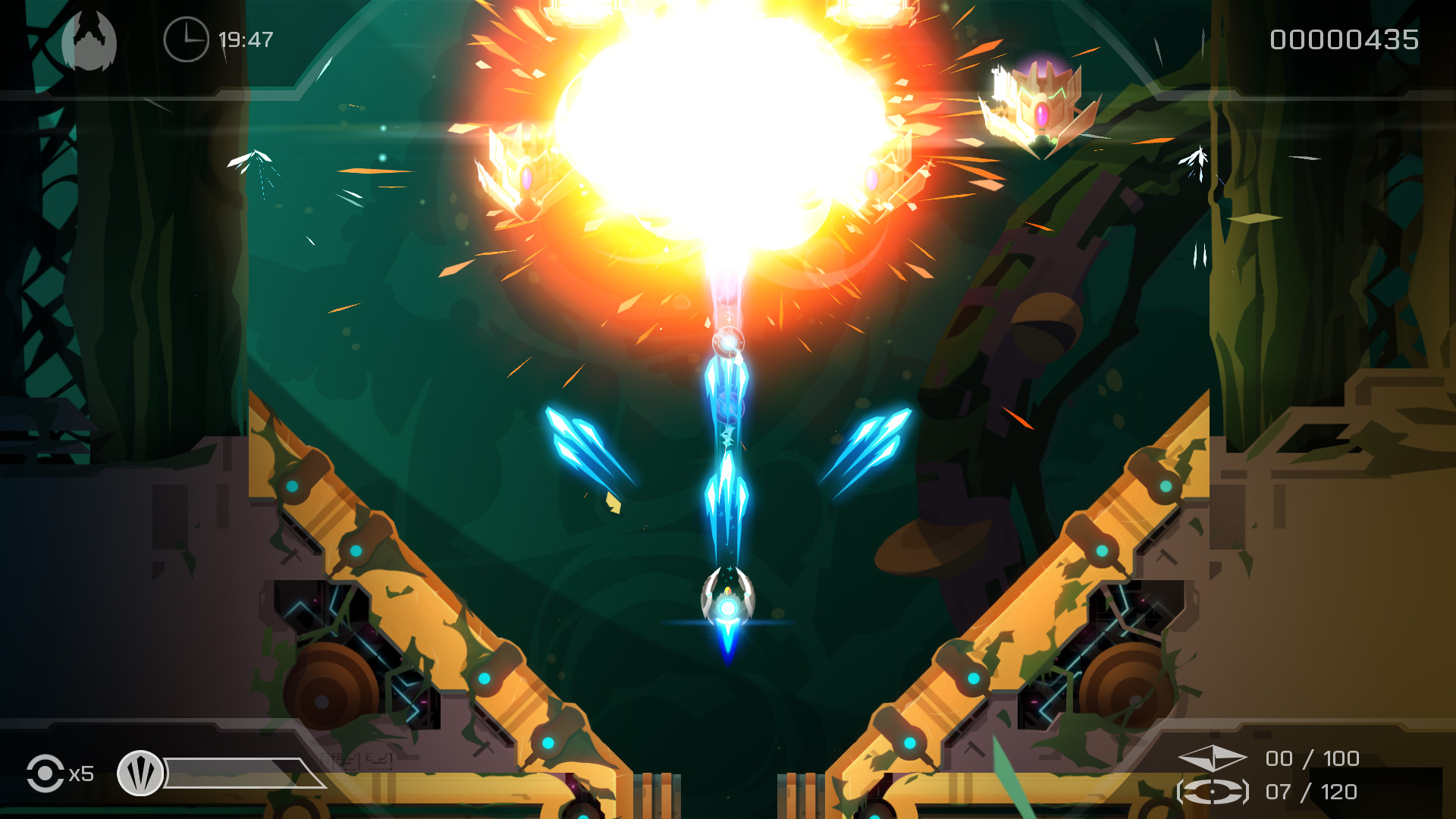
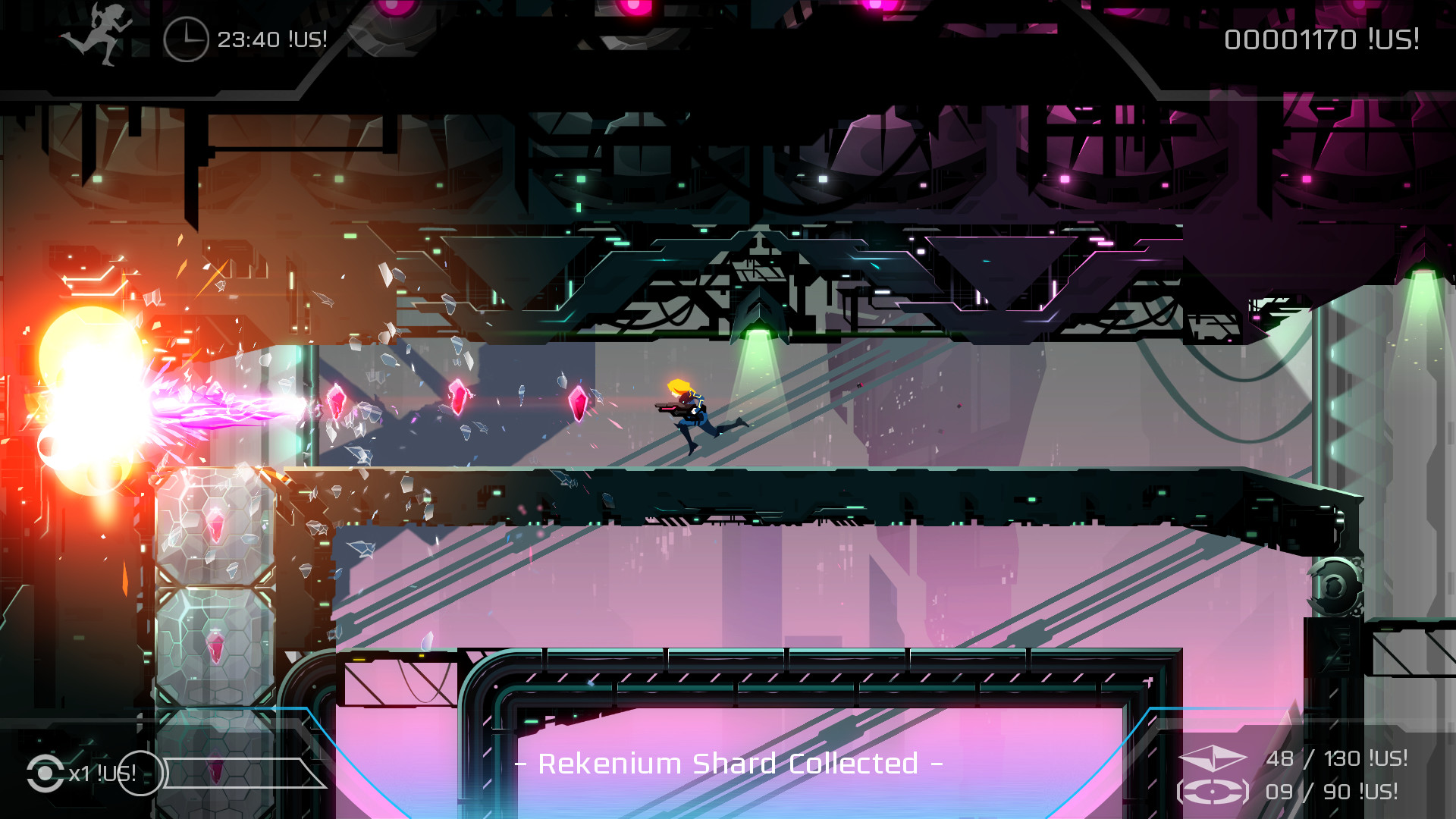
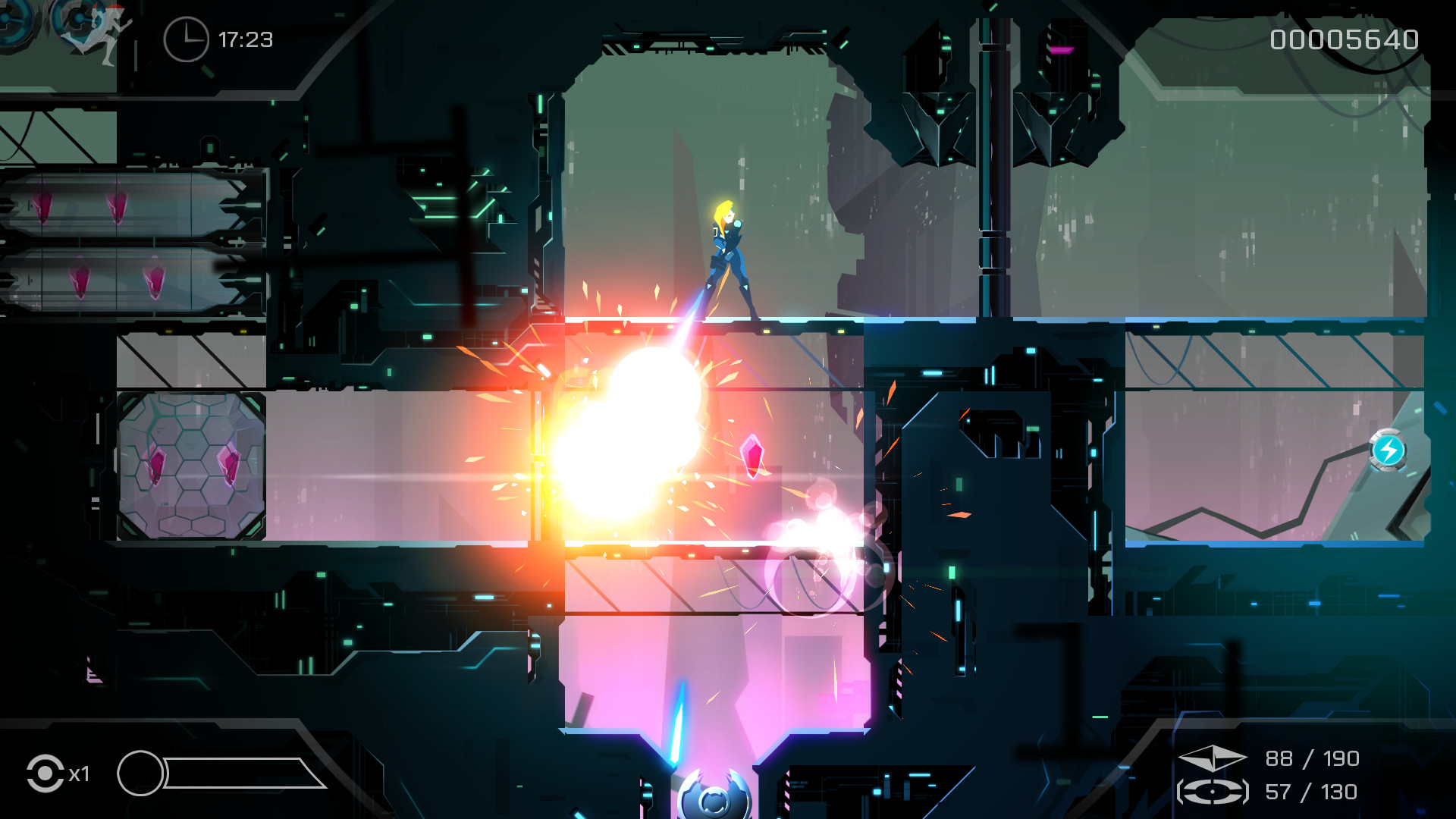
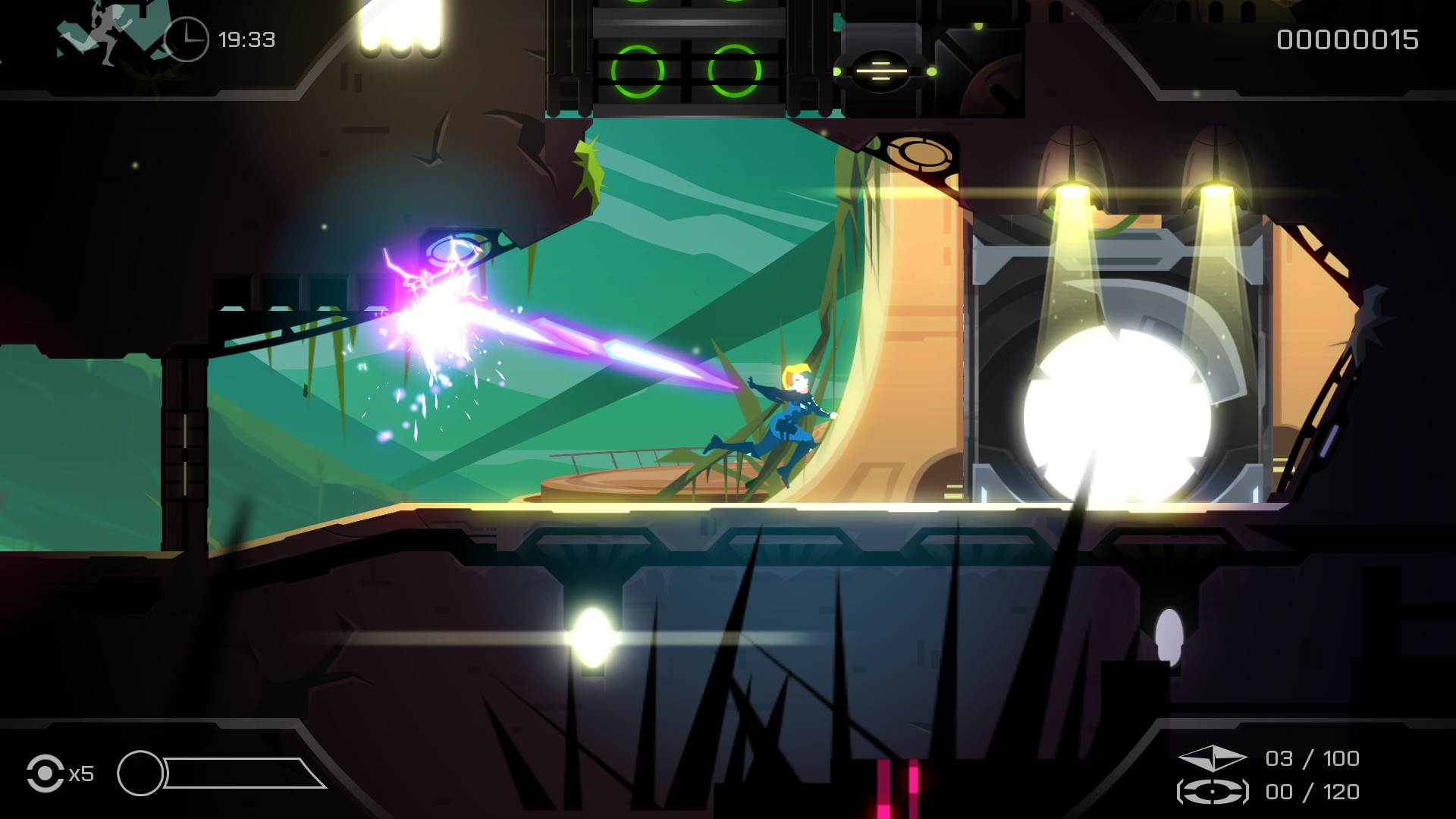
Official store screenshots from Steam — deckport links them, never rehosts. Hover to pause; click to preview.
Identity
Launch
- Binary
- Velocity2X.exe
- Needs files
- none beyond the binary
Proton
- Version
- GE-Proton
- Winetricks
- —
- ProtonDB
- ProtonDB Gold runs perfectly after tweaks
⚙ Setup notes
Delisted: Delisted Steam game (appid 337180, pulled 2021-09-21 when the Sierra/FuturLab publishing deal lapsed; library owners keep access).
Proton: ProtonDB tier gold — runs well under Proton on the Deck. GE-Proton is a safe pick for the Windows build; proton_experimental or Proton 9.0 also work.
DRM: No DRM/GFWL hoops.
Native build: FuturLab also shipped an OFFICIAL native Linux build via Steam Play, so if your copy includes it you can launch that natively and skip Proton entirely.
Setup: No special launch options or winetricks needed.
Install: deckport only configures the prefix; it never bundles or links the game files.
The one thing to know
Supply your own copy: deckport links nothing.
Delisted: Delisted from Steam 2021-09-21 (publishing deal lapsed); single-player, no servers to worry about.
Proton: ProtonDB gold — community reports confirm it runs on Linux/Proton, so it should play well on the Deck, but this exact recipe hasn't been hardware-verified.
Controller: Native gamepad support (X-input); plays great with the Deck's built-in controls — the only quirk is you can't rebind controls in-game and a non-X-input pad won't be detected, neither of which affects the Deck.
Native build: An official native Linux build also exists if your copy has it.
Install: Confirm the actual binary name from your install.
Community guides
Write-ups and threads from people who got this (or a similar) game running. deckport links to them — it doesn't reproduce them.
Get the artwork
deckport never hosts game images. Open this game on SteamGridDB, pick
the cover / hero / logo / icon you like, and drop them into the
game folder under .deckport-art/ before you push it to the
Deck. The importer files them under the right names automatically.
Run it on your Deck
Two files: the one-time importer (deckport.py) in your
Deck's home folder, and this game's install helper. Copy the game
into ~/Games and run the helper with Steam closed — it
writes the recipe (binary, launch options, Proton version)
and registers the shortcut with artwork.