About
Virtua Tennis 2009 is an arcade-style tennis game developed by Sumo Digital and published by SEGA, the fourth main entry in SEGA's long-running Virtua Tennis series. It builds on Virtua Tennis 3's match engine with a World Tour career mode where you create and progress a custom player from amateur ranks to the professional tour, plus a set of court mini-games. Reviews were mixed-to-positive (around 70 on PC), with critics praising the accessible gameplay but noting it felt familiar to series veterans. The PC version was later delisted from Steam (former app 10690) and is no longer sold there.
Screenshots
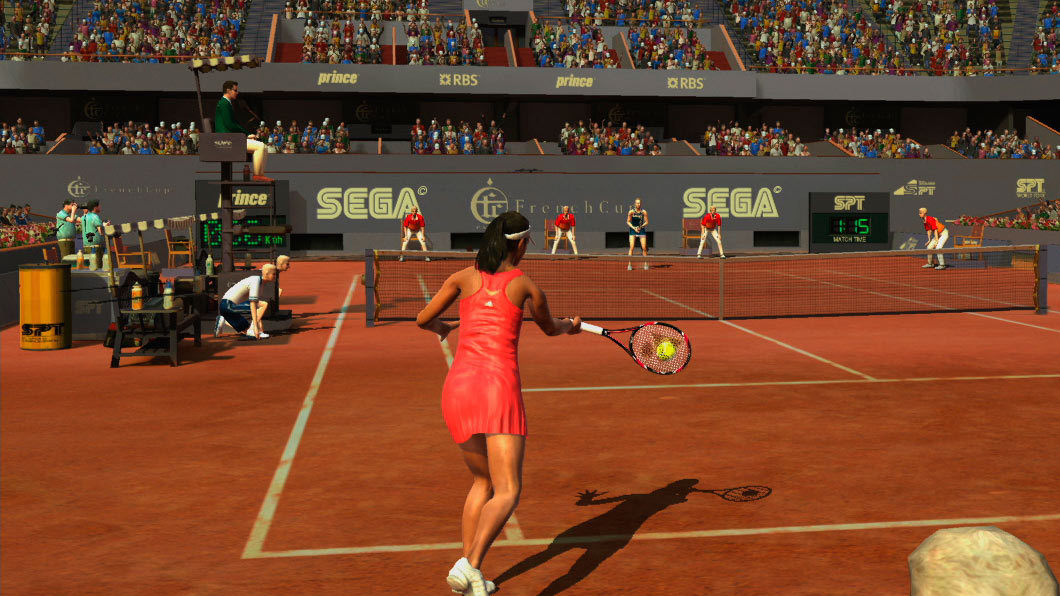
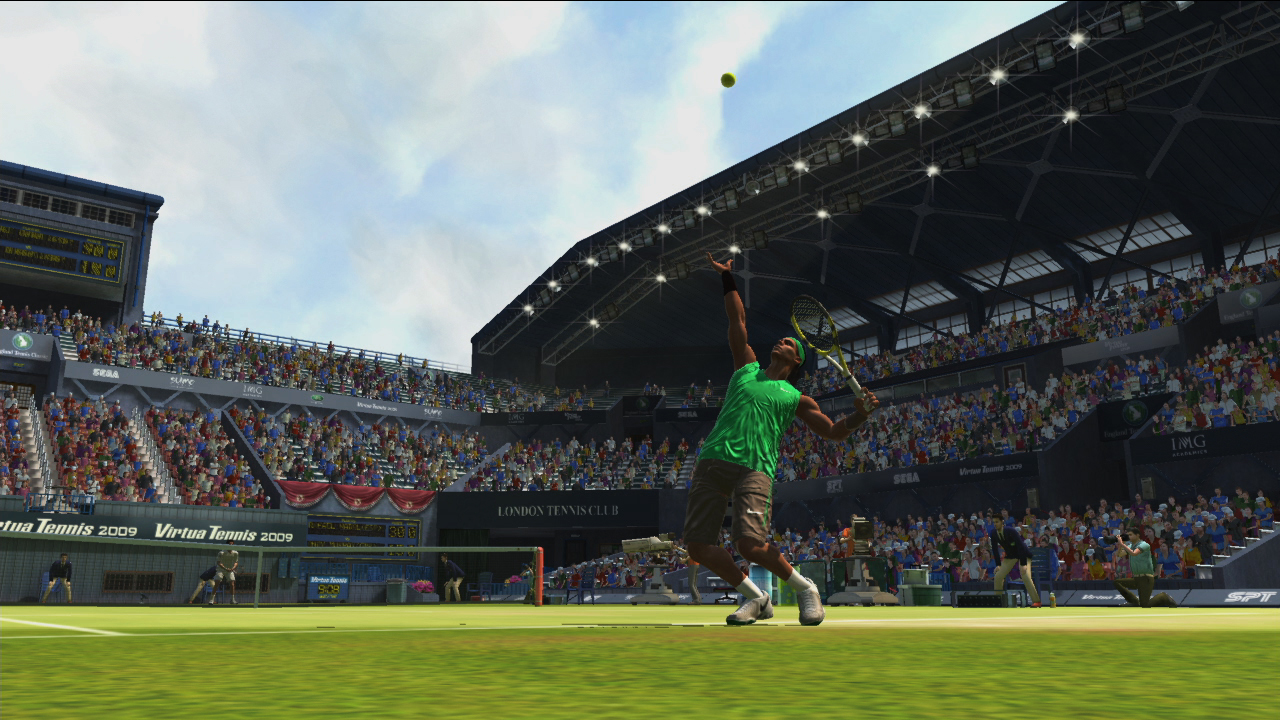

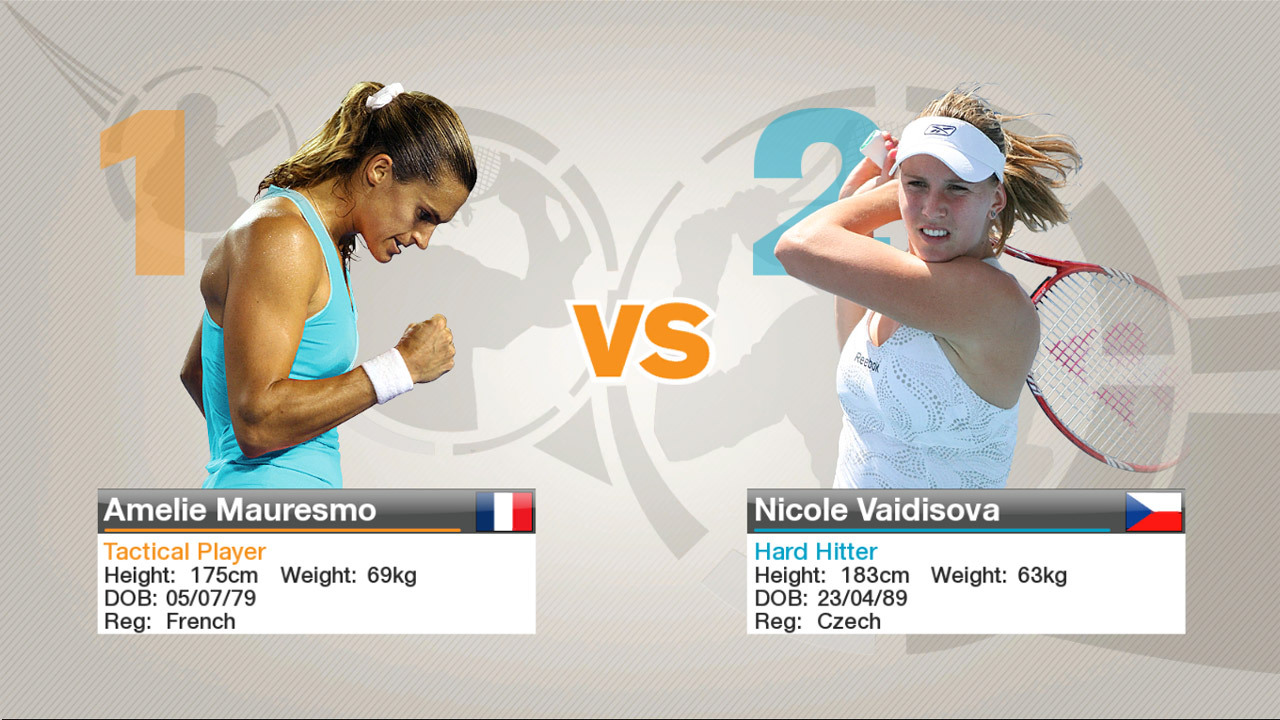
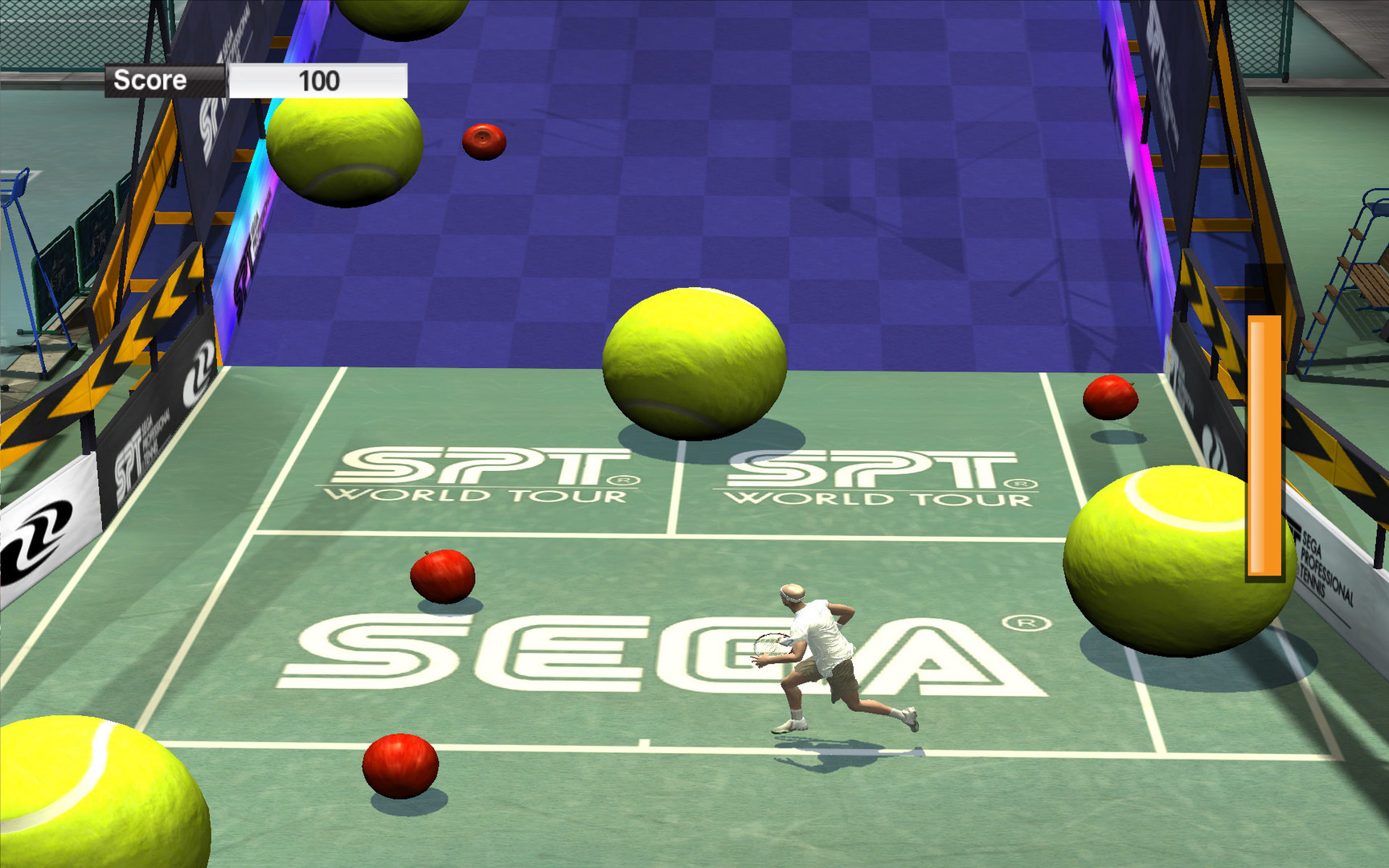
Official store screenshots from Steam — deckport links them, never rehosts. Hover to pause; click to preview.
Identity
Launch
- Binary
- VirtuaTennis2009.exe
- Needs files
- none beyond the binary
Proton
- Version
- GE-Proton
- Winetricks
- —
- ProtonDB
- ProtonDB Pending not enough reports yet
⚙ Setup notes
Game: Sumo Digital's 2009 tennis game (SEGA), former Steam app 10690, now delisted.
Proton: Sparse ProtonDB data — overall tier is pending (only one report on record, which rated it platinum), so treat the platinum as unconfirmed. GE-Proton handles the older SecuROM-era exe most reliably.
Install: Add the .exe as a non-Steam shortcut and force GE-Proton in its compatibility settings.
Fix: If you hit a missing XInput1_3.dll error, drop that DLL into the prefix's system32 (the game also expects DirectX 9 / Legacy DirectPlay components, which Proton provides).
Controller: Full controller support (native XInput) — connect a pad, then pick the controller in Options.
Display: Settings/language are set in Config.exe; extra tweaks live in VT2009.ini in the install folder.
The one thing to know
Supply your own copy: Delisted commercial game (former Steam app 10690).
DRM: The European release used SecuROM that misbehaves on modern systems and under Proton — the Polish/Czech release was DRM-free, the practical choice.
Status: Barely any ProtonDB data — overall tier is pending (a single report, which was positive/platinum), so treat it as untested here, hence needs-test.
Fix: If you hit a missing XInput1_3.dll error, drop that DLL into the prefix's system32.
Controller: Full native XInput pad support; PC version has local 2-player only.
Binary: VirtuaTennis2009.exe. deckport links nothing.
Community guides
Write-ups and threads from people who got this (or a similar) game running. deckport links to them — it doesn't reproduce them.
Get the artwork
deckport never hosts game images. Open this game on SteamGridDB, pick
the cover / hero / logo / icon you like, and drop them into the
game folder under .deckport-art/ before you push it to the
Deck. The importer files them under the right names automatically.
Run it on your Deck
Two files: the one-time importer (deckport.py) in your
Deck's home folder, and this game's install helper. Copy the game
into ~/Games and run the helper with Steam closed — it
writes the recipe (binary, launch options, Proton version)
and registers the shortcut with artwork.