About
Virtua Tennis 4 is the fourth main entry in Sega's long-running arcade-style tennis series, brought to PC in 2011 after the console versions. Its headline addition is the World Tour career mode, a board-game-style progression layout (often compared to Mario Party) of tournaments, training, and exhibition matches. The console releases added motion controls (PlayStation Move, Kinect, Wii MotionPlus), but reviews were mixed on their implementation. The PC version shipped via Games for Windows Live, and its online play has since been retired, leaving it as a single-player and local-multiplayer game.
Screenshots
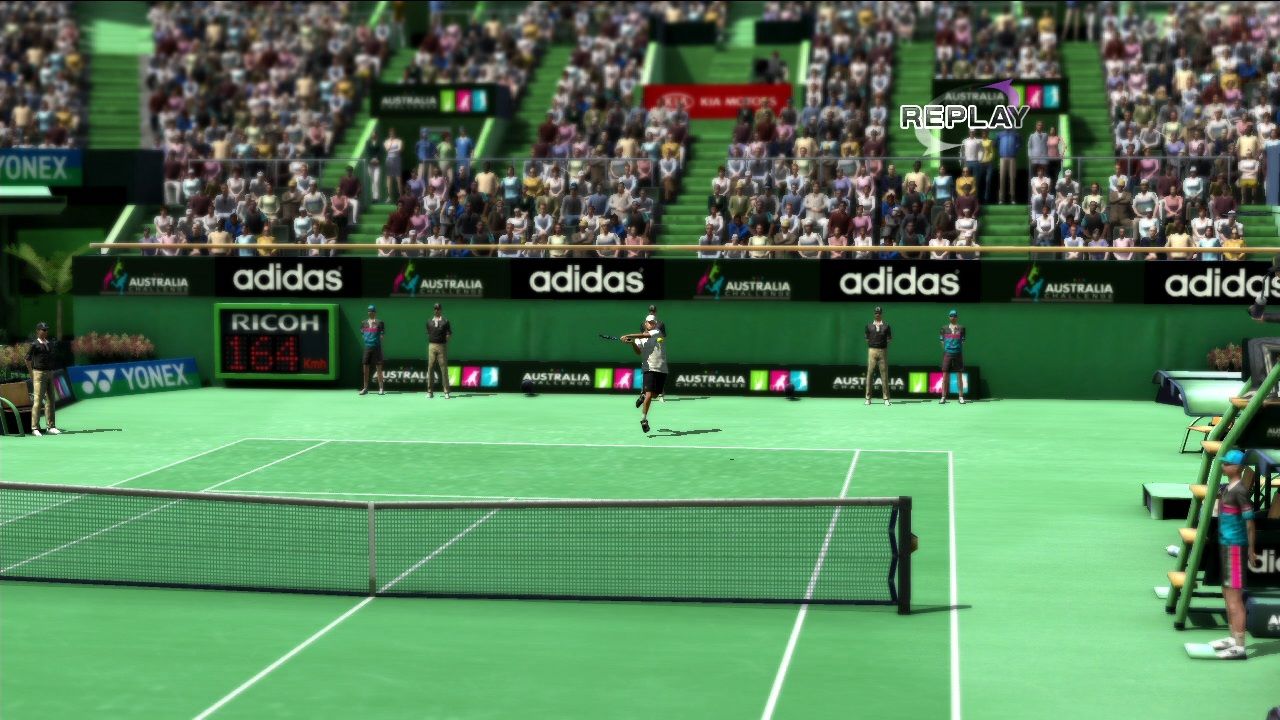
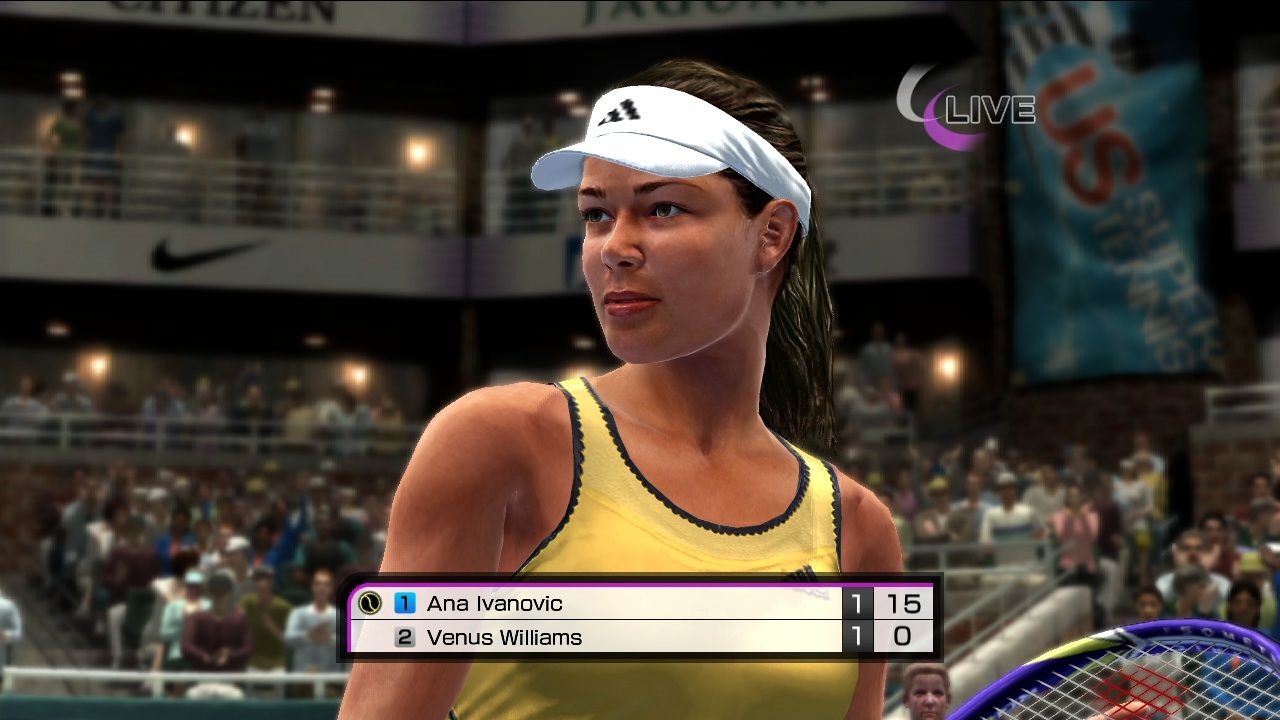
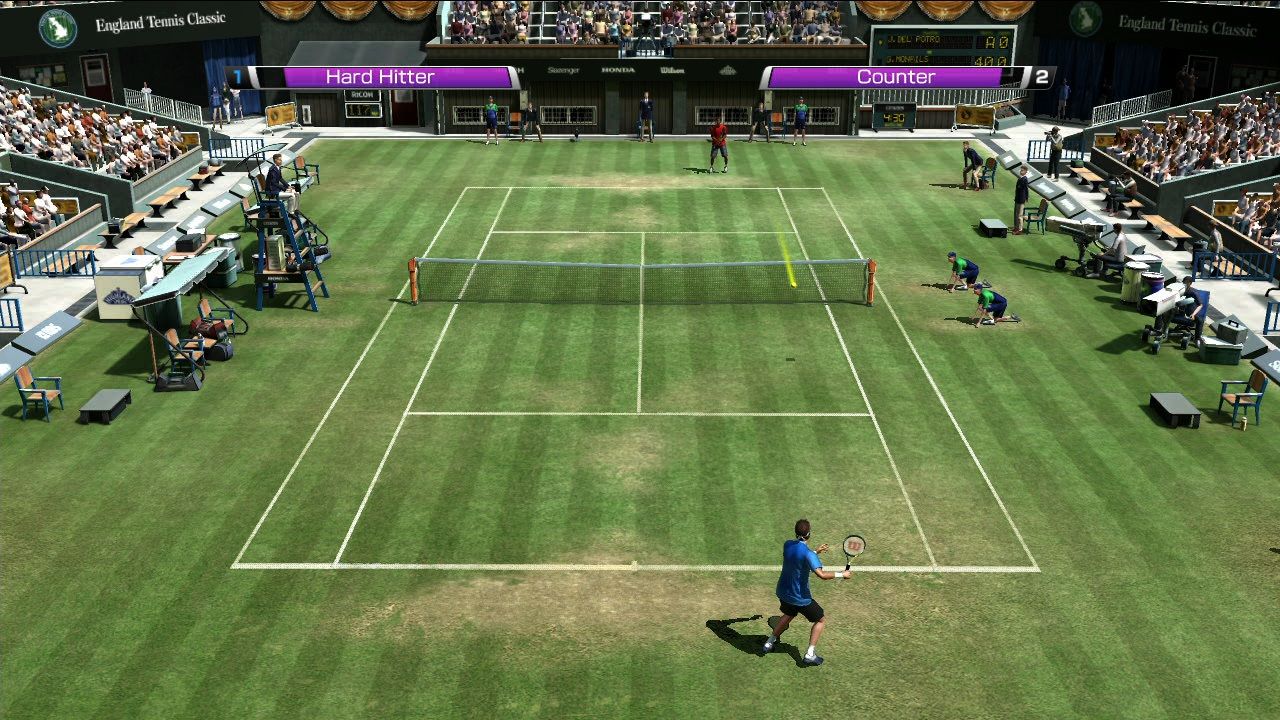
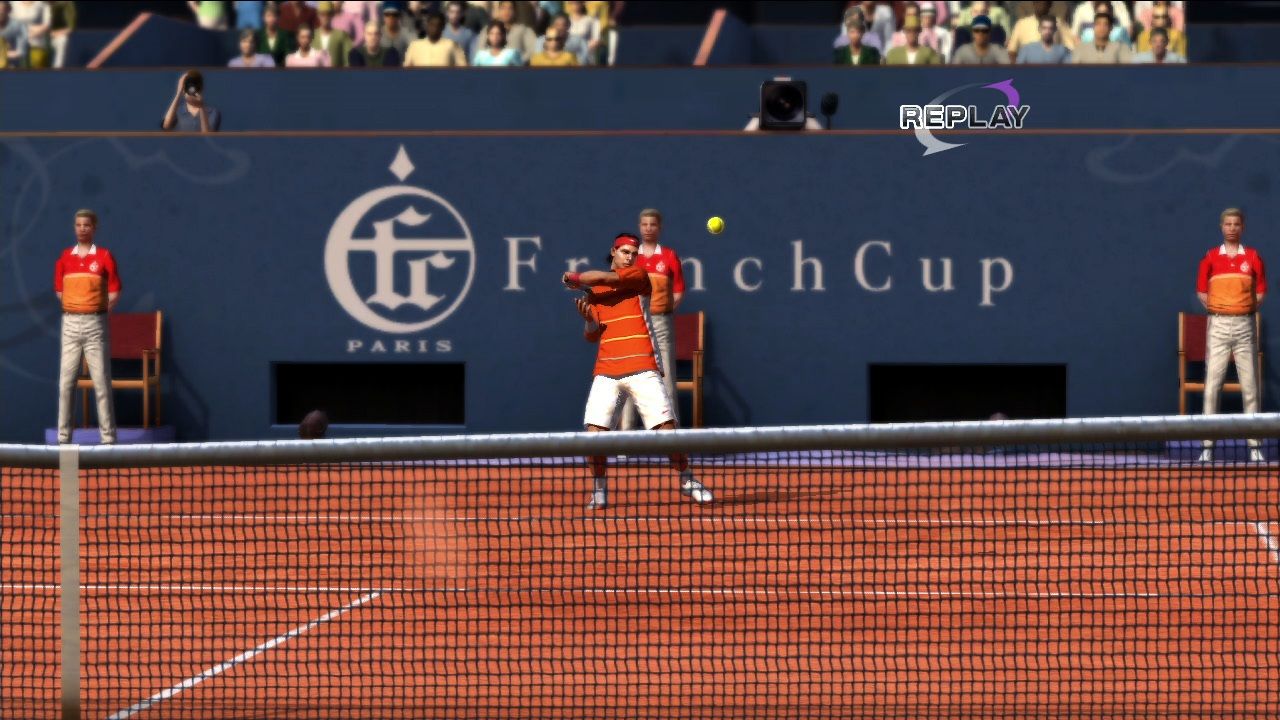
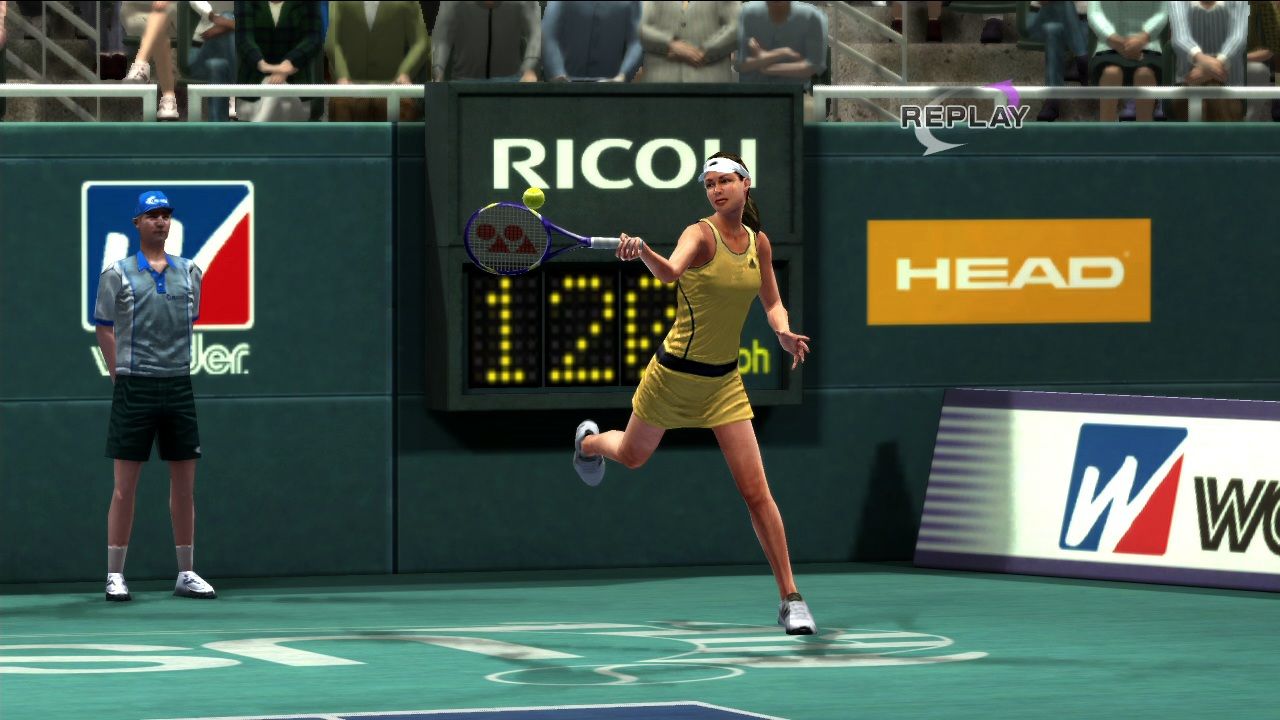
Official store screenshots from Steam — deckport links them, never rehosts. Hover to pause; click to preview.
Identity
Launch
- Binary
- VT4.exe
- Needs files
- none beyond the binary
Proton
- Version
- GE-Proton
- Winetricks
- —
- ProtonDB
- ProtonDB Silver runs with minor issues
⚙ Setup notes
Status: Delisted Steam game (appid 71390). ProtonDB silver: confirmed running well on Steam Deck once Games for Windows Live is dealt with.
Proton: GE-Proton is the most reliable choice here.
GFWL: The blocker is GFWL — the game throws 'Failed to initialize Games for Windows Live' otherwise.
Fix: Apply the Xliveless GFWL-bypass mod (drop its xlive.dll into the install folder next to VT4.exe) so the game launches offline with no GFWL prefix work at all.
Alternative: Without the mod, install the game, then uninstall the bundled Win7 GFWL and install the current GFWL/Xbox client into the Proton prefix (the bundled installer reverts newer versions, so order matters).
Controller: Native Xinput gamepad support, so the Deck controller works out of the box once you're in-game.
Install: deckport only configures the prefix; it never bundles or links the game files.
The one thing to know
Supply your own copy. deckport links nothing.
Status: Delisted Steam game (appid 71390); ProtonDB silver, with Deck users confirming it plays well after handling GFWL.
GFWL: Main hurdle is Games for Windows Live: apply the Xliveless bypass (xlive.dll into the game folder beside VT4.exe) to skip GFWL entirely, or install the current GFWL/Xbox client into the prefix after removing the bundled Win7 version (install order matters — the bundled one reverts newer GFWL).
Controller: Native gamepad support, so the Deck controller works in-game without a Steam Input layout.
Online: The previous online/multiplayer modes relied on GFWL, which is dead — treat this as single-player/local.
Community guides
Write-ups and threads from people who got this (or a similar) game running. deckport links to them — it doesn't reproduce them.
Get the artwork
deckport never hosts game images. Open this game on SteamGridDB, pick
the cover / hero / logo / icon you like, and drop them into the
game folder under .deckport-art/ before you push it to the
Deck. The importer files them under the right names automatically.
Run it on your Deck
Two files: the one-time importer (deckport.py) in your
Deck's home folder, and this game's install helper. Copy the game
into ~/Games and run the helper with Steam closed — it
writes the recipe (binary, launch options, Proton version)
and registers the shortcut with artwork.