About
Wacky Wheels HD is a remake of the 1994 Apogee Software kart racer Wacky Wheels, in which cartoon zoo animals race lawn-mower-style karts and pelt rivals with hedgehogs and other pickups, in the mold of Super Mario Kart. The HD version was rebuilt by Cascadia Games, who acquired the rights from Apogee, and shipped on Steam in 2016 with 16 themed tracks plus Grand Prix and Time Trial modes.
It was later delisted from Steam and is no longer sold there. Its original online multiplayer servers are no longer active, so it now plays best as a single-player and local racer.
Screenshots
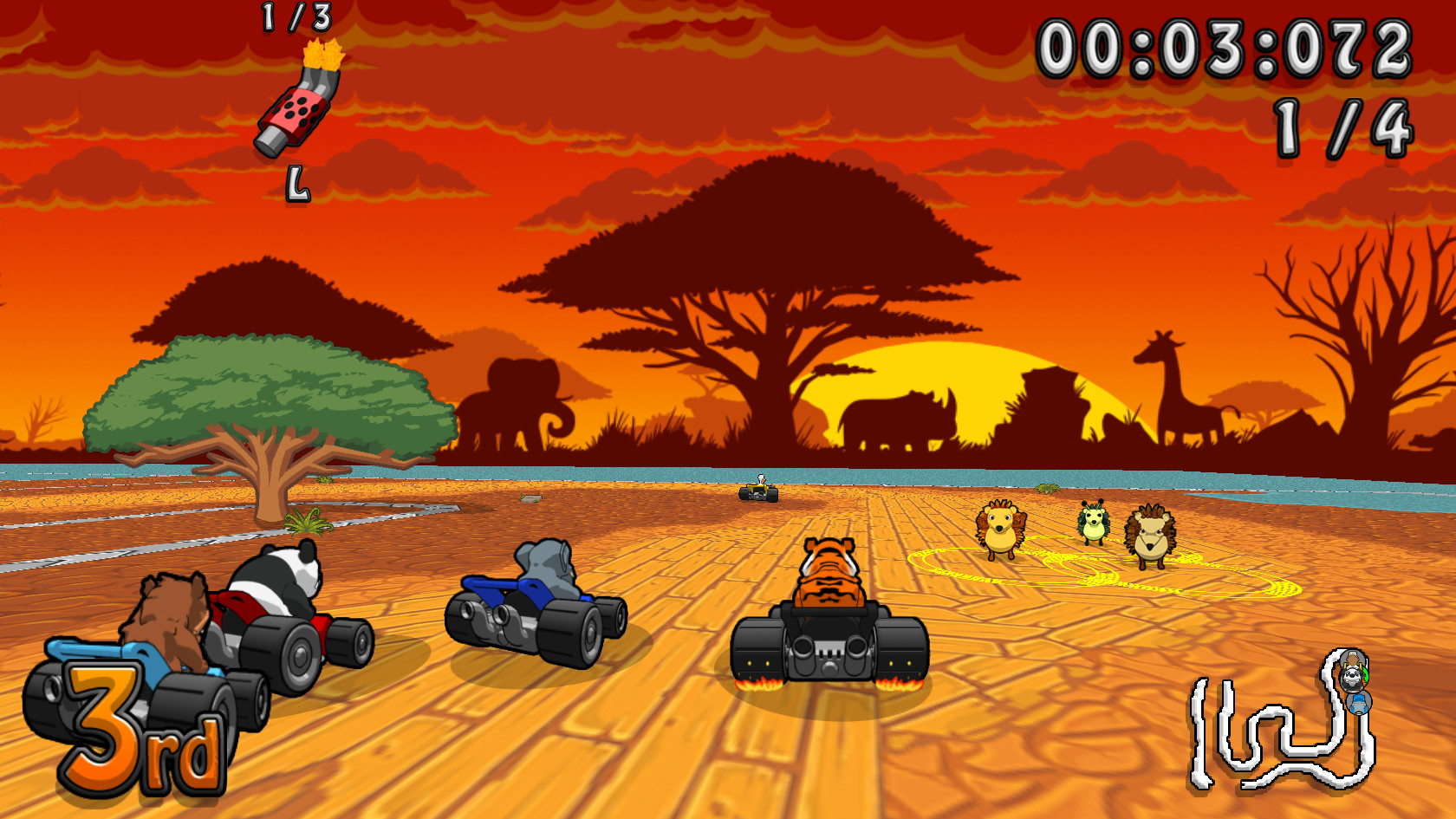
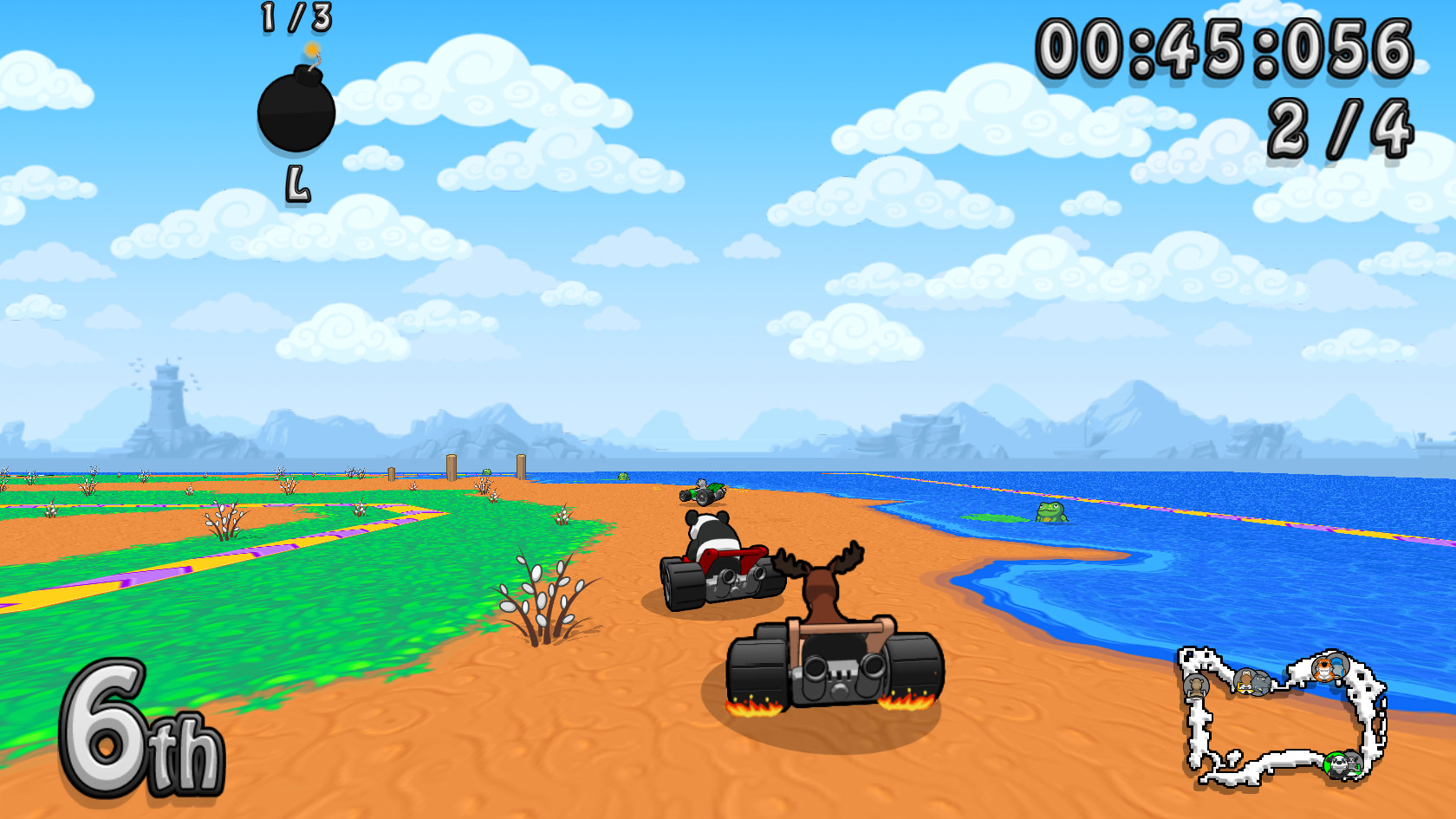
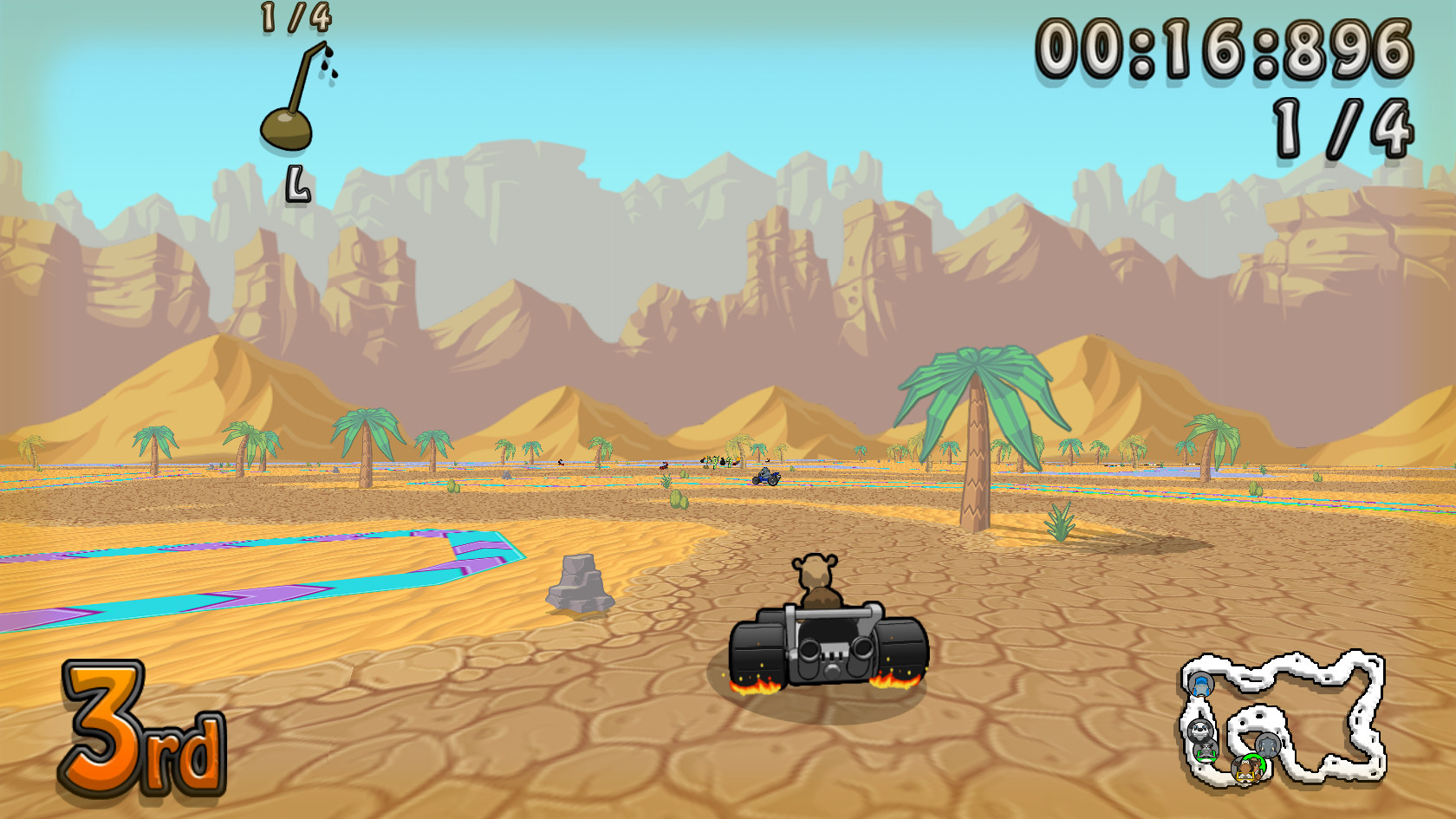
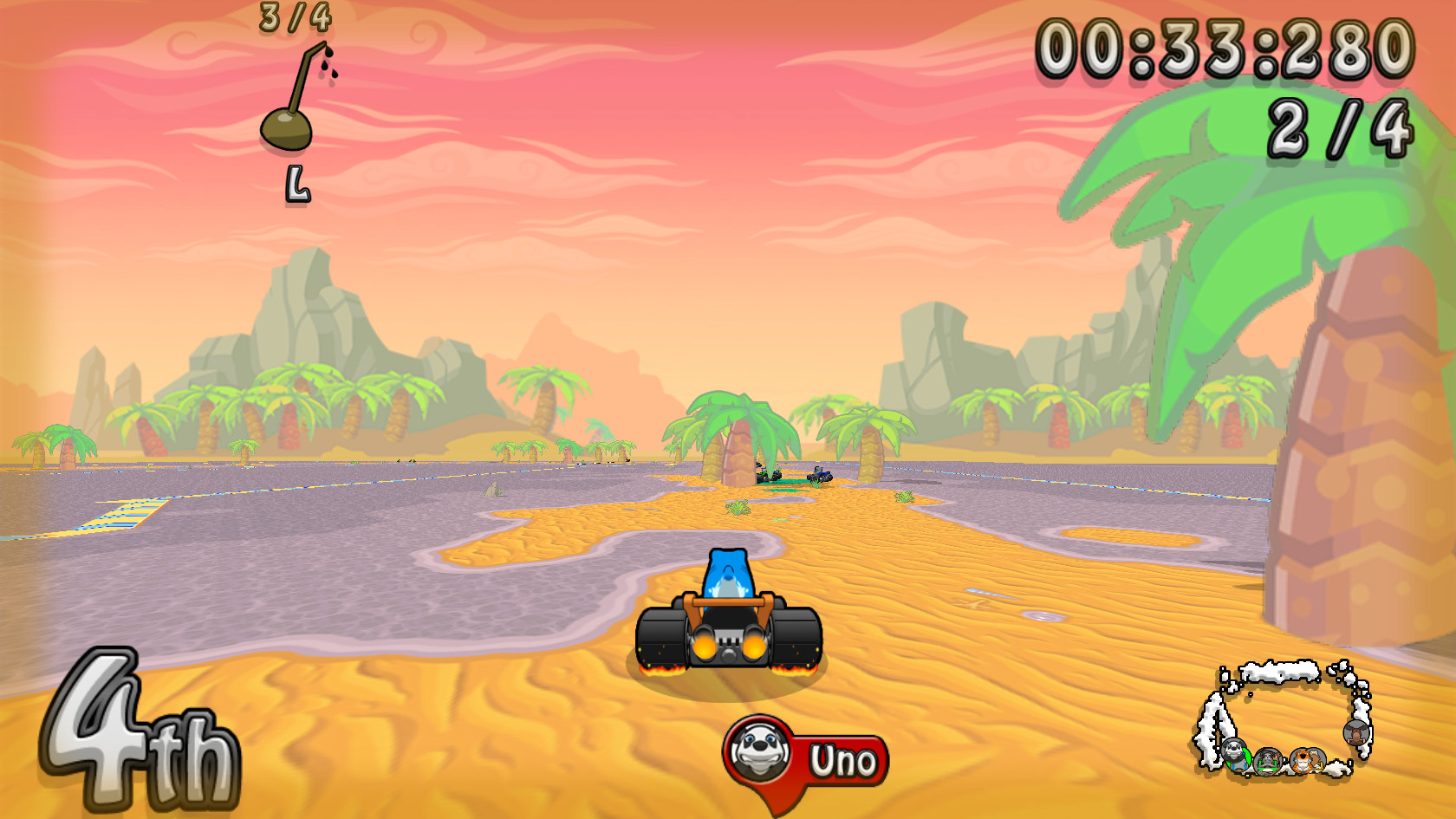
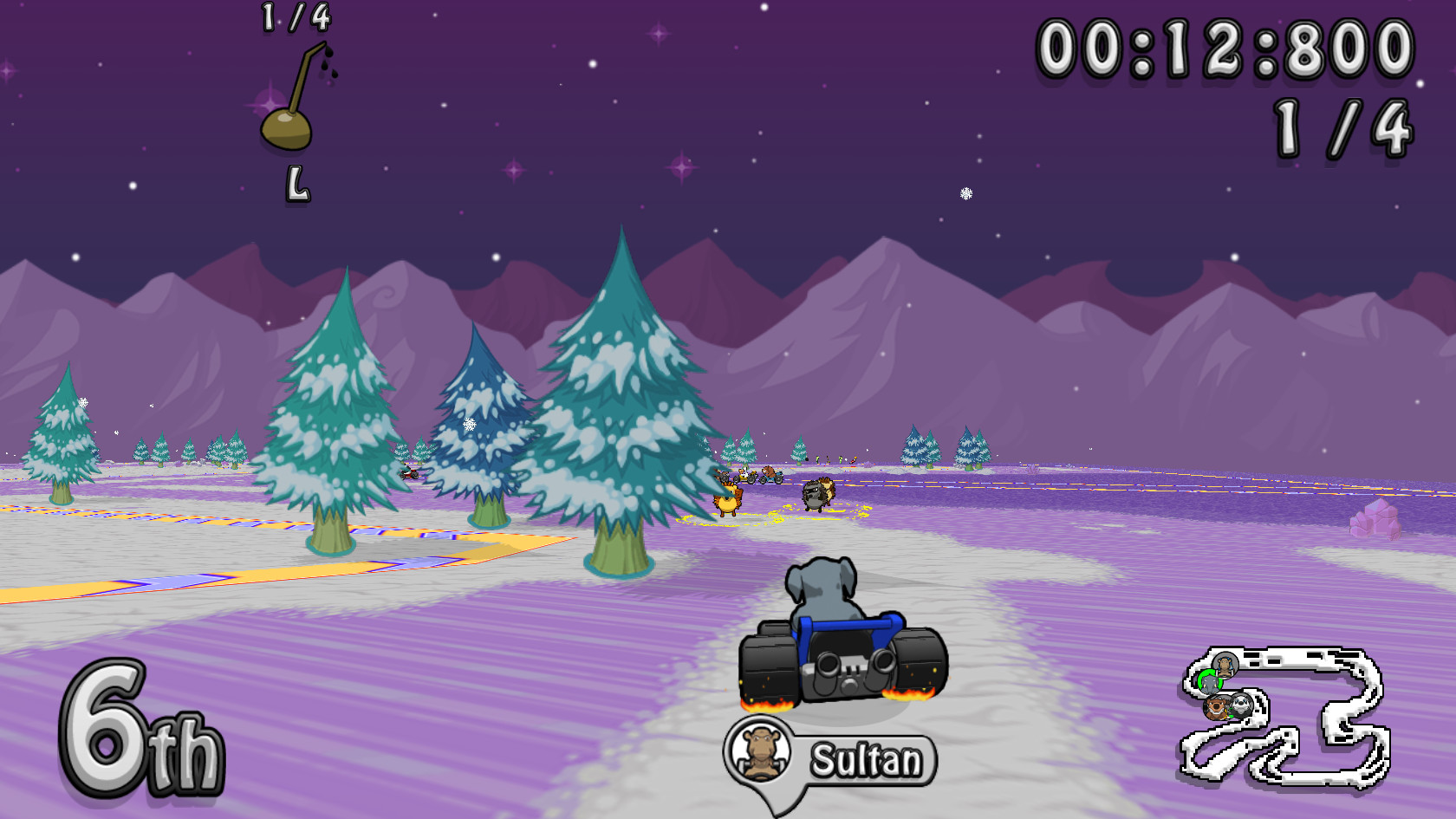
Official store screenshots from Steam — deckport links them, never rehosts. Hover to pause; click to preview.
Identity
Launch
- Binary
- WackyWheels.exe
- Needs files
- none beyond the binary
Proton
- Version
- GE-Proton
- Winetricks
- —
- ProtonDB
- ProtonDB Pending not enough reports yet
⚙ Setup notes
Delisted: Wacky Wheels HD (appid 422590, released Oct 26 2016) is no longer available on the Steam store — the store page shows a "no longer available" notice. It reportedly went down around 2020 when the dev's IP license lapsed; treat the exact date as approximate.
Watch the appid: appid 358380 is a DIFFERENT game (the original 1994 Wacky Wheels via DOSBox) which is still for sale — this recipe is the HD remake only.
Proton: ProtonDB rates the HD version pending (very small report sample, only a few reports), so there is no established tier yet — community chatter is positive but unconfirmed. Start with GE-Proton (proton_experimental also works); no winetricks needed, and expect to test/tune yourself.
Online: The original online multiplayer servers are dead, so treat it as a single-player / local-only racer.
Files: deckport only configures the prefix; it never bundles or links the game files.
The one thing to know
Supply your own copy: deckport links nothing — this is the delisted HD remake (appid 422590).
Watch the appid: confirm the steam_appid maps to the HD version in your library — do NOT use 358380 (that's the separate, still-for-sale original).
Status: ProtonDB tier is pending (only a handful of reports, low score), so there is no reliable rating yet. Community Steam Play chatter is positive but unverified — status stays needs-test until confirmed on a Deck.
Controller: the game has a built-in gamepad config (gear icon -> controller tab) but some users hit Xbox-pad recognition quirks; if it does not bind cleanly, apply a Steam Input controller layout as the fallback.
Online: servers are gone — single-player/local play only.
Binary: name is a best guess (WackyWheels.exe); verify via Browse Local Files.
Community guides
Write-ups and threads from people who got this (or a similar) game running. deckport links to them — it doesn't reproduce them.
Get the artwork
deckport never hosts game images. Open this game on SteamGridDB, pick
the cover / hero / logo / icon you like, and drop them into the
game folder under .deckport-art/ before you push it to the
Deck. The importer files them under the right names automatically.
Run it on your Deck
Two files: the one-time importer (deckport.py) in your
Deck's home folder, and this game's install helper. Copy the game
into ~/Games and run the helper with Steam closed — it
writes the recipe (binary, launch options, Proton version)
and registers the shortcut with artwork.