About
Wanted: Weapons of Fate is a third-person shooter that serves as a sequel to the 2008 film Wanted, picking up roughly five hours after the movie as Wesley Gibson continues his life as an assassin in the secret Fraternity. Built on Unreal Engine 3 by Swedish studio GRIN, it features a cover-based 'curve the bullet' shooting mechanic adapted from the film. The game received mixed reviews and was delisted from digital storefronts in 2012 when the movie license expired.
Screenshots
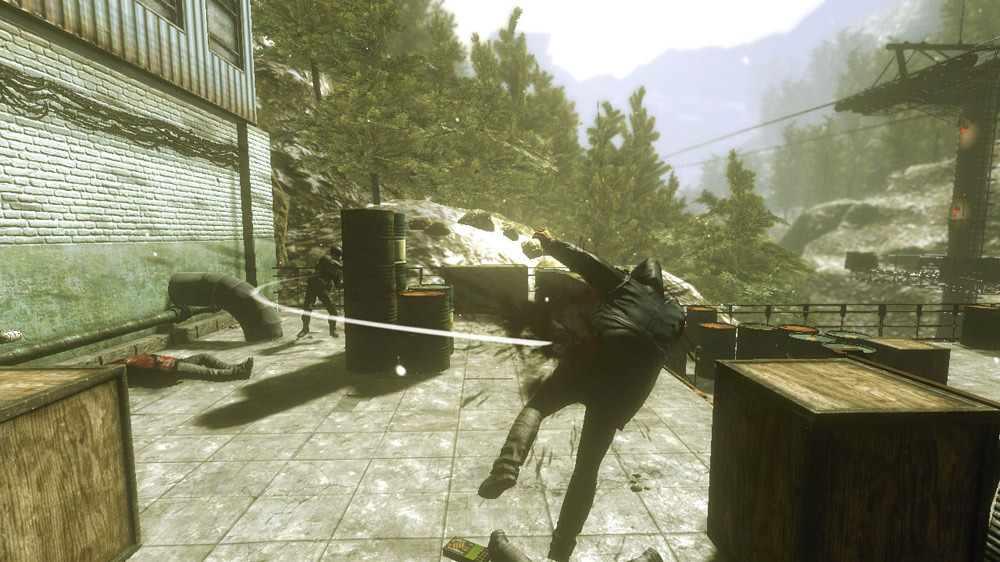
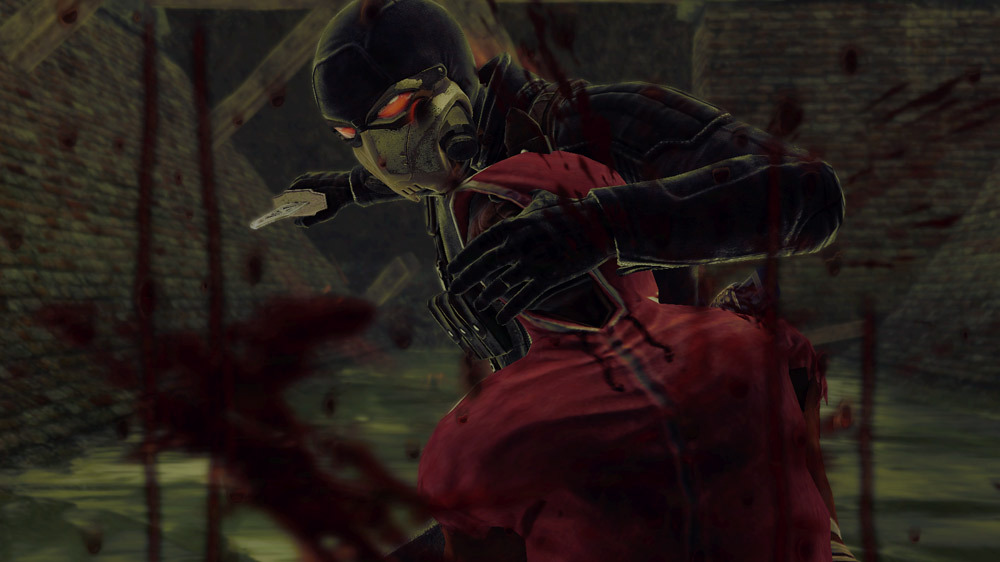
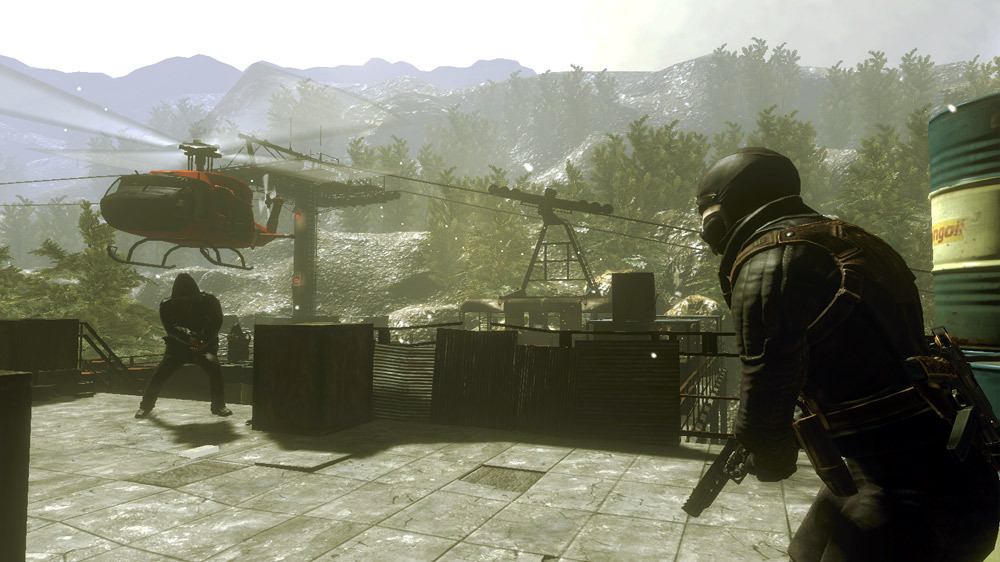
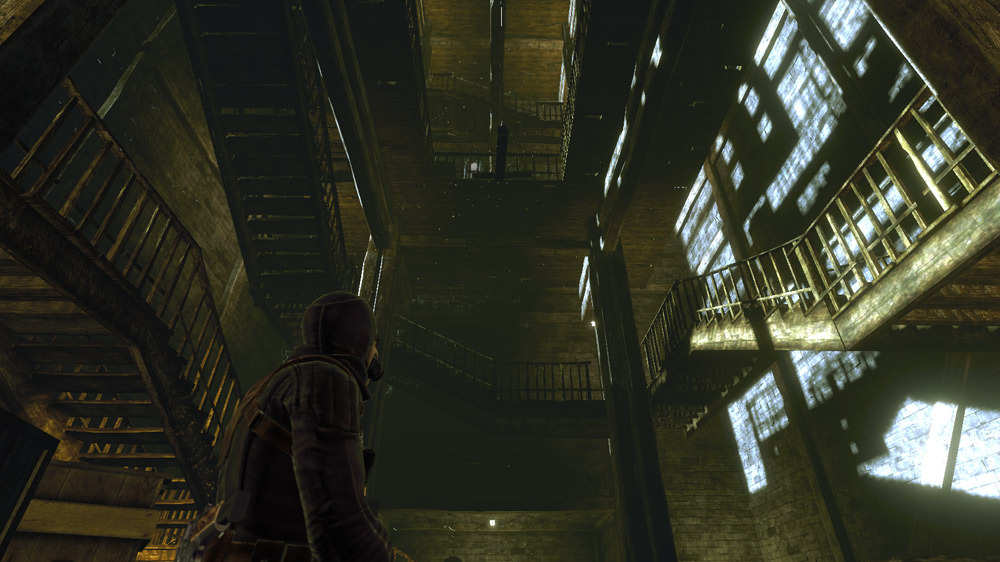
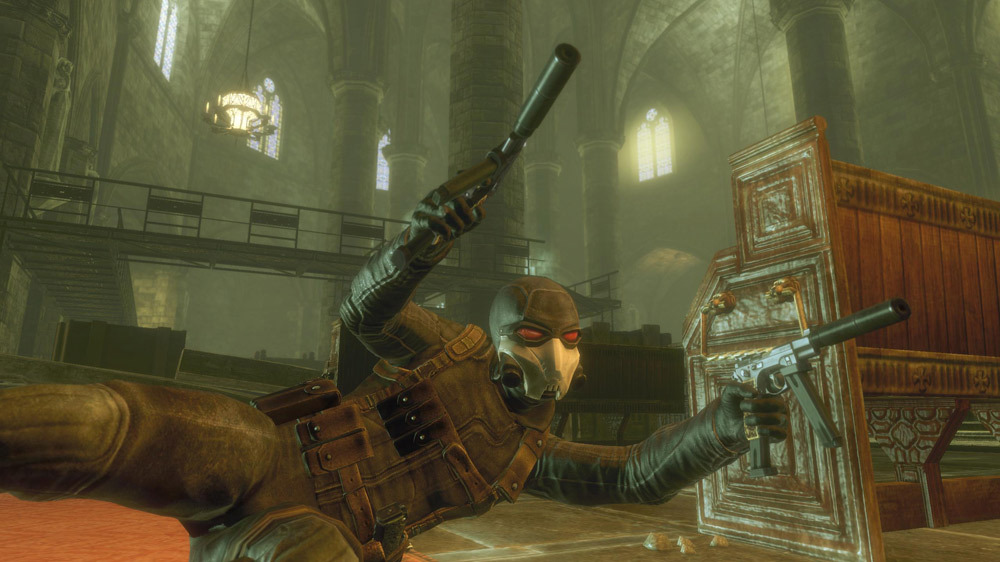
Official store screenshots from Steam — deckport links them, never rehosts. Hover to pause; click to preview.
Identity
Launch
- Binary
- Wanted.exe
- Needs files
- none beyond the binary
Proton
- Version
- GE-Proton
- Winetricks
- xact
- ProtonDB
- ProtonDB Bronze runs, but with problems
⚙ Setup notes
Game: 2009 third-person shooter (GRIN, Unreal Engine 3), Steam appid 21070, delisted in 2012 over an expired movie license — owners who already have it can still install and play.
DRM: No Games for Windows LIVE — this is a single-player title with no LIVE sign-in wall, so there is no online login to get past. Existing owners report it boots straight into the game.
Proton: GE-Proton runs it best; proton_experimental also works.
Controller: The game has built-in gamepad support (DirectInput-era). On Deck it still maps cleanest with a Steam Input controller layout, since the native pad bindings predate XInput; apply a gamepad template if the sticks/buttons feel off.
Fix: If it crashes at startup with a missing NxCooking.dll error, install the legacy NVIDIA PhysX runtime (or drop NxCooking.dll into the game dir). Install OpenAL (xact/openal) to fix audio glitches.
Display: The engine FPS cap floats around 180 and ignores the system cap; use the Deck's in-game frame limiter if you want it lower.
Install: Point the launch target at Wanted.exe, not setup.exe (the installer/launcher shim boots first otherwise). deckport only configures the prefix.
The one thing to know
Supply your own copy: Recipe describes setup only, not where to get the game.
Compatibility: Runs on Deck under Proton (community reports via GE-Proton / custom Proton) but needs setup work, so it is not plug-and-play.
No GFWL: Despite being a 2009 publisher title, this game does not use Games for Windows LIVE — there is no LIVE sign-in to get past. Delisting was a movie-license expiry, not a DRM kill.
Install: Launch must target Wanted.exe (some installs default to setup.exe).
Fix: Legacy PhysX / NxCooking.dll fix if it crashes at boot; OpenAL/xact for audio.
Display: FPS floats near 180 and ignores the system cap — use the in-game frame limiter.
Controller: Has built-in gamepad support, but it's DirectInput-era — apply a Steam Input gamepad layout on Deck if the default bindings feel off.
ProtonDB: Reporting is thin (about one report, Deck status Unknown) so treat the bronze tier as provisional.
Community guides
Write-ups and threads from people who got this (or a similar) game running. deckport links to them — it doesn't reproduce them.
Get the artwork
deckport never hosts game images. Open this game on SteamGridDB, pick
the cover / hero / logo / icon you like, and drop them into the
game folder under .deckport-art/ before you push it to the
Deck. The importer files them under the right names automatically.
Run it on your Deck
Two files: the one-time importer (deckport.py) in your
Deck's home folder, and this game's install helper. Copy the game
into ~/Games and run the helper with Steam closed — it
writes the recipe (binary, launch options, Proton version)
and registers the shortcut with artwork.