About
Warhammer 40,000: Space Wolf is a turn-based tactical strategy game set in the Warhammer 40,000 universe, blending X-COM-style squad combat with collectible-card mechanics where actions are drawn and played as cards. Players lead a band of Space Wolves Space Marines against the forces of Chaos and the Necrons across a story-driven campaign. Originally a free-to-play mobile title (2014), it arrived on PC via Steam in 2017 and later on consoles, where the full-price versions dropped microtransactions. Reception was mixed, and the game was removed from digital storefronts in October 2023 after its licensing agreement expired.
Screenshots
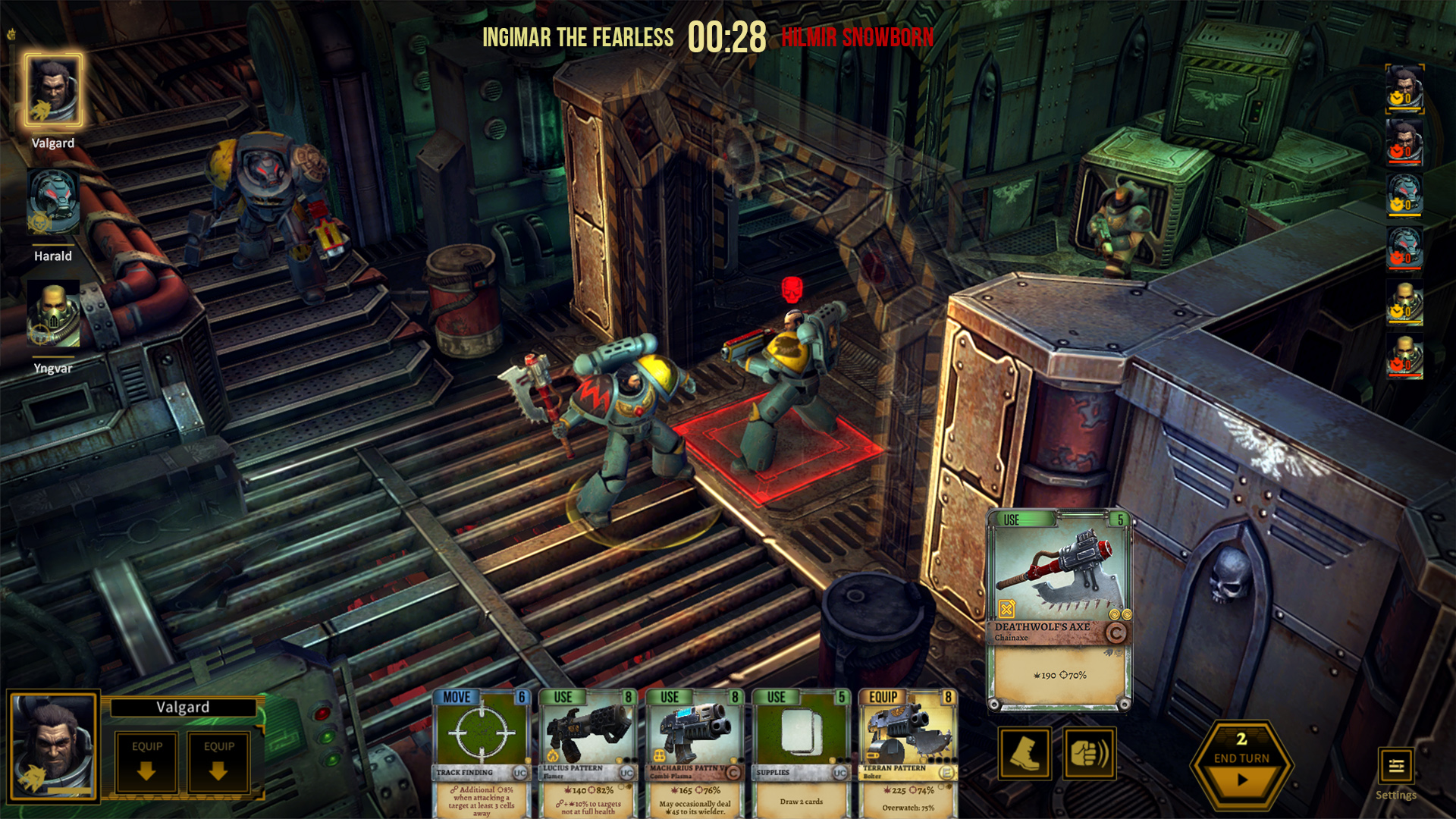
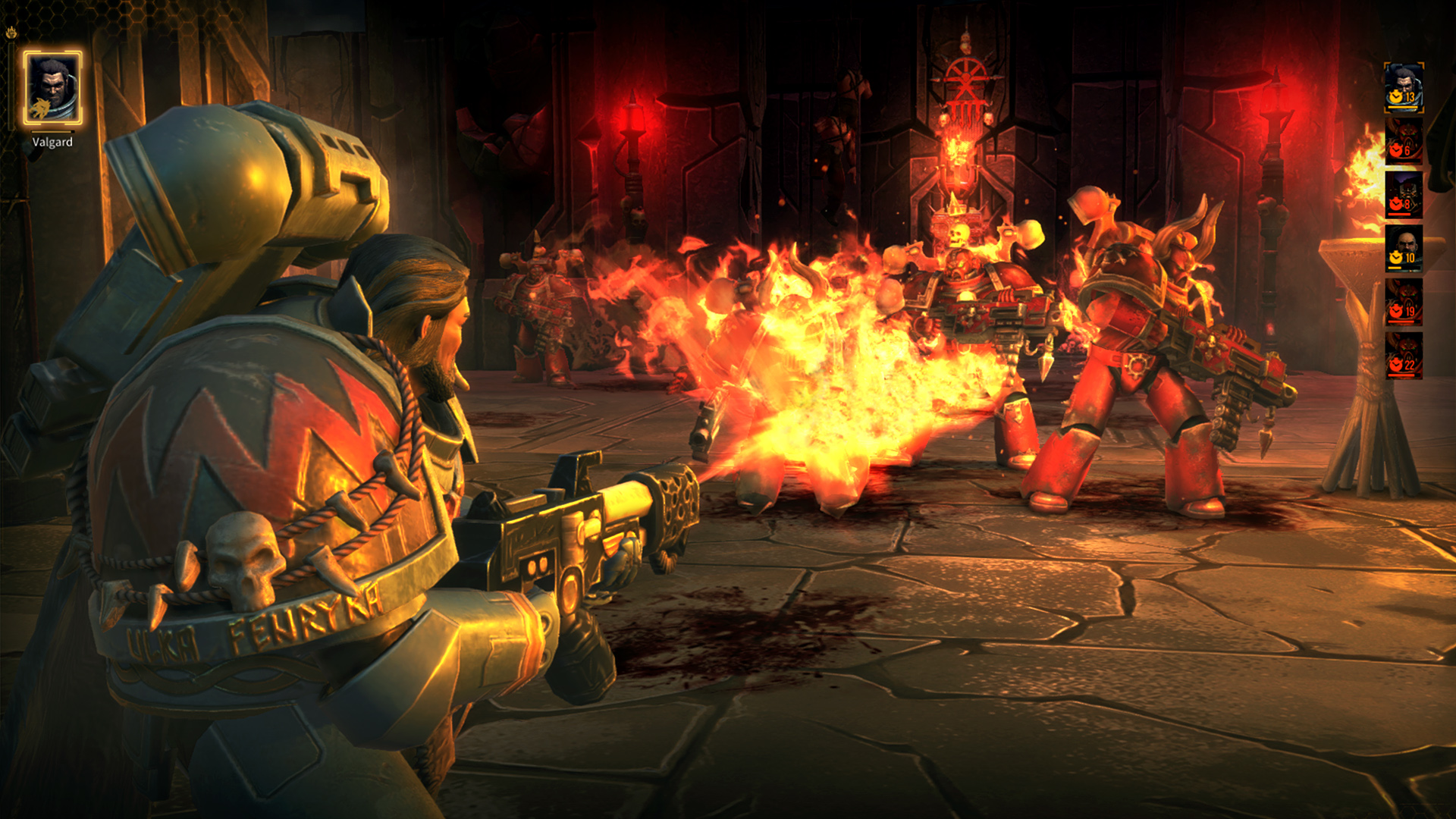
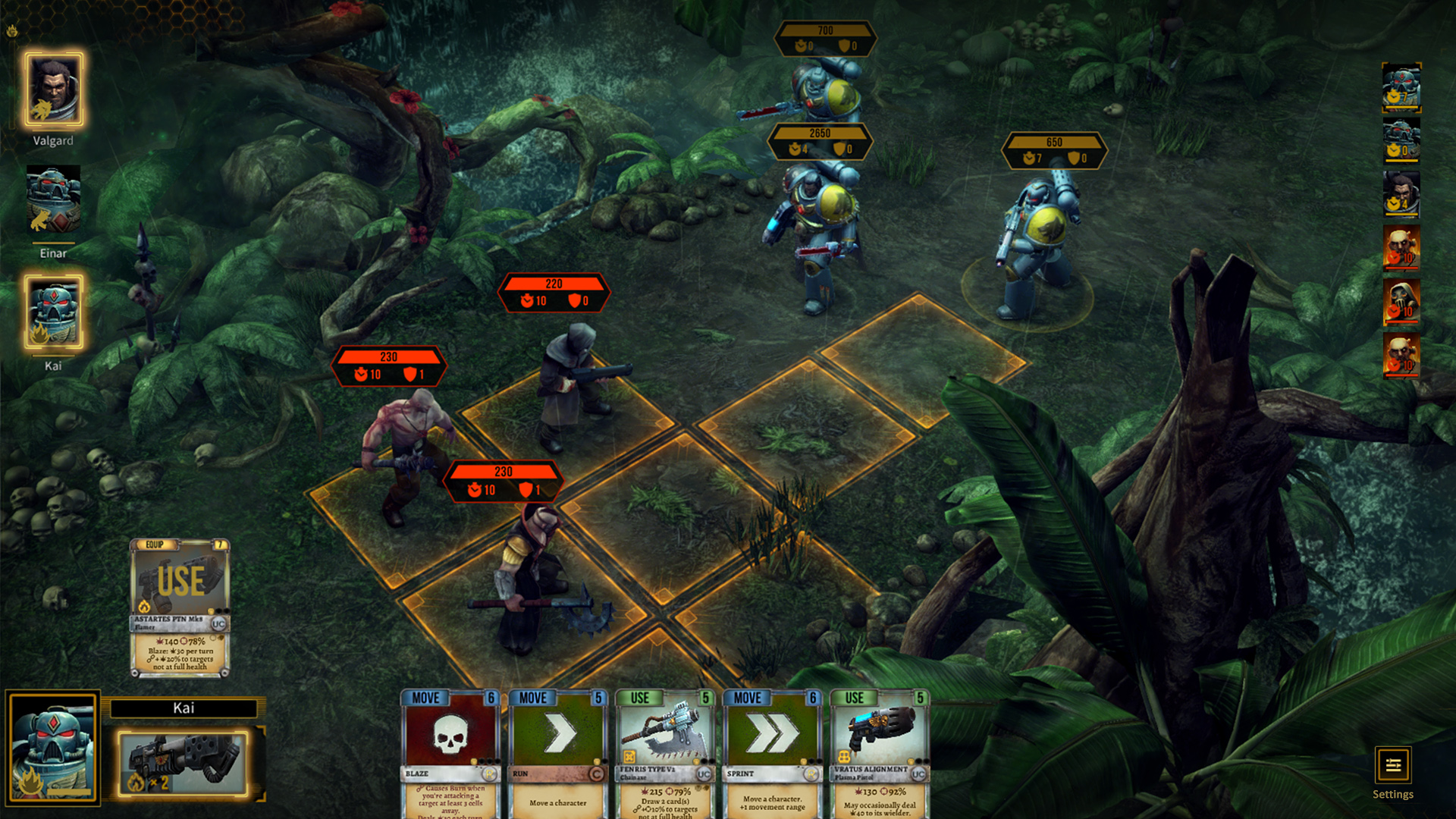
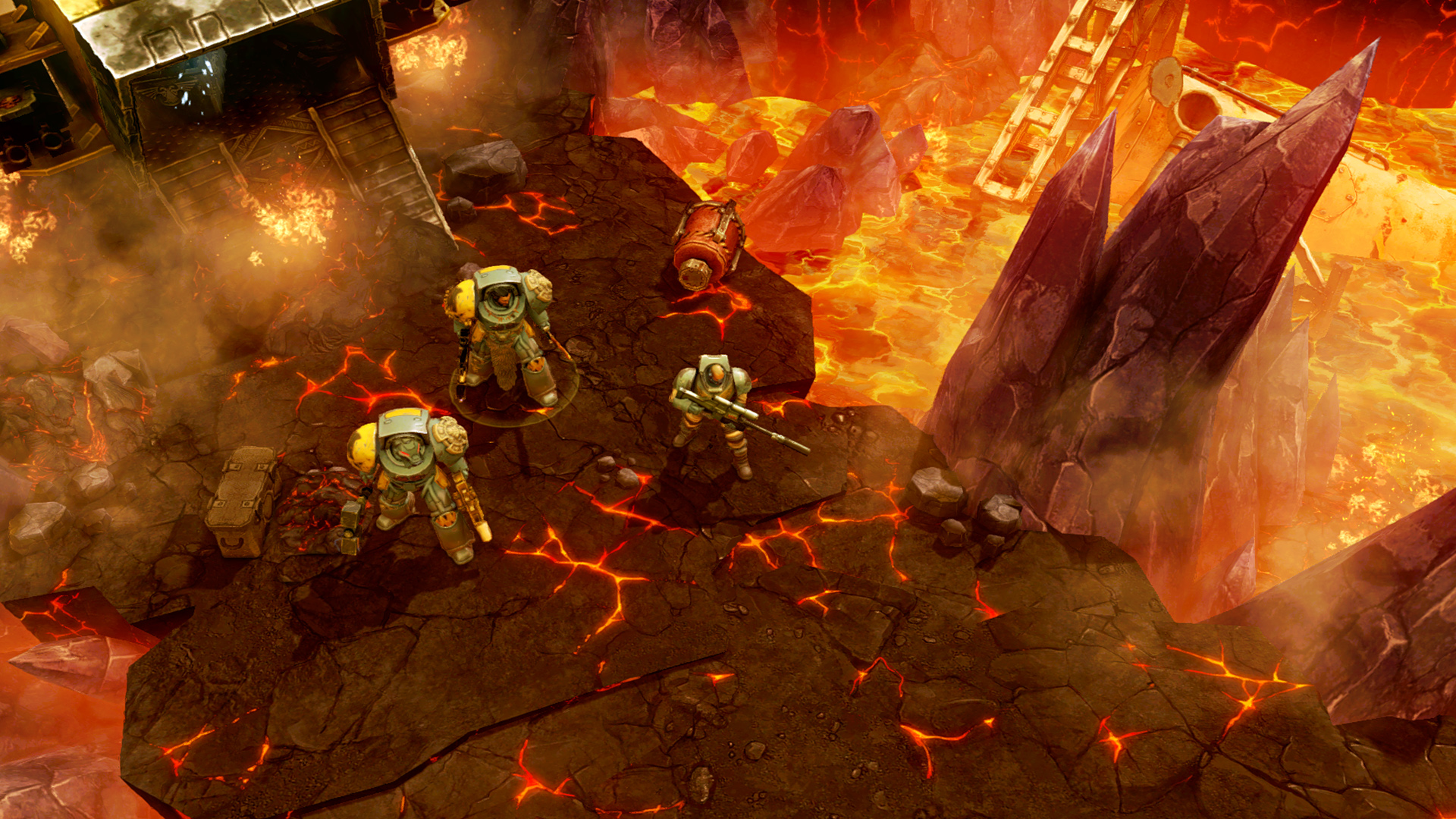

Official store screenshots from Steam — deckport links them, never rehosts. Hover to pause; click to preview.
Identity
Launch
- Binary
- SpaceWolf.exe
- Needs files
- none beyond the binary
Proton
- Version
- GE-Proton
- Winetricks
- —
- ProtonDB
- ProtonDB Platinum runs flawlessly
⚙ Setup notes
DRM: Delisted Steam game (appid 553210; license expired, removed from sale 2023-10-12 so it cannot be bought anymore). Unity engine, turn-based tactical card/deckbuilder.
Proton: ProtonDB rates it platinum — runs out of the box on Linux/Proton with no DRM/GFWL/widescreen workarounds needed. GE-Proton or proton_experimental both work; nothing special required.
Controller: NO native gamepad support — the game is mouse-driven point-and-click. On the Deck use a Steam Input layout that maps the right trackpad to mouse (mouse-region / trackpad-as-mouse) and a button to left-click — that makes it fully playable on the handheld.
Install: deckport only configures the prefix; it never bundles or links the game files.
The one thing to know
Supply your own copy: deckport links nothing.
Status: ProtonDB platinum (appid 553210); community reports confirm it runs on Linux/Proton, so it should be solid on the Deck — flagged needs-test because no one has run this exact recipe end-to-end yet.
Binary: SpaceWolf.exe is the standard Unity name; double-check it in your install folder.
Controller: No native controller support — point-and-click only, so set up a Steam Input trackpad-as-mouse layout before launching (genre plays fine that way).
Multiplayer: The PvP multiplayer relied on HeroCraft servers that may be offline post-delist; treat single-player campaign as the supported mode.
Community guides
Write-ups and threads from people who got this (or a similar) game running. deckport links to them — it doesn't reproduce them.
Get the artwork
deckport never hosts game images. Open this game on SteamGridDB, pick
the cover / hero / logo / icon you like, and drop them into the
game folder under .deckport-art/ before you push it to the
Deck. The importer files them under the right names automatically.
Run it on your Deck
Two files: the one-time importer (deckport.py) in your
Deck's home folder, and this game's install helper. Copy the game
into ~/Games and run the helper with Steam closed — it
writes the recipe (binary, launch options, Proton version)
and registers the shortcut with artwork.