About
Wings! Remastered Edition is a Unity remake of Cinemaware's 1990 Amiga classic Wings, putting the player in the cockpit of a WWI fighter squadron across a campaign of dogfights, strafing runs and bombing missions interspersed with diary-style narrative. It faithfully recreates the original's structure with modernized 3D graphics but few mechanical changes, drawing very positive player reviews while critics found the dated design largely unaltered.
The game was pulled from sale when Cinemaware/Kalypso delisted the broader Cinemaware Anthology, leaving it unavailable on Steam.
Screenshots
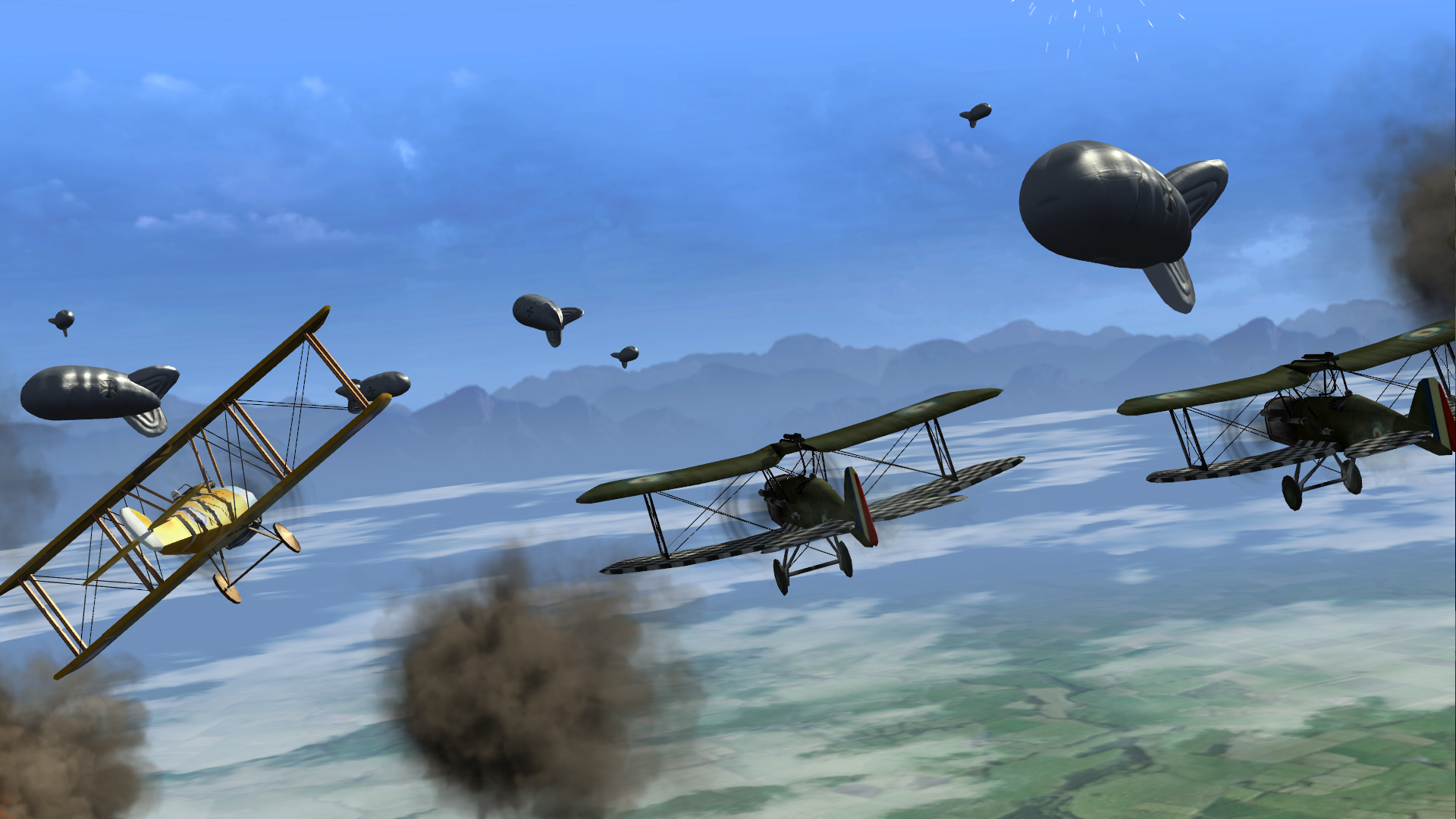


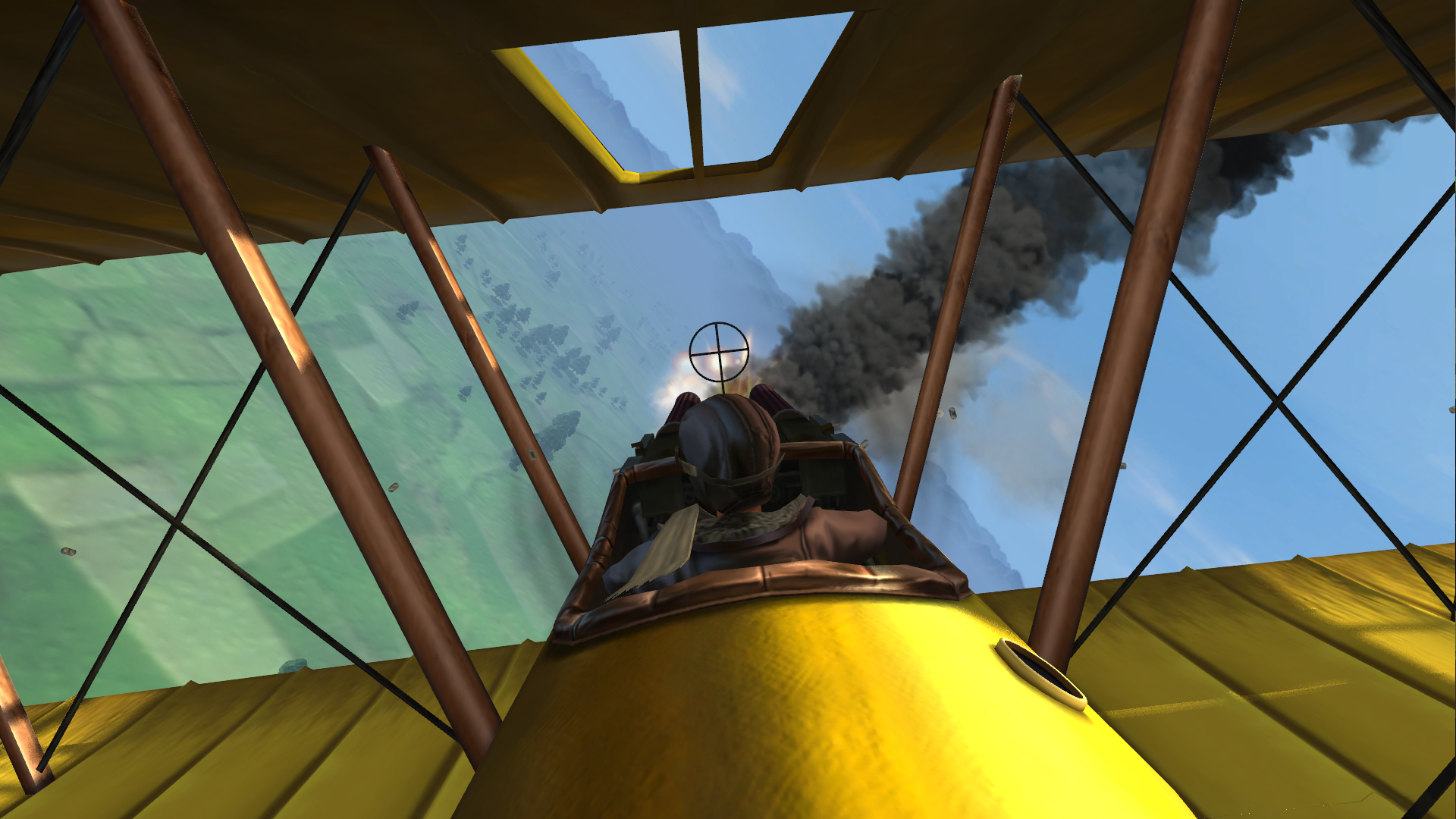
Official store screenshots from Steam — deckport links them, never rehosts. Hover to pause; click to preview.
Identity
Launch
- Binary
- Wings.exe
- Needs files
- none beyond the binary
Proton
- Version
- GE-Proton
- Winetricks
- —
- ProtonDB
- ProtonDB Silver runs with minor issues
⚙ Setup notes
Overview: Delisted Cinemaware Steam game (appid 320840), Unity engine, single-player WWI dogfighting. Runs under Proton — ProtonDB silver.
Proton: Use GE-Proton (proton_experimental also works); pick this per-game in the Steam compatibility tab.
Display: The game does NOT support modern/widescreen resolutions natively and can crash on launch on modern hardware (a long-standing complaint in the Steam discussions). There is no single packaged community fix — players have generally relied on the in-game options plus Unity launch flags and (on Windows) compatibility-mode tweaks. Under Proton, try forcing a borderless/windowed mode or a supported resolution via the Unity arg -screen-fullscreen 0 / -screen-width 1280 -screen-height 720 in launch options if it won't start cleanly at the Deck's native resolution.
Controller: Steam lists Partial Controller Support — gamepad flies the plane but a keyboard layer is still needed for text entry (e.g. typing your pilot name on the high-score screen), so bind a Steam Input layout with an on-screen-keyboard toggle to cover those moments.
Install: deckport only configures the prefix; it never bundles the game files.
The one thing to know
Supply your own copy: deckport links nothing.
Delisted: Pulled from Steam on 2023-12-22, when the whole Cinemaware Anthology was delisted (the Cinemaware library rights moved from Starbreeze to Nordcurrent in early 2024); not currently for sale. Owners who bought it before then keep it in their library.
Needs-test: ProtonDB silver — community reports it running on Linux/Proton, but no one has confirmed THIS recipe on a physical Deck yet.
Display: The game ships pre-widescreen and is crash-prone on modern systems — expect to fiddle with resolution/windowed mode (Unity -screen-* launch flags) to get a clean start; there is no one-click packaged fix.
Controller: Gamepad axes were buggy at launch (a 2014 patch added joystick/throttle axes but X360 sticks could drift up-left), and a keyboard is still required for name entry, so use a Steam Input layout with an OSK toggle.
Single-player: Only — no servers to worry about.
Community guides
Write-ups and threads from people who got this (or a similar) game running. deckport links to them — it doesn't reproduce them.
Get the artwork
deckport never hosts game images. Open this game on SteamGridDB, pick
the cover / hero / logo / icon you like, and drop them into the
game folder under .deckport-art/ before you push it to the
Deck. The importer files them under the right names automatically.
Run it on your Deck
Two files: the one-time importer (deckport.py) in your
Deck's home folder, and this game's install helper. Copy the game
into ~/Games and run the helper with Steam closed — it
writes the recipe (binary, launch options, Proton version)
and registers the shortcut with artwork.