About
Wolfenstein is a 2009 first-person shooter and a loose sequel to Return to Castle Wolfenstein, with protagonist B.J. Blazkowicz battling the Nazis and their occult research into a supernatural realm called the Veil. It runs on an enhanced version of id Software's id Tech 4 engine (the technology behind Doom 3), adding depth-of-field, soft shadowing, post-processing and Havok physics; the separate multiplayer component was built by Endrant Studios. Critically it was received fairly well but sold poorly, and Activision delisted it in 2014 ahead of the franchise reboot Wolfenstein: The New Order.
Screenshots
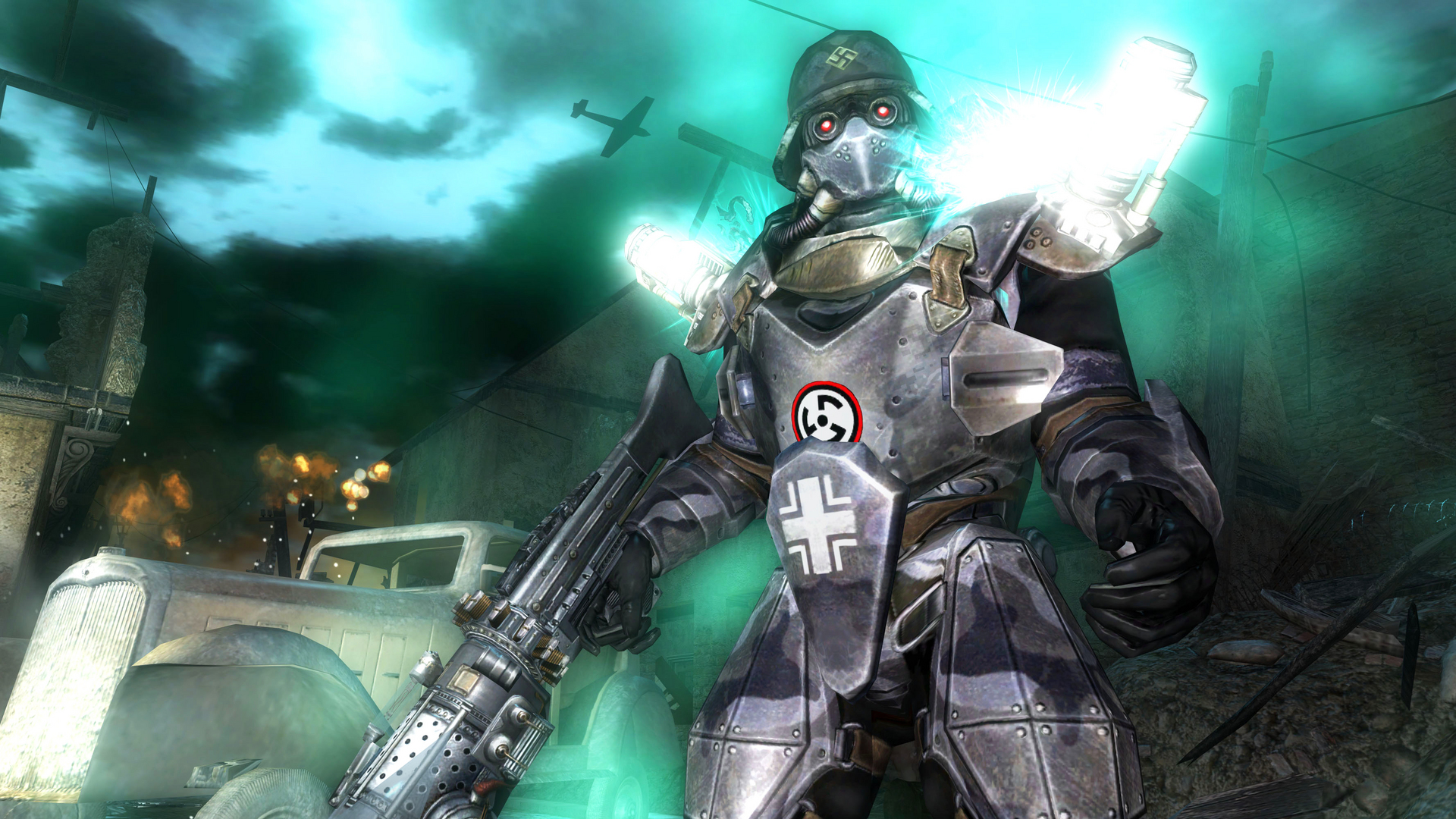
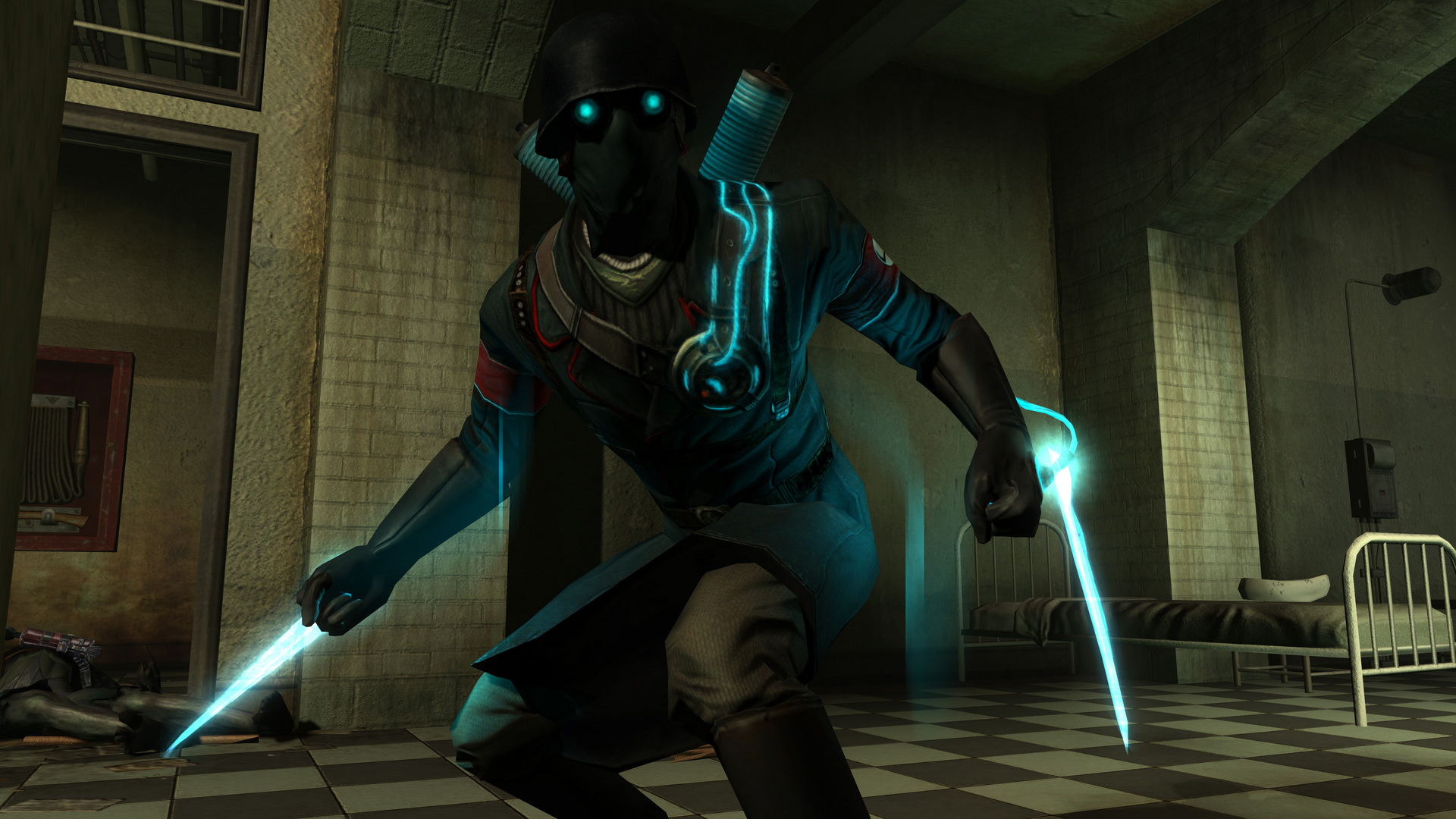
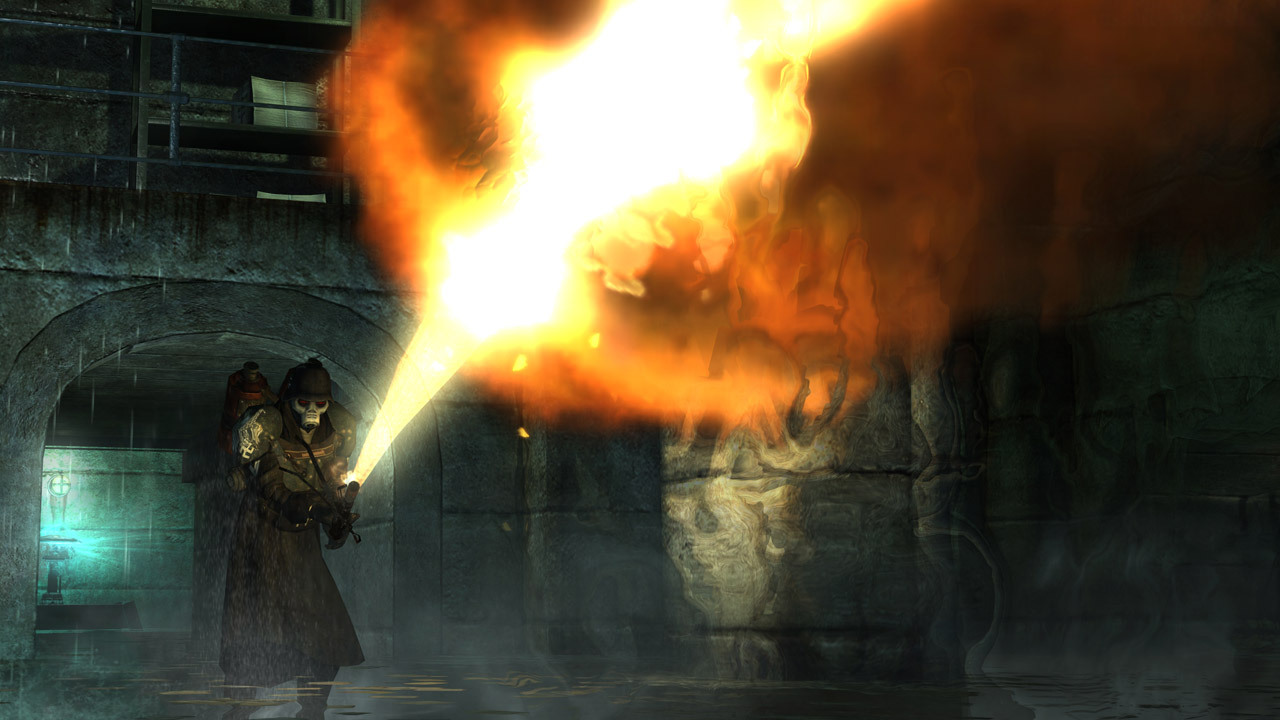
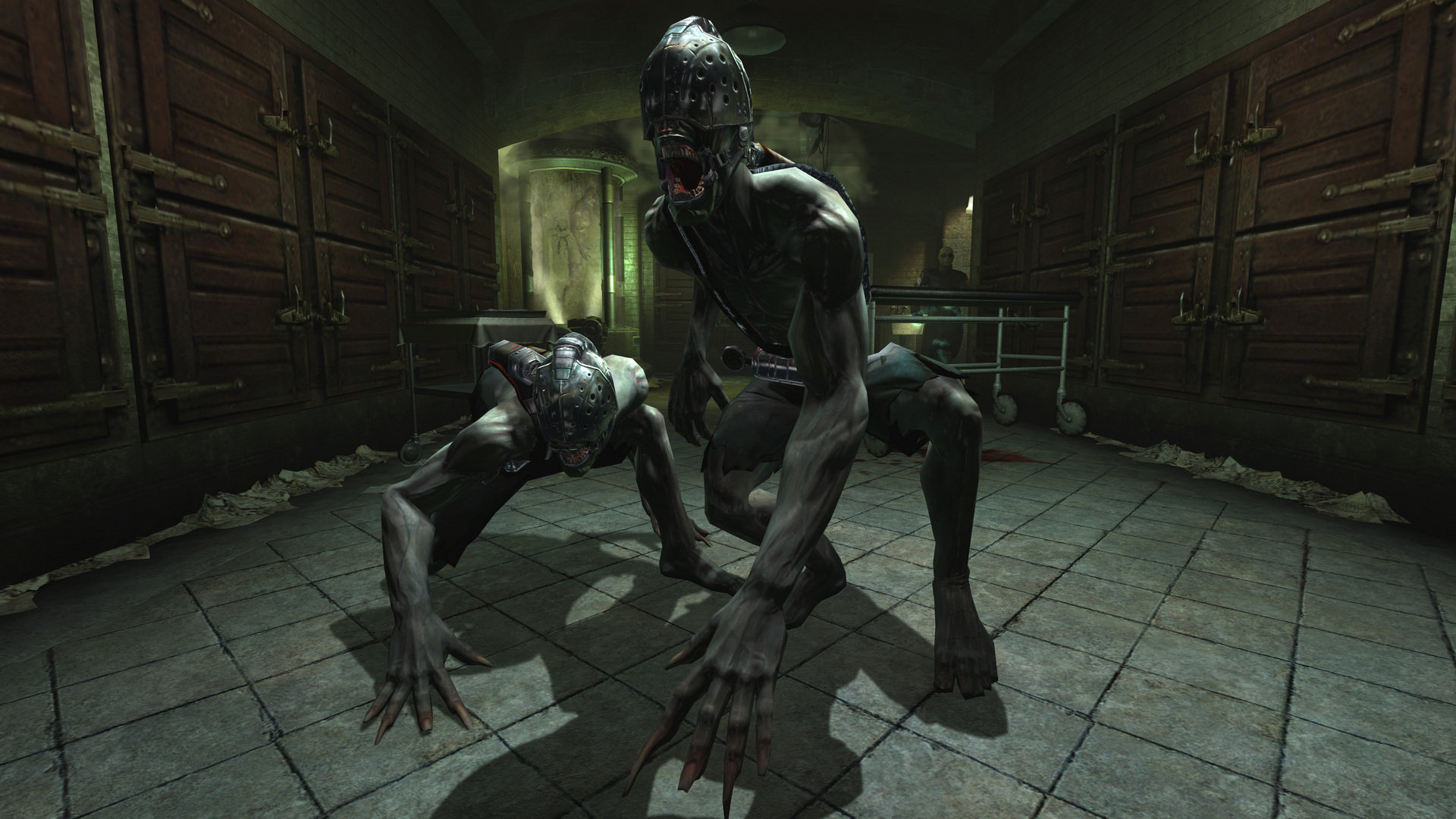
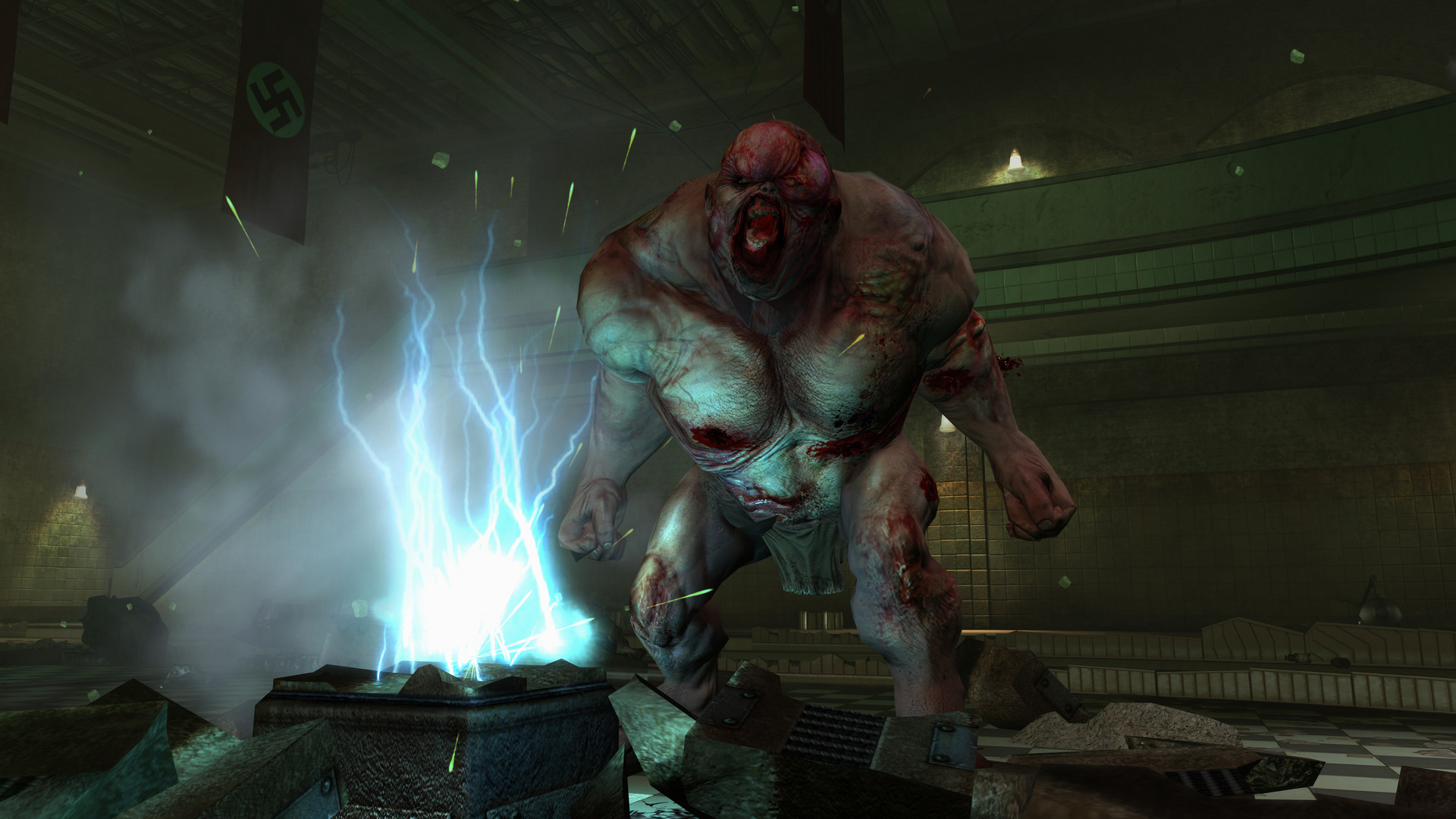
Official store screenshots from Steam — deckport links them, never rehosts. Hover to pause; click to preview.
Identity
Launch
- Binary
- SP/Wolf2.exe
- Needs files
- none beyond the binary
Proton
- Version
- GE-Proton
- Winetricks
- —
- ProtonDB
- ProtonDB Pending not enough reports yet
⚙ Setup notes
Game: 2009 Raven Software / Activision FPS on an enhanced id Tech 4 (D3D9), a loose sequel to Return to Castle Wolfenstein. Steam appid 10170, delisted 2014-05-05 ahead of Wolfenstein: The New Order — owners install from their own library. (Not on GOG — only The New Order / The Old Blood are; the 2009 game has no DRM-free re-release.)
Binary: Single-player launches SP/Wolf2.exe (the SP/ subfolder holds Wolf2.exe + the base data folder). Multiplayer was a separate Endrant component and used PunkBuster + a CD-key; it is effectively dead and not the target here.
DRM (the real blocker): Single-player uses SecuROM activation, *not* GFWL — the earlier GFWL/xlive.dll story is a mix-up with retail CD-keys/multiplayer. The standard fix is to apply the official cumulative Patch 1.2 (Wolfenstein_1_2_PatchSetup), which also resolves the SecuROM launch failure; the community also ships a fixed Wolf2.exe (ModDB "W2009 fixed"). Apply the patch in the same Proton prefix before first launch.
Proton: Run with GE-Proton (or proton_experimental). This is a D3D9 title, so DXVK handles rendering well once it launches. If Wolf2.exe won't start, try setting it (and the patch installer) to run, and let DXVK translate d3d9. ProtonDB has very few reports — treat compatibility as unverified rather than "gold".
Controller: Native gamepad support is present (menus and in-game are controller-aware); the default Steam Input gamepad layout works — expect to tune look/turn sensitivity.
The one thing to know
Supply your own copy: Delisted (appid 10170, removed 2014-05-05) and never given a DRM-free re-release — install from your own Steam library. Configuration only, no links.
DRM: KEY blocker is SecuROM activation, not GFWL — apply the official cumulative Patch 1.2 (Wolfenstein_1_2_PatchSetup) in the Proton prefix, which fixes the SecuROM launch failure. GE-Proton recommended; D3D9/DXVK renders fine once it launches.
Exe: Single-player is SP/Wolf2.exe (in the SP/ subfolder, alongside the base data folder). The root has no playable Wolfenstein.exe.
Controller: Works (native gamepad + default Steam Input layout); tune turn/look sensitivity.
Confidence: Very few ProtonDB reports for appid 10170 — tier is effectively pending, so this is needs-test, not known-good.
Community guides
Write-ups and threads from people who got this (or a similar) game running. deckport links to them — it doesn't reproduce them.
Get the artwork
deckport never hosts game images. Open this game on SteamGridDB, pick
the cover / hero / logo / icon you like, and drop them into the
game folder under .deckport-art/ before you push it to the
Deck. The importer files them under the right names automatically.
Run it on your Deck
Two files: the one-time importer (deckport.py) in your
Deck's home folder, and this game's install helper. Copy the game
into ~/Games and run the helper with Steam closed — it
writes the recipe (binary, launch options, Proton version)
and registers the shortcut with artwork.