About
You Don't Know Jack (2011) is a comedy trivia game styled as an irreverent TV game show, hosted by snarky emcee Cookie Masterson. It was Jellyvision's first new full entry in the long-running series after roughly an eight-year hiatus, mixing pop-culture and general-knowledge questions with the franchise's signature 'high culture and dick jokes' humor. Players answer a sequence of multiple-choice questions before a closing 'Jack Attack' speed round. The PC version was delisted from sale after publisher THQ went bankrupt in 2013, which is why it is no longer purchasable on Steam.
Screenshots

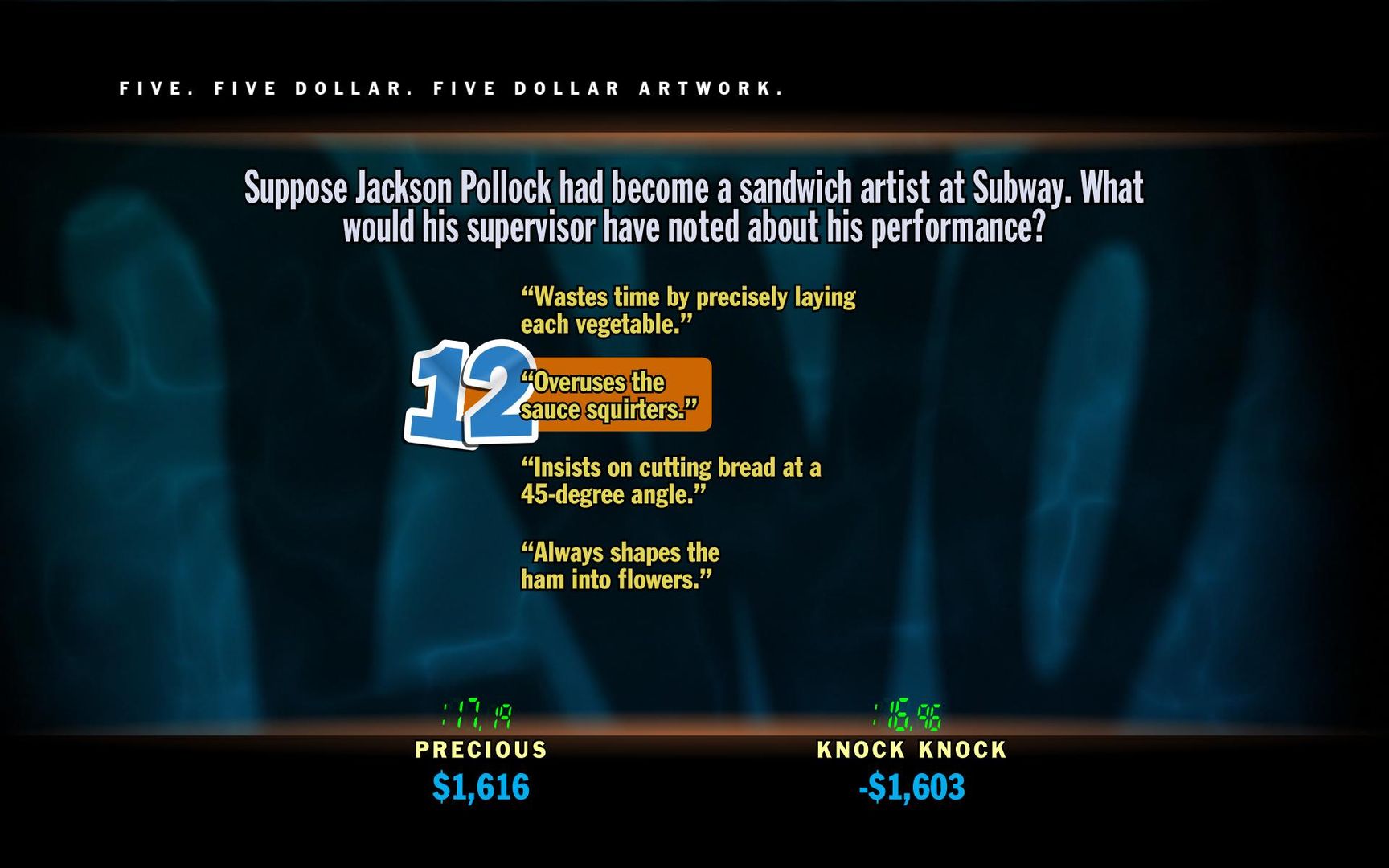


Official store screenshots from Steam — deckport links them, never rehosts. Hover to pause; click to preview.
Identity
Launch
- Binary
- Win/project/jack/bin/win/JackGame.exe
- Needs files
- none beyond the binary
Proton
- Version
- GE-Proton
- Winetricks
- —
⚙ Setup notes
Delisted: Steam game (appid 99200, removed from sale 2015-03-15).
Binary: the launcher is not at the install root — it sits at Win/project/jack/bin/win/JackGame.exe. Point Proton at that exe, otherwise the game won't start.
Proton: start with GE-Proton (or proton_experimental). Reports are mixed: several Deck/Proton users hit a black screen with the intro audio playing but no video/inputs, so if the first Proton version black-screens, try switching to another Proton build (older Proton 7/8 or GE-Proton) before giving up. No special winetricks have been confirmed as required.
DRM: Steam DRM only — no GFWL/SecuROM/CD check on this 2011 release.
Controller: This is a trivia/quiz game driven entirely by menu + answer selection, so a Steam Input keyboard/mouse layout (D-pad or stick to move, click to select) makes it playable on the Deck. Native gamepad support is limited (keyboard-centric, 2-player max).
Install: deckport only configures the prefix; it never bundles or links the game files.
The one thing to know
Supply your own copy: deckport links nothing. Delisted Steam game (appid 99200, off sale since 2015-03-15).
Status: not Deck-confirmed. Community reports are mixed — some get it running under Proton, others hit a black screen (intro audio, no video). Treat the ProtonDB tier as unknown until tested and try multiple Proton versions if it black-screens.
Network: runs offline/single-machine (no live servers needed).
Controller: native controller support is minimal (keyboard-driven, 2 players max), so set up a Steam Input keyboard/mouse layout for handheld play — easy since it's just menu navigation and answer selection.
Binary: the real launcher is Win/project/jack/bin/win/JackGame.exe inside the install folder — not a .exe at the game root. If your install layout differs, point launch.binary at the actual JackGame.exe.
Community guides
Write-ups and threads from people who got this (or a similar) game running. deckport links to them — it doesn't reproduce them.
Get the artwork
deckport never hosts game images. Open this game on SteamGridDB, pick
the cover / hero / logo / icon you like, and drop them into the
game folder under .deckport-art/ before you push it to the
Deck. The importer files them under the right names automatically.
Run it on your Deck
Two files: the one-time importer (deckport.py) in your
Deck's home folder, and this game's install helper. Copy the game
into ~/Games and run the helper with Steam closed — it
writes the recipe (binary, launch options, Proton version)
and registers the shortcut with artwork.